Transcription used to be a utility task, and now it’s a cognitive pipeline. The real value comes from structure, clarity, and context, not just words on a page.
Any2Text handles only the first step of that chain. Once recordings get longer or more complex, the missing layers (such as editing, organization, and intelligence) become your burden to carry.
Modern alternatives win by absorbing that downstream effort. They don’t just capture speech; they refine it, integrate it, and make it usable without a second pass.
In this article, we’ll explore five alternatives that deliver that kind of leverage - tools built not just to transcribe, but to support the way you actually work.
TL;DR
- HappyScribe is the best all-around replacement when you need reliable transcripts, subtitles, languages, or team workflows.
- Otter.ai is ideal for automated meeting notes, but its privacy limits make it poor for sensitive or multilingual work.
- Evernote AI supports people managing many content formats. It organizes information, not just audio.
- Descript is the right pick when your transcript becomes part of a video or podcast production pipeline.
- NoteGPT is for learners and researchers who want summaries, diagrams, and structured insights more than perfect transcripts.
Any2Text Breakdown: Key Highlights and Drawbacks
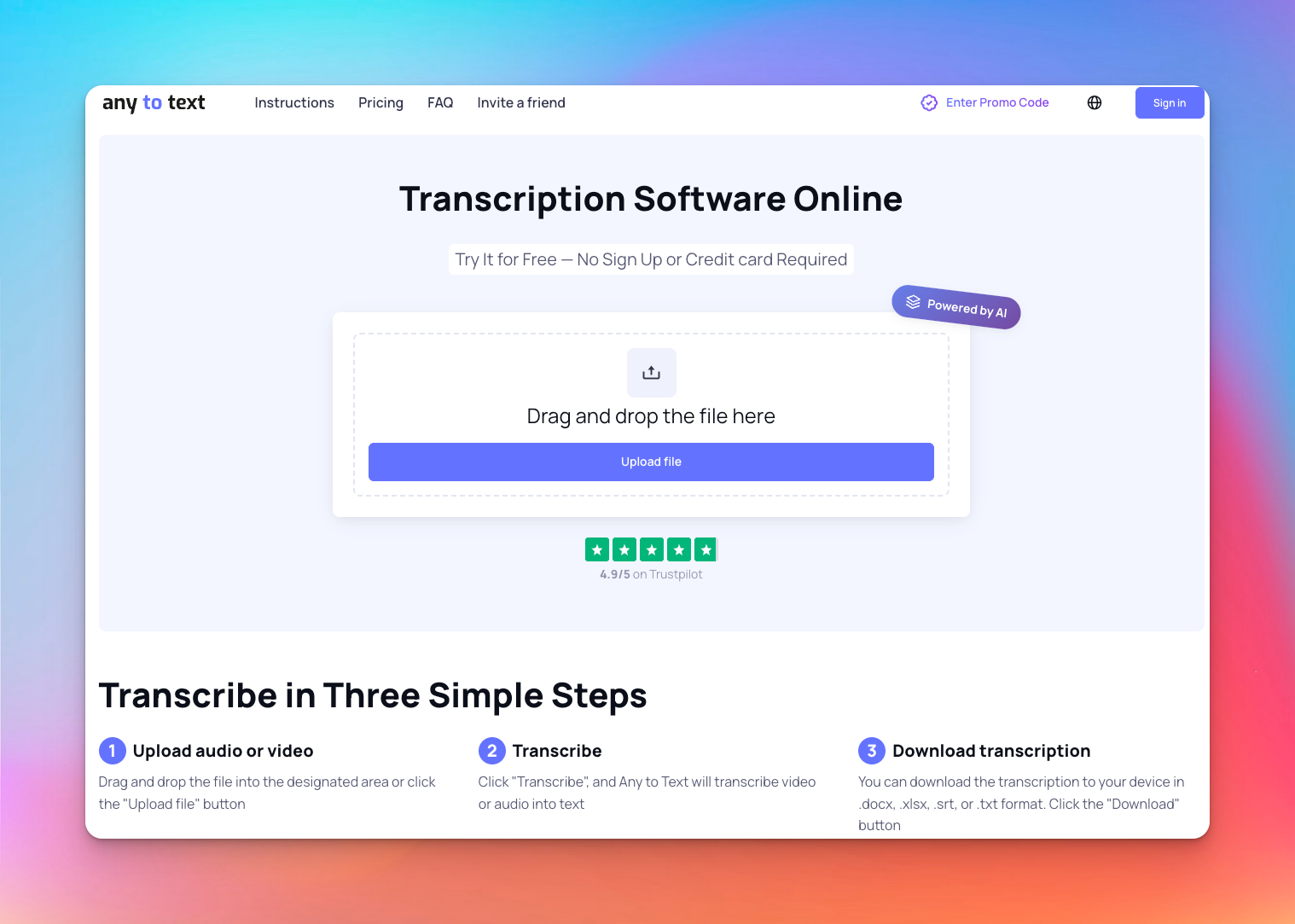
Any2Text succeeds in the same way a pocket calculator does - it gives you a quick answer when the problem is small enough.
Once audio gets longer, messier, multilingual, or important, its one-step “upload → text” design starts to show strain. Accuracy drifts, paragraphs become unreadable blocks, and you lose the ability to refine anything in-app.
Strengths
- Works well on short, clean recordings
- Free initial minutes reduce entry friction
- Straightforward interface with no learning curve
- Basic exports (TXT, DOCX, SRT) cover simple needs
Drawbacks
- Accuracy may vary on long or complex audio
- No editing environment; cleanup must happen elsewhere
- No collaboration or workflow structure
- No summaries, labeling refinement, or translation intelligence
- Any2Text does not provide public information about GDPR or SOC 2 compliance. So, unusable for sensitive work
- Designed for quick conversions, not repeatable processes
Any2Text isn’t “bad”; it’s simply engineered for tiny tasks. People seek alternatives not for features, but for a system that doesn’t break the moment the work becomes real.
How to Choose the Right Any2Text Alternative
Choosing an alternative is about choosing which constraints you can’t afford to fight. Any2Text fails early on length, accuracy, collaboration, and security, so the right replacement should be selected by the pressure points of your actual workflow.
1. Accuracy Under Stress
Test tools against your worst audio, not your best. Long-form, accents, classroom echo, and overlapping voices separate consumer tools from professional systems.
2. Language Coverage
If you work across regions, universities, or global content, missing dialects or weak translation support creates downstream rework. Depth matters more than the headline number.
3. File Size & Duration Handling
Short clips hide engineering limitations. Long recordings expose them. Ensure the tool handles hours of material without drift or crashes.
4. Editing Workflow
A transcript that needs 30 minutes of cleanup isn’t a transcript. Look for built-in editors, speaker labeling, search, summaries, timestamps, and AI structuring.
5. Integrations & Placement in Your Workflow
A modern transcription tool should sit inside your workflow: importing from meeting platforms, drives, and videos, not forcing manual handling.
6. Privacy & Data Control
If your work touches research, clients, internal strategy, or interviews, compliance isn’t optional. Reject any tool lacking GDPR/SOC 2 or granular permissions.
How to Decide
Pick the tool that fails last when your requirements expand. The right alternative should support your next hundred files, not just your next one.
With these criteria in mind, let’s look at five Any2Text alternatives that rise to the challenge.
5 Best Any2Text Alternatives
These tools go beyond basic transcription, offering accuracy, structure, collaboration, or creative workflow support depending on what your work demands.
1. HappyScribe
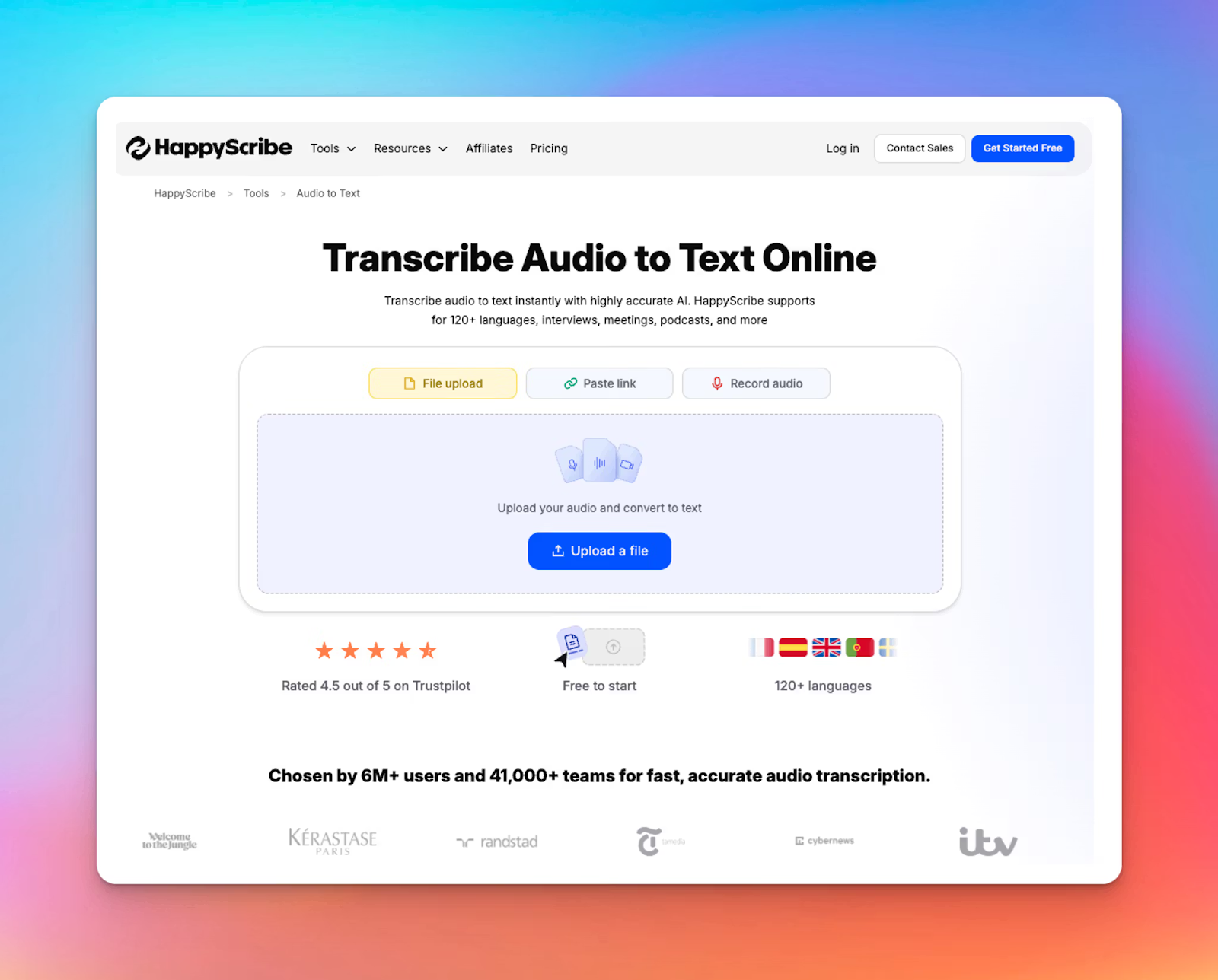
HappyScribe becomes the better choice the moment transcription stops being an occasional task and turns into a real workload.
You move from “I just need this clip transcribed” to “I need accuracy, structure, and a system that doesn’t break when the files get longer.” It’s built for that turning point.
You upload, get clean text, and continue working without spending hours fixing what the tool couldn’t handle.
Key Features
- Accurate Transcription: AI drafts across 150+ languages; human review reaches ~99% accuracy for interviews, meetings, and long recordings that can’t afford errors.
- Professional Subtitles: Control pacing, readability, and style. Meet CPS, CPL, and SDH standards. Export SRT/VTT or embed subtitles directly in video.
- Multilingual Tools: Translate transcripts or subtitles in minutes. Compare versions side by side, use glossaries, and keep multilingual projects consistent.
- Team Workspace: Organize recordings, label speakers, track versions, and share files with folders, permissions, comments, and an editor for long sessions.
- Meeting Notetaker: Joins Zoom, Meet, Teams; captures real-time discussions, separates speakers, and sends summaries automatically.
- Enterprise Privacy: GDPR and SOC 2 Type II compliant with controls over access, retention, and deletion. Any2Text does not meet this standard.
- Helpful utility tools:Audio joiners, trimmers, subtitle editors, converters, and a voice recorder streamline pre- and post-production without switching platforms.
HappyScribe vs. Any2Text: A Quick Comparison
| Category | HappyScribe | Any2Text |
|---|---|---|
| Focus | Transcription, subtitles, translation, workflows | Basic file-to-text conversion |
| Accuracy | 95% AI, ~99% human | Unverified |
| Languages | 120+ supported | 50+ supported |
| Human services | Yes | No |
| Subtitle controls | Full styling + CPS/CPL/SDH | Basic SRT output |
| Speaker labels | Automatic | No speaker labeling |
| Meeting notes | AI Notetaker | None |
| Collaboration | Workspaces + permissions | None |
| Security | GDPR + SOC 2 Type II | No compliance |
| Exports | TXT, DOCX, PDF, SRT, VTT, CSV, MP4 | DOCX, XLSX, SRT, TXT |
| Pricing | Plans from $9/mo | Pay-as-you-go ($0.035/min) or from $5/month |
Any2Text’s pricing looks harmless at first: $0.035/min after the free 15 minutes. But the illusion disappears the moment you run a real workload instead of a one-off conversion.
- A single 1-hour lecture becomes 60 minutes.
- A standard 10-week course easily hits 600 minutes.
- At Any2Text’s rate, that’s about $21
And all you get back is a plain transcript with no editor, no collaboration layer, no summaries, and no workflow support.
HappyScribe gives you 10 free minutes to feel the accuracy gap, then delivers the full workflow - editor, structure, collaboration - that makes your transcripts actually usable.
If transcription touches your study, your research, or your creative work, HappyScribe doesn’t just convert audio: it organizes, protects, and amplifies it.
2. Otter.ai
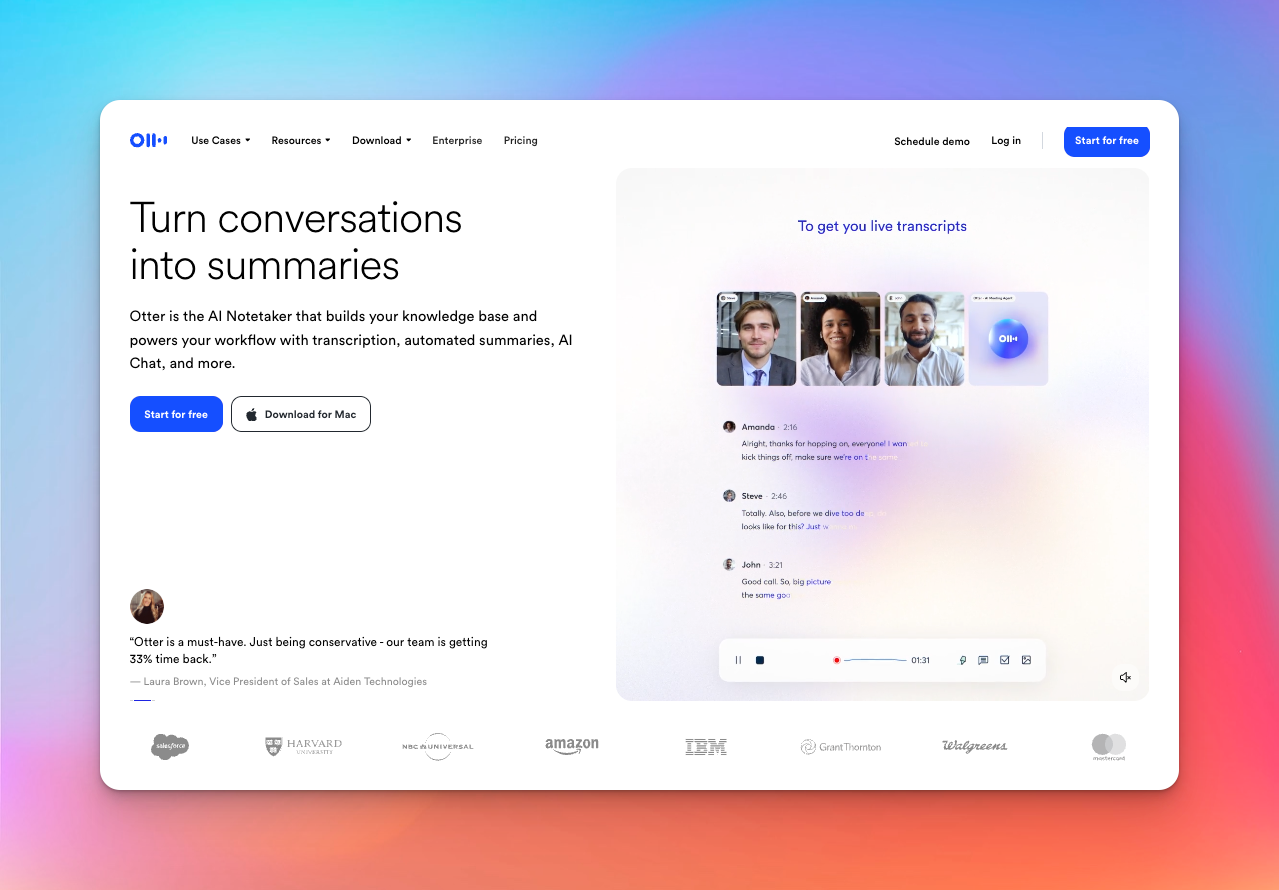
Instead of “transcribe this file,” Otter.ai behaves like an autonomous participant - joining calls, capturing discussions, summarizing decisions, and pushing action items into your workflow.
That convenience is powerful, but it also means Otter takes more initiative than traditional transcription tools, which can be a strength or a liability depending on your privacy expectations.
Key Features
- Autonomous meeting agent that joins Zoom/Meet/Teams, records live, and generates summaries and action items automatically.
- AI Chat for meetings, letting users ask questions across all past calls (“What did we commit to last Thursday?”).
- Role-based agents (Sales, Recruiting, Education, Media, SDR) that automate follow-ups, highlight insights, and sync notes to CRMs.
- Integrations-first design with Google Calendar, Slack, Salesforce, HubSpot, Notion, Jira, and Google Docs.
- Unlimited meetings on free plans, with expanded minutes for teams.
- Lightweight workspace for collaborative editing and asynchronous updates.
Pricing
- Free: $0
- Pro: $16.99/month
- Business: $30/month
Otter is ideal if you want meeting notes to appear without effort. But the same autonomy that makes Otter fast also raises issues: limited language support, uneven accuracy, and widely reported concerns about privacy and control.
Compared with Any2Text’s simplicity, Otter is more of a meeting companion than a transcription tool - powerful for fast-moving teams, but not the choice for sensitive environments or multilingual workflows.
3. Evernote AI
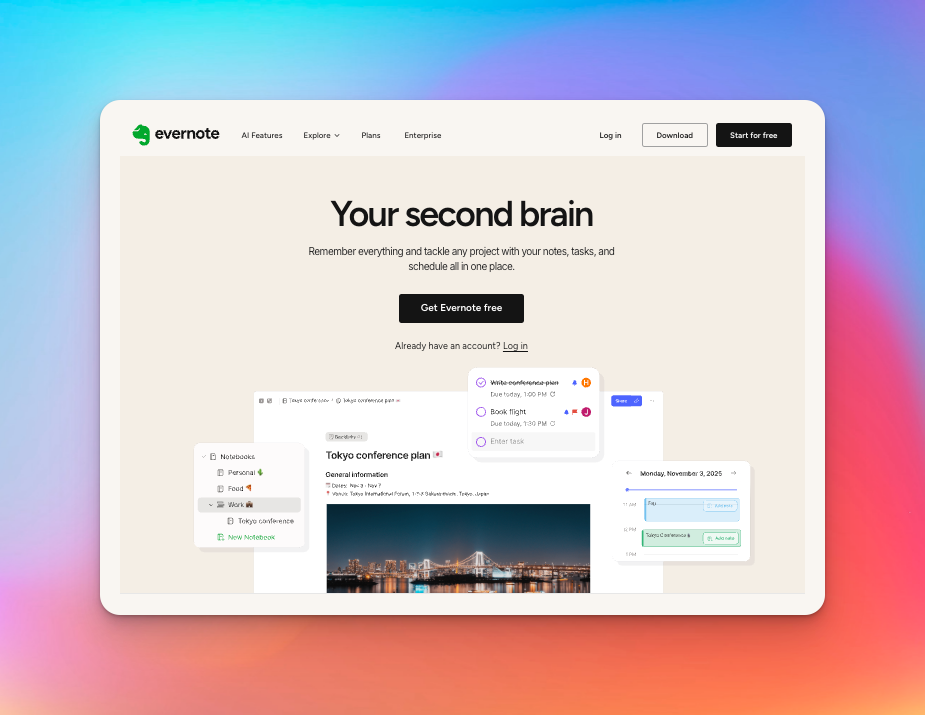
Evernote AI is the alternative you choose when transcription is just one fragment in a much larger information maze. If your workflow spans recordings, scans, PDFs, web articles, handwritten notes, and tasks, Evernote becomes the “second brain” that unifies everything into something you can recall, search, and act on.
Key Features
- All-format capture: Record audio, auto-transcribe, scan documents, clip web pages, attach files. Evernote treats every input as part of the same knowledge system.
- Semantic search: Find ideas by meaning, not keywords; AI retrieves notes from PDFs, images, audio, and text.
- AI Meeting Notes: Meeting transcripts, summaries, and actions live inside notebooks and connect directly to calendar events.
- Research-ready Web Clipper: Saves articles cleanly, preserves structure, and lets AI summarize or rewrite them.
- Cross-device memory system: Offline access, tagging, saved searches, handwriting OCR - a unified store for everything you capture.
Pricing
Starter: $14.99/month
Advanced: $24.99/month
Evernote AI isn’t a replacement for Any2Text when you only need audio-to-text. Any2Text is cheaper for that.
But if you need that text, plus PDFs, screenshots, clips, notes, scans, tasks, and meeting summaries, to live inside a searchable, organized memory system, Evernote is the tool built for that.
4. Descript
Descript is the right choice when transcription isn’t the finish line but the starting material for video or audio creation.
Instead of giving you text to edit elsewhere, it turns the transcript into the timeline itself - letting creators cut, rewrite, rearrange, and polish content without ever touching traditional editing tools.
Key Features
- Text-based editing for video & podcasts: Remove takes, reorder scenes, and tighten narration simply by editing the transcript.
- AI cleanup that rescues bad audio: Studio Sound, filler-word removal, and retake detection make imperfect recordings usable.
- Underlord, the AI co-editor: Generate B-roll, scripts, captions, layouts, or corrections from prompts.
- All-in-one creation environment: Screen recording, avatars, captions, templates, and green screen live inside one workspace.
- Quick captions & translations: Turn transcripts into synced captions or multilingual versions instantly.
- Production-ready exports: Output video up to 4K, podcasts, clips, or caption files without switching tools.
Pricing
- Free: $0
- Hobbyist: $24
- Creator: $35
- Business: $65
Choose Descript when your transcript needs to become content, not just sit in a folder. It accelerates video and podcast creation by merging transcription, editing, cleanup, design, and exporting into one system.
Any2Text extracts words; Descript reshapes the entire production around them.
5. NoteGPT
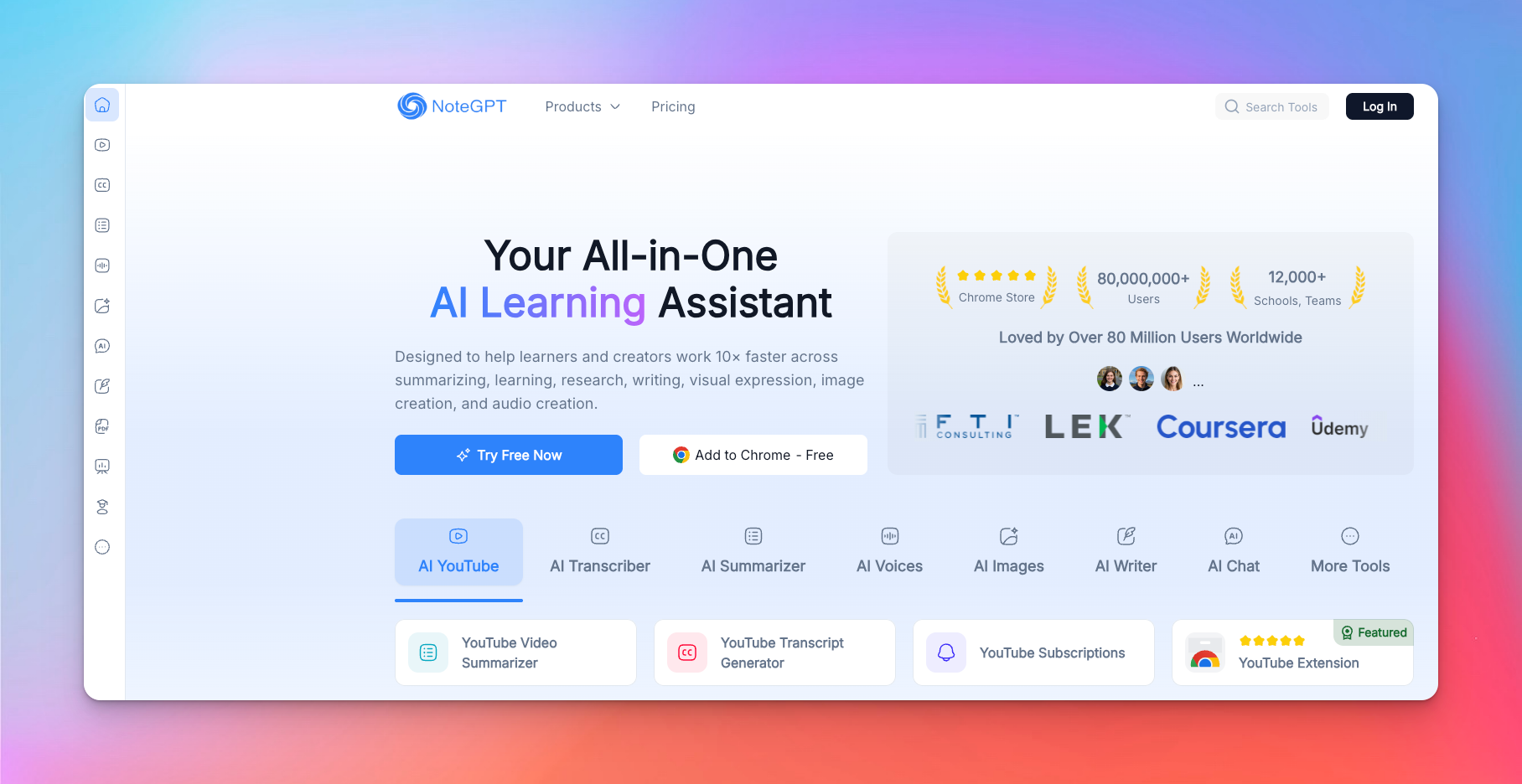
NoteGPT isn’t just transcription; it’s a full learning workflow. From summarizing and extracting key ideas to creating visual notes, presentations, and homework solutions, it consolidates multiple study and research tools into one AI-powered assistant.
Key Features
- High-compression summaries that turn dense lectures, PDFs, and videos into structured insights.
- Mind maps, outlines, and slide generators that impose conceptual order without manual effort.
- Multimodal ingestion (audio, video, images, PPTs, articles, web pages) with layout-preserving OCR.
- Learning automation: flashcards, quizzes, explanations, math solvers, homework helpers.
- Document transformation: PDF ↔ Word ↔ Markdown ↔ Image ↔ Excel with formatting intact.
- Built-in writing tools for paraphrasing, grading, drafting, and refining academic or professional text.
Pricing
- Pro: $9.99/month
- Unlimited: $29/month
- Max: $99/month
If transcription is just step one and the real work is learning from it, NoteGPT provides the structure that Any2Text cannot. It reduces cognitive load by turning raw content into digestible formats - notes, visuals, and summaries.
This makes it ideal for students, researchers, and anyone who values understanding over just reading text.
Comparison Table: Any2Text vs Top Alternatives
Here’s a quick comparison of Any2Text and top alternatives across transcription, subtitles, and AI notetaking capabilities:
| Tool | Human Transcription | Human Subtitles | AI Subtitles | AI Transcription | AI Notetaker |
|---|---|---|---|---|---|
| Any2Text | ❌ | ❌ | ☑️ (SRT only, no styling) | ☑️ Basic AI (50+ languages) | ❌ |
| HappyScribe | ✅ (99% accuracy) | ✅ (60+ languages) | ✅ (Pro-grade, styled) | ✅ (150+ languages, editor, workflows) | ✅ (Secure, multilingual) |
| Otter.ai | ❌ | ❌ | ☑️ Basic captions | ☑️ Good for meetings | ☑️ Powerful |
| Evernote | ❌ | ❌ | ❌ | ☑️ Light transcription | ☑️ Early-stage |
| Descript | ❌ | ❌ | ☑️ Strong for creators | ✅ Creator-grade | ❌ |
| NoteGPT | ❌ | ❌ | ☑️ Basic captions | ☑️ Summary-focused AI transcription | ☑️ Study-focused notes |
Conclusion
Any2Text is fine for one-off clips, but it’s a stopgap - not a system that scales with real work. Each alternative here excels in its niche:
- Otter.ai automates meetings
- Descript turns transcripts into editable media
- NoteGPT organizes learning, and
- Evernote AI unifies multiple content types
But each comes with trade-offs in language support, privacy, or focus. For most users needing reliable, actionable transcription that won’t fracture workflow or accuracy, HappyScribe stands out.
It solves the core frustrations Any2Text leaves unresolved, balances automation with control, and integrates into real-world workflows.
Choosing it isn’t just about features; it’s about aligning your tool with the mental model of work you actually do, turning raw audio into insight, not just text.
Frequently Asked Questions
Is there a free audio-to-text converter?
Yes. Tools like Otter.ai (Basic plan) and Notta.ai (Free plan) allow you to convert audio to text without paying. These free tiers are suitable for short, clear audio recordings, but limitations make them impractical for long or frequent transcription tasks.
What's the best AI transcriber?
For accuracy and multilingual support, HappyScribe is consistently one of the best because it pairs high-accuracy AI with optional human review.
Which is the highest-paying transcription site?
Platforms like Rev generally top the list, but the real earning ceiling depends on your speed, accuracy, and niche skills. Specialized domains (legal, medical, multilingual) pay more because fewer people can deliver publish-ready accuracy.
What is the best free transcribing app?
For short and occasional use, Otter Basic is a strong option for meetings and interviews. Notta Free is suitable for brief clips. Any2Text may allow limited free conversion without signing up, but free minutes are short (~15 minutes per file).

Akshay Kumar
Akshay builds pieces meant to reach people and stay visible where it matters. For him, it’s less about the name and more about whether the words did what they were meant to.