There's no dearth of audio to text tools in the market. But there is a strong demand for a speech to text tool that's accurate, simple, and fast…you know, the all-in-one package.
Not all apps live up to user expectations, and you can't try all of them to see what works for you.
So I rolled up my sleeves. I ran multiple tools through the same test files and compiled a list of only the best audio to text converters in 2026.
These 5 tools are all you need to consider, and by the end of this blog post, you'll find the ideal speech to text tool.
TL;DR
- HappyScribe: Fast and accurate audio to text conversion for everyday use
- Notta: Best for fast transcription
- TurboScribe: Best for bulk speech-to-text conversion
- Otter: Best for agent-based transcription
- Fireflies: Best for meeting sentiment analysis
What should you look for in an audio to text converter?
When you're choosing an audio to text tool, focus on the factors that actually change your day-to-day workflow. These are the ones that matter:
1. Accuracy on daily speech to text tasks
Look beyond marketing claims and look for what real users are saying. The tool should handle accents, fast speech, background noise, and long recordings without a sweat.
2. Speed and turnaround time
If you work with bulk audio files and tight deadlines, you need fast processing without compromising on transcription quality.
3. Language and accent support
A good converter will enable you to run more multilingual projects. Check the number of supported languages, dialects, and the quality of accent recognition.
4. Editing and export options
Once the transcript is generated, you need a clean editor, timestamps, speaker labels, and flexible export formats. Make sure your tool supports TXT, PDF, DOCX, SRT, and VTT files.
5. Pricing that scales with your workload
Pay-as-you-go is great for occasional use. But power users need predictable plans. Make sure the pricing model aligns with how often you transcribe.
Best audio to text converters: At a glance
| Criteria | HappyScribe | Notta | TurboScribe | Otter.ai | Fireflies.ai |
|---|---|---|---|---|---|
| Best for | Reliable, high-accuracy speech to text + translation + team collaboration | Fast multilingual transcripts and meeting notes | High-volume transcription and bulk uploads | Meeting-heavy workflows needing live transcription | Teams needing conversation analytics and meeting automation |
| Key features | Human-made and AI transcription options; multi-language transcribe and translate; subtitle workflows | Live and file transcription; meeting assistant; bilingual transcription | Large file uploads, batch processing, noise reduction | Live transcription + AI-powered meeting summarization; role-based agents | Sentiment analytics; live-assist + post-meeting workflows |
| Starting price | Free plan available; paid from $17/month | Free plan available; paid from $13.49/month | Free plan available; paid from $20/month | Free plan available; paid from $16.99/month | Free plan available; paid from $18/month |
| Languages supported | 140+ languages | 50+ languages | 130+ languages | 4 languages | 100+ languages |
| Security | SOC 2 Type II, GDPR compliance, encryption | SOC 2 Type II and ISO 27001 certified | Basic security | SOC 2 Type II, GDPR, CCPA compliance | SOC 2 Type II, GDPR, and HIPAA compliance |
1. HappyScribe
Best for: Fast and accurate audio to text conversion for everyday use
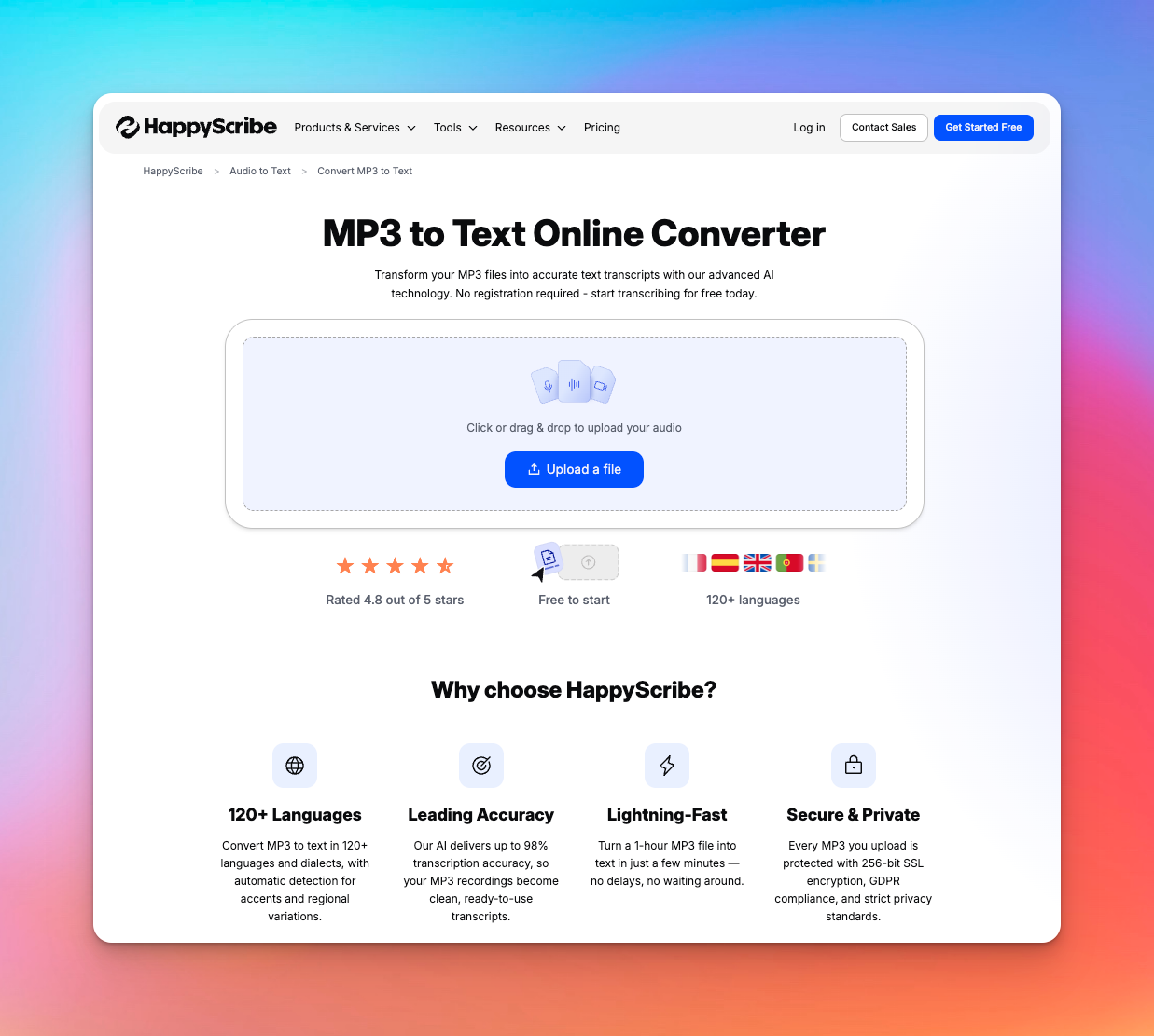
When it comes to converting audio to text, you'll rarely find a tool better than HappyScribe. It churns out fast and accurate transcripts, which you can trust for daily use.
Simply upload a file or paste a link, select between “Machine generated” and “Human made”, and generate your transcripts. After that, ask the HappyScribe AI to summarize the transcript, highlight quotes, create video chapters, or draft posts.
HappyScribe’s key features
1. 99% accurate, human-made transcription
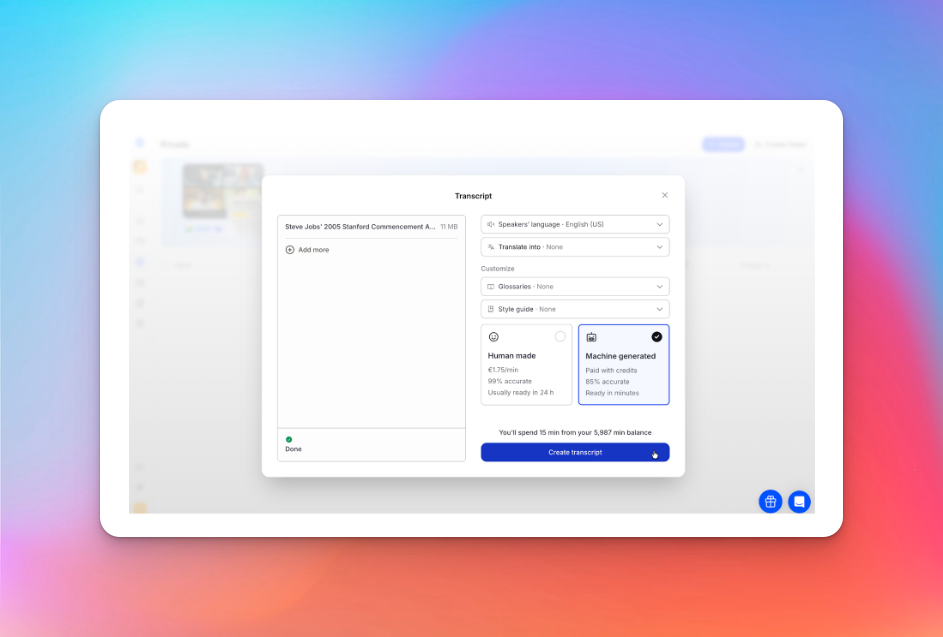
If you need transcripts that don’t require double-checking, HappyScribe’s human-made option is the way to go. You get 99% accurate texts that are reviewed by experts. Be it legal, research, or journalism, HappyScribe gives you confidence at work.
Looking for something faster? The AI transcription mode is available in 140+ languages and accents to make sure most people can access transcripts on the go.
2. Transcribe and translate in 140+ languages
HappyScribe has been fine-tuned to perform consistently across languages, accents, and dialects. From Malay and Spanish to Dutch and Farsi, global teams and multilingual projects will run smoothly.
You can transcribe in one language and then generate and edit a translation without switching tools. That flexibility saves time when dealing with international audio, interviews, or content repurposing.
For this particular video editing project, I had to translate Portuguese, Mexican Spanish, Peruvian Spanish and Tagalog before creating a script from previous video interviews. I tried Premier, Descript, and Rev with limited results. With the help of HappyScribe and a team of native speakers made it possible for me to work on this month long multiple language project.
3. Feature-rich transcription editor for teamwork
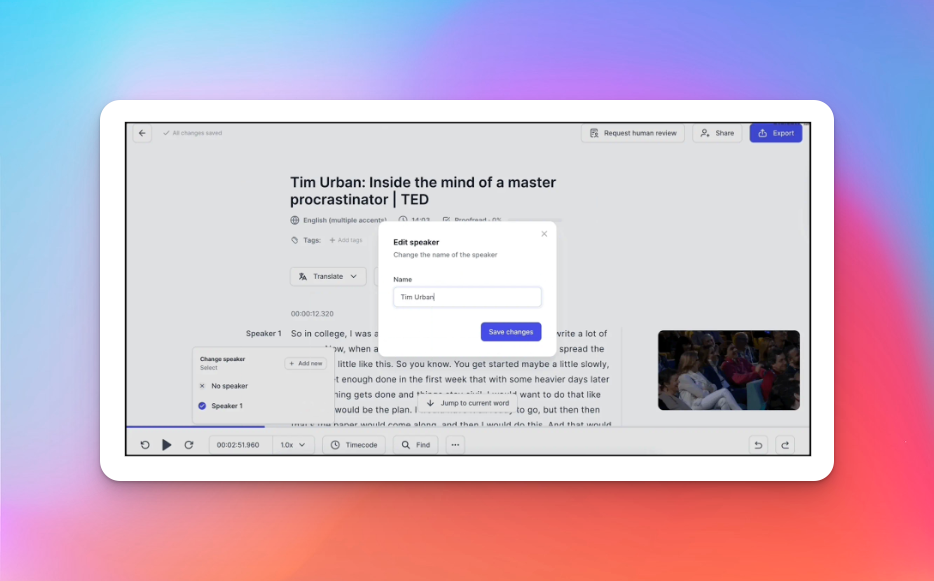
HappyScribe's built-in editor goes beyond just the transcript; it’s built for teammates to collaborate.
You can add comments, assign sections, correct timestamps, and track progress, all inside the same interface. Features like speaker labeling, synchronized audio-text playback, and shareable links make review and approval far smoother.
The editor replaces the patchwork of docs, emails, and external CMS that most teams rely on. By working with HappyScribe, Welcome to the Jungle (WttJ) cut editing time by 50%. The collaboration tools have allowed WttJ to onboard clients and reduce time spent on feedback loops.
HappyScribe is now essential for our work, streamlining our processes and enhancing client connections.
4. Enterprise-grade security
HappyScribe is GDPR and SOC 2 Type II compliant, which means your data is handled responsibly. Businesses dealing with sensitive transcriptions, such as medical notes, legal recordings, interviews, and internal meetings, can confidently upload and share files with stakeholders.
On top of that, features like access management and SSO login make sure team members can access data securely.
HappyScribe’s pricing
- Lite: $9/month
- Pro: $29/month
- Business: $89/month
- Enterprise: Contact sales to get tailored solutions directly
Pros
- 99% accurate, human-made transcriptions along with fast, AI options
- 140+ languages supported for the AI method, and 130+ languages for human transcriptions
- Free plan and affordable paid plans for most users
- Integrations with YouTube, Dropbox, Google Drive, Zoom, and Box, along with API access
- AI meeting note taker to make sure every meeting is productive
- Convert MP3 to text with up to 99% accuracy
- Subtitle generator, editor, and translator; all in one place
- GDPR, SOC 2 Type II, and encryption support for secure file handling
Cons
- No mobile app yet
2. Notta
Best for: Fast, multilingual transcripts
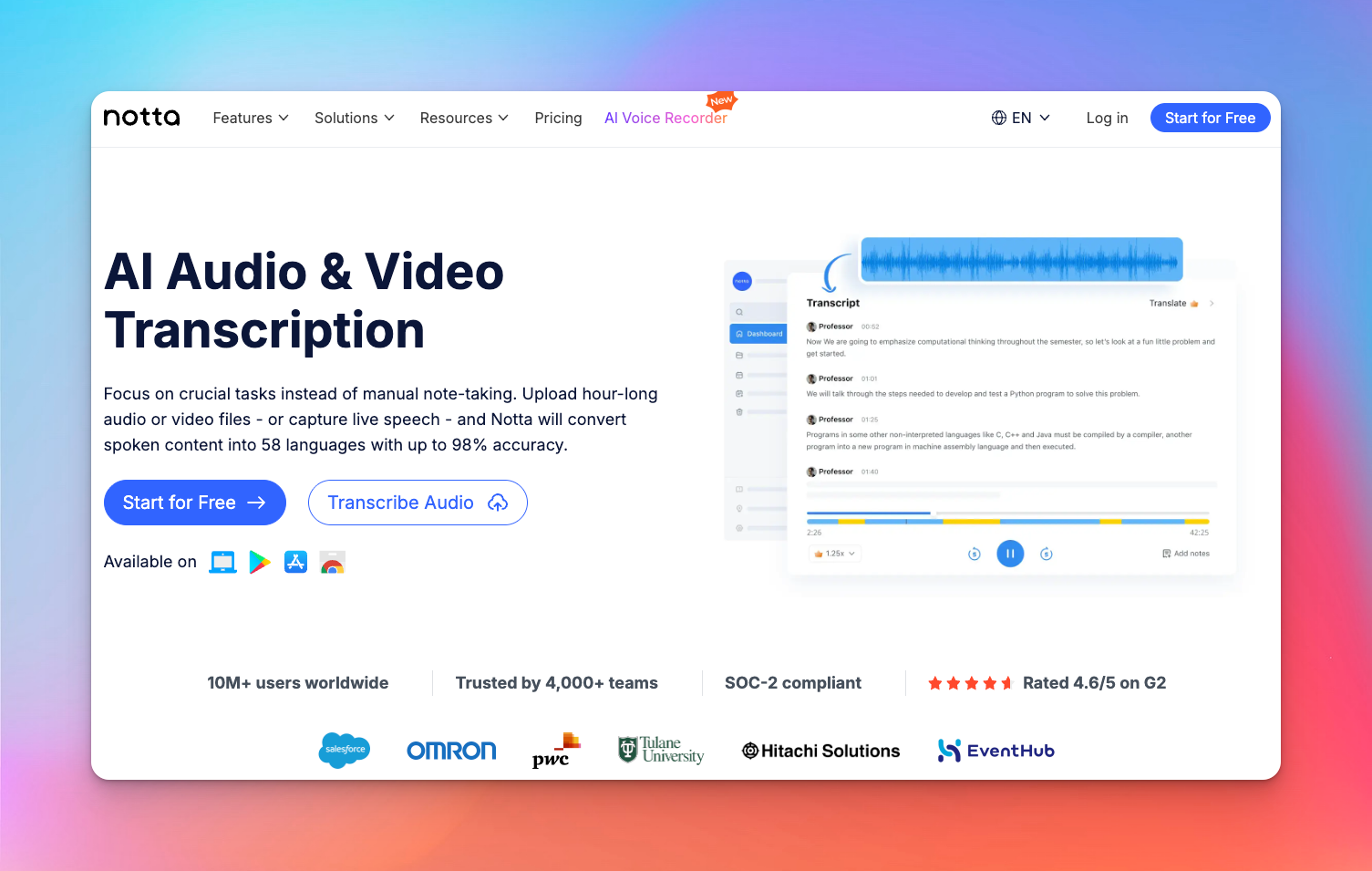
Notta is an AI-first transcription tool built for speed and volume. It’s not suited for privacy-sensitive work unless you’re on the Enterprise plan, but for operational teams, the speed might seal the deal.
Notta's standout feature is its AI meeting assistant. It can auto-join calls on Zoom, Meet, Teams, and Webex and generate transcripts, summaries, and action items without anyone taking notes. If you spend half your week in live meetings, that alone cuts hours from your schedule.
Notta’s key features
- Fast transcription for audio and video files in 50+ languages
- One-click AI meeting assistant for automated summaries, action items, and decisions
- Bilingual transcription with translation, along with AI summaries and an interactive editor
- Speaker identification across accents and multilingual conversations
Notta’s pricing
- Free
- Pro: $13.49/month
- Business: $27.99/month
- Enterprise: Custom pricing
Pros
- Very fast transcription. Notta claims to process an hour-long file within a few minutes
- Notta's interface is clean, modern, and easy to navigate
- Wide integrations support, including Slack, ClickUp, Google Meet, Notion, Zoom and Zapier
Cons
- Notta trains its AI on user data, unless you're on the Enterprise plan
- The free plan is limited to only 120 minutes/ month, which is restrictive for real use
3. TurboScribe
Best for: Unlimited, high-volume transcription without per-minute costs
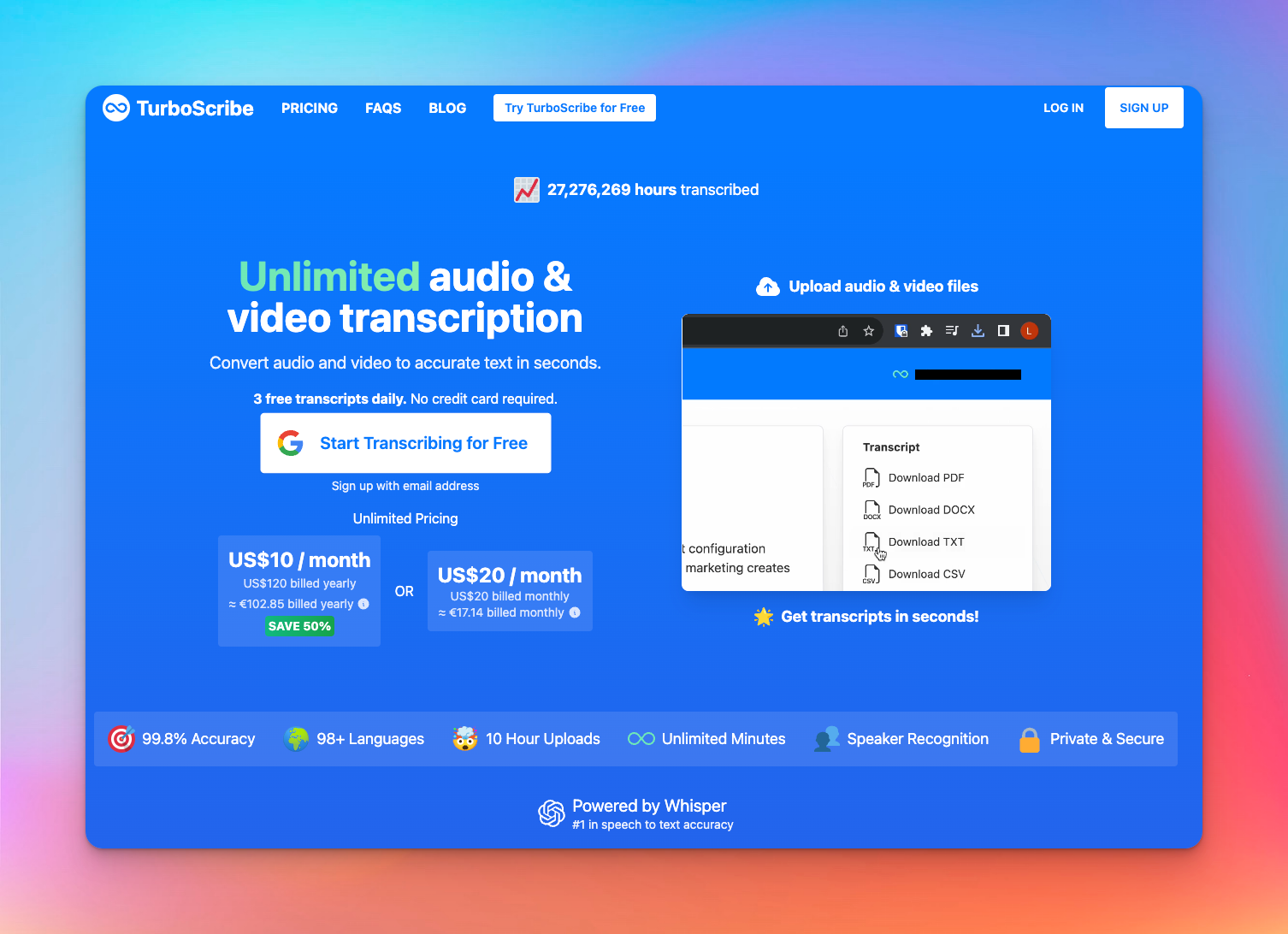
TurboScribe is built for users who just want to upload huge audio or video files and get transcripts back instantly.
It leans heavily on Whisper-based processing, paired with GPU acceleration, to turn hours of audio into text in seconds. If your workflow involves bulk uploads or long-form content, the unlimited plan alone is a big draw.
Thanks to its massive file-size limit, you rarely need to trim or split recordings.
TurboScribe’s key features
- Handles files up to 10 hours/5GB with batch uploads of 50 files
- Built-in audio restoration for noise removal and speech enhancement
- Audio translation into 130+ languages with direct transcription to English
- Multi-format export including DOCX, TXT, PDF, SRT, VTT, and CSV
TurboScribe’s pricing
- TurboScribe Free
- TurboScribe Unlimited: $20/month
Pros
- Transcribe audio to text quickly; ideal for hundreds of hours of recordings
- High accuracy on clear audio, even with multiple accents and technical language
- Generous free tier with 3 daily 30-minute files
- Smooth drag-and-drop batch uploads without performance slowdown
Cons
- Speaker recognition accuracy could be improved
- Processing queues can slow down during peak usage
4. Otter
Best for: Speech-to-text tasks for specialized workflows
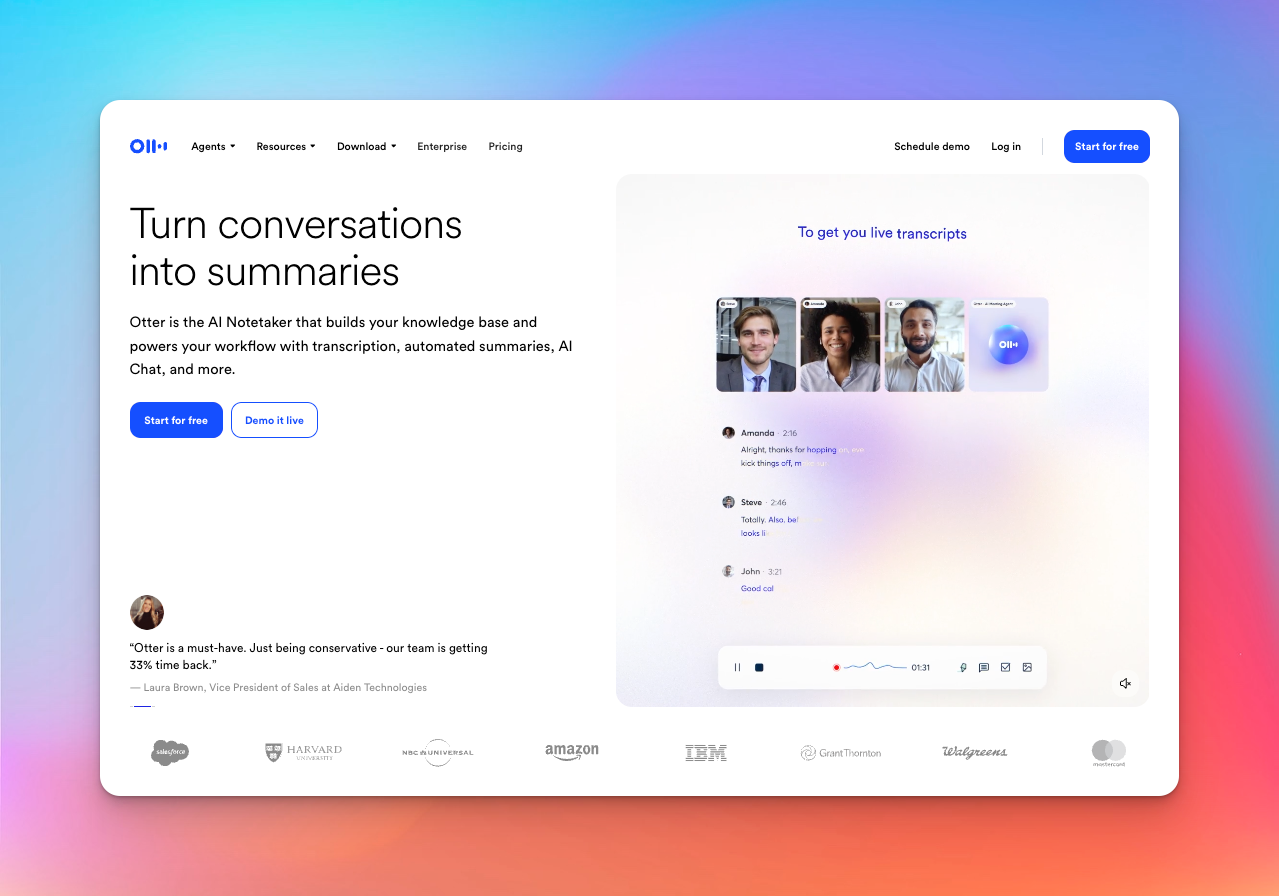
ly a great audio to text converter, but it’s a full AI meeting agent. It auto-joins calls, handles live transcription, extracts action items, and responds to voice commands during meetings. If you sit through back-to-back Zoom, Teams, or Google Meet sessions, that automation can easily save several hours each week.
Otter focuses on role-based agents for sales, recruiting, education, and media, which gives teams a more structured workflow out of the box.
Otter’s key features
- Voice-activated AI chat, “Hey Otter,” for querying past meetings or generating follow-ups
- Role-based agents for sales, recruiting, education, and media workflows
- Channels for async collaboration combining live summaries with team updates
- No-bot Google Meet transcription via Chrome extension
Otter’s pricing
- Basic: free
- Pro: $16.99/month
- Business: $30/month
- Enterprise: Custom pricing
Pros
- Calendar sync auto-joins scheduled meetings without setup friction
- Editable transcripts with timestamps make cleanup easier
- Fairly accurate transcriptions across the board
- Feature-rich mobile app for ease of use
Cons
- Limited language support
- Otter fails to perform as accurately with heavy accents or background noise
5. Fireflies.ai
Best for: Teams needing deep conversation analytics
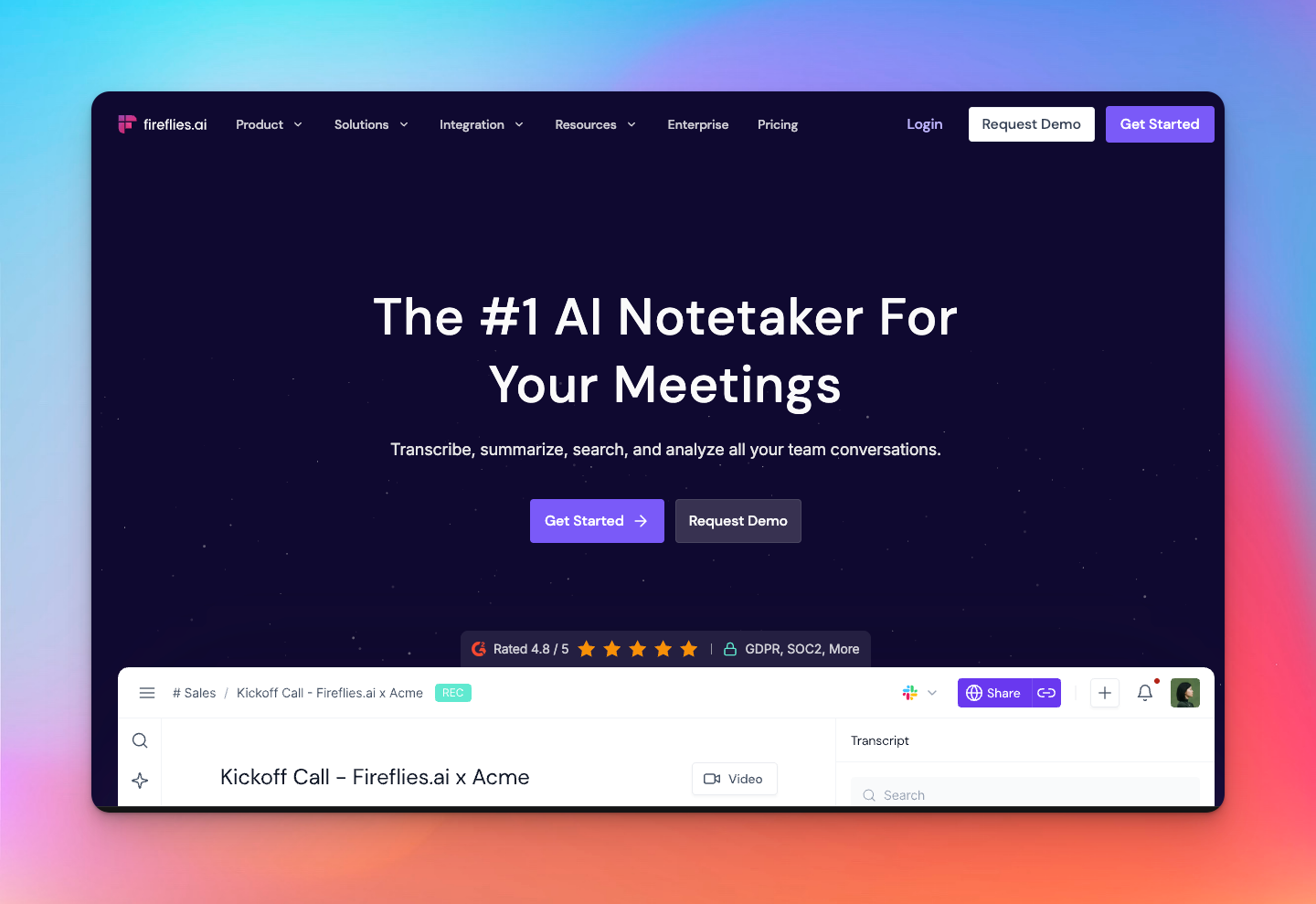
If you wondered what else a simple audio to text converter can do, check out Fireflies.ai.
It captures meetings across 100+ languages, analyzes sentiment, tracks talk-time, and highlights topics that recur across customer or internal conversations. If your team relies heavily on insights from calls, Fireflies helps surface patterns you’d normally miss.
Its ecosystem of 200+ AI Apps is the real differentiator. These apps can automatically create follow-up emails, score sales calls, generate candidate scorecards or even build content briefs from meeting data.
Fireflies.ai’s key features
- Conversation intelligence with sentiment analysis, topic tracking, and talk-time metrics
- Live Assist for real-time coaching, pre-call insights, and objection prompts
- Generous meeting transcription support on the free plan
- Channels and user groups for organizing meetings into a searchable knowledge base
Fireflies.ai’s pricing
- Free
- Pro: $18/month
- Business: $29/month
- Enterprise: $39/month
Pros
- Analytics dashboard reveals topic trends, sentiment shifts, and talk-time ratios
- Automated task extraction assigns action items directly to participants
- Chrome extension, along with mobile and desktop app support
- 200+ AI apps convert transcripts into CRM entries, scorecards, briefs, and more
Cons
- The Fred bot might disconnect after a couple of hours and requires manual rejoining
- Onboarding upsells can be confusing, so be wary of auto-charge during trials
Pick the right tool to transcribe audio to text in 2026
Each audio to text tool here excels in a different lane. TurboScribe stands out with its no-fuss unlimited usage, but once you start using it, you might face a certain lack of polish and quality in its output.
Otter suits meeting-heavy teams, while Fireflies.ai is strongest for teams that care about conversation analytics. But Otter offers very limited language support, and Fireflies tends to push you towards meeting products.
If you’re looking for the most reliable, accurate, and well-rounded audio to text converter, HappyScribe offers the most complete package. It works just as well for daily use as it does for high-stakes transcripts.
HappyScribe combines industry-leading accuracy, strong multilingual support, a best-in-class editor, and enterprise-ready security. For most users in 2026, it covers all the bases.
Frequently Asked Questions
Which is the best audio to text converter?
If you want accuracy, wide language coverage, and reliable exports for subtitles or captions, HappyScribe is one of the best options. It handles long audio recordings, podcasts, and training videos with consistent speech recognition quality. Other tools like Notta and NoteGPT work well for simple notes, but HappyScribe delivers the most balanced mix of speed, editing features, and transcription service reliability.
How do I convert my audio file to text?
Upload your audio recording, select the language, and let the AI audio-to-text tool process it. Most platforms support popular audio formats like MP3, WAV, and M4A. After transcription, you can edit text, generate captions, or export files for social media or YouTube Subtitles. HappyScribe offers both machine and human transcription for more accurate results.
Can ChatGPT convert audio to text?
Yes, ChatGPT can transcribe your voice input using built-in speech recognition technology. ChatGPT’s Record mode is designed for transcribing meetings, but it’s limited to paid plans and only works on the macOS desktop application. For longer audio, podcasts, or bulk transcribing, you’ll get better workflow control from a dedicated transcription service like HappyScribe, which supports more audio formats, collaboration, and multilingual output.
Is there free audio to text conversion?
Yes. Tools like HappyScribe offer free plans that let you transcribe voice notes, meetings, or short recordings, but limits apply. Free tiers are good for occasional use, quick captions, or basic accessibility needs. For consistent accuracy or longer files, paid AI transcription tools give you more reliable results.
How do audio to text converters handle different languages and accents?
Modern AI audio-to-text tools use advanced speech recognition models trained on diverse dialects, regional accents, and multilingual datasets. Most can transcribe global audio formats and automatically detect language shifts. For interviews, podcasts or international teams, choose a tool like HappyScribe that covers 140+ languages and accents.

Rodoshi Das
Rodoshi is the Content Lead at HappyScribe, the privacy-first transcription and AI notetaker platform based in Barcelona. Shaping content strategies and building AI workflows excites her as much as exploring new SaaS tools. She specializes in product-led content that informs rather than sells, grounded in honest product benchmarking and low tolerance for empty marketing speak.