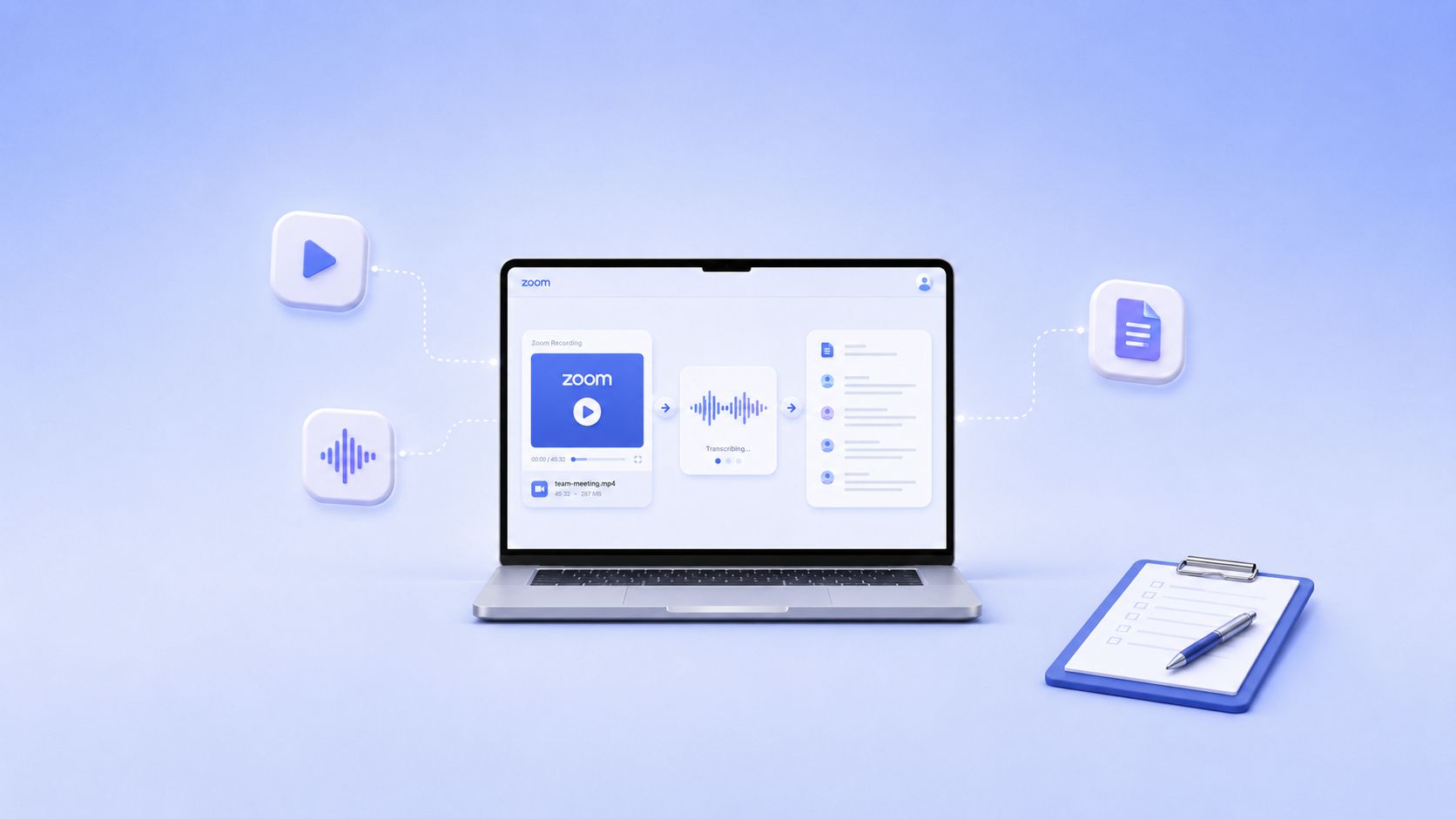
Every day, you generate hours of conversation: calls, interviews, lectures, and brainstorms. Most of it disappears before you can use it, along with the ideas hidden inside. What if you could capture all of it before it vanishes?
The smartest professionals don’t just transcribe; they turn words into insight, spot hidden patterns, and make every conversation count.
The question isn’t just which tool converts audio to text - it’s which platform amplifies your attention, expands your memory, and acts like an extra brain that never sleeps.
In this article, we’ll break down the transcript makers that actually deliver that kind of leverage in 2026.
TL;DR
- HappyScribe is the strongest all-purpose option with AI + human transcription, multilingual support, subtitles, and high security.
- Rev is best for legal and compliance-heavy work with strict accuracy and evidence workflows.
- Otter.ai excels at real-time meeting notes and collaboration.
- TranscriptLOL is the most cost-effective choice for unlimited, fast AI transcription.
- Descript suits creators who want transcription combined with video/audio editing.
Why Transcript Makers Matter in 2026?
Most information today comes from videos, podcasts, and webinars, not articles. But watching them takes time.
Transcription services turn all that talk into searchable text, so you can grab quotes, jump to key moments, and reuse content instantly.
One transcript instantly unlocks:
- Searchability: Jump to the exact moment you need without replaying the entire video.
- Repurposing: Turn a single video into captions, shorts, articles, or summaries.
- SEO visibility: Search engines can index transcripts, but not audio.
- Accessibility: You meet compliance requirements and reach audiences who can’t rely on audio alone.
All of that only works if your transcript is accurate, organized, and easy to use. So what should you look for when choosing the right transcript maker?
What Matters Most in a Great Transcript Maker?
A transcript maker is only useful if it reduces editing time and handles the realities of everyday audio.
These are the criteria that actually affect output quality and workflow:
- Precision on imperfect audio: Handles accents, noise, crosstalk, and rapid speech without breaking sentences or mishearing key terms.
- Fast turnaround: Produces usable text within minutes, even on long files or batch uploads.
- Reliable speaker separation: Distinguishes multiple voices accurately and keeps speaker labels consistent throughout the file.
- Clear timestamping: Offers paragraph- or word-level time markers for reviewing, editing, or creating captions.
- Multi-language support: Covers major languages and dialects so teams working across regions aren’t limited by the model.
- Controlled data handling: Uses encryption and transparent storage policies, with no unexpected data reuse or sharing.
- Flexible export formats: Outputs text files, caption formats, and structured files for editing tools or content pipelines.
Now that you know what makes a transcript maker truly effective, let’s look at the top tools leading the way in 2026.
Top 5 Transcript Makers 2026
Here are the leading transcript makers built for fast, accurate results and real production workflows.
1. HappyScribe
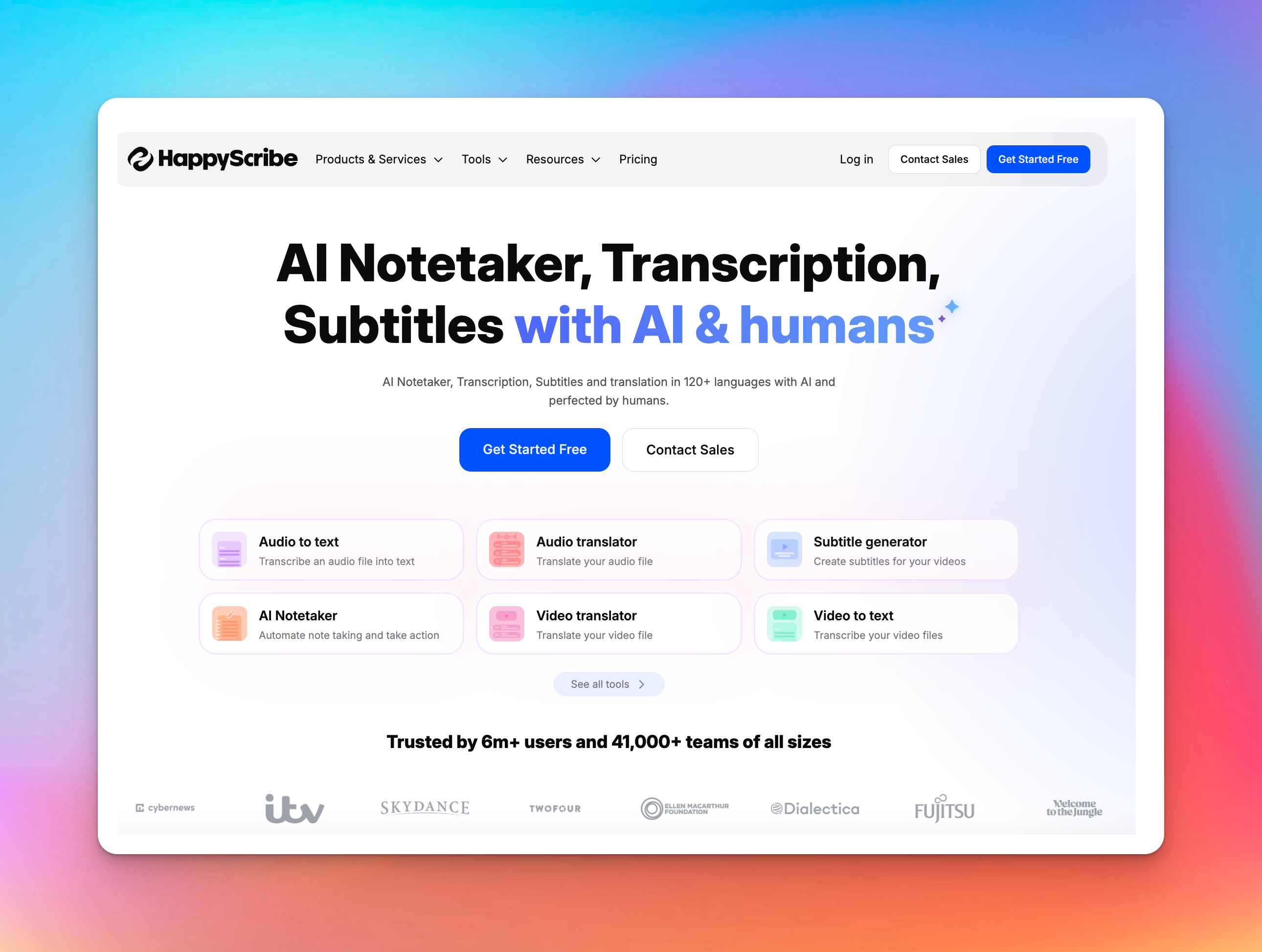
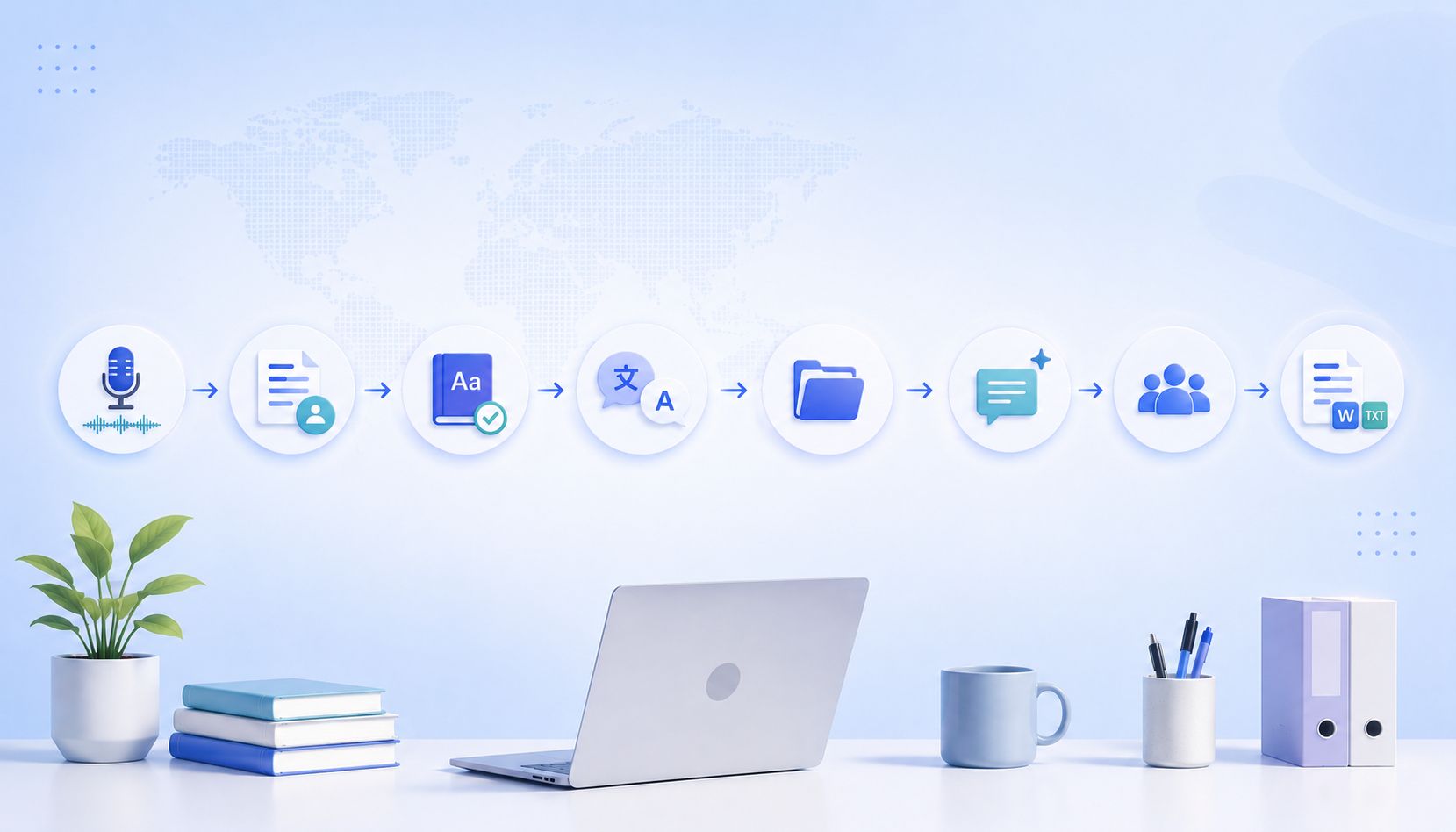
HappyScribe approaches transcription as a multi-layer process rather than a single export. It can take a recording from audio to text, through edited versions, translated outputs, timed subtitles, and final deliverables - all within one environment.
This structure is especially helpful when accuracy, consistency, or multilingual output matters.
Key features
- AI and human transcription: Fast automatic transcription paired with human-made options for ~99% accuracy in 60+ languages.
- 150+ language support: Transcription, subtitles, translation, and meeting notes all operate across a wide set of global languages without switching platforms.
- AI Meeting Notetaker: Calendar-based joining for Zoom, Meet, and Teams with automatic summaries, speaker labels, and organized meeting files.
- Subtitle workspace: Controls for timing, reading speed, translation, and formatted exports (SRT, VTT, MP4), including optional burned-in captions.
- Interactive editors: Word-level timestamps, speaker labels, comments, highlights, glossaries, and style guides for consistent formatting.
- Security & compliance: GDPR and SOC 2 Type II certification, with data kept private and never used to train AI models.
- Integrations & utilities: Imports from YouTube, Vimeo, Google Drive, and Zoom, plus free tools for trimming, converting, joining, subtitling, and browser-based recording.
Pricing
- Free Plan: Limited minutes to try the service
- Pay-as-you-go: $12 for 60 minutes
- Lite: $9/month
- Pro: $29/month
- Business: $89/month
HappyScribe stays dependable when the work gets demanding. It’s built to handle long recordings, mixed accents, and multilingual content while keeping the transcript organized and usable.
The output usually needs far less cleanup, so you’re not stitching fixes across multiple tools or reprocessing files.
2. Rev
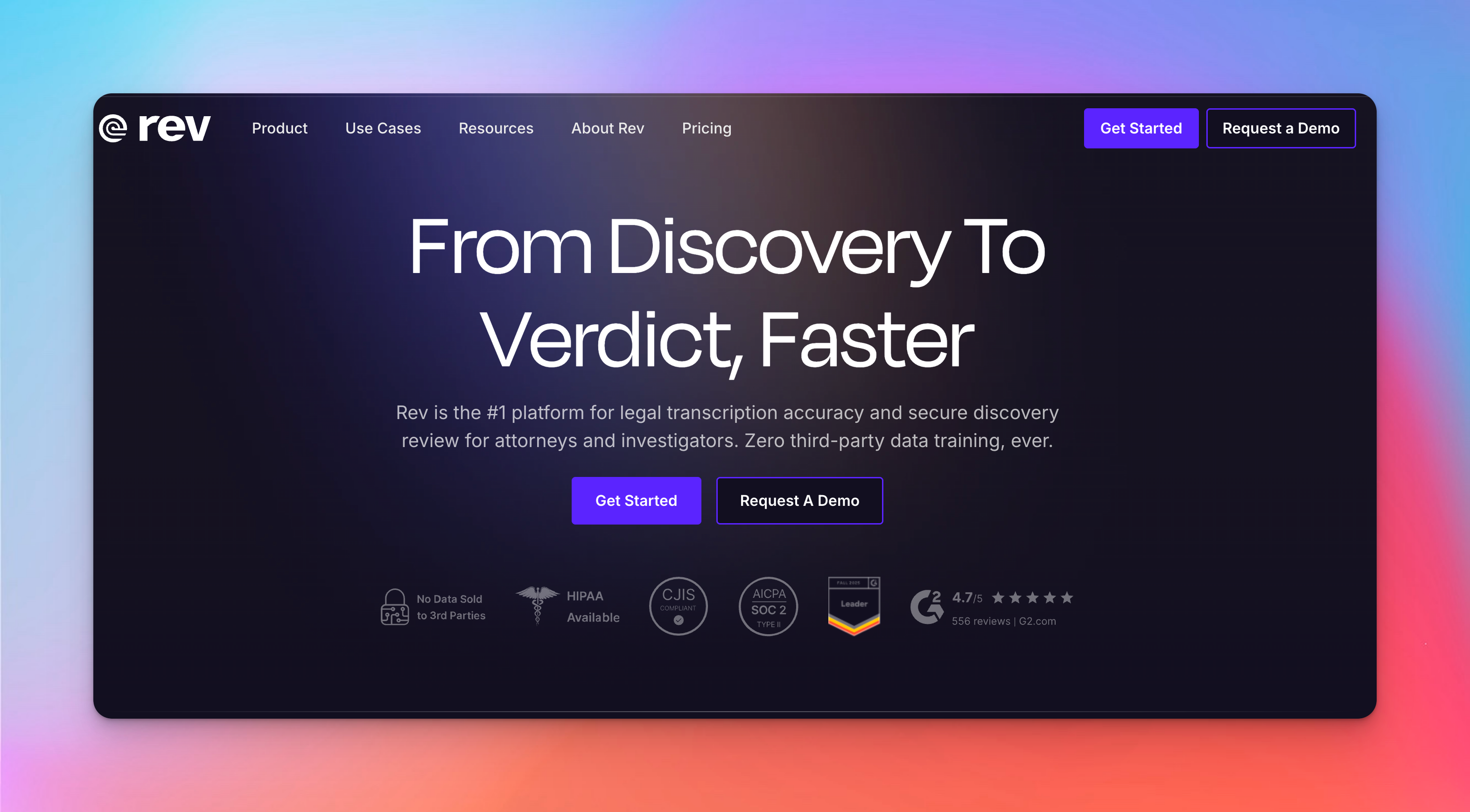
Rev organizes large sets of legal recordings and documents into searchable transcripts and evidence-ready files. Its platform emphasises accuracy, verifiable citations, and strict data security for attorneys, investigators, and court reporting workflows.
Key features
- Upload audio, video, PDFs, and records into structured folders to review all evidence in one place.
- Search across evidence to find contradictions, timelines, and case-critical details, with all AI output linked to sources.
- Mark transcripts, adjust speakers/timing, and export clips for exhibits or impeachment.
- Record calls and field notes on mobile, synced securely to desktop with SOC2, HIPAA, and CJIS compliance.
- Choose Instant Rough Drafts (<30 min), Human Rough Drafts, or Ready-to-Certify transcripts formatted to jurisdiction templates.
Pricing
- Free: $0
- Basic: $14.99 per seat/month
- Pro: $34.99 per seat/month
Rev narrows the gap between raw evidence and usable insight, which can materially change how fast a case takes shape.
The trade-off is that its structure leaves little margin for mistakes, support can feel slow when deadlines aren’t, and costs rise once human work becomes routine.
It fits best when accuracy outweighs convenience, and feels heavy for simpler transcription needs where speed or price matters more than evidentiary precision.
3. Otter.ai
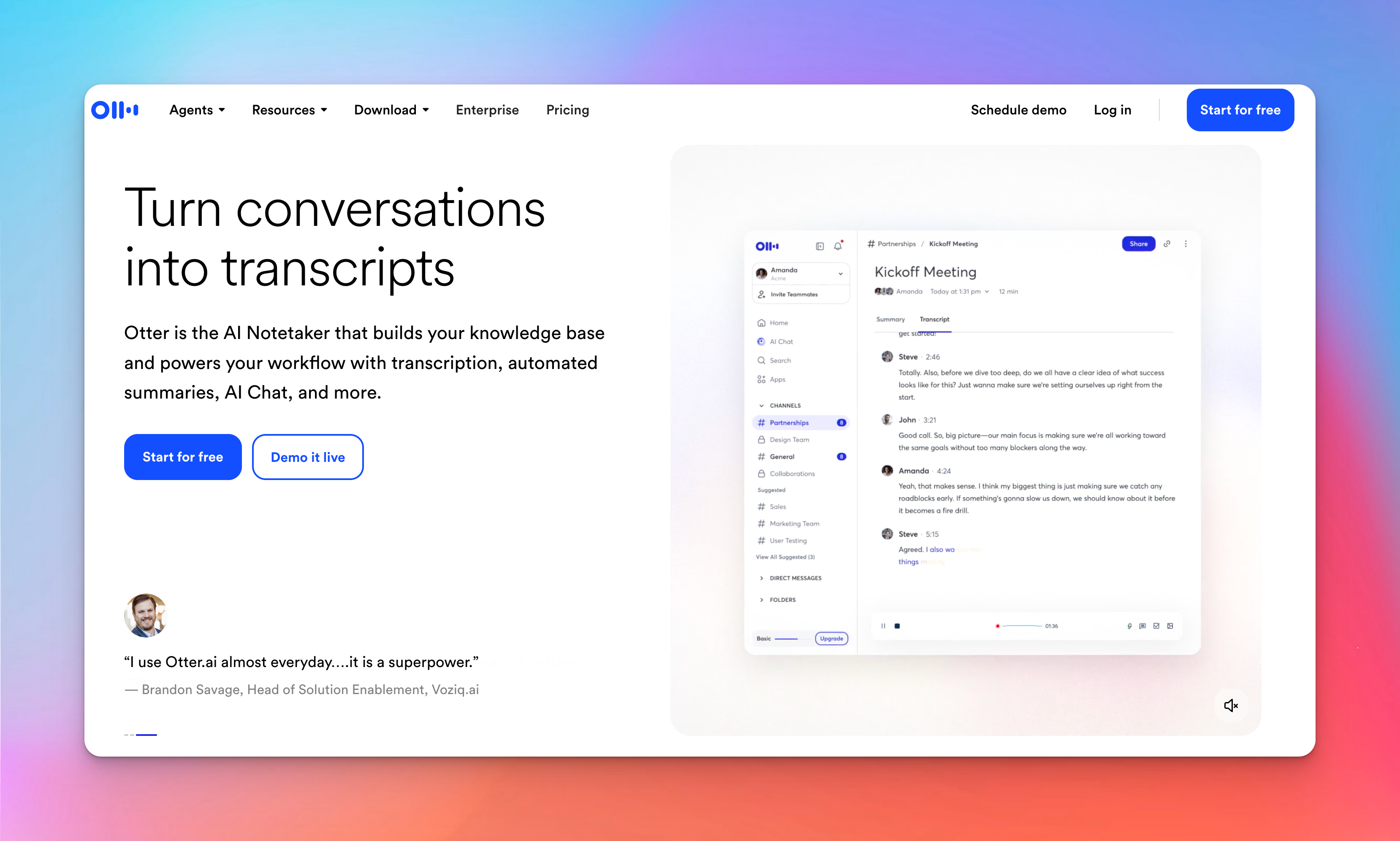
Otter is designed for live environments like classrooms, team meetings, lectures, interviews, and collaborative discussions, where waiting for post-session transcripts can slow you down.
Instead of processing audio after the fact, Otter.ai converts spoken content into real-time, searchable text that you can review, share, or act on immediately.
Key features
- Capture spoken content instantly during Zoom, Google Meet, Microsoft Teams, or in-person sessions, so you don’t miss key details or decisions.
- Identifies and labels different voices for clearer, more organized transcripts.
- Generates key takeaways, action items, and important points automatically.
- Quickly find specific keywords, phrases, or decisions across past transcripts, making research and follow-ups faster.
- Share transcripts with classmates or teammates, add comments, and plan next steps directly from the cloud.
Pricing
- Free: $0
- Pro: $16.99/month
- Business: $30/month
Otter.ai works best for students, professionals, and teams who rely on frequent meetings and need instant, actionable transcripts rather than post-production editing.
It offers a fast path from conversation to organized notes, making it a stronger fit for live collaboration compared with basic transcript makers designed only for uploaded files.
4. Transcript LOL
Transcript LOL treats transcription like an unlimited utility: long uploads, fast output, and strict privacy rules without metering or per-minute economics.
This shifts the workflow for anyone handling large volumes of audio because the cost and friction stay constant even as the workload grows.
Key features
- Handles long recordings - workshops, interviews, calls - without segmentation or slowdowns.
- Imports from Google Drive, Dropbox, Zoom, YouTube, TikTok, Instagram, WhatsApp, Telegram, or direct upload to consolidate sources.
- State-of-the-art speech recognition with custom vocabulary ensures consistent accuracy across accents and mixed audio.
- TXT, DOCX, PDF, SRT, and VTT support research, documentation, captions, and distribution.
- Shared workspaces, access controls, folders, and global search support ongoing archives over isolated projects.
Pricing
- Free: $0 (2 transcripts per day, 20-minute uploads, low priority)
- Unlimited: $20/mo
- Team: $40/mo
Transcript LOL fits workloads where recordings pile up and need to be processed without caps or escalating cost.
It doesn’t support live transcription, so real-time capture still sits with Otter. And since it lacks subtitle styling and translation workflows, production teams usually stay with HappyScribe.
5. Descript
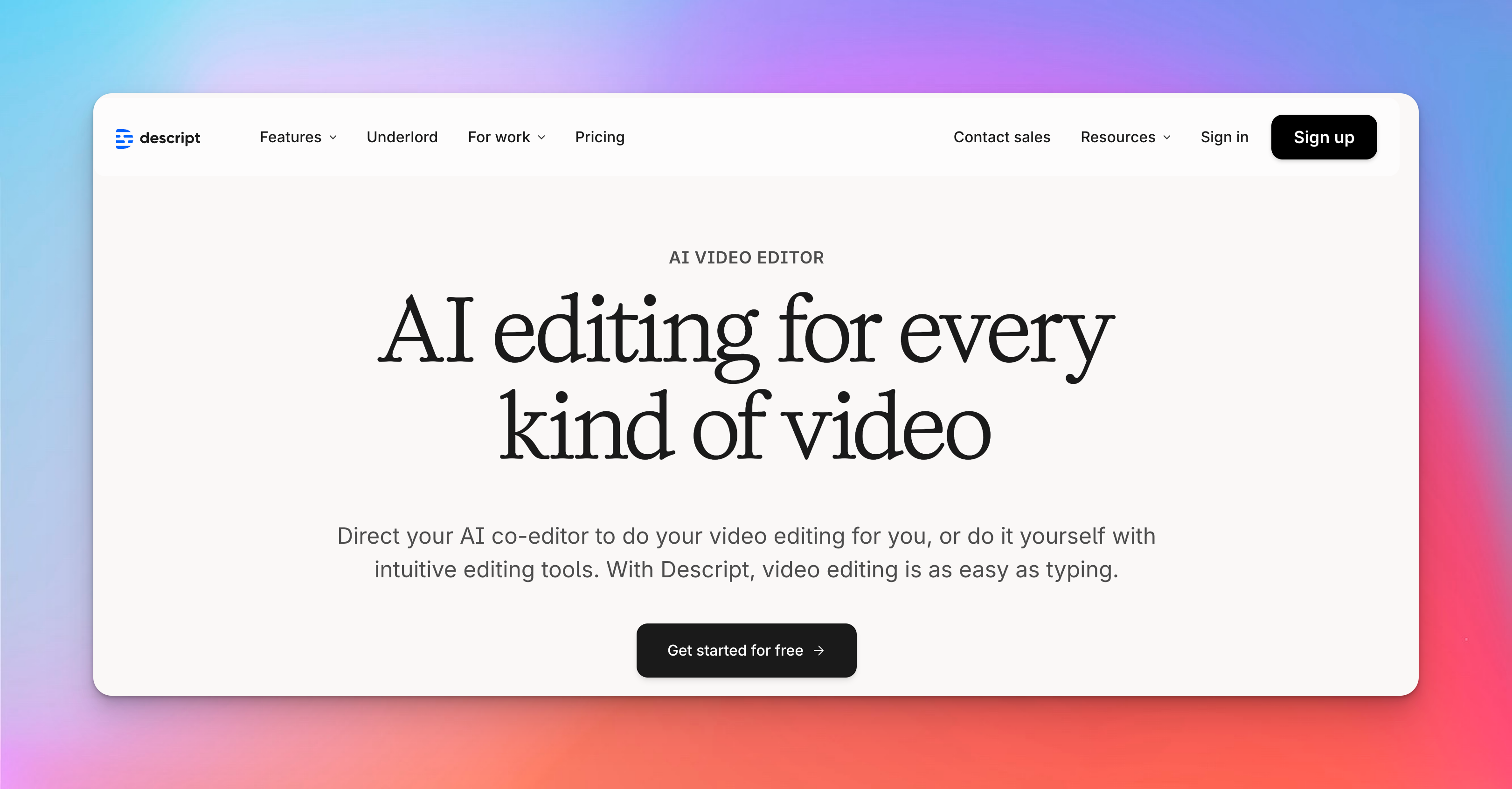
Descript merges transcription and editing into a single workflow, treating text as the control surface for audio and video. This approach removes much of the mechanical effort usually spent navigating timelines, which changes how long-form content gets shaped and revised.
Key features
- Editing the transcript edits the media directly, simplifying work on spoken recordings.
- AI improves audio quality and removes fillers, retakes, and long pauses automatically.
- Screen and webcam recordings import with instant transcripts for quick clipping and reuse.
- Voice cloning, AI speech fixes, and avatars allow corrections or narration without re-recording.
- Automatic transcription, captioning, and translation support multilingual exports in standard formats.
Pricing
- Free: $0
- Hobbyist: $24
- Creator: $35
- Business: $65
Descript accelerates cleanup and restructuring, but its automation can get in the way once a project needs exact visual control - a common reason creators combine it with a separate editor.
How to Use a Transcript Maker Online (Step-by-Step)
Using an online transcript maker is fast, simple, and requires no technical experience. The general workflow is:
Upload → Select method → Transcribe → Edit → Export → Share
Here’s a universal step-by-step process you can apply to any platform:
- Upload your file: Common formats include MP3, WAV, MP4, MOV, or cloud links (YouTube, Drive, Zoom). Clear audio improves accuracy.
- Choose transcription type: AI for speed and affordability; human for higher accuracy and professional use.
- Select language: Match the spoken language or choose a translation target if available.
- Process the file: Time depends on length, quality, and method; AI is faster but varies by platform.
- Review and edit: Correct errors, assign speakers, adjust timestamps, remove filler words, and annotate. Some tools sync edits to audio/video.
- Export: TXT, DOCX, PDF, SRT/VTT, CSV, or video with subtitles, depending on platform.
- Share and collaborate: Invite teammates, assign permissions, and leave comments when supported.
Free vs Paid Transcript Makers: What’s Better for You?
Most transcription tools offer some kind of free usage, but the value varies massively.
With the five tools in this list, “free” rarely means “fully usable,” and “paid” doesn’t always mean “expensive.”
Here’s the real difference, based on how these platforms actually work:
| Category | Free Versions | Paid Versions |
|---|---|---|
| Monthly Usage | Strict limits (daily caps, minutes caps, file caps) | High or unlimited usage; long files supported |
| Accuracy | AI-only; struggles with noise/accents | Higher-accuracy AI; optional 99% human review |
| File Length | Short files (20–60 min) | Multi-hour uploads (5–10+ hours) |
| Languages | Few languages | 20 - 150+ languages (HappyScribe strongest) |
| Exports | Mostly text-only (TXT; sometimes DOCX) | DOCX, PDF, SRT, VTT, captions/subtitles |
| Speaker Labels | Basic or inconsistent | Reliable multi-speaker detection |
| Editing Tools | Limited tools; watermarks; low AI credits | Full editors, AI cleanup, filler removal, summaries |
| Collaboration | Usually none | Workspaces, permissions, shared editing |
| Security | Consumer-grade | GDPR, SOC2, HIPAA (tool dependent) |
| Human Services | None | Human transcription/subtitles (HappyScribe, Rev) |
For anyone creating consistent audio or video content, paid tools deliver cleaner results and cut down on editing time.
Why HappyScribe Stands Out for Transcriptions
If there’s one reason HappyScribe stands out, it’s that it just stays reliable where most tools get shaky - long files, mixed accents, multilingual recordings, or situations where you can’t afford surprises.
It doesn’t jump into meetings on its own, it doesn’t over-automate, and it doesn’t make you babysit its output.
It’s simply the tool that causes the least friction and the fewest “oh no” moments, which is ultimately what matters most when you need transcripts you can trust.
Frequently Asked Questions
Is ChatGPT good for transcription?
ChatGPT can convert clear audio into text, but it is not designed as a full transcription tool. It does not provide timestamps, subtitle formats, speaker labels, or direct exports like SRT or VTT. For professional transcription needs, a dedicated platform is more suitable.
What is the best free transcription tool?
For a free option, TranscriptLOL’s basic tier is usually the easiest place to start. If the work grows or you need something more structured for actual projects, HappyScribe is the one people tend to move to because it holds up better over time.
What is the most accurate transcript?
Human-reviewed transcription delivers the highest accuracy, often reaching up to 99 percent. That’s why services like HappyScribe perform well with accents, technical language, and any work where the details really matter.
What is the best AI for transcribing?
HappyScribe’s AI offers strong accuracy, multilingual support, speaker detection, and export formats like TXT, DOCX, and SRT. While other tools perform well, HappyScribe combines accuracy and professional output, making it a reliable choice for individuals and teams.

Akshay Kumar
Akshay builds pieces meant to reach people and stay visible where it matters. For him, it’s less about the name and more about whether the words did what they were meant to.