![5 Best Transcription Software for Zoom [2026]](/sanity-images/ejgwz1gl/redesign/236151f21a59b293d84b3da3c56225dfbca0d3e7-1536x1024.jpg?auto=format&w=1536.0&rect=0,128,1536,768&h=768)
If you jump in and out of several Zoom calls a week, meeting transcripts will save you from ever wondering, “Wait, what did Adam discuss on Monday's stand-up?”
But there’s no one-size-fits-all for Zoom meeting notes. Some teams record their calls and run them through a transcription tool, while others prefer an AI note taker that joins the meeting, captures the talking points, and delivers a neat summary.
The best tools handle both.
To put this list together, I tested each tool hands-on and spoke to other Zoom users. What you get here is a shortcut to the best transcription software for Zoom in 2026.
TL;DR ⏩
- HappyScribe: Best overall Zoom transcription software for users who need 95%+ accurate transcripts from both live meetings and pre-recorded files in 150+ languages, with translation and AI-powered meeting insights in one platform
- Zoom AI Companion: Best for teams on paid Zoom plans who want basic meeting transcription and summaries without adding another tool
- Grain: Best for sales and customer success teams who want to clip, share, and act on specific moments from Zoom calls
- Rev: Best for teams that need human-verified accuracy for Zoom recordings, especially in legal, research, and media workflows
- Noota: Best for European recruiters and sales teams who want meeting intelligence with EU data residency and native CRM and ATS integrations
How did I shortlist the best transcription software for Zoom?
1. Accuracy and language support
A transcription tool is only as good as its output. I paid close attention to how each tool handles overlapping speakers, heavy accents, and domain-specific vocabulary.
Language support got equal scrutiny. A tool that only reliably transcribes English and a few popular languages isn't much use to a distributed team. This is one of the reasons why Otter AI doesn’t make the cut.
2. Security and compliance
Zoom calls carry conversations you wouldn't want exposed. I checked each tool for data encryption, SOC 2 compliance, and GDPR alignment, and noted where the details were buried or missing entirely.
3. Direct integration and smooth workflows
The fewer manual steps between a Zoom call and a finished transcript, the better. I reviewed whether each tool integrates directly with Zoom and supports calendar-based scheduling and file uploads. The transcription software should help you run tasks faster and not be a bottleneck.
4. Ease of collaboration and reuse
A transcript that lives in a silo isn't going to work for you. I checked how easy each tool makes it to share transcripts with teammates, whether through shareable links, exports, or integrations with other tools. I also made sure the best picks can surface decisions and insights from old meetings.
What are the top transcription software for Zoom? At a glance
| Category | HappyScribe | Zoom AI Companion | Grain | Rev | Noota |
|---|---|---|---|---|---|
| Best for | Accurate multilingual transcription from live and pre-recorded Zoom calls | Basic recaps for teams already on paid Zoom plans | Clipping and sharing key moments from sales calls | Human-verified transcripts for legal and compliance work | EU-hosted meeting intelligence for recruiters and sales teams |
| Key features | AI transcription, human-verified transcription, translation, subtitles, AI Chat, bot-free recording, file uploads | AI summaries, live captions, in-meeting questions, smart chapters | Video clips from transcripts, bot-free desktop capture, CRM sync, private notepad | Hybrid AI and human transcription, custom AI templates, multi-file insights, mobile app | VoIP calling, custom summary templates, email automation, mobile apps, Chrome extension |
| Supported languages | 150+ languages and dialects | 36 languages | 100+ languages | Fewer than 40 (AI). Human transcription service is limited to English | 50+ languages |
| Meeting platform integration | Zoom, Google Meet, Microsoft Teams, and in-person meetings | Zoom, Google Meet, and Teams | Zoom, Google Meet, Microsoft Teams | Zoom, Google Meet, Microsoft Teams | Zoom, Google Meet, Microsoft Teams, Webex |
| Security | SOC 2 Type II, GDPR-compliant; data stored in PCI DSS, ISO 27001-compliant EU data center | GDPR, SOC 2, encryption | SOC 2 Type II, GDPR compliant. Data hosted on AWS (US) | SOC 2 Type II, HIPAA, CJIS. Does not share data with third-party AI models | SOC 2, ISO 27001, GDPR. EU data center |
| Starting price | Free plan (unlimited recordings). Paid plans start from $8.50/month (billed annually) or $17/month | Free with paid Zoom plans (starts from $16.99/month) | Free. Paid plan starts from $19/month | Free. Paid plan starts from $29.99/month | Free. Paid plan starts from $29/month |
1. HappyScribe
Best for: Zoom users who need accurate multilingual transcripts from both live meetings and pre-recorded files, with translation and AI-powered meeting insights in one platform
Barcelona-based HappyScribe gives you two ways to transcribe Zoom meetings. Upload recorded Zoom calls and get structured transcripts within minutes, or connect your calendar to HappyScribe note taker so it can auto-join meetings. Either way, you get 95% accurate notes in global languages.
What makes HappyScribe AI note taker for Zoom stand out is that it doesn't stop at transcription. You can translate meeting notes, generate subtitles, and use the AI Chat to pull insights from past calls. It's a meeting productivity suite that helps you save time and make smarter decisions.
HappyScribe's key features
1. 95%+ accurate transcripts in 150+ languages and dialects
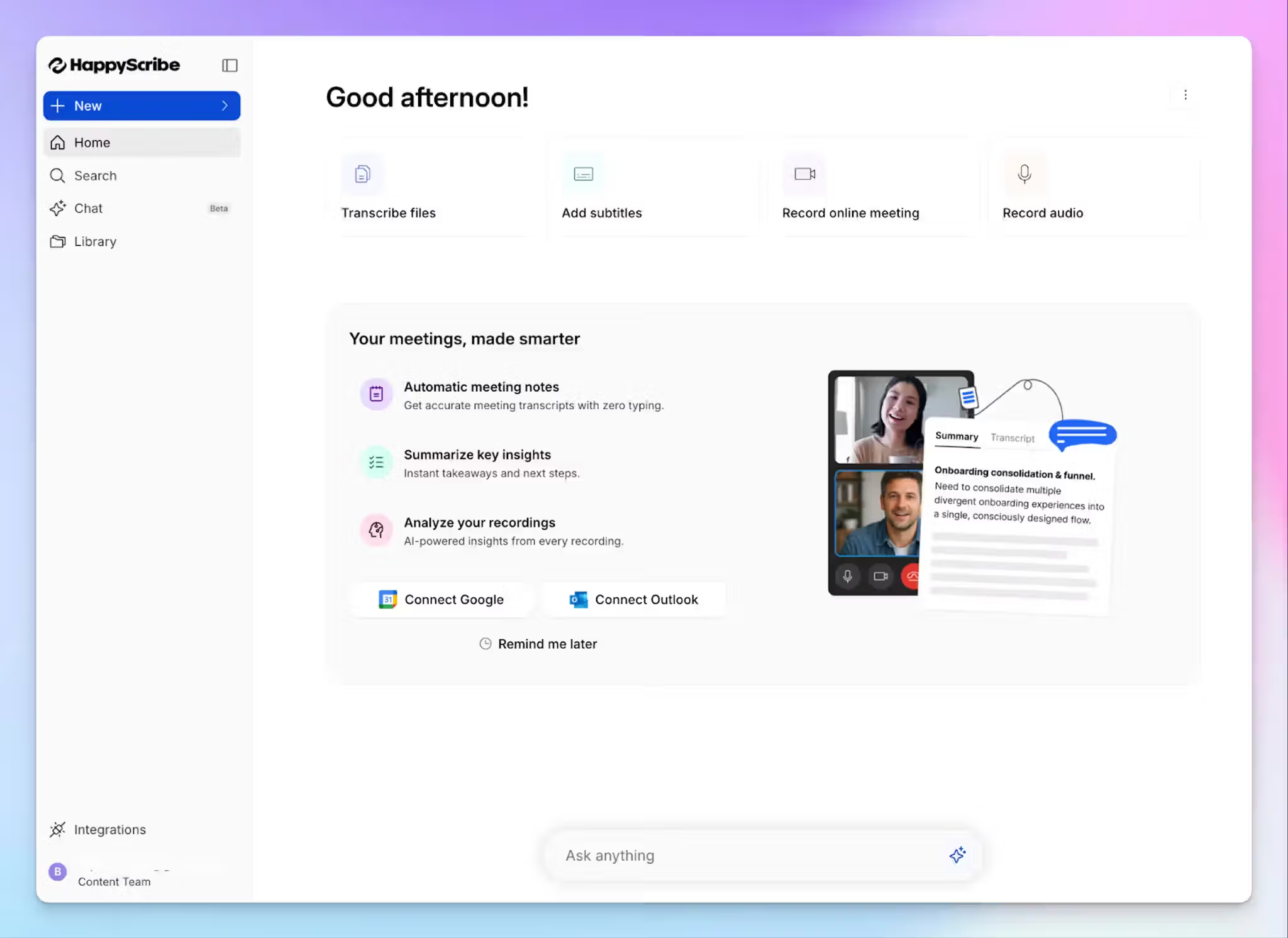
Most note takers work better when one person speaks in clear American English. Zoom calls rarely look like that. HappyScribe transcription software is fine-tuned for the conditions that actually show up in meetings: speakers talking over each other, fast-paced jargon, and regional accents.
HappyScribe covers 150+ languages and dialects, which include everything from Swiss German and Icelandic to Lao and Swahili. You can add custom glossaries so the AI handles your industry-specific terminology correctly from the first file.
If you’re working in a regulated industry where accuracy is non-negotiable, you can also opt for human transcription that comes with 99% accuracy.
2. Bot-free and bot-assisted recording options
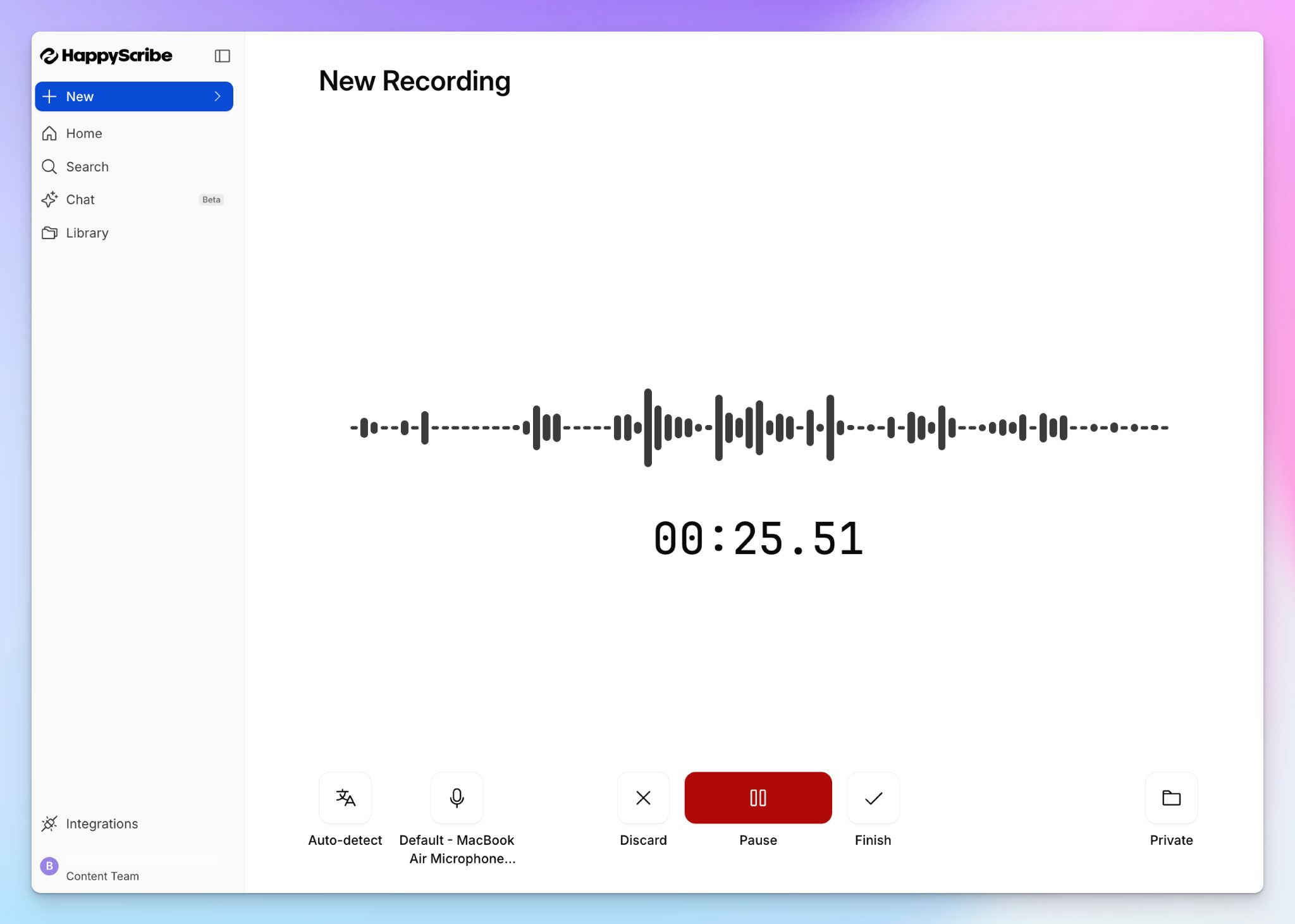
HappyScribe’s note taker auto-joins scheduled Zoom calls, and for ad hoc meetings, you can paste the link to invite the bot manually. You can also configure how it looks and behaves during the call by typing "!help".
But not every Zoom call needs a visible bot. If you're on a sensitive client call or an informal check-in, HappyScribe lets you record audio directly from your browser and mobile app, without a bot joining the meeting. With this level of flexibility, you’re always in control of how meetings are run.
3. AI Chat for extracting insights from Zoom transcripts
Rather than scrolling through a long transcript, you can chat directly with your meeting notes. You can use the AI Chat to find a specific speaker's quote, surface decisions from a call, generate video chapters, or draft a follow-up email based on what was discussed.
It works across multiple meetings, so you can ask questions that span several Zoom calls at once.
4. File transcription, translation, and subtitles for pre-recorded Zoom calls
HappyScribe isn't limited to live meetings. You can upload pre-recorded Zoom files from your device, YouTube, Box, Vimeo, Dropbox, or Google Drive, and get the same structured transcript and summary output.
Need to share a Zoom recording with a team in another country? Translate meeting notes into 80+ languages directly inside HappyScribe. The built-in subtitle generator handles editing and formatting, so any Zoom recording can become a shareable asset without switching tools.
HappyScribe's pricing
- Free: Unlimited meeting recordings (45 mins per recording)
- Basic: $8.50/month (billed annually) or $17/month (billed monthly)
- Pro: $19/month (billed annually) or $29/month (billed monthly)
- Business: $59/month (billed annually) or $89/month (billed monthly)
- Enterprise:Contact sales for tailored solutions
HappyScribe's pros
- Integrate HappyScribe meeting data with other tools via API, MCP server, and Zapier integrations
- Option to choose between bot-assisted Zoom meetings and bot-free meetings
- SOC 2 Type II and GDPR-compliant note taker with Tier IV, PCI DSS, and ISO 27001 compliant EU data residency, making it one of the best AI note takers in Europe
- Generous free plan with unlimited meeting recordings, up to 45 minutes each
- Upload pre-recorded Zoom files from your device, Dropbox, and Google Drive
- AI Chat turns transcripts into summaries, quotes, follow-up emails, and video chapters
- Bulk discounts on transcription and SSO and SAML login are available for Enterprise teams
- Responsive customer support from real humans, not chatbots
HappyScribe's cons
- Not ideal for real-time transcription during meetings
What are users saying about HappyScribe?
I just started using HappyScribe but the customer service alone makes it highly recommendable! The transcriptions come out very clean and their AI tools are of higher quality than the last service I used. I'm impressed.
In a meeting with 25 people I recorded a talk on debt restructuring with my phone from the back of the room. The notes were concise, albeit not totally to the point, since this was not a formal meeting. The AI prompted narrative summary of less than 500 words nailed it though!
How to transcribe Zoom meetings with HappyScribe: a step-by-step guide
- Link your Google or Outlook calendar to let HappyScribe auto-join scheduled Zoom meetings. For in-person meetings, record audio without a bot.
- To transcribe pre-recorded files, click Transcribe files and upload from your device or cloud storage.
- Click on your profile menu from the bottom left menu and select Settings to customize when the note taker should join, who can view transcripts, and who should receive the email summary.
- During the Zoom call, the host admits the bot to start recording. Anyone on the call can type "!help" in chat to pause, resume, or remove it.
- Once the meeting ends, notes and transcripts are saved in your Workspace or Private section, depending on your privacy settings.
2. Zoom AI Companion
Best for: Teams on paid Zoom plans who want basic meeting transcription and summaries without adding another tool
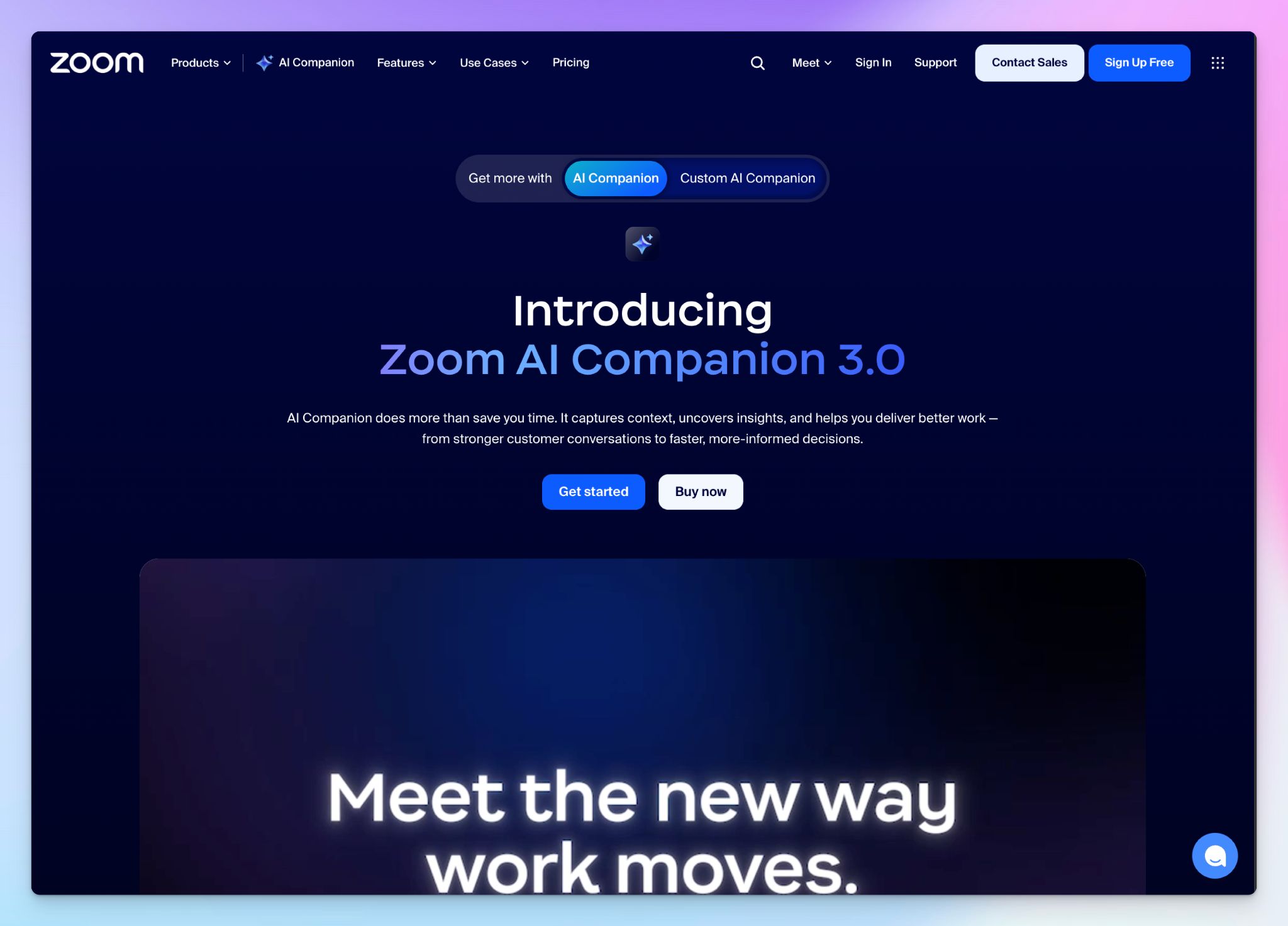
Zoom AI Companion is the path of least resistance for anyone already paying for Zoom Workplace. It's baked into the app, so there's no bot to admit, no calendar to connect, and no separate dashboard to learn. After a meeting ends, you get an AI-generated summary with action items and next steps.
But the limits are all too glaring. AI Companion transcribes in only 30+ languages, and speaker identification only works for Zoom meetings. I also ran into cases where transcripts simply didn't appear in my dashboard after the meeting ended.
If your team runs straightforward English-first Zoom calls and needs a quick recap, AI Companion handles the basics at no extra cost.
Zoom AI Companion's key features
- AI-generated meeting summaries with action items, next steps, and smart chapters that break long recordings into short insights
- In-meeting questions let participants ask the AI what they missed without interrupting the speaker
- AI Companion chat lets you ask questions about past meetings, draft follow-up messages, and summarize chat threads across Zoom Workplace
- Works across Zoom Meetings, Zoom Phone, and Zoom Chat, and can now join Google Meet and Microsoft Teams calls
Zoom AI Companion's pricing
- Basic: Free (limited AI features)
- Pro: $16.99/month
- Business: $18.69/month
- Enterprise: Custom pricing
- AI Companion Standalone: $10/month
- Custom AI Companion Add-on: $20/month
Zoom AI Companion's pros
- Zero setup friction if you're already on a paid Zoom plan, since AI Companion is included at no extra cost
- AI features are disabled by default and require admin opt-in, which gives IT teams granular control over rollout
- Zoom doesn't use customer audio, video, or chat content to train its AI models
Zoom AI Companion's cons
- Summaries can misattribute action items or fail to generate entirely, which makes them unreliable for high-stakes meetings
- You can't upload pre-recorded files for transcription. It only covers live meetings
- Setting it up without admin control and accessing the AI notes can be complex for no reason, prompting many users to look for reliable Zoom AI Companion alternatives
📚 Also read:
3. Grain
Best for: Sales and customer success teams who want to clip, share, and act on specific moments from Zoom calls
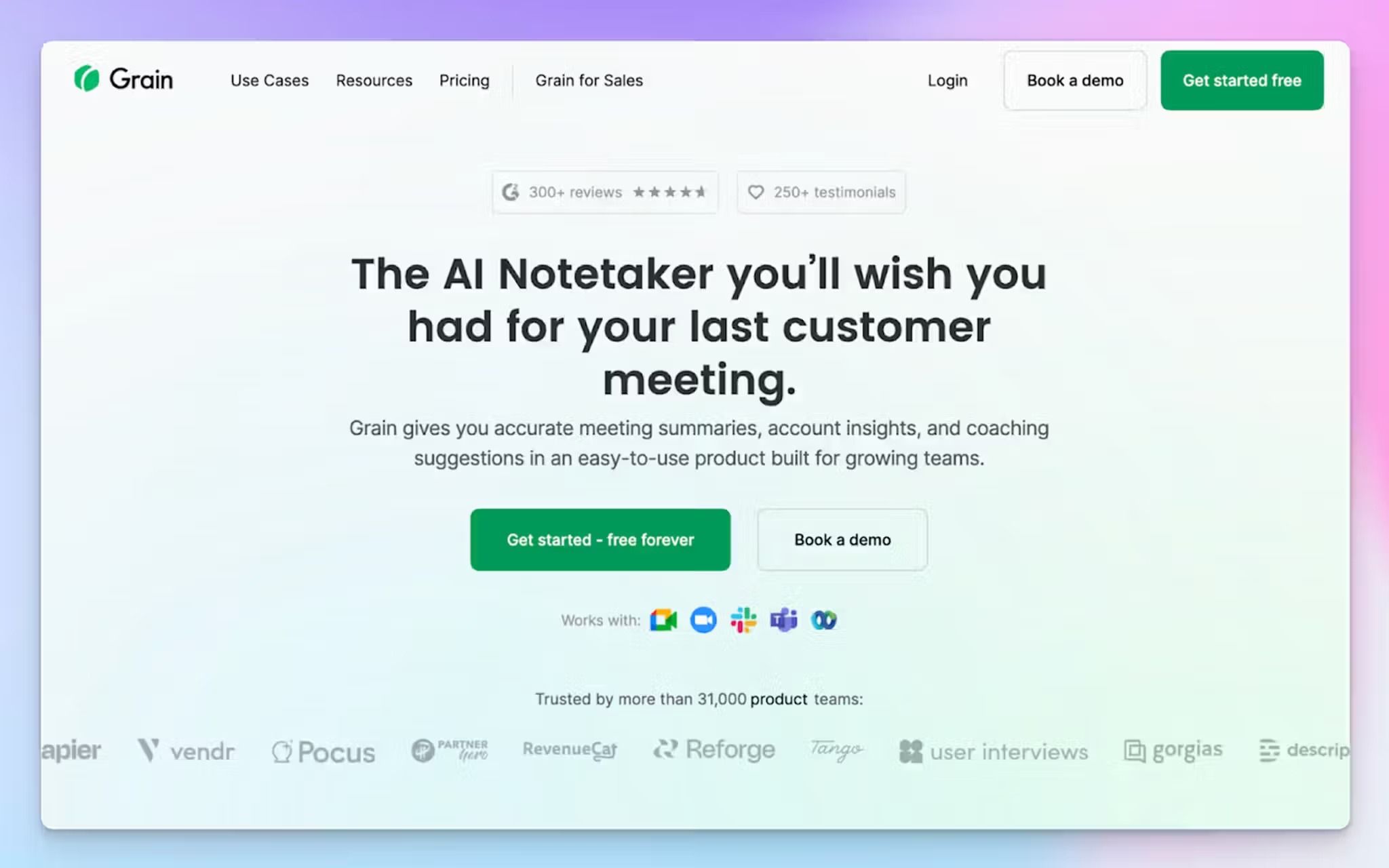
Grain AI takes a different angle on Zoom transcription. Instead of simply generating transcripts, it captures specific moments from calls and turns them into shareable video clips. Select a section of the transcript, and Grain creates a timestamped clip you can send to a teammate, drop into Slack, or attach to a HubSpot deal.
Grain's key features
- Shareable video clips created directly from transcript selections, which can be organized into playlists for training, onboarding, or stakeholder presentations
- Bot-free desktop capture that transcribes your computer's audio without a visible bot joining the call
- Native integration support for HubSpot, Salesforce, Aircall, Slack, and Productboard to sync meeting data with your tech stack
- Apart from transcription, you can also use Grain as a private notepad to enrich context for meeting data
Grain's pricing
- Free
- Starter: $19/month
- Business: $39/month
- Enterprise: Custom pricing
Grain's pros
- Grain’s meeting insights can be customized according to sales, product research, customer success, and HR workflows
- Free viewer seats mean your whole team can access meeting recordings and notes without paying for additional licenses
- GDPR-compliant and SOC 2 Type II audited note taker, with all data hosted on AWS infrastructure in the US
Grain's cons
- No mobile app, so you can't record in-person meetings or access transcripts on the go
- It struggles to surface action items accurately. The shortcomings are most visible in technical meetings
- Grain doesn't support meeting notes translation, pushing many users to look for better Grain alternatives
4. Rev
Best for: Teams that need both AI speed and human-verified accuracy for Zoom recordings, especially in legal, research, and media workflows
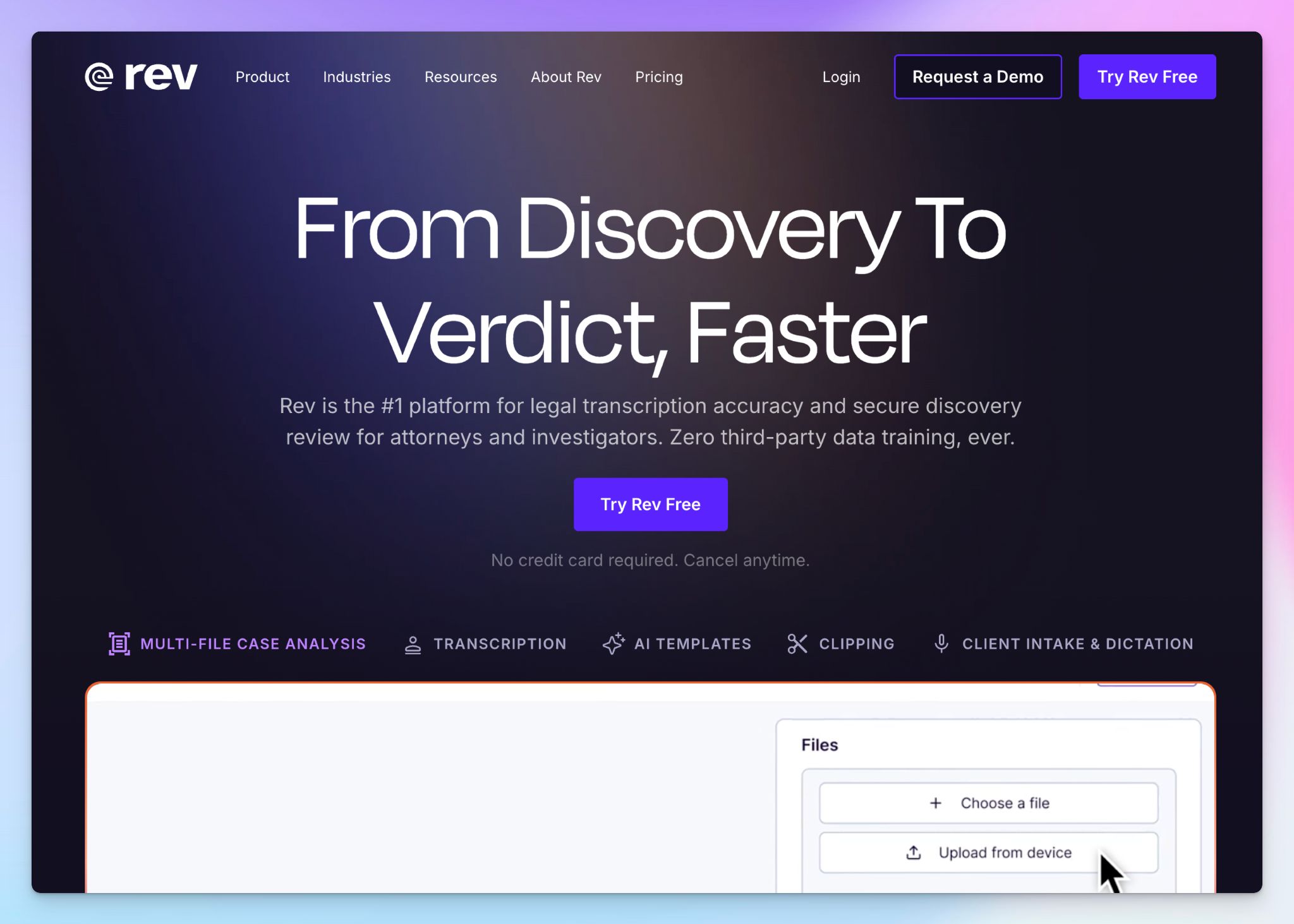
Rev is one of the oldest names in transcription, and its hybrid model is what sets it apart. You can run a Zoom recording through Rev's AI engine for a fast draft, then send it to one of 14,000+ human transcriptionists when the stakes are higher.
The AI Notetaker joins Zoom, Google Meet, and Microsoft Teams calls to capture live meetings and gives you structured summaries. For legal teams, Rev offers specialized features like multi-file analysis and AI-powered deposition summaries.
Rev's key features
- You can use custom AI templates for meeting takeaways, interview analysis, focus group summaries, and show notes. Easy to standardize how different teams access transcripts
- Rev supports AI captions in 30+ languages with 95%+ accuracy, delivered in minutes
- With multi-file insights, you can analyze patterns and spot contradictions across multiple audio, video, and text files simultaneously
- Rev’s mobile apps work for recording, dictation, and on-the-go transcription that syncs automatically to desktop
Rev's pricing
- Free: 45 AI minutes/month
- Essentials: $29.99/month
- Pro: $59.99/month
- Unlimited: Custom pricing
Rev's pros
- The hybrid model ensures you can use AI for internal meeting recaps and escalate to human transcription when accuracy is critical
- Rev supports real-time transcription, so you can read as the meeting is being transcribed
- Rev supports SOC 2 Type II, HIPAA, and CJIS, and explicitly states it never uses customer data to train third-party AI models
Rev's cons
- Human transcription only supports the English language, and at $1.99/minute, it adds up fast for teams with high call volumes
- AI transcription supports fewer than 40 languages, which limits how much value multilingual teams can extract from Rev
- Rev has shifted toward legal positioning, so some users might prefer one of the better Rev alternatives
📚 Also read:
5. Noota
Best for: European recruiters and sales teams that want meeting intelligence with EU data residency and native CRM and ATS integrations
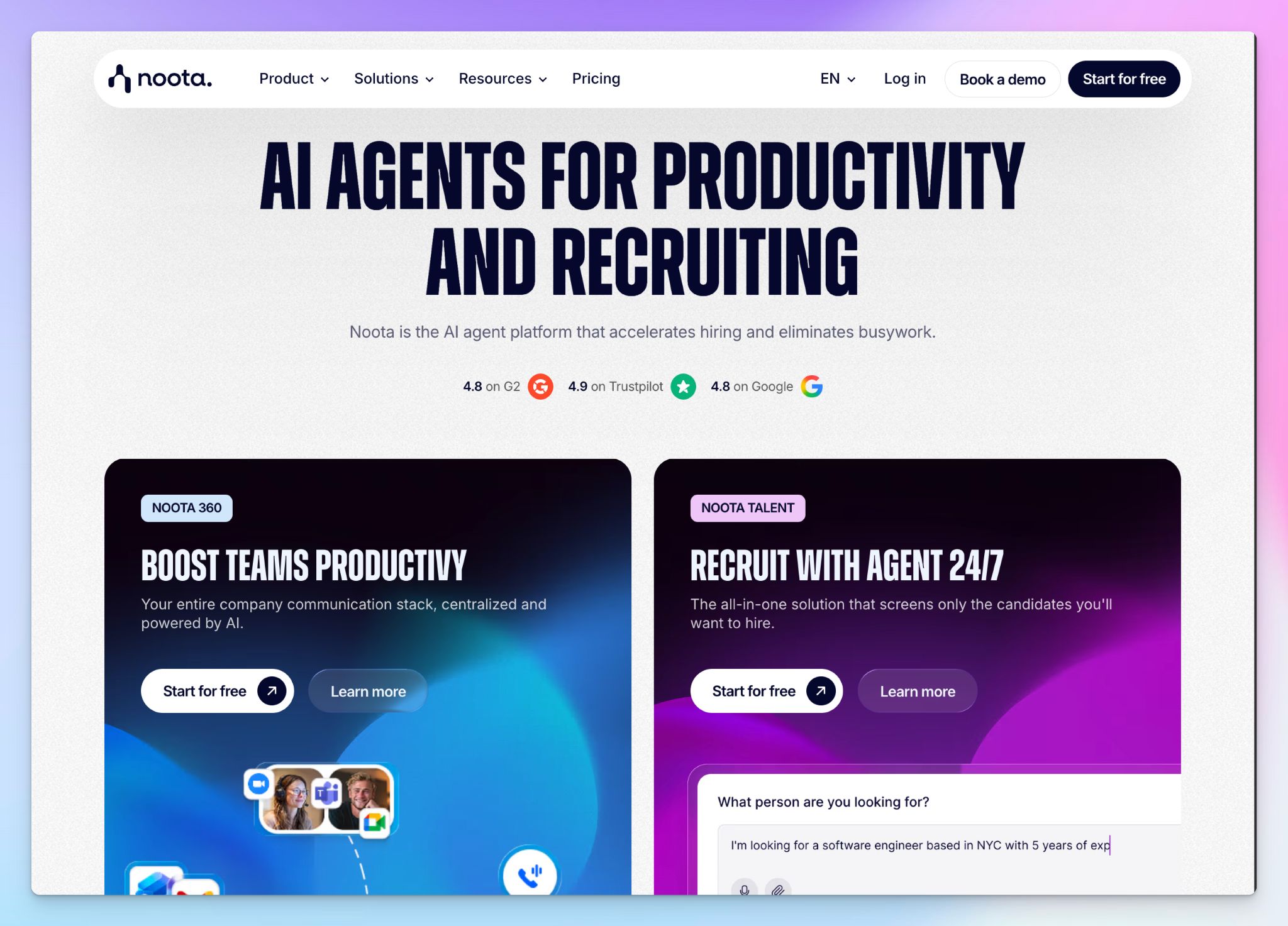
Paris-based Noota rounds up this list for Zoom AI meeting assistants. It joins your calls, transcribes in 50+ languages, and pushes structured reports directly into your CRM or ATS.
Noota is geared towards recruiters, with features like AI sourcing and candidate scorecards improving your overall interviews via Zoom.
Noota's key features
- VoIP calling support lets you record phone conversations directly from Noota and get instant transcriptions, all from your own number
- Custom summary templates for different meeting types, so a sales discovery call and a candidate screening interview each produce a different structured report
- You can sync Noota with Gmail and Outlook to auto-label incoming messages, and draft AI replies based on your tone and meeting context
- It supports iOS and Android mobile apps and a Chrome extension for bot-free recording
Noota's pricing
- Free: 300 minutes/month
- Pro: $29/month
- Business: $49/month
- Noota Talent: $299/month
- Enterprise: Custom pricing
Noota's pros
- All transcription data is hosted in EU data centers (Google Cloud, France) with SOC 2, ISO 27001, and GDPR compliance
- Native integrations with Bullhorn, Salesforce, Greenhouse, HubSpot, Pipedrive, Workable, Monday, Aircall, Ringover, Notion, and Slack
- Noota 360 unifies meeting transcripts, email automation, hiring agents, and business phone calls all in one place
Noota's cons
- Transcription accuracy drops noticeably with strong accents and in languages beyond French and English, which limits reliability for global teams
- Noota has gone through frequent UI changes recently, which has pushed many users to look for Noota alternatives for consistency
📚 Also read:
Which transcription software for Zoom should you choose?
Every tool on this list handles Zoom transcription, but they don't all solve the same problem. Your pick depends on what happens after the meeting ends.
👉 Zoom AI Companion works if your team already pays for Zoom Workplace and just needs a basic recap of calls with clean audio.
👉 Grain is built for sales and customer success teams that want to clip key moments from calls and route them into CRM workflows.
👉 Rev earns its place when you need human-verified transcripts for legal, compliance, or media work where a single misquote can cause real problems.
👉 Noota fits European recruiters and sales teams that need structured interview reports pushed directly into their ATS and CRM with EU data residency.
👉 HappyScribe is the best choice if you want to cover a wide range of Zoom transcription workflows in one platform.
HappyScribe handles multilingual transcription for both live Zoom meetings and pre-recorded files, with translation, subtitling, and AI Chat built into the same workspace. It's also SOC 2 Type II-certified and GDPR-compliant with EU data residency, making it one of the best AI meeting assistants in Europe.
Most teams need a system that turns Zoom calls into searchable, shareable, and actionable records. HappyScribe does that without forcing you to pay hundreds of dollars per month.
FAQs on the best transcription software for Zoom
What is the best Zoom transcription service?
HappyScribe is the best Zoom transcription service for teams that need highly accurate transcripts from both audio and video files in 150+ languages. It works as an AI meeting assistant that joins your calls, captures key points, and delivers automated summaries. For teams that only use Zoom, the built-in AI Companion handles basic meeting transcription, but it doesn't support file uploads or translation like HappyScribe does. Rev is the solid choice if you need human transcribers for legal work.
Is there a transcription tool on Zoom?
Yes. Zoom AI Companion is a built-in transcription tool that generates AI summaries, live captions, and a full transcript after each meeting. It's included at no extra cost with paid Zoom plans, and it works across Zoom Meetings, Zoom Phone, and Zoom Chat. The main limitations are that it doesn't handle background noise or multiple speakers as well as dedicated meeting transcription tools, and it can't transcribe pre-recorded audio recordings.
What is the best free transcription service for Zoom?
HappyScribe offers a free plan with unlimited meeting recordings up to 45 minutes each, which makes it one of the most generous free meeting transcription apps available. Grain's free tier covers 20 meetings with basic AI note taking. Zoom AI Companion is also free if you're already on a paid Zoom Workplace plan, but it only covers live meetings. If you record meetings and want to transcribe both audio and video files after the call, HappyScribe's free plan is the strongest option.
Can ChatGPT take notes from a Zoom call?
ChatGPT can't auto-join a Zoom call. To record meetings, you'd need to turn on the microphone or upload the audio file to ChatGPT for a summary. This adds manual steps and doesn't give you a timestamped or speaker-labeled transcript. Dedicated meeting transcription services like HappyScribe connect to Zoom through your calendar and deliver accurate transcription, private meeting notes, and AI summaries automatically, so you don't have to stitch together other AI tools.
Which meeting transcription software is the best?
HappyScribe is the best all-around meeting transcription software because it covers live meeting capture, file uploads, translation, and subtitling in one platform with collaboration features for teams. Rev is useful when you need human-reviewed transcripts for high-stakes audio recordings. Grain works best for sales teams that want to clip and share key points from calls. For enterprise plans with advanced security and compliance, HappyScribe and Rev both offer SOC 2 Type II certification.
What's the best transcription tool for multiple languages?
HappyScribe supports 150+ languages and dialects, which makes it the widest-coverage option among meeting transcription tools for video conferencing platforms like Zoom. It handles multiple speakers with different accents in the same call and can translate meeting notes into 80+ languages. Noota covers 50+ languages and is a good fit for European teams. Zoom AI Companion supports 30+ languages, but accuracy drops outside English, and Rev supports fewer than 40 languages for AI transcription.

Biplab Mazumder
Biplab is a content marketer and writer who helps high-growth brands scale content visibility across AI search channels. His works have been published in HubSpot, Freshworks, Atlassian, SurferSEO, etc. When he's not planning content strategy, he's testing AI content workflows and use cases.