Media teams in 2026 don’t struggle to get transcripts; they struggle to trust them. Turning audio into text is easy - publishing the right words isn’t.
AI made transcription cheap, but also messy, creating a silent tax of fixes, misquotes, and legal risk. One inaccurate line can stall an entire production.
Transcription is the first bottleneck in a workflow where every delay compounds. If this layer is scattered across tools, everything downstream slows. The teams winning now use AI for speed and humans for certainty.
In this guide, we’ll break down five transcription software tools built for media workflows and examine which ones actually remove bottlenecks instead of creating new ones.
TL;DR
- HappyScribe: The most complete workflow stack - AI speed with human backup when precision counts.
- TranscribeMe: Strong human accuracy, but slower, service-style operations.
- GoTranscript: Great for tough, multilingual audio; higher cost and longer turnaround.
- Scribie: Budget-friendly English transcripts, limited for serious media use.
- Temi: Fast and cheap, but only reliable with very clean audio.
What to Know When Selecting a Media Transcription Service
Your transcription choice shapes everything that follows editing, publishing, accessibility, and team workflows. Keep these essentials in mind:
- Accuracy in complex audio: Media files often include overlapping voices, background noise, and technical terms. Choose tools with strong multi-speaker accuracy, timestamps, and automatic speaker labels.
- Security and compliance: Pre-release or sensitive content needs protection. Look for GDPR, SOC 2, or ISO-certified platforms with encryption and controlled access.
- Workflow and integration fit: The service should plug into tools you already use, such as YouTube, Zoom, Google Drive, Vimeo, or editing software, to reduce manual steps and keep production smooth.
- Multilingual and collaboration support: For global or team-based work, you need multiple languages, shared editing, comments, and version control to speed up review.
- Turnaround time and scalability: High-volume projects require predictable speed. Batch uploads, fast processing, and scalable workflows help you stay on schedule.
With these essentials in place, you can choose a professional transcription service that supports real production demands in 2026.
5 Best Media Transcription Services in 2026
The tools below are the standout transcription solutions, each offering a different balance of speed, accuracy, language support, and workflow readiness.
1. HappyScribe
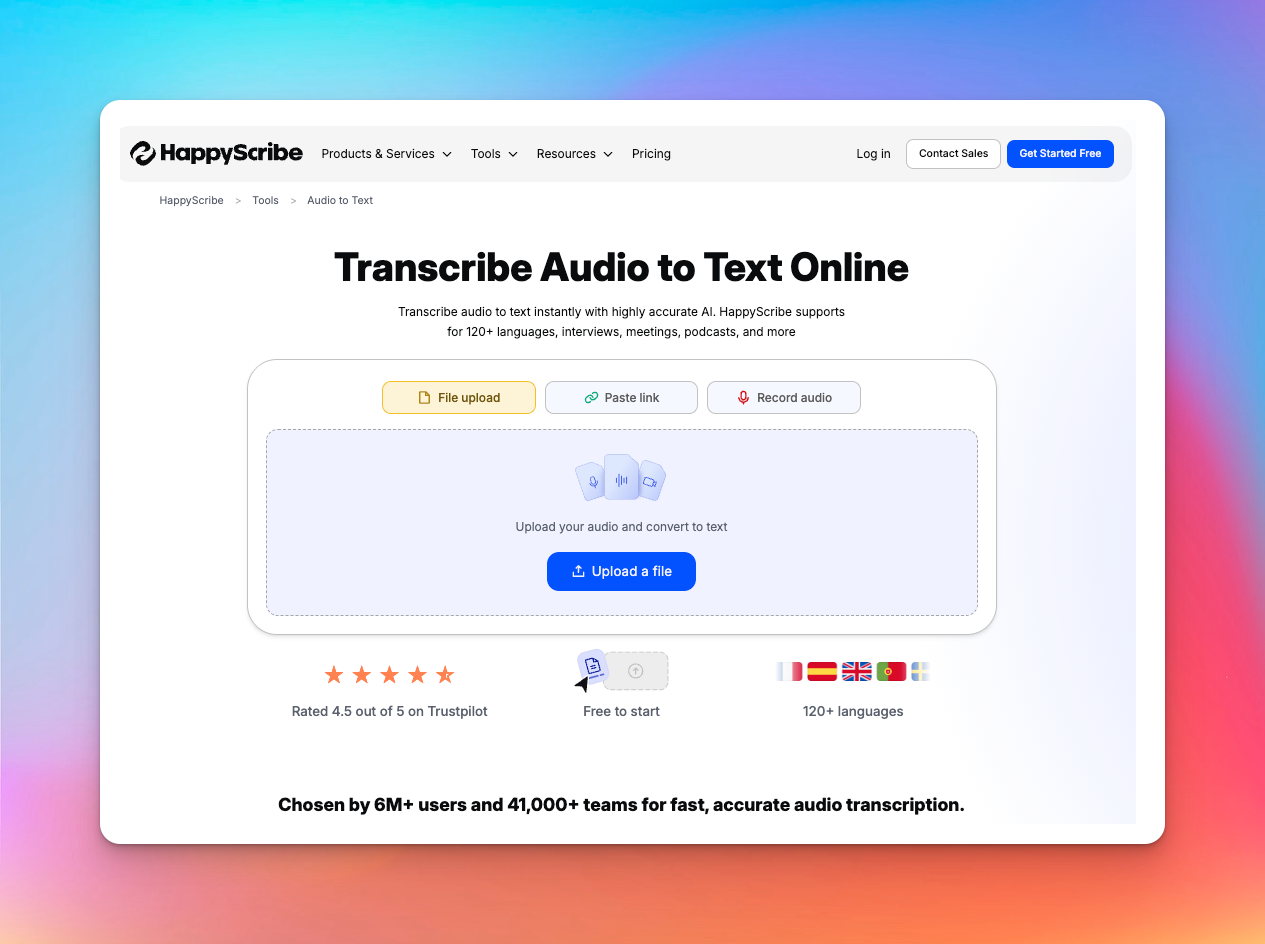
Best for: High-volume media projects, subtitles, and translation
HappyScribe is a unified environment for media transcription, subtitling, and multilingual content production.
It’s built for teams handling interviews, documentaries, podcasts, editorial meetings, production workflows, and international distribution - where fast AI output and human-grade accuracy must coexist in the same workflow.
Key Features
- Multilingual Support: Transcription, subtitles, captions, and translations in 150+ languages for global shoots and reporting.
- Production-Ready Workflows: Supports papercutting, script creation, and detailed story breakdowns, reducing manual logging for editors and assistant editors.
- AI Transcription: Fast processing with speaker labeling, timestamps, cloud imports (YouTube, Drive, Zoom), and exports in TXT, DOCX, PDF, SRT, VTT, CSV, etc.
- Studio (Managed Localization): An optional full-service layer where professional linguists handle transcription, translation, professional subtitling, and end-to-end localization for film, TV, and branded content.
- Speed & Turnaround: AI transcripts in minutes; expert-checked files typically within 12 hours - helpful when production schedules are tight.
- AI Subtitles & Captions: Automatic subtitles with precise timing, instant translation, styling options, and export to all major platforms.
- Glossaries & Style Guides: Keeps brand names, terminology, and formatting consistent across projects - critical when multiple editors or translators touch the same content.
- Security & Compliance: SOC 2 Type II + GDPR. Essential for agencies, media houses, and enterprises handling sensitive or embargoed material.
HappyScribe does not stop at AI. When accuracy or nuance is non-negotiable, you switch to its human transcription services and human subtitling layer:
- Transcripts created and reviewed by vetted, native-speaking professionals.
- Support for 60+ languages with a ~99% accuracy target.
- Options for verbatim or “clean read” style, speaker labels, and custom formatting.
- Human subtitlers who work with CPS/CPL constraints and industry standards for film, TV, e-learning, and branded content.
- Multi-step review and quality checks for production-ready output.
For investigative work, legal-adjacent content, sponsored campaigns, or high-stakes interviews, this is the difference between “usable” and “publishable.”
Pricing
- Lite: $9 / month
- Pro: $29 / month
- Business: $89 / month
(Human-made transcription and subtitling are available as paid add-ons.)
Pros
- Combines AI speed with expert verification for dependable accuracy.
- Handles transcription, subtitling, and translation inside the same ecosystem.
- Wide format support enables seamless use across editing and publishing tools.
- Strong compliance and access controls suitable for professional media workflows.
Cons
- There is currently no mobile app for on-the-go transcription.
HappyScribe is standard in major newsrooms like Tamedia, where journalists save 3-4 hours per interview through accurate multilingual transcription and secure SSO access. It blends into existing workflows with no training needed.
2. TranscribeMe
Best for: Hybrid AI + human transcription for media content
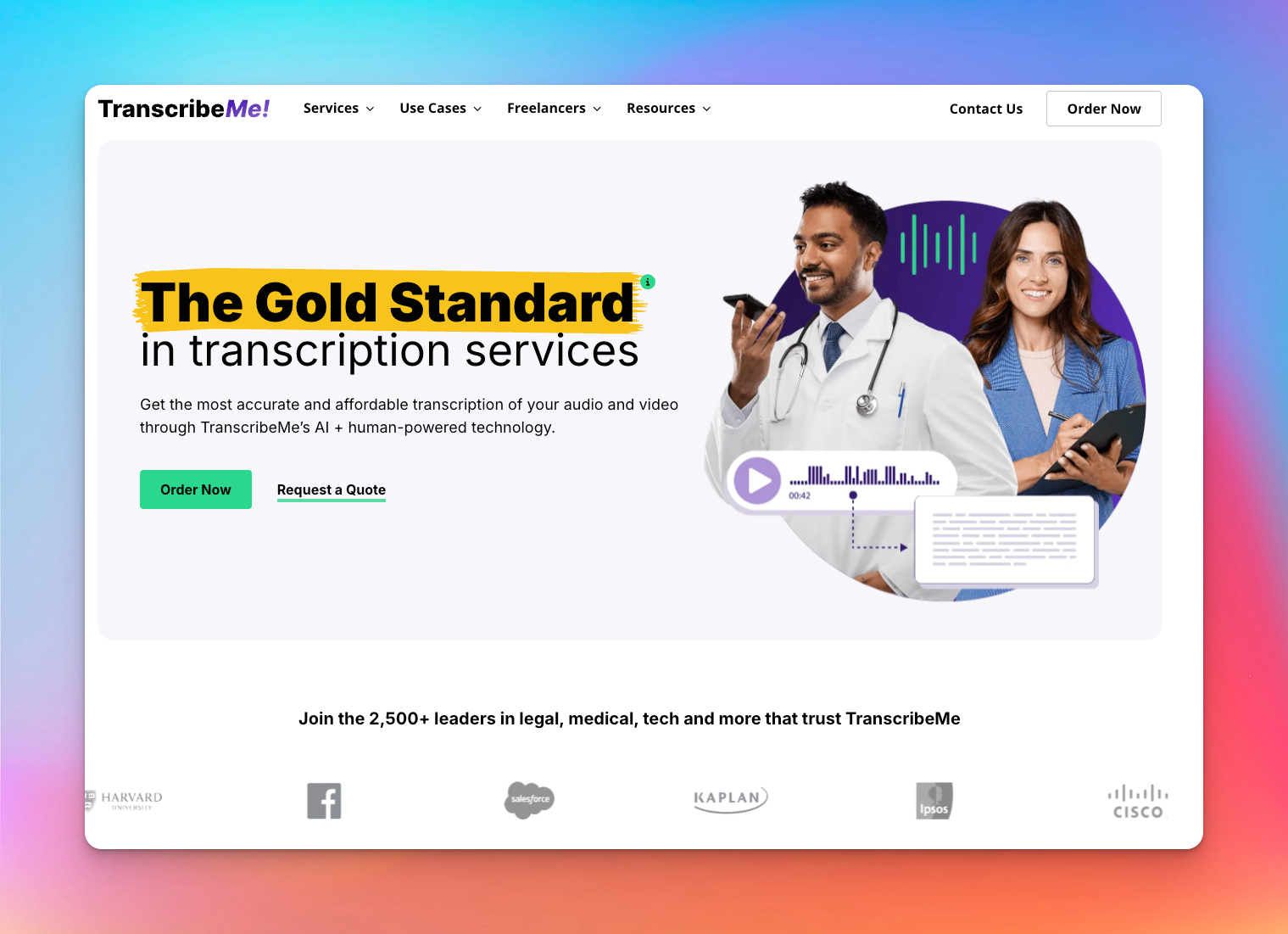
TranscribeMe is perfect for projects that need both speed and precision. Its secure workflows and team collaboration features make it ideal for media, legal, and academic projects.
The focus is on accuracy and scalability rather than speed, so you can trust your transcripts to be precise and reliable.
Key Features
- Automated drafts are edited by humans with tiers (First Draft, Standard, Verbatim) to match project needs and avoid unnecessary costs.
- Files are segmented, encrypted, and distributed, ensuring GDPR, HIPAA, and enterprise compliance.
- Permissions, shared portals, and structured review flows ensure consistency across large or recurring projects.
- Legal, medical, academic, and enterprise clients get custom workflows, vetted workers, and formatting standards.
Pricing
- AI Automated: $0.07/min
- First Draft: $0.79/min
- Standard (~99% accuracy): $1.25/min
- Verbatim: $2.00/min
Pros
- High accuracy on complex, multi-speaker, or technical media.
- Architecture built around security and controlled access.
- Scales smoothly for long-form, high-volume, or recurring teams.
Cons
- Multi-speaker recordings may still require minor edits for perfection.
- Support response times can be slower compared to some other transcription platforms.
3. GoTranscript
Best for: Human, multilingual transcription prioritizing nuance, tough audio, and custom labeling.
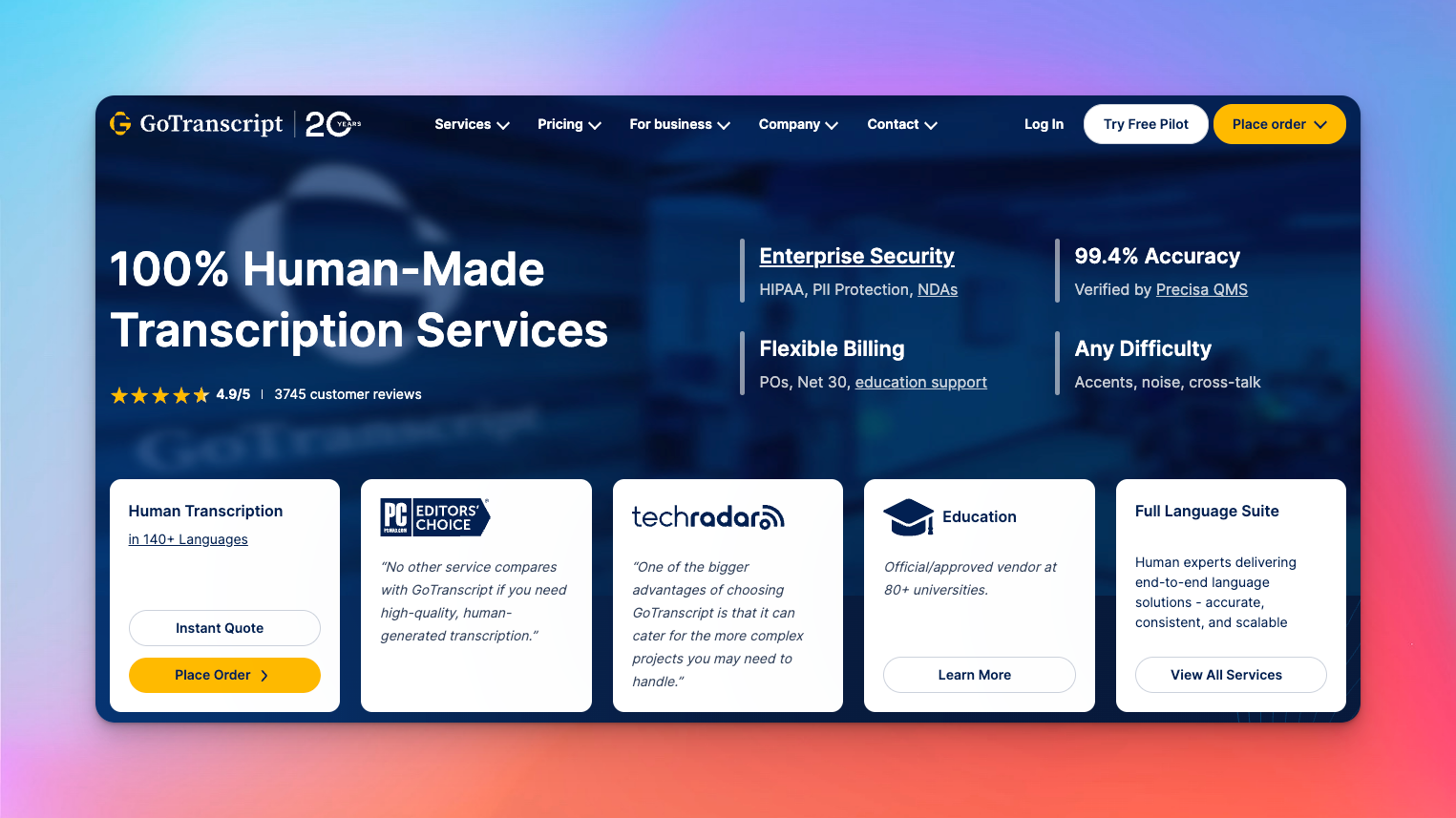
GoTranscript sits on the opposite end of the spectrum from AI-first tools. Everything is human-made, built around a large global workforce and a quality system (Precisa QMS) that targets 99.4% accuracy.
It leans into complex work: accents, cross-talk, heavy noise, custom schemas, and detailed labels that media teams feed into editing or AI pipelines.
Key Features
- 100% Human Transcription in 140+ Languages. Native transcribers handle tough accents, noise, and cross-talk, covering major and niche languages.
- Offers verbatim/clean read, speaker diarization, timestamps, and custom labels (emotions, intents, entities) for seamless integration into editing and research.
- In-house system ensures 99.4% accuracy, critical for legal, research, and subtitle use.
- APIs for human transcription, proofreading, and translation let enterprises integrate seamlessly with existing tools.
- Supports POs, Net 30, and compliance (HIPAA, GDPR, PII), simplifying procurement and governance.
Pricing
- Pricing varies by language and speed, starting at $1.20/min for English and reaching $5.00-$5.50/min for higher-tier languages, with faster delivery costing more.
Pros
- Human-only workflow handles tough, noisy, or multi-speaker media more reliably than ASR.
- A broad language and subtitle stack covers accessibility and global distribution in one place.
- Rich labeling and JSON outputs are perfect for editing, research, or AI training.
Cons
- Rush turnarounds get expensive compared with AI-heavy or hybrid competitors.
- Public reviews are mixed overall, despite strong editorial endorsements, so experience may vary by project and support channel.
4. Scribie
Best for: Budget-friendly, human-verified English transcription with flexible formatting
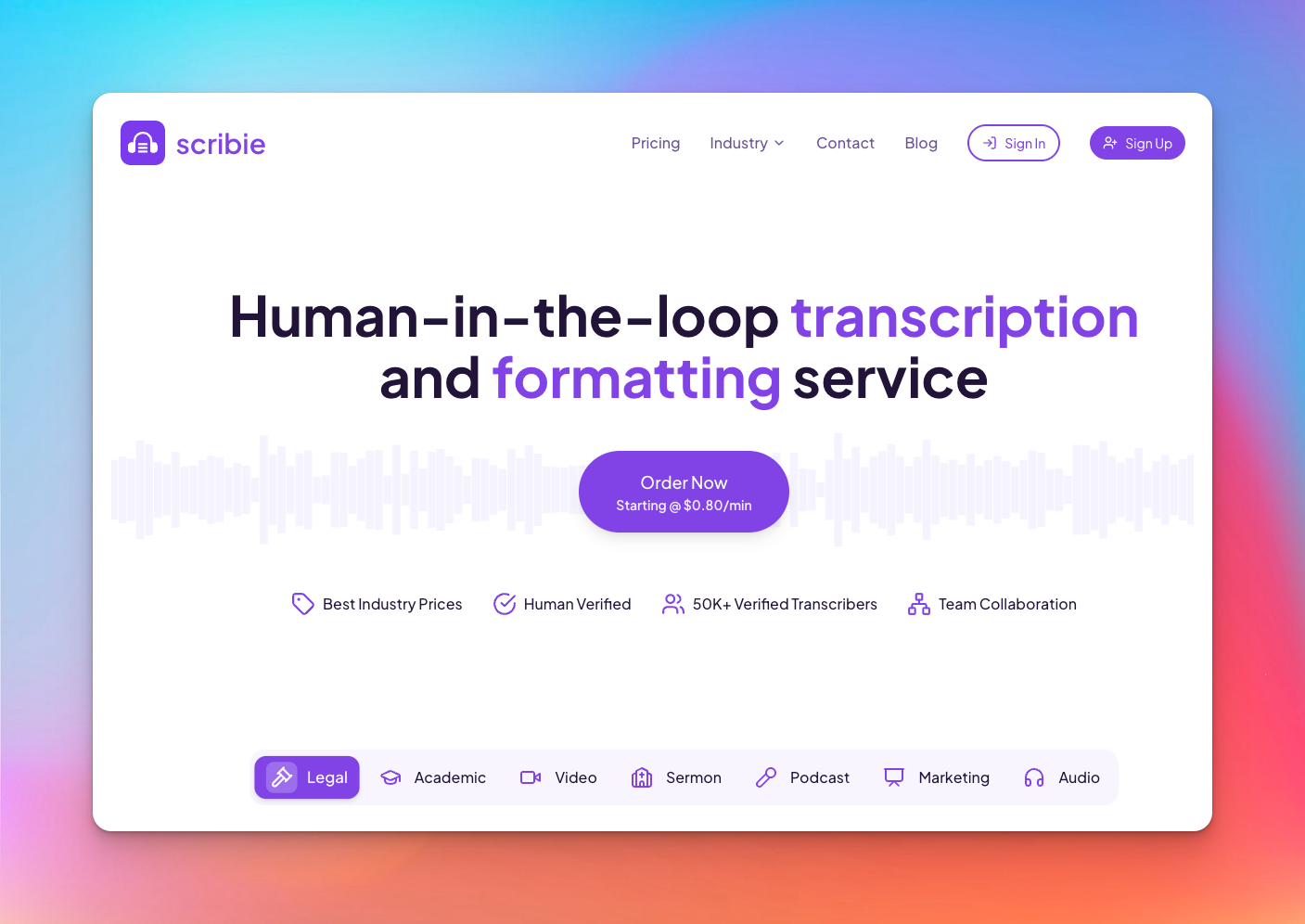
Scribie behaves more like a human-in-the-loop production line than a pure SaaS tool. You upload media, their system runs an automated pass, and then freelance transcribers refine and correct the output through a defined, multi-step review process.
Key Features
- Automated transcripts are refined by freelance transcribers in a 4-step process.
- Custom templates, legal formatting, and deposition support ensure court-usable documents for legal workflows.
- Standard orders include time-coding, speaker tracking, and exports in formats like Word, SRT, and VTT, ideal for podcasts and captions.
- Scribie specializes in English transcription for legal, academic, podcast, sermon, and marketing content.
Pricing
- Base transcription (human-in-the-loop): from $0.80/min
- Add-ons like precision verbatim, priority processing, and noisy/accented audio handling are billed as extra per minute.
Pros
- Competitive per-minute pricing for human-verified English transcripts.
- Fine-grained control over formatting, especially for legal and structured documents.
- Timecodes, speaker labels, and subtitle exports support media editing workflows.
Cons
- English-only support; not suitable for multilingual projects.
- Not positioned as a high-compliance, enterprise-security platform compared to more regulated providers.
5. Temi
Best for: Fast, automated transcripts when turnaround matters more than precision
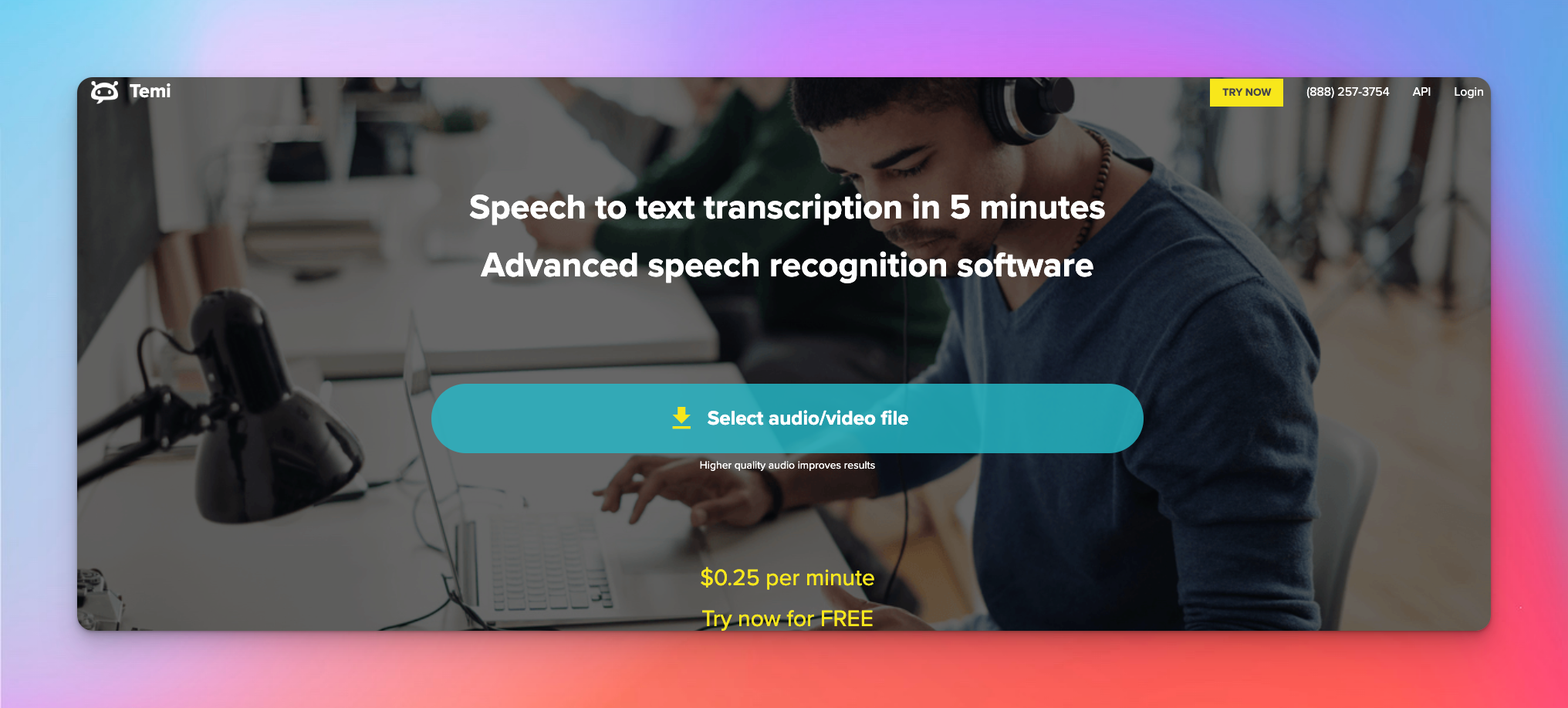
Temi sits firmly in the fully automated category. There’s no human review layer, no accuracy tiers, and no hybrid pipeline. You upload a file, the system runs its speech-recognition model, and you get a draft within minutes.
It’s a practical tool when you only need a quick reference or searchable text and the audio is exceptionally clean.
Key Features
- Transcripts return in a few minutes, with speed tied only to file length.
- The editor provides exact timing for each word, speaker-change markers, adjustable playback, and quick cleanup tools.
- A single rate of $0.25/min, no subscriptions, and a free trial for one transcript under 45 minutes.
- Downloads include MS Word, PDF, SRT, VTT, and other common formats used in media and podcast workflows.
Pricing
- AI Automated: $0.25/min
- Free Trial: One file under 45 minutes
Pros
- Extremely fast turnaround with predictable pricing.
- Clean editor with timestamps and speaker-change detection.
- Works well as a drafting tool when audio is clear and controlled.
Cons
- Accuracy drops sharply with accents, overlapping voices, or background noise.
- No human review option if the automated draft misses the mark.
Comparing the Best Media Transcription Platforms at a Glance
Here’s a quick side-by-side summary of all five tools to help you compare them more easily.
| Service | Core Strength | Cost Level | Languages | Ratings (Trustpilot) |
|---|---|---|---|---|
| HappyScribe | All-in-one media stack: transcription + subtitles + translation | Low-Mid | 150+ | ⭐ 4.6 (Excellent) |
| TranscribeMe | Human accuracy tiers for compliance-heavy work | Mid-High | 12 (human); 8 (AI) | ⭐ 1.5 (Bad) |
| GoTranscript | Fully human, high-precision multilingual transcriptions | High | 140+ | ⭐ 3.1 (Average) |
| Scribie | Budget-friendly, human-verified English transcription | Low-Mid | English only | ⭐ 2.4 (Poor) |
| Temi | Fast, automated transcription for clean audio | Low | English only | ⭐ 1.9 (Poor) |
Which Transcription Service Should You Choose?
Once you cut through pricing tables, feature grids, and marketing claims, the real test for any media transcription service is simple: Can it keep up with the way modern media teams actually work?
Temi is fast, but only for ideal conditions. Scribie is affordable, but narrow in scope. TranscribeMe and GoTranscript offer reliability, but operate like traditional vendors - accurate, yes, but not built for dynamic, high-context media pipelines.
What stands out after comparing all five is this:
Media teams don’t need a tool; they need an ecosystem.
A place where transcription, subtitling, translation, collaboration, compliance, and editorial workflows sit together - and where you can move between AI speed and human accuracy without rebuilding the process every time.
HappyScribe is the closest to that reality. It isn’t the cheapest or the flashiest, but it solves the operational headaches that actually slow teams down: language consistency, cross-tool handoffs, compliance friction, and the constant back-and-forth between “fast enough” and “accurate enough.”
If the output is for internal notes, any tool works. If the output is going on-air, on-record, or on-brand, HappyScribe is the only one here built for that level of responsibility.
Frequently Asked Questions
How much does a transcription service cost?
Transcription services typically range from $0.07 to $2.00 per minute, depending on whether you choose AI or human transcription.
What is the best transcription service?
For professional media work, HappyScribe is the most reliable choice. Its mix of accurate AI, human verification, multilingual options, and strong security compliance makes it dependable for real production needs.
What are the 4 types of transcription?
The main formats are verbatim, clean verbatim, edited, and intelligent transcription. Each one serves a different purpose, from detailed legal-style transcripts to polished summaries for media use.
Can ChatGPT do audio transcription?
ChatGPT can help once the text is available, but it can’t convert audio or video directly. For accurate transcripts with timestamps, speaker labels, or export formats, tools like HappyScribe, Trint, or Speechpad are built for the job.

Akshay Kumar
Akshay builds pieces meant to reach people and stay visible where it matters. For him, it’s less about the name and more about whether the words did what they were meant to.