![5 Best Lecture Recorder Apps for Students [2026]](/sanity-images/ejgwz1gl/redesign/692cab4bf7992704c2bb90f62c9ddaf319003b81-1536x1024.jpg?auto=format&w=1536.0&rect=0,128,1536,768&h=768)
TL;DR ⏩
Based on my experience of using lecture recorder apps, here are the best options for students:
- HappyScribe: Overall best for students who want accurate lecture recordings with transcripts, AI summaries, and study guides in 150+ languages
- Goodnotes: Best for students who want handwritten notes, audio recording, and AI flashcards in a single workspace
- Rev Voice Recorder: Best for simple, private voice recording with optional human-verified transcription
- Otter: Best for students who attend online classes and want automatic lecture capture with assignment support
- Microsoft OneNote: Best for students already in the Microsoft 365 ecosystem who want free-form notes synced with audio
Recording lectures is the easy part. The hard part is turning a 90-minute audio file into something you can actually study from. Most voice recorder apps in the market today offer only audio capture, which leaves you with a file you'll never listen to again.
What students actually need is searchable text, highlighted key points, and study materials they can use before an exam. I tested apps that solved the specific challenges students need help with.
I compared the leading lecture recorder apps on audio clarity in noisy halls, transcription accuracy with academic terminology, and whether they produce study-ready outputs like summaries and quizzes. Based on my testing, I selected the five best apps to record lectures and study smarter in 2026.
How did I evaluate the top lecture recorder apps for students?
I checked how lecture recorders perform in real academic settings. Here are the criteria I used:
1. Audio clarity in real lecture environments
Most generic recorders struggle in large halls where background chatter, echo, and mic distance degrade the audio. I tested how well each app captured clear audio when the speaker was moving, and students were asking questions from across the room.
2. Transcription accuracy for academic language
General speech recognition wasn't enough. I looked at how each tool handled subject-specific terminology, spoken formulas, and fast explanations. For international students and language courses, support for multiple languages was a deciding factor.
🧠 Did you know?
A 2025 study published in FEBS Open Bio found that students who reviewed lecture recordings scored 6.7% higher on exams than those who didn't
3. Study-ready outputs and searchability
A transcript you can't navigate is just a wall of text. I evaluated whether each app lets you search for concepts, jump to exact audio moments, and generate AI summaries, flashcards, or quiz-style prompts that help you retain information before exams.
4. Fit for student life
Finally, I looked at how easily recordings move from class to study sessions. That includes mobile app usability, export options, pricing on a student budget, and whether the tool fits naturally into a student's daily routine.
Best lecture recorder apps in 2026: At a glance
| Category | HappyScribe | Goodnotes | Rev Voice Recorder | Otter | OneNote |
|---|---|---|---|---|---|
| Best for | Accurate lecture recordings with AI transcripts and study tools | Handwritten notes with audio and AI flashcards | Voice recording with human-verified transcription | Online classes with automatic lecture capture | Microsoft 365 students who want free-form notes synced with audio |
| Key features | iOS and Android apps, AI Chat, meeting note taker, study summaries and quizzes, human proofreading | Audio-synced handwriting, spaced-repetition flashcards, and PDF annotation | Simple recorder, optional 99% human transcription, MP3 export | Auto-joins Zoom, Teams, and Google Meet, syllabus prep, writing assistance | Audio-synced typing and handwriting, Class Notebook, stylus support for math |
| Starting price | Free (unlimited recordings). Paid from $8.50/month (billed annually) or $17/month | Free (3 notebooks). Paid from $11.99/year | Free recorder. Paid from $29.99/month | Free (300 min/month). Paid from $8.33/month billed annually | Free with a Microsoft account |
| Languages | 150+ | 17 for handwriting | 37+ | 6 | 50+ |
| Security | GDPR, SOC 2 Type II, ISO 27001 compliant EU data center | GDPR compliant | SOC 2 Type II, HIPAA | SOC 2 Type II, GDPR | HIPAA, GDPR, SOC 2 |
1. HappyScribe
Best for: Students who want accurate lecture recordings with transcripts, AI study tools, and an easy-to-use mobile app
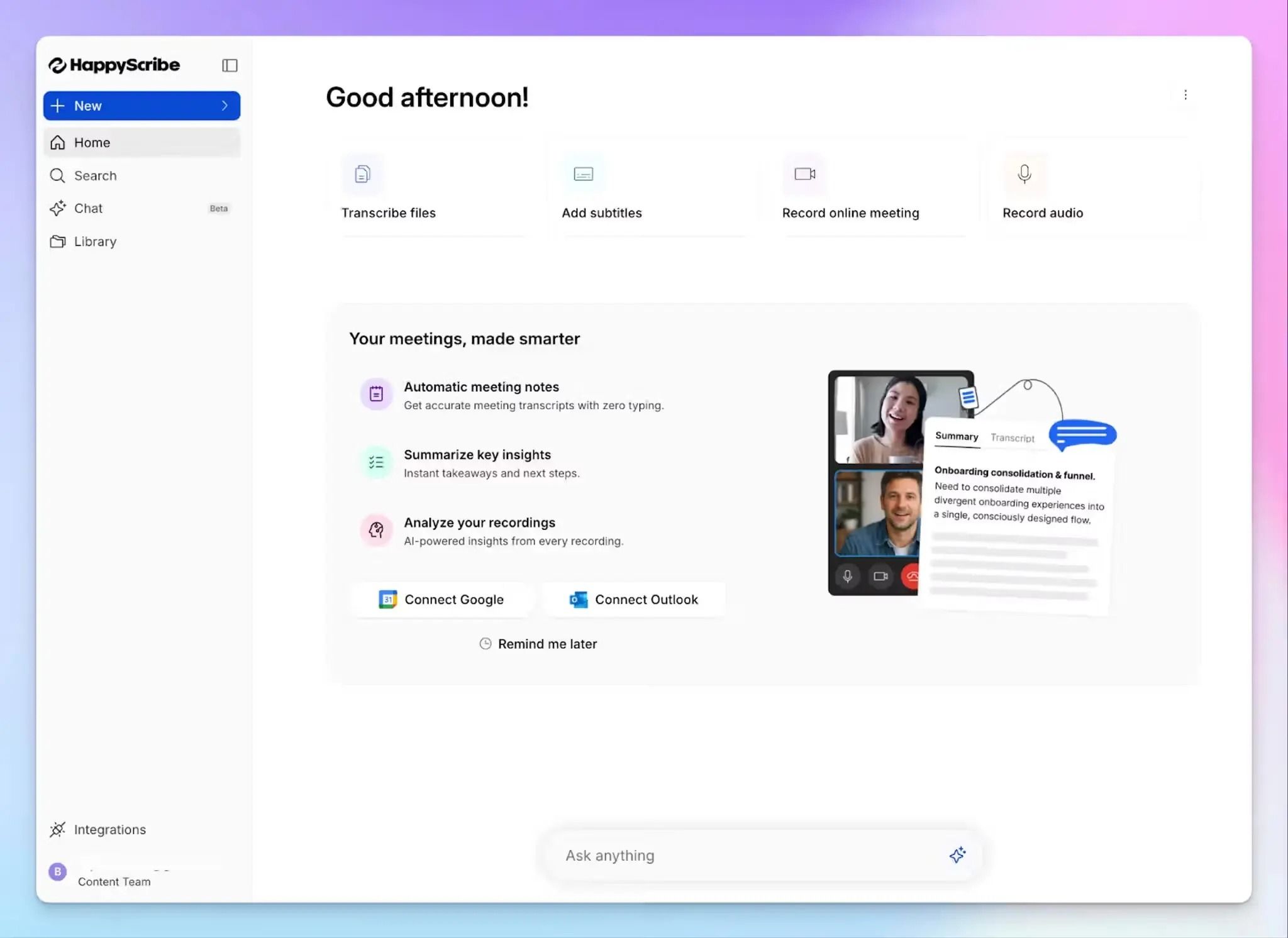
If you've ever tried to transcribe a two-hour lecture manually, you know the pain of hitting play-pause every five seconds. HappyScribe is the go-to lecture recorder app for students who need more than just an audio file recording.
It records audio and gives you a clean, timestamped transcript you can search, highlight, and turn into study materials. You can record directly in the browser, use the mobile app in the lecture hall, or upload a voice memo after class.
HappyScribe's key features
1. Fast and accurate audio recording and transcripts
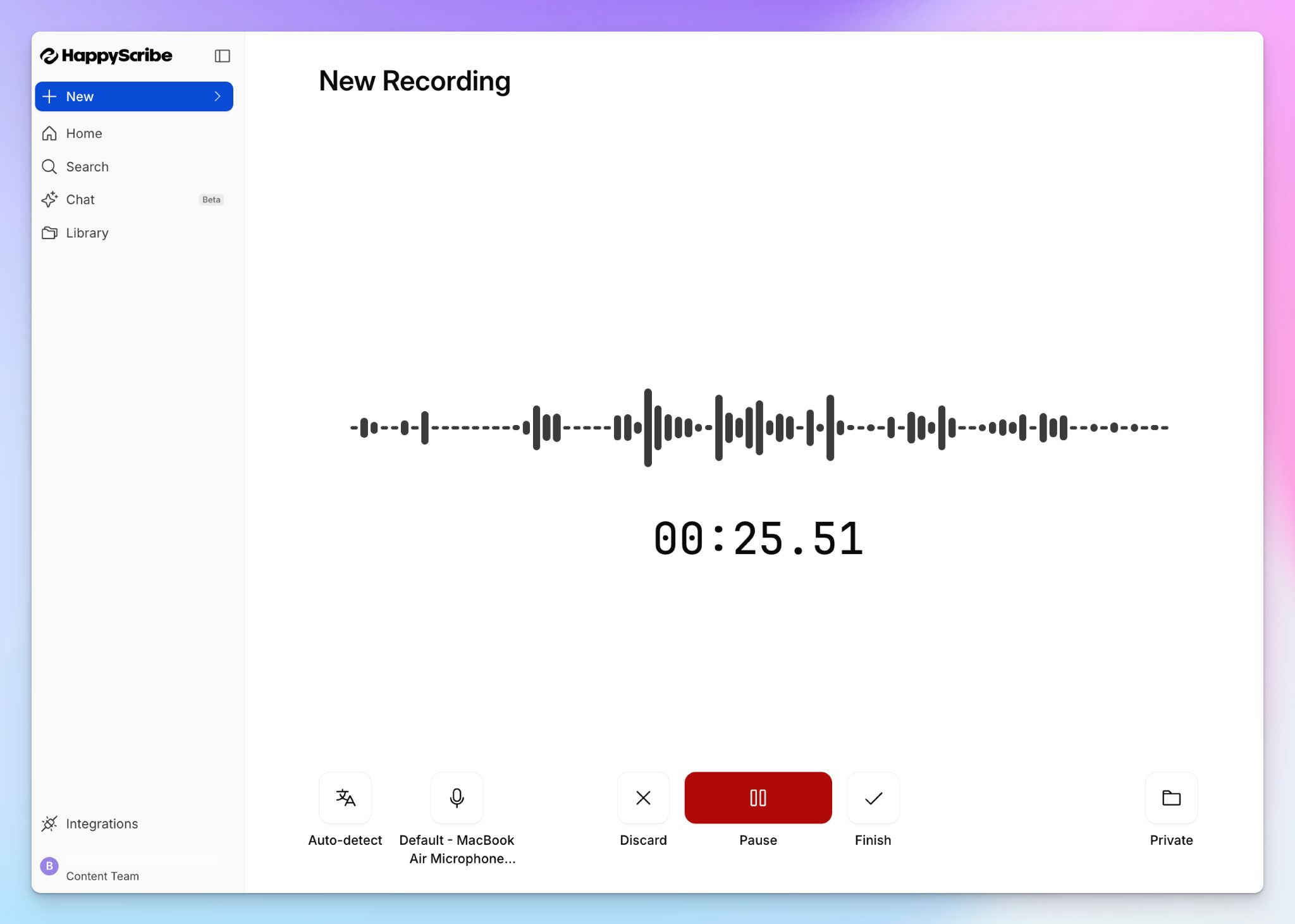
Lecture halls are notorious for bad audio, but HappyScribe's AI cuts through background noise and differentiates between speakers. You get an accurate transcript within minutes of finishing recording or uploading a file. Simply play the synced audio to verify the texts.
If you need 99% accuracy for something critical like a dissertation interview or a quoted source for your thesis, you can send the same file to HappyScribe's human proofreaders and get it back within 24 hours. You can also create multiple custom glossaries to make sure HappyScribe catches the domain-specific terminology your professors use.
2. Record audio and generate notes in 150+ languages and dialects
For international students or those taking language courses, HappyScribe is a reliable option. It supports over 150 languages and dialects, so whether your professor lectures in French, your study group switches between Mandarin and English, or you're transcribing fieldwork interviews in Spanish, your recordings get accurate transcripts without switching tools.
You can also translate transcripts into 80 other languages to verify your understanding or compare notes across sections taught in different languages.
3. Easy-to-use iOS and Android mobile apps
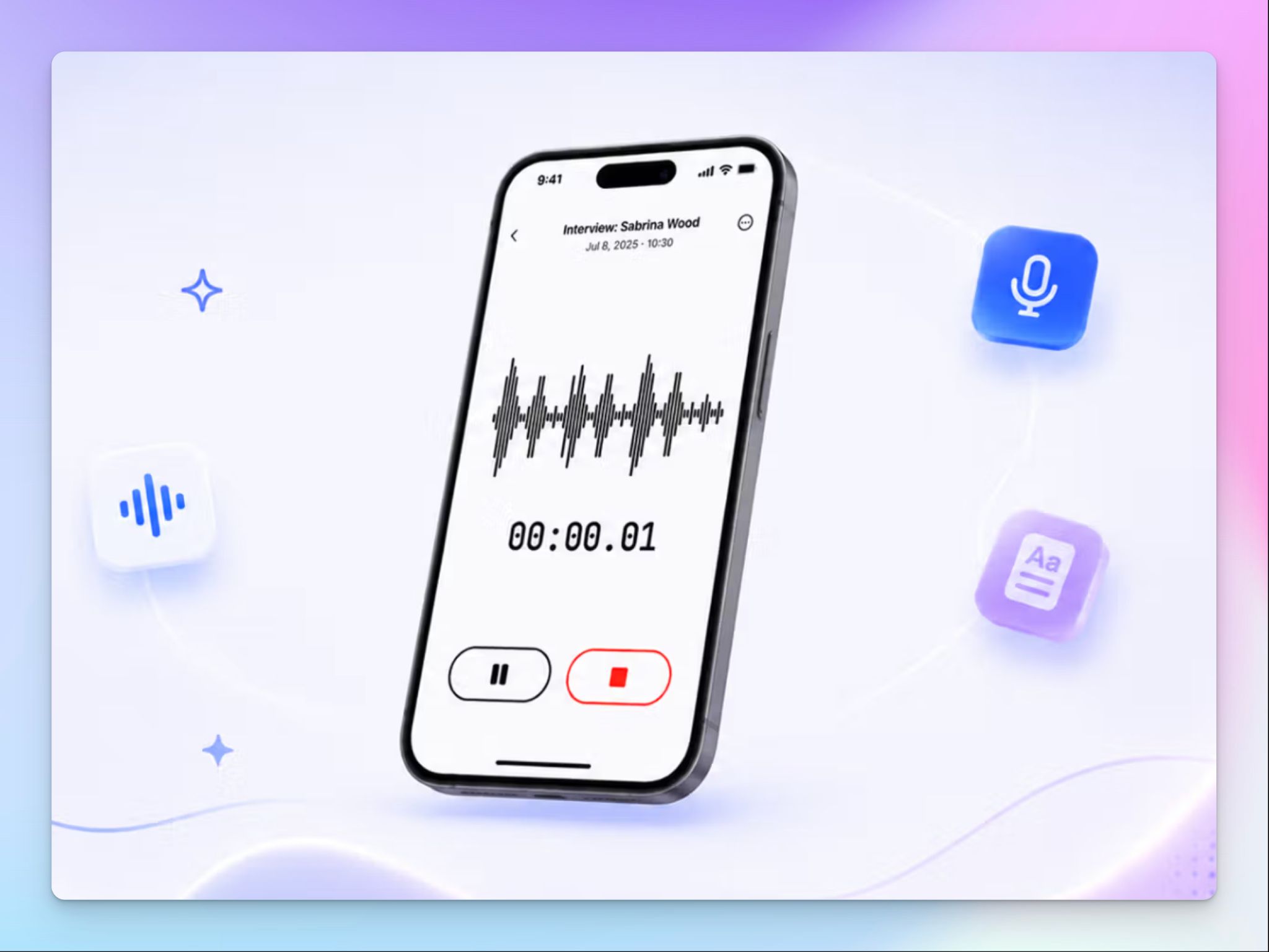
Most students record lectures on their phones, and HappyScribe's native iOS and Android apps make that task simple. Open the app, tap Record, and the audio syncs directly to your HappyScribe library when you're done.
Background sync keeps working even if you lose signal briefly, so you can move from one lecture to the next without babysitting the upload. Everything you record on your phone is ready to transcribe, search, and study from in the same workspace as your desktop files.
4. Ask AI Chat questions about lessons and study insights
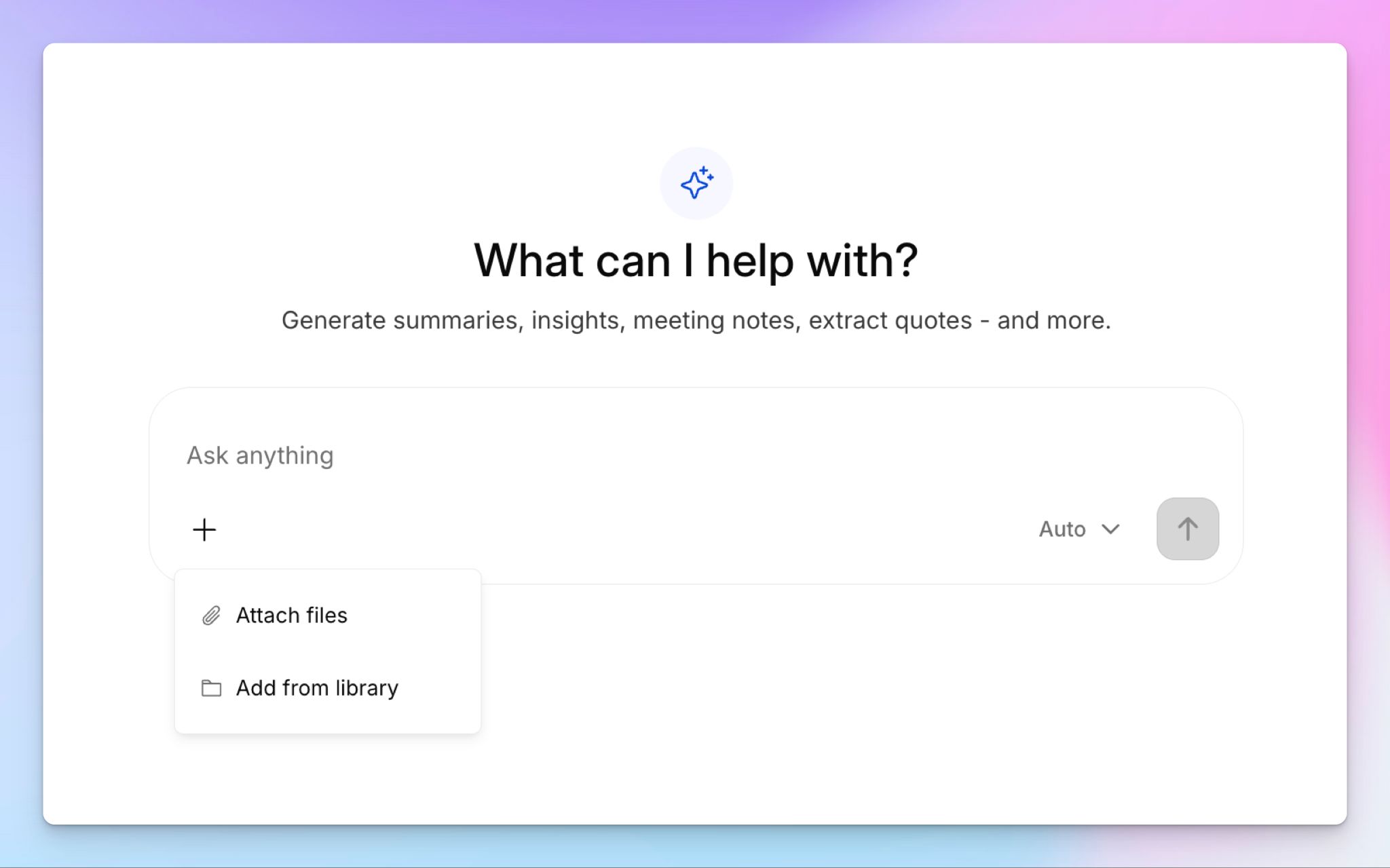
This is where HappyScribe makes your life as a student easier. Once your lecture is transcribed, you can use the AI Chat to ask questions about lectures in natural language. You can generate a summary of key points (or use summary templates), extract quotes for an essay, create a quiz to test yourself before finals, or pull every mention of a specific topic across multiple transcripts.
If you're studying for a cumulative exam, being able to search across a semester's worth of lectures in one place saves hours of re-listening.
5. Generous free plan for students and affordable paid plans
HappyScribe's free plan includes unlimited meeting recordings at 45 minutes per recording, which covers most standard lectures. You also get AI Chat for up to 3 files per month and an AI transcription trial to test the quality before committing. The paid plans are priced for individuals, not just enterprise teams, so it won’t feel like a burden on your wallet.
HappyScribe's pricing
- Free: Unlimited meeting recordings (45 min/recording), 10-min AI transcription trial, AI Chat for 3 files/month
- Basic: $8.50/month billed annually or $17/month billed monthly
- Pro: $19/month billed annually or $29/month billed monthly
- Business: $59/month billed annually or $89/month billed monthly
- Human proofreading: From $2.00/min
- Enterprise:Contact sales for a custom quote
HappyScribe’s pros
- Intuitively designed iOS and Android apps to record lectures on your phone and sync to your web dashboard automatically
- Upload pre-recorded files to generate the same high-quality transcripts and bring all your lectures together
- Search across multiple transcripts with AI Chat and use HappyScribe summary templates, which speed up homework and exam preparation
- Supports 150+ languages, ideal for international students and foreign language courses
- Lightweight web app runs in the browser, so you can access files from library computers and personal devices
- GDPR compliant, SOC 2 Type II certified, and EU data storage make HappyScribe one of the most secure transcription tools in the market
HappyScribe’s cons
- Doesn’t offer real-time transcription during live lectures
What are real-life users saying about HappyScribe?
Easy to use and saved me tons of time transcribing a homework assignment from an interview I did.
I love it! Everything you could want for your assignment- related services. Transcribing works very accurately and is free as well. Site looks well maintained and the customer support is great. Definitely recommended.
How to record a lecture using HappyScribe: a step-by-step guide
- Open the HappyScribe mobile app on your phone or go to HappyScribe's online voice recorder in your browser
- Tap Record and let the app capture your lecture. On mobile, the recording stays active even if you switch apps
- When the lecture ends, tap Stop and name your recording. On mobile, the file syncs to your library automatically
- Open the transcript in the editor to search keywords, edit texts, and verify content with synced playback
- Use AI Chat to summarize key themes, extract quotes for assignments, or generate a quiz for exam prep
- Click Export and choose DOCX, TXT, PDF, SRT, or other formats to move your notes into your study workflow
Use the HappyScribe lecture recorder app for free
2. Goodnotes
Best for: Students who want handwritten notes, audio recording, and AI flashcards in a single workspace
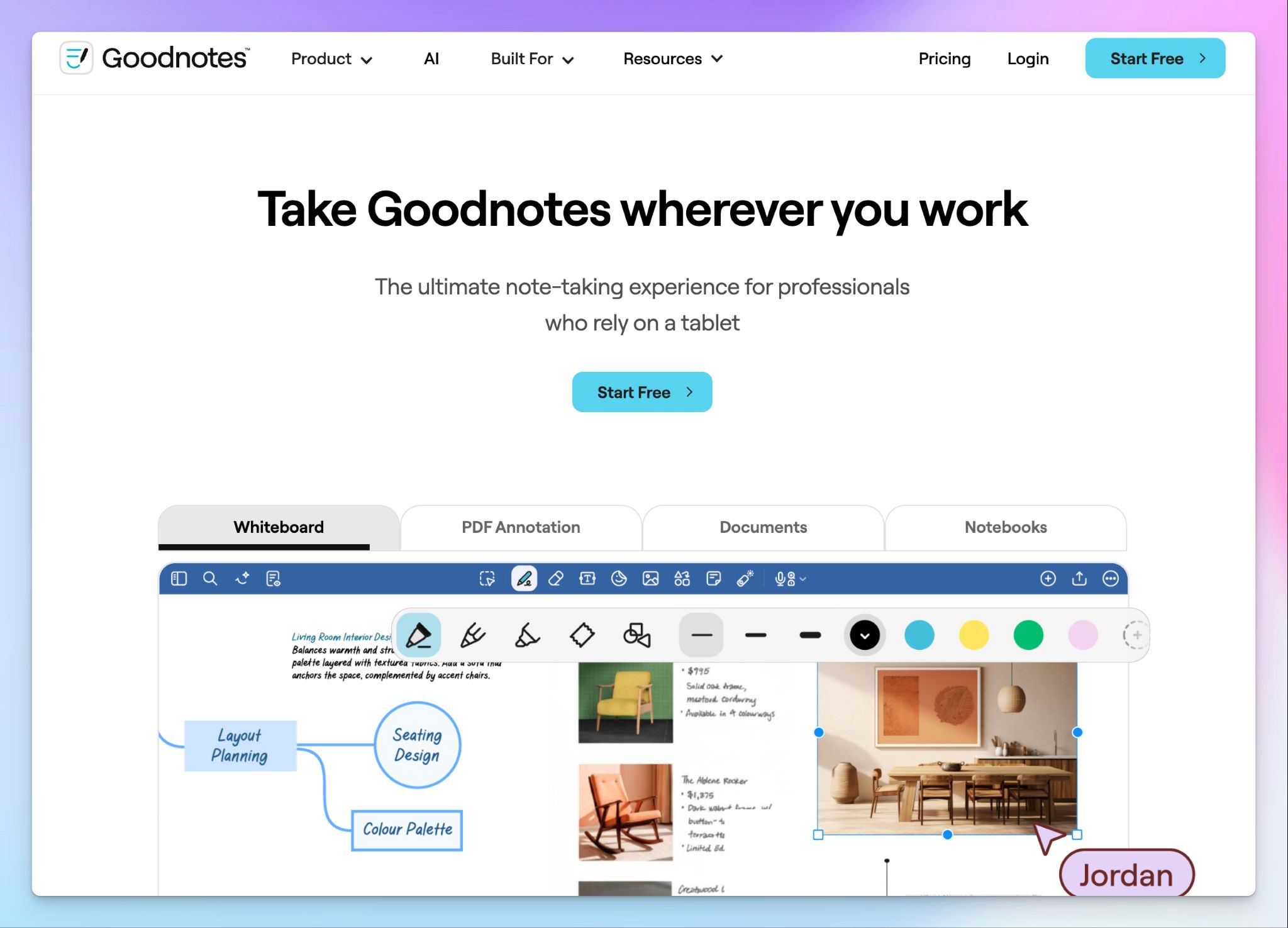
Goodnotes has evolved from a simple notebook app into a complete study ecosystem. It solves the biggest problem with digital note-taking: fragmentation. Instead of having a voice recorder app open on your phone and a separate notebook on your tablet, Goodnotes lets you do it all on one canvas.
The study sets convert your scribbles into flashcards and actively help you learn from them. If you're a visual learner who prefers writing by hand, Goodnotes connects that habit to modern AI organization, so your notes become study materials without extra effort.
Goodnotes’ key features
- Multi-modal capture that combines handwriting, typing, drawing, and audio recording in a single note
- Automatic audio-to-text transcription and AI summaries for recorded audio notes
- Goodnotes AI answers questions about your notes and PDFs, which is useful for reviewing complex diagrams or tables before exams
- Built-in study sets that turn notes into spaced-repetition flashcards for active recall
Goodnotes’ pricing
- Free: 3 notebooks
- Essential: $11.99/year
- Pro: $35.99/year
- Teams: $35.99/year per seat
- Special Edition (via Apple App Store): $35.99 one time purchase
- Enterprise: Custom pricing
- AI add-on: $10/month
Goodnotes’ pros
- Perfect for exam prep as it links searchable handwritten notes directly to lecture audio and flashcards
- Import and annotate lecture slides and PDFs directly, so all your course materials live in one workspace
- Works across iPhone, iPad, MacBook, Android, Windows, and web
- Special pricing and features for schools
Goodnotes’ cons
- Complete AI features require an extra monthly AI add-on on top of the annual plans
- The Free plan is too limited for a full semester, restricting you to just three notebooks
- Audio recording is less refined than dedicated tools, since you can't rename recordings or adjust playback speed
3. Rev
Best for: Simple, private voice recording with optional human-verified transcription
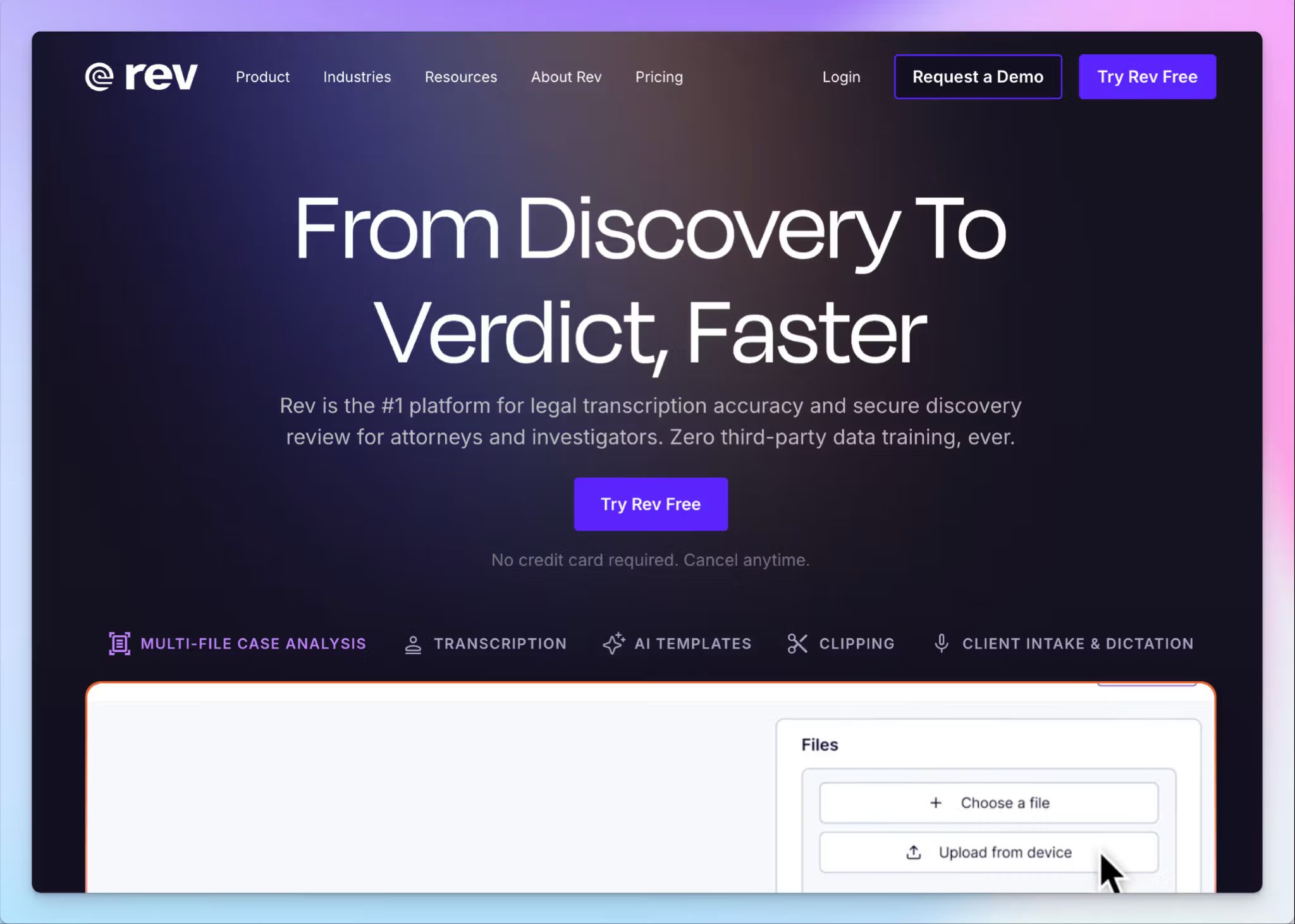
Rev focuses entirely on capturing high-quality audio and turning it into text. The voice recorder works in your browser or as a mobile app on iOS and Android, and your recordings stay on your device unless you choose to upload them.
Where Rev stands out is the human transcription option. If you're recording a dissertation interview or a guest lecture you plan to quote in a paper, you can send the file to Rev's transcription team and get a 99% accurate, human-verified transcript back.
Rev’s key features
- Private local recording that lets you download MP3s without auto-uploading to the cloud
- One-tap mobile capture on iOS and Android that handles long recording sessions
- You can choose between AI transcription in 37+ languages or 99% accurate human-verified transcription
- Upload and analyze multiple files at once with AI-powered summaries and keyword detection
Rev’s pricing
- Online voice recorder: Free
- Free plan: 45 mins AI transcription/month
- Essentials: $29.99/month
- Pro: $59.99/month
- Unlimited: Custom pricing
- Human transcription: Starts from $1.99/min
Rev’s pros
- The free recorder is useful on its own, and you can upgrade to human-verified transcripts only when precision is critical
- Rev handles accents and technical vocabulary better than a lot of AI-only tools, which reduces post-transcription cleanup
- HIPAA and SOC 2 Type II compliance cover security requirements for sensitive recordings
Rev’s cons
- The free plan is restrictive if you record a lot of lectures every month. Paid plans start at $29.99/month, which might not be value for money for students
- No study-specific features like flashcards, quizzes, or summaries, so you'll do all post-transcription work in separate tools
- Rev has repositioned heavily toward legal professionals, forcing many users to look for Rev alternatives
📚 Also read:
4. Otter
Best for: Students who attend online classes and want automatic lecture capture with assignment support
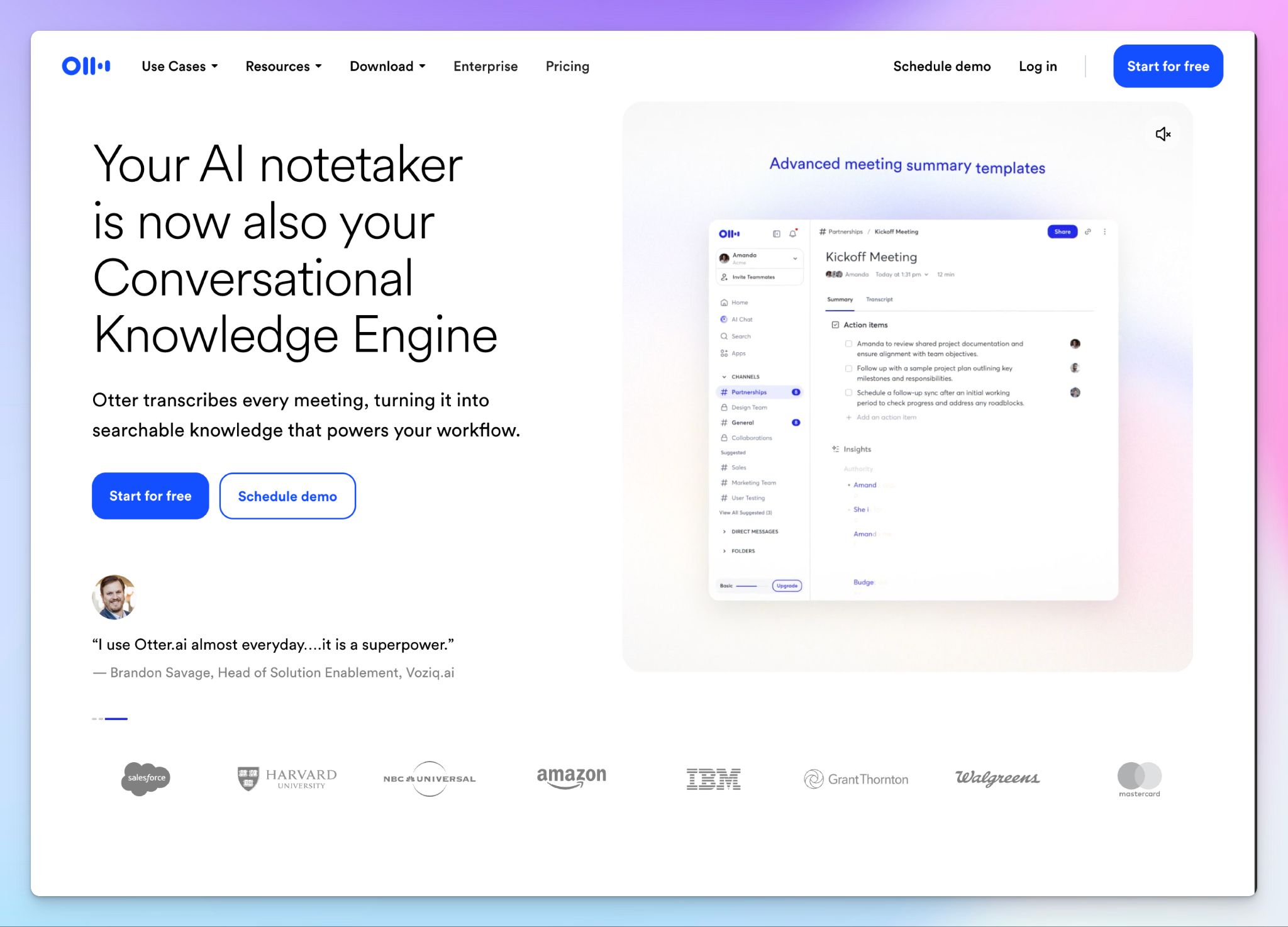
Otter is built for students who split their time between online and in-person classes. Connect your calendar, and Otter auto-joins your Zoom, Google Meet, or MS Teams lectures to record, transcribe, and capture slides in real time.
For in-person classes, the mobile app generates searchable notes and highlights on the go. Before class, Otter can scan your syllabus to prep you on key concepts, and after class, it extracts core ideas into study guides and flashcards.
Otter's key features
- Otter’s education agent organizes concepts and extracts insights specifically for classes
- Auto-joins Microsoft Teams, Zoom, and Google Meet sessions to capture notes and slides so you can focus on the lecture
- Generate outlines, expand on ideas, and adjust content based on feedback from Otter
- Use smart research summaries and customizable study guides to create lesson plans for yourself
Otter's pricing
- Basic: Free (300 min/month, 30 min per conversation)
- Pro: $16.99/month (1,200 min/month)
- Business: $30/month
- Enterprise: Custom pricing
- Student discount: 20% off Pro with a .edu email
Otter's pros
- Mobile apps and browser extensions capture from multiple sources, including Coursera and YouTube
- Otter’s pre, during, and post-class workflows support writing papers and assignments
- Strong value for money by bundling transcription, AI chat, and meeting note taker in one tool
Otter's cons
- Transcription accuracy and speaker identification struggle in noisy lecture halls, pushing users to look for more reliable Otter AI alternatives
- Otter supports only 6 languages, which rules it out for international students and multilingual coursework
- Otter is facing lawsuits alleging user data collection without consent and other privacy violations
5. Microsoft OneNote
Best for: Students already in the Microsoft 365 ecosystem who want free-form notes synced with audio
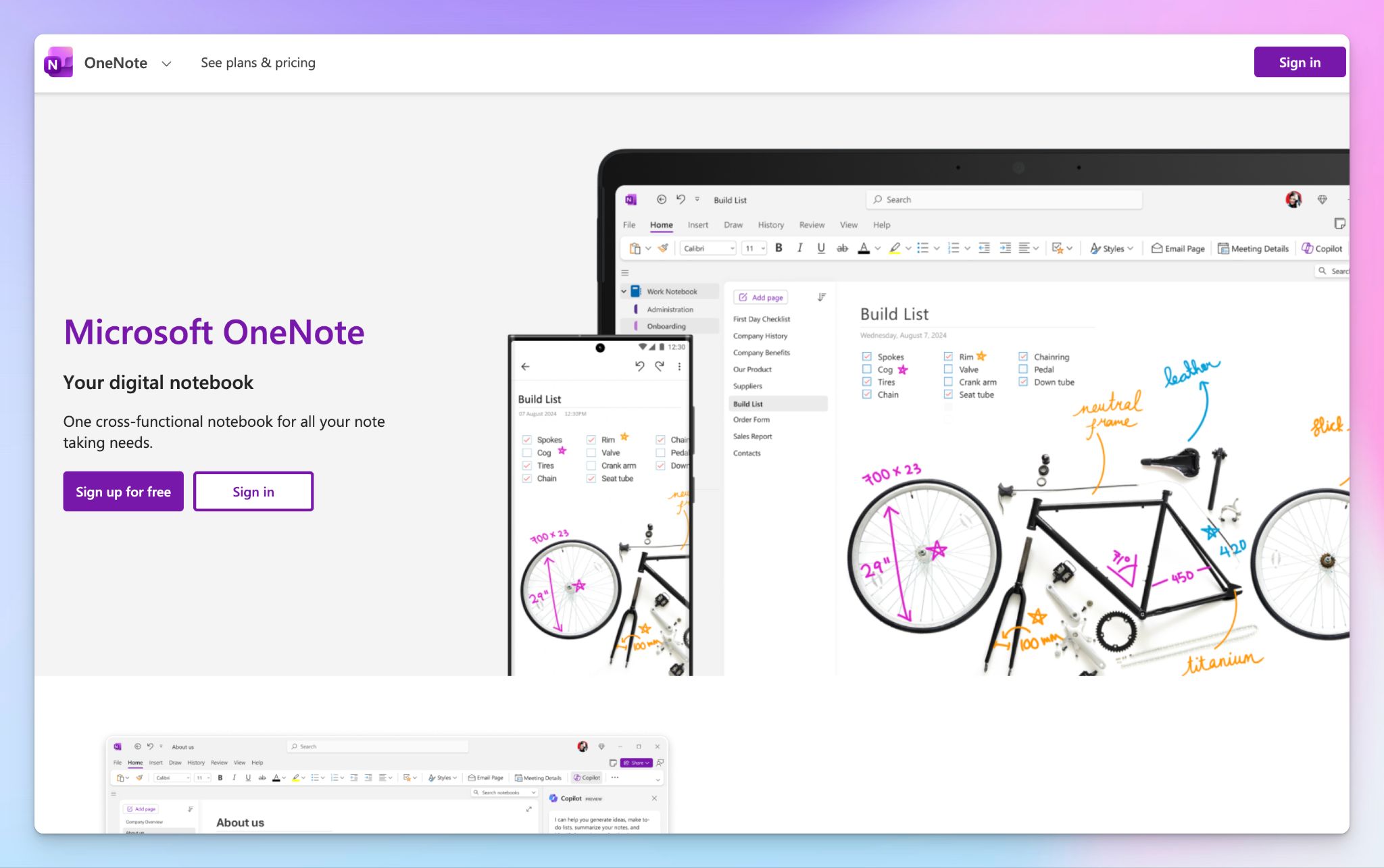
If your university gives you a Microsoft 365 account, OneNote is the most practical free tool you already have access to. Unlike linear document apps, OneNote lets you click anywhere on the page to start typing, drawing, or recording. There's no rigid structure forcing you into a template.
It works well in STEM courses where you need to scribble formulas or draw diagrams with a stylus while audio records in the background.
OneNote's key features
- Integrated audio recording links the timeline to your typed or handwritten notes for context-aware playback
- Hierarchical structure (Notebooks, Sections, Pages) mirrors university course organization across semesters
- Supports stylus handwriting and math equations for annotating STEM lecture slides
- The Class Notebook feature gives professors a lightweight way to distribute materials and review student work
OneNote's pricing
- Free
- Microsoft 365 Personal: $9.99/month
- Student license: Free Office 365 A1 through universities
OneNote's pros
- Already free for most university students through institutional Microsoft 365 licenses
- Flexible infinite canvas structure keeps course notes, to-do lists, and research organized across multiple semesters without running out of pages
- Deep integration with Microsoft Teams meetings, Outlook, and Word means your lecture notes connect directly to your calendar, group projects, and assignments
OneNote's cons
- Exporting notes to clean PDFs is clunky because the infinite canvas doesn't translate well to fixed page layouts
- Syncing between Windows, Mac, and web versions is still inconsistent, and students working across devices may see delays or conflicts
- The interface feels heavy compared to lighter tools, and finding features like audio recording requires navigating nested menus
Which lecture recorder should you pick?
The right lecture recording app depends on how you study and what you do with your recordings after class.
👉 Goodnotes works for students who prefer handwriting over typing and want their notes, audio, and flashcards in one canvas. It's strongest on iPad with an Apple Pencil.
👉 Rev works for students who want a simple recorder with the option to send critical files for human-verified transcription.
👉 Otter works for students who attend a lot of online classes and want their Zoom, Teams, or Google Meet lectures captured and transcribed automatically.
👉 Microsoft OneNote works for students whose universities provide Microsoft 365 licenses and who want a free, flexible notebook with audio recording built in.
👉 HappyScribe is the strongest all-rounder for students. It records and transcribes in 150+ languages, offers human proofreading when accuracy is critical, and lets you search across a full semester of lectures with AI Chat. The native iOS and Android apps make it easy to record in the lecture hall and have everything ready to study from by the time you sit down at your desk.
The free plan gives you enough room to test it on real lectures before committing.
FAQs on lecture recorder apps for students
Which app is best for recording lectures?
HappyScribe is the best lecture recording app if you want searchable transcripts, AI-generated summaries, and instant AI transcription in 150+ languages. You just press record on the mobile app or browser, and the transcript is ready within minutes. Goodnotes is better for students who prefer handwritten, organized notes synced with audio on Apple devices. Otter works well for online courses where you need automatic transcription from Zoom or Teams. OneNote is a solid free option if your university provides Microsoft 365.
What is the best free recorder for lectures?
HappyScribe's free tier includes unlimited meeting recordings at 45 minutes per recording, AI Chat for 3 files per month, and a transcription trial, so you get more than just raw audio. Rev also offers a free voice recorder that saves MP3 files locally without requiring an account, which makes it a good option for basic recording. Otter's free plan gives you 300 minutes per month of automatic transcription. For a simple, easy voice recorder with no learning curve, your phone's built-in voice memos app works for distraction-free capture, but you won't get high-quality transcripts or AI-powered features.
Can I use ChatGPT to record lectures?
Yes, but only on the macOS desktop app through Record mode. It captures audio, transcribes it, and saves summaries as editable canvases. Sessions are capped at 4 hours, and accuracy is strongest in English. The main drawbacks for students are no mobile recording, no speaker identification, and no way to search across multiple lectures. If you need to record on your phone in the lecture hall and build a searchable library of transcripts across the semester, a dedicated lecture recorder app is more practical.
How to record lectures as a student for free?
Open a free recording app on your phone or laptop and press record before the lecture starts. HappyScribe's free plan lets you record unlimited lectures (45 min each) and includes free transcription minutes to test audio quality. Rev's free recorder saves files locally if you just need an MP3. Otter's free plan gives you 300 monthly minutes with automatic transcription. For the simplest option, use your phone's built-in voice memos for basic recording, then upload the file to a transcription tool later. Make sure you sit closer to the speaker for better audio quality, since even the best voice recorder struggles with mic distance in large halls.
Is it legal to record a professor's lecture?
In most cases, yes, but the rules vary. Many universities allow students to record lectures for personal study, though some require the professor's consent first. Certain institutions have formal policies that permit recording as an accessibility accommodation. Check your university's academic policy or ask your professor directly before recording. If consent is required, mention that you're recording for personal revision only. Once you have permission, a dedicated lecture recorder with cloud storage and multiple formats for export is more reliable than other apps that only capture raw audio, since you can organize and revisit complex lectures across the semester.

Biplab Mazumder
Biplab is a content marketer and writer who helps high-growth brands scale content visibility across AI search channels. His works have been published in HubSpot, Freshworks, Atlassian, SurferSEO, etc. When he's not planning content strategy, he's testing AI content workflows and use cases.