![5 Best Read AI Alternatives for AI Meeting Notes [2026]](/sanity-images/ejgwz1gl/redesign/8a742c444eda246d0cf52aeb7c3f52b8d49f77e0-2240x1260.png?auto=format&w=2240.0&rect=0,0,2240,1260)
The first time I thought of Read AI alternatives for note taking was when a client asked me, “Why did this bot just email me, and why do I need an account to read meeting notes?”
I was testing Read AI for work and soon found it did more than just transcribe meetings and video recaps. In its bid to be the “copilot” of my digital life, Read AI took over my calendars, emails, and contacts.
And it was really, really difficult to remove it from my workspace.
You might have felt the same about the way Read AI bot operates, or maybe you found the UI too busy for any real work.
Either way, I’m going to save you time on searching for the best Read AI alternative. I tried the tools available on the market, tested them against real tasks, and analyzed user feedback to find the right fit. Let’s dive in!
TL;DR
- HappyScribe: Best for secure and accurate AI meeting notes, global language coverage, file transcription, and clean UI
- Fathom: Best forindividual users looking for a free, unlimited video recording and transcription tool
- Chorus by Zoominfo: Best for enterprise sales teams that need deep conversation intelligence tied to the Zoominfo ecosystem
- Fellow: Best for organizations that need strict governance controls and structured pre-meeting agendas
- Fireflies.ai: Best for RevOps teams that need deep CRM automation and conversation intelligence
Why users are looking for Read AI alternatives
While looking for Read AI alternatives, I was focusing on what users complained about the most. Here are the most common reasons people switch from Read AI:
1. Deceptive onboarding tactics
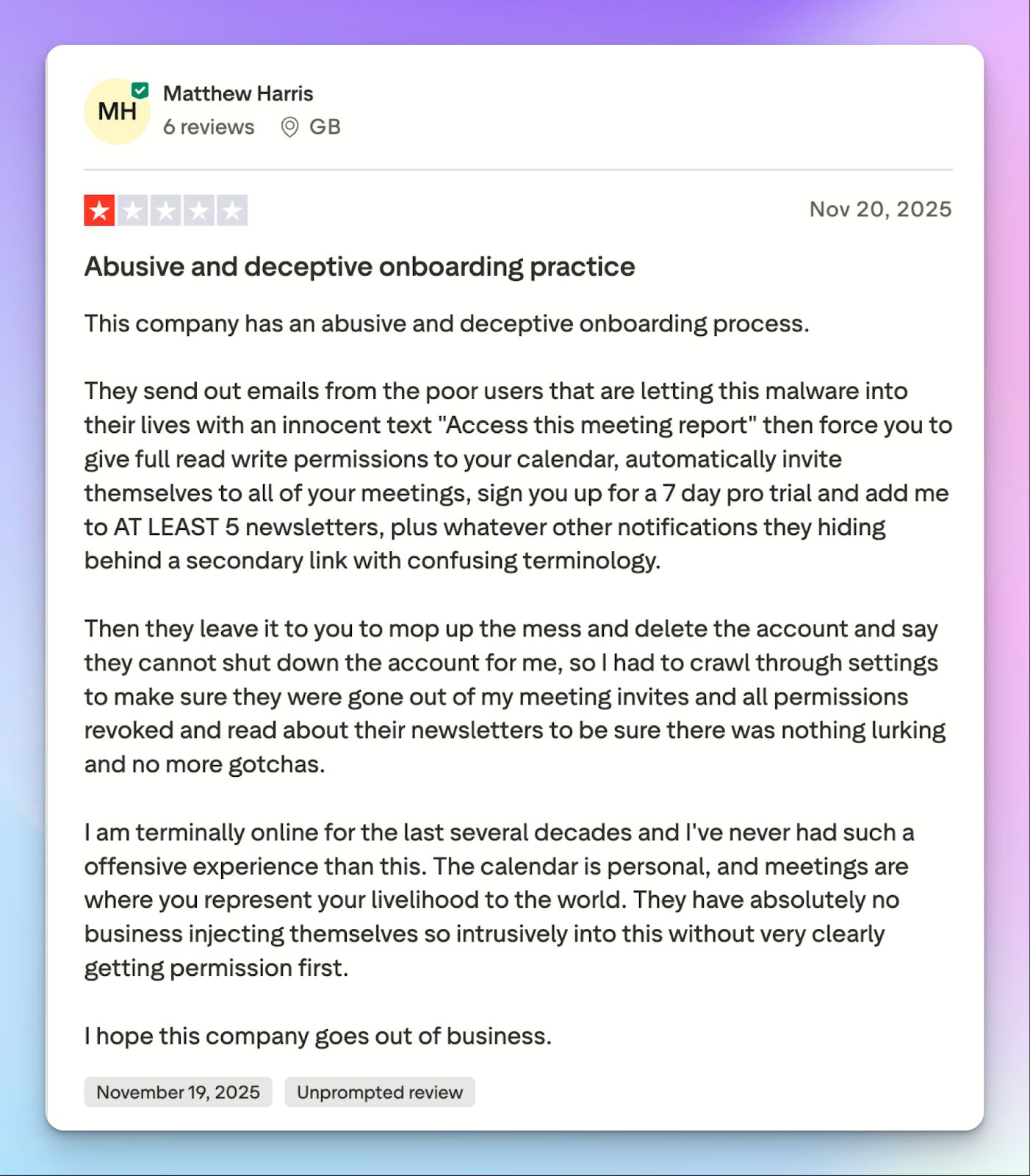
You might have noticed how tricky it is to simply view a meeting summary. Read AI forces external guests to create their own accounts, and during this sign-up process, the platform asks for innocuous permissions. The goal is to simply read a summary, but users end up giving broad access to calendars and emails.
2. Invasive meeting bot
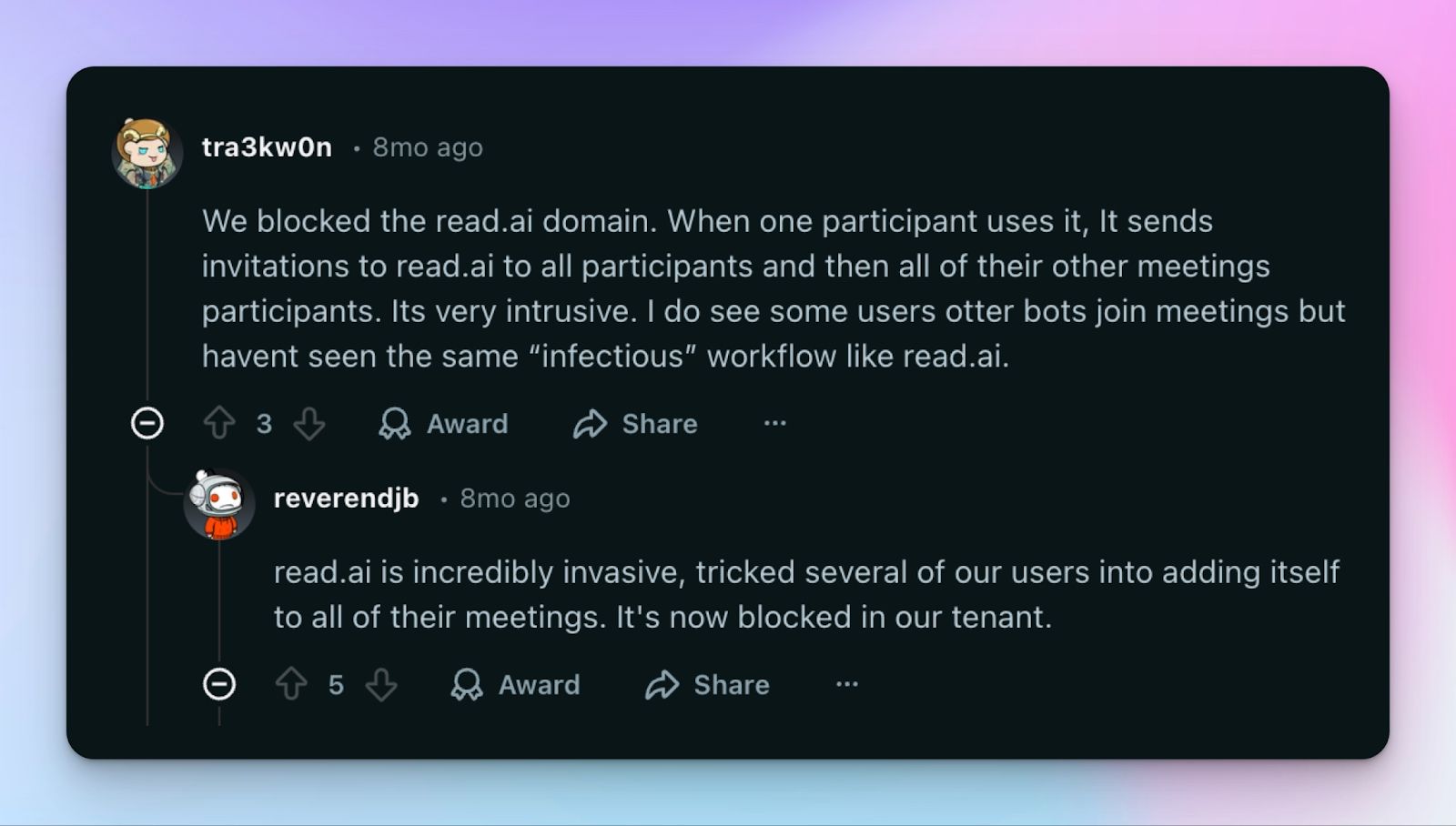
This might just be what sums up Read AI, more than any of its features. The meeting bot joins all meetings it acquires via calendar permission, even the ones you don’t join at all. Moreover, deleting the app or even the account doesn’t automatically stop the bot from joining your meetings.
If you look at Read AI’s Trustpilot reviews (1.4/5), the top mentions include words like “fraud”, “spam”, and “warning”.
3. Underdeveloped features
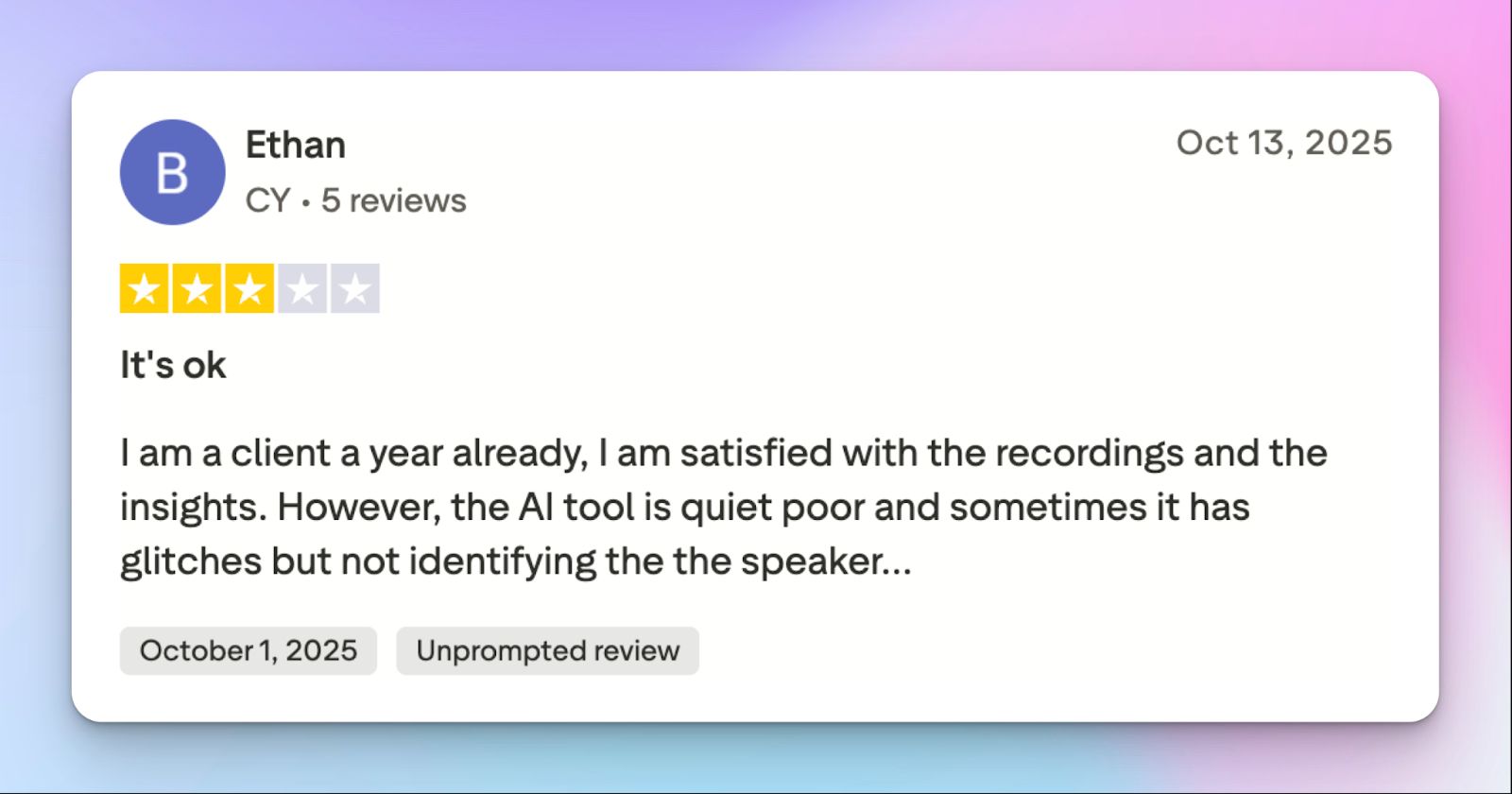
Read AI features transcriptions, meeting insights, video playback, sentiment analysis, and a workspace search agent. That’s a lot of things to do for one tool, and Read AI falters on many fronts.
From my testing, the sentiment analysis doesn’t process contexts well, the language support is minimal, and the coaching feature is mostly inaccurate.
4. Unhelpful support
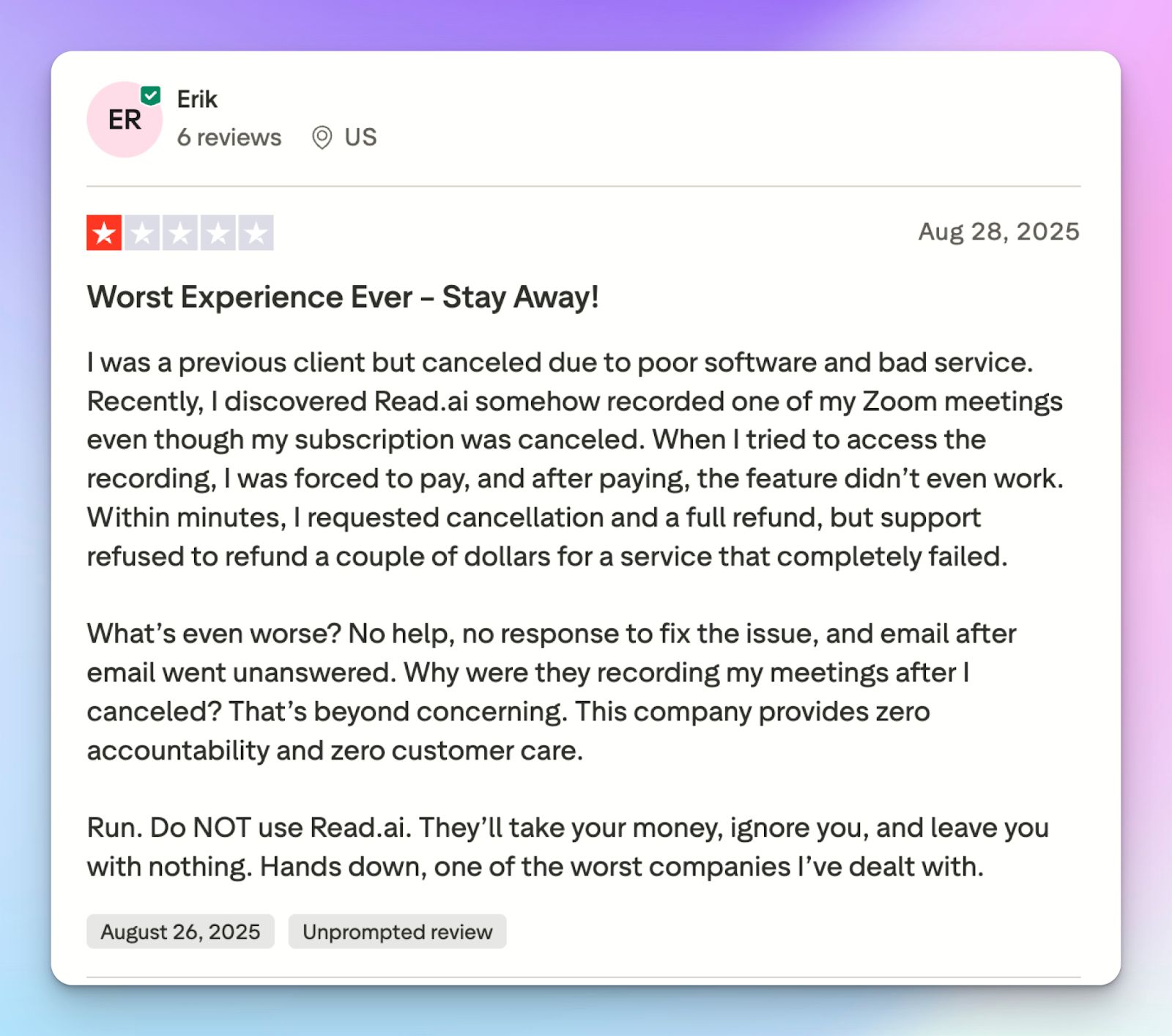
A major part of Read AI’s churn could be avoided by a better customer support team. Instead, you get unhelpful and delayed replies, especially for billing and refunds.
Top 5 Read AI alternatives at a glance
| Feature | HappyScribe | Fathom | Chorus by ZoomInfo | Fellow | Fireflies |
|---|---|---|---|---|---|
| Best for | Secure and accurate notes and file uploads for global teams | Free, unlimited video recording for individuals | Enterprise sales teams and pipeline intelligence | Strict governance and structured pre-meeting agendas | RevOps CRM automation and conversation intelligence |
| Key features | 95% accuracy, transparent bot, subtitle editor, file uploads | Video highlight clips, Ask Fathom, CRM pipelines | Deal risk flagging, talk-to-listen ratios, and coaching | Collaborative agendas, bot-free recording, break blocks | AskFred search, Topic Trackers, Live Assist |
| Supported languages | 140+ languages and accents | 38 languages | 25+ languages | 90+ languages | 100+ languages |
| Meeting platforms | Zoom, Google Meet, Microsoft Teams, and in-person meetings | Zoom, Google Meet, Microsoft Teams | Zoom, Google Meet, Teams, Zoom Phone, etc | Zoom, Google Meet, Microsoft Teams | Zoom, Google Meet, Teams, Webex, Dialpad, etc |
| Security | SOC 2 Type II, GDPR, ISO 27001-certified data residency in Europe | SOC 2 Type II, HIPAA, GDPR | SOC 2 Type II, GDPR | SOC 2 Type II, HIPAA, GDPR, CCPA | SOC 2 Type II, HIPAA, GDPR |
| Starting price | Free. Paid plan starts from $17/month | Free. Paid plan starts from $20/month | Contact for pricing | Free. Team plan starts from $11/user/month | Free. Paid plan starts from $18/month |
1. HappyScribe
Best for: Secure and accurate AI meeting notes, global language coverage, file transcription, and clean UI
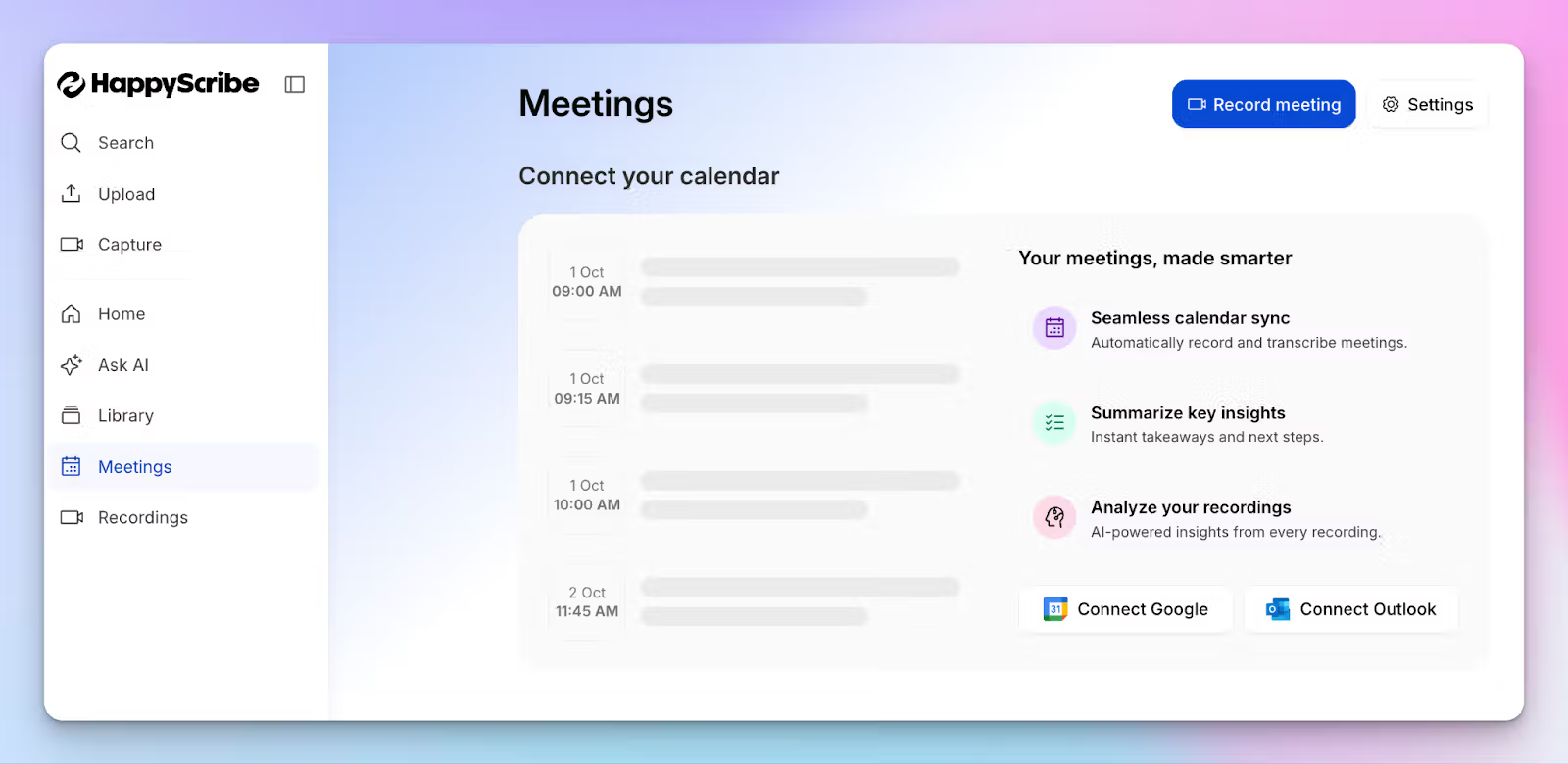
While Read AI tries to be your digital work assistant, HappyScribe AI note taker takes a different approach. It focuses strictly on giving you highly accurate meeting transcripts and keeping your data entirely under your control.
If you manage international teams or handle sensitive client calls, you need a tool that works for you, instead of annoying other meeting attendees.
HappyScribe vs. Read AI
| Category | HappyScribe | Read AI |
|---|---|---|
| Meeting bot behavior | Transparent bot that requires explicit configuration to join specific calls | Bot acquires calendar permissions and auto-joins meetings across the organization |
| Guest access | External guests can read shared notes via email link without logging in | Forces external attendees to create accounts and grant calendar access to view summaries |
| Accuracy and languages | Delivers 95% accuracy across 140+ languages and regional accents | Supports only 20 languages and relies on contextually inaccurate sentiment analysis |
| Free tier | Unlimited meeting recordings, including a free trial of AI translation and subtitling | Read AI free tier is severely limited. It offers only five meetings/month in 20 languages |
| Additional features | Subtitle editor, multi-language translation, and 40+ file format support | Behavioral analytics is poorly implemented, and video playback is paywalled behind the Enterprise plan |
HappyScribe’s key features
1. Get AI meeting notes with 95% accuracy in 140 languages and accents
Read AI only supports 20 languages and struggles when participants use heavy industry jargon. HappyScribe solves this by supporting 140+ global languages and dialects with 95% accuracy.
Instead of relying on inaccurate sentiment analysis to tell you how a meeting went, you get precise summaries and action items that capture the context of your conversations.
You can also create custom vocabulary and style guides to make sure HappyScribe is up-to-date with your industry terms.
2. Transparent meeting bot that you can control
Where Read AI bot creates awkward moments between you and attendees, HappyScribe is all about keeping participants on the same page.
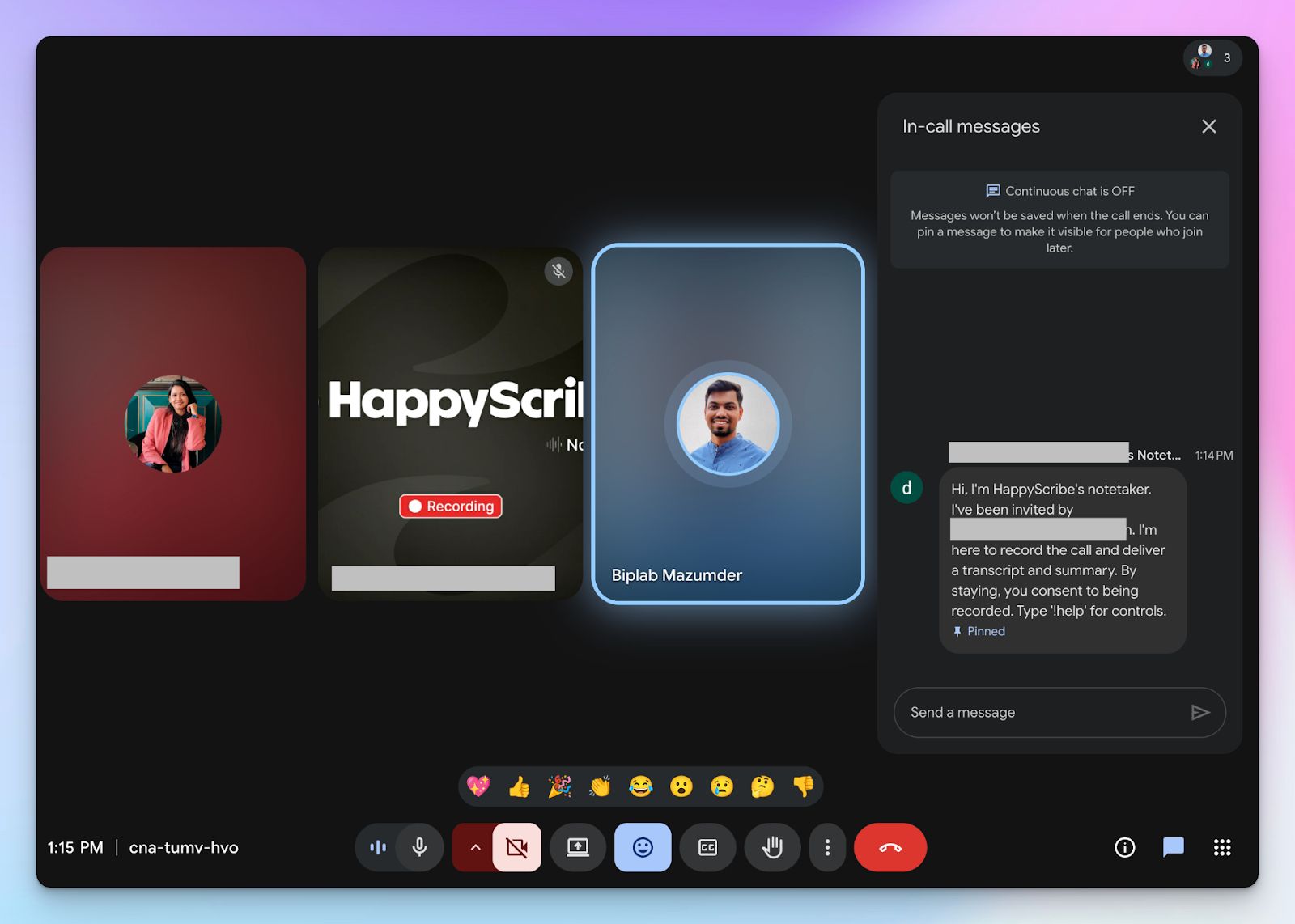
It features a transparent note taker that you can configure to join only the meetings you specifically select. Guests get a message explaining what the bot can do, and they receive the notes directly without jumping through hoops. They don’t have to create an account or grant calendar access just to read a summary.
3. AI conversations for meeting insights
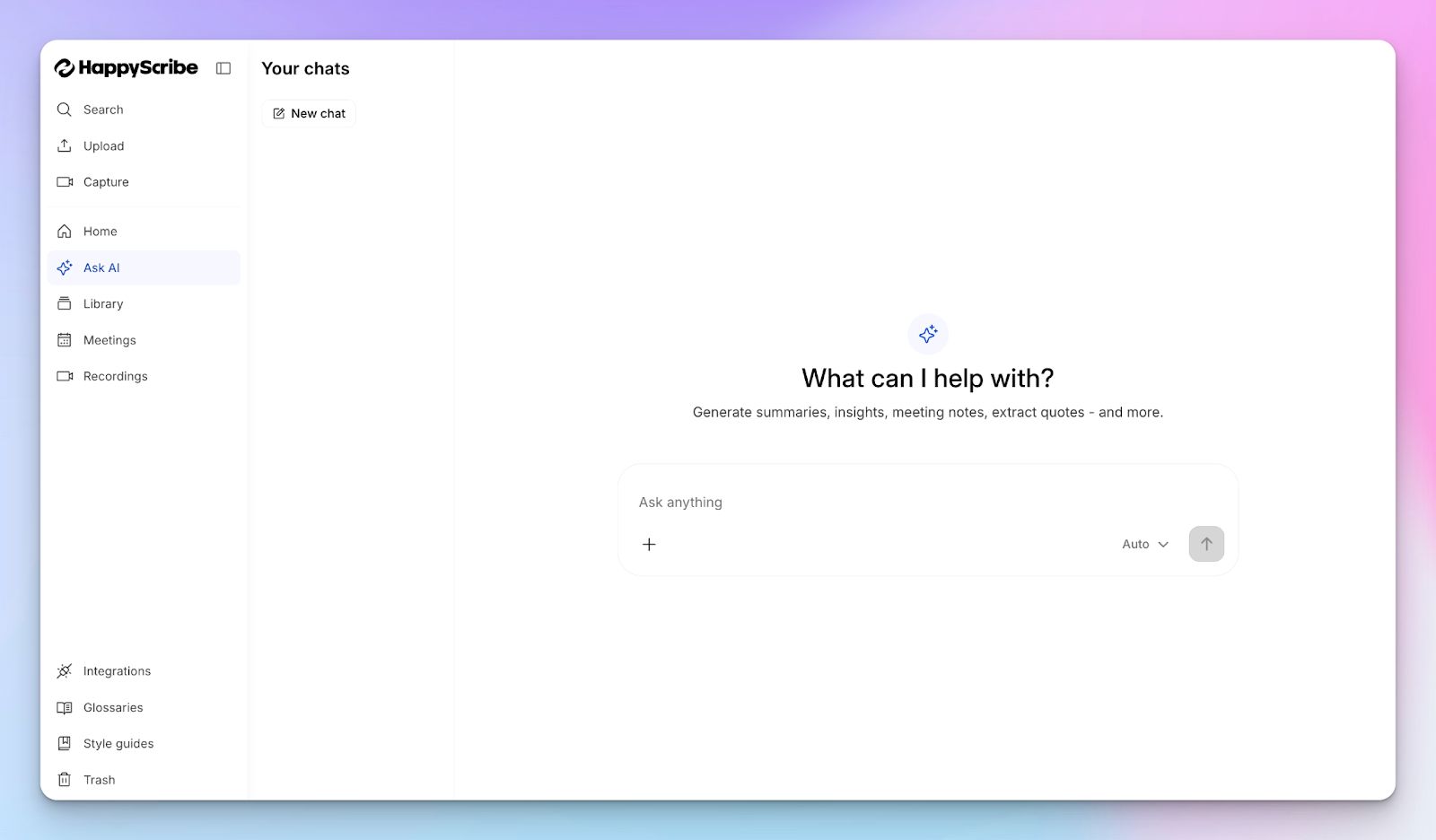
Rather than forcing you to navigate a cluttered dashboard of random behavioral metrics, HappyScribe lets you chat directly with your notes.
You can ask the AI to pull out specific action items, extract video chapters, highlight quotes, and draft follow-up emails. You can have a real back-and-forth to gain clarity and find the exact information you need to move a project forward.
4. Easy to use and easier to reach support
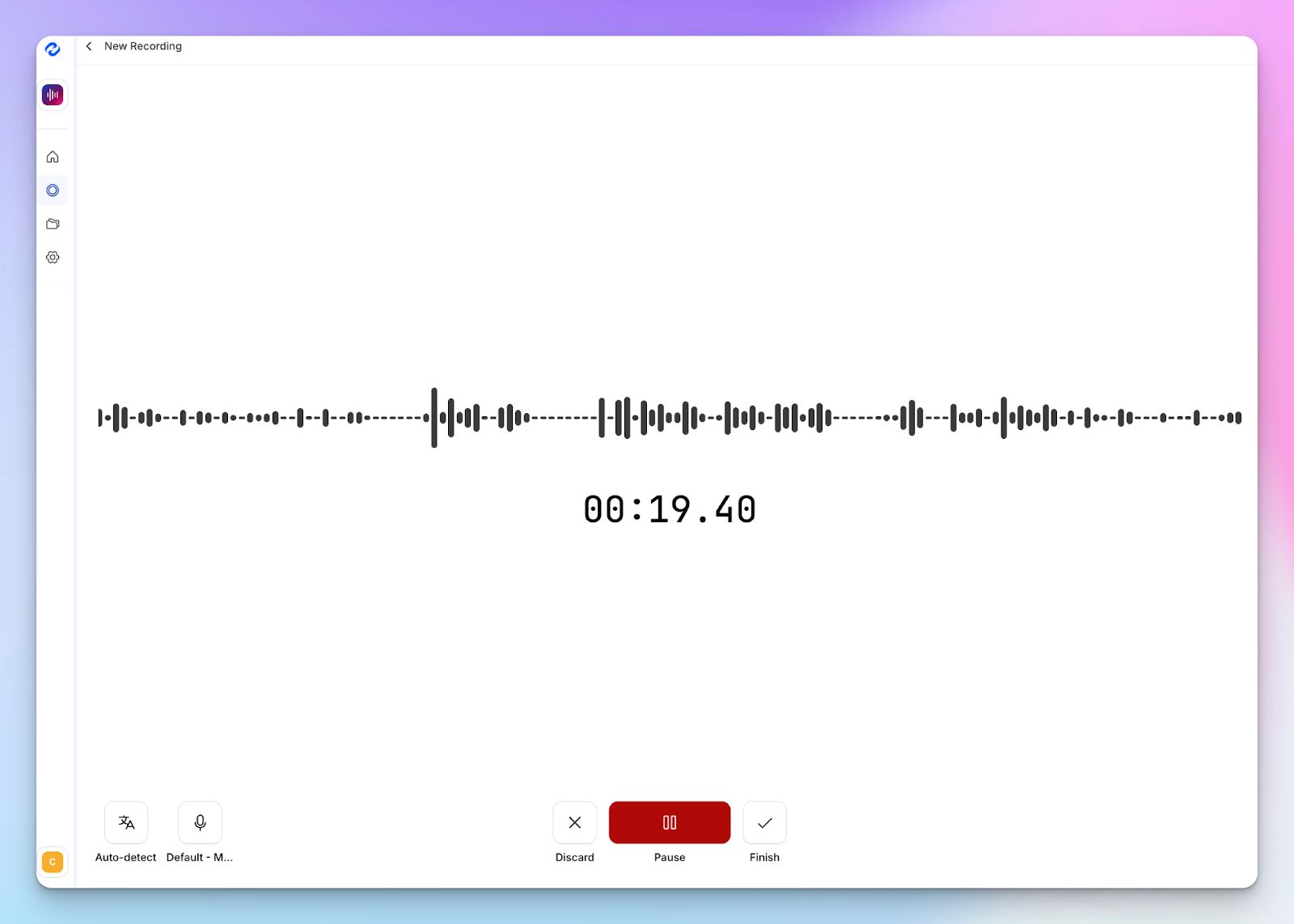
Since HappyScribe is focused on helping you run better meetings, it doesn't clutter the UI with bloat. The setup is simple, and you can configure settings just the way you want HappyScribe to behave.
The AI note taker is backed by a responsive, human support team to handle troubleshooting and billing inquiries. If you decide to delete a file to maintain compliance, the platform removes it from servers.
HappyScribe’s pros
- Generate meeting notes in 140+ global languages and accents with 95% accuracy
- Ask AI for meeting insights, quotes, follow-up emails, and deep conversations
- Upload and transcribe files and pre-recorded meetings from your device, YouTube, Vimeo, and Dropbox
- GDPR and SOC 2 Type II compliance, along with EU data residency
- Transparent and customizable note taker with granular user control
- Create and edit subtitles and mix audio for fast content sharing
- Flexible billing and helpful customer support from real humans, not chatbots
HappyScribe’s cons
- It’s not ideal for real-time transcriptions
HappyScribe’s pricing
- Free: Unlimited meeting recordings (45 mins/recording)
- Basic: $8.50/month (billed annually) or $17/month (billed monthly)
- Pro: $19/month (billed annually) or $29/month (billed monthly)
- Business: $59/month (billed annually) or $89/month (billed monthly)
- Enterprise:Contact sales to get tailored solutions directly
What are real users saying about HappyScribe?
Very fast and accurate tool! Always working, fast, many customisation possibilities. Web app is also convenient and easy to use.
A superb product with an exquisite interface and an overriding focus on excellent customer service! Such a joy to find enterprises like this that meet all of our requirements so completely
How to use HappyScribe’s AI note taker? A step-by-step guide
1. Link your Google or Outlook calendar or paste the meeting link to invite the HappyScribe note taker. For in-person meetings, you can record audio without a bot.
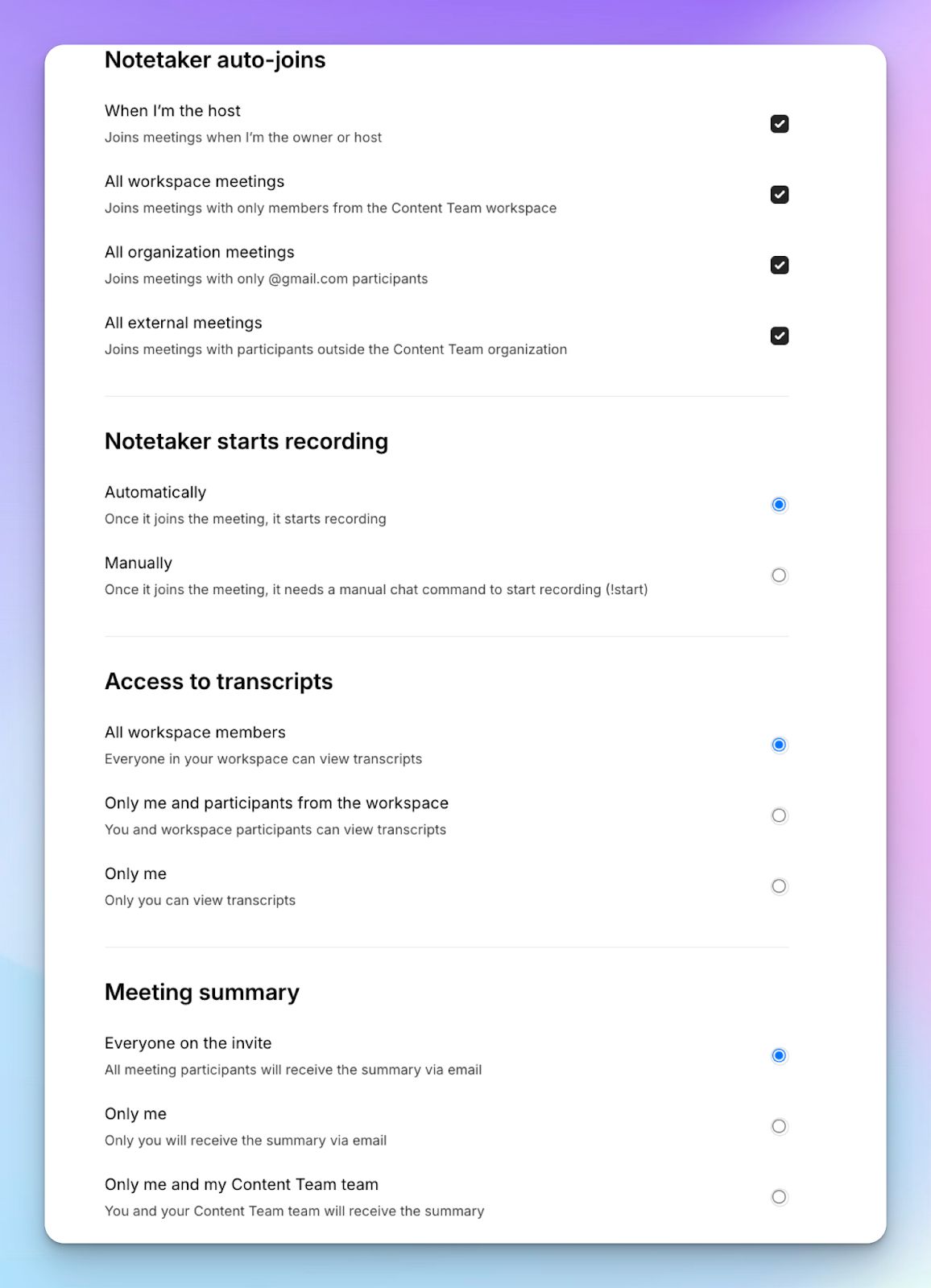
2. Select Meetings in the left sidebar and then check the options at the right to customize when the notetaker should join and who should receive the email summary.
3. Click on the Settings button at the top right to select when the notetaker should start recording and who can view the meeting transcription.
4. During an online call, the notetaker must be admitted by the meeting host to start recording. You can chat with the notetaker to control it.
5. And that's it! The meetings should be saved in your Workspace files or in the Private section, depending on your privacy settings.
2. Fathom
Best for: Individual users and small teams looking for a free, unlimited video recording and transcription tool
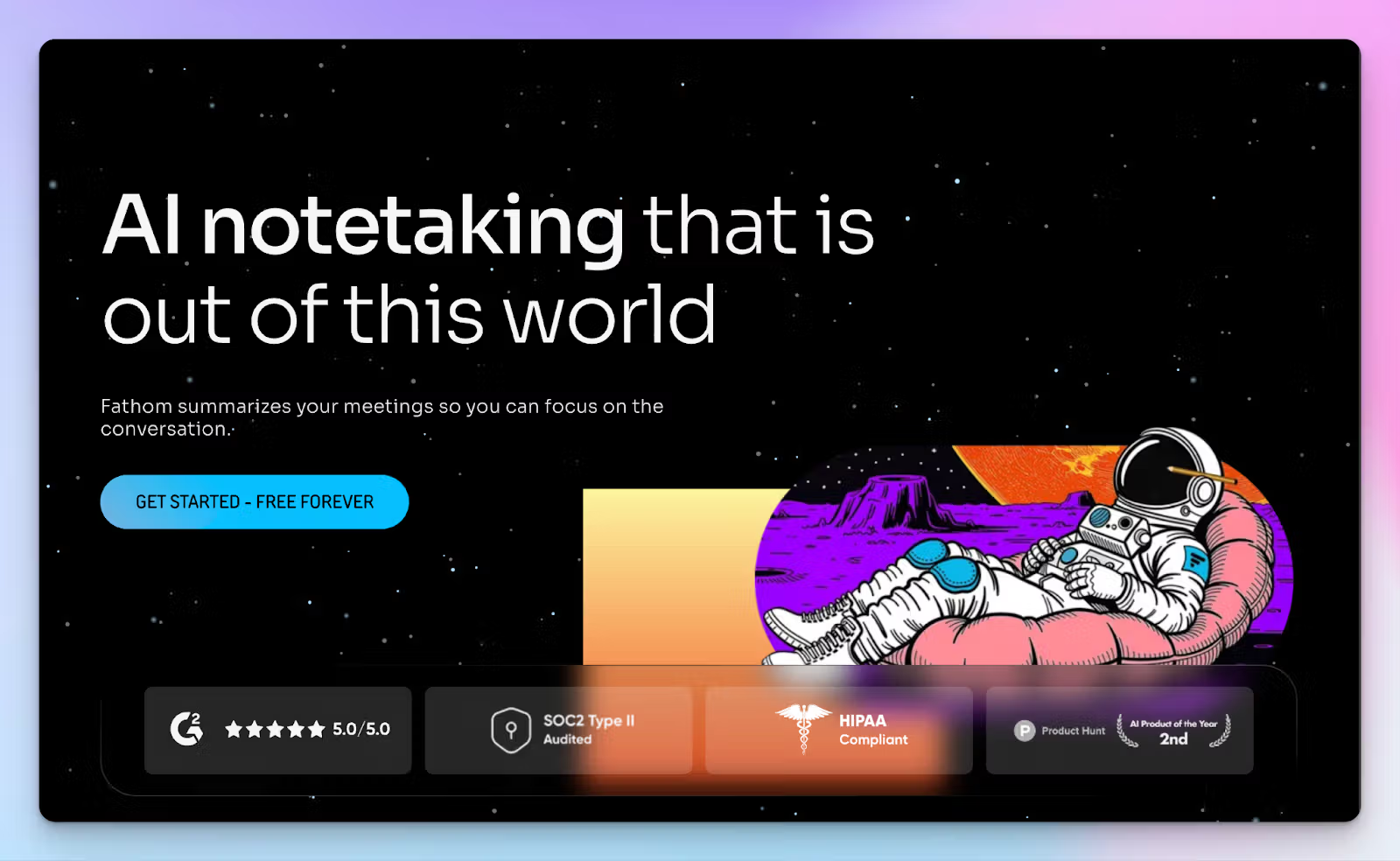
Read AI tries to build a massive knowledge base by pulling data from your emails, chats, and calendars, but Fathom keeps things simple. It’s a lightweight AI meeting assistant that focuses entirely on recording and transcribing your video calls without the extra bloat.
If you run a team of one, Fathom is a practical choice. Read AI limits you to just five free meetings a month, but Fathom provides an unlimited free tier for Zoom, Teams, and Google Meet note taking.
Fathom vs. Read AI
| Category | Fathom | Read AI |
|---|---|---|
| Primary focus | Straightforward video recording and text summaries | Complex knowledge graph connecting emails and meetings |
| Cost value | Generous free tier with unlimited recording and basic transcription | Restrictive free plan limited to just 5 meetings per month |
| Analytics | Delivers reasonably accurate transcripts and clear action items | Clutters the dashboard with inaccurate sentiment and engagement scores |
| User setup | Quick to deploy for individual use without forcing team-wide adoption | Acquires broad calendar permissions to automatically join organization-wide calls |
Fathom’s key features
- Click the in-meeting highlight button to instantly mark key moments and generate shareable video clips
- Ask Fathom allows you to search your entire meeting history to find specific customer feedback or decisions
- Thanks to native integrations with platforms like HubSpot, Asana, Attive, Twine, and Salesforce, you can turn meeting insights into data pipelines
- Interactive video transcripts let you click any sentence to immediately jump to that specific timestamp in the recording playback
Fathom’s pricing
- Free
- Premium: $20/month
- Team: $19/month (minimum 2 users)
- Business: $29/month (minimum 2 users)
Fathom’s pros
- Truly unlimited live meeting recording and transcription on the free tier, something you don’t get with Read AI
- Clean and scannable UI that makes finding and sharing specific video clips fast
- Ask Fathom acts as a deep search engine for all your past meeting data
Fathom’s cons
- Fathom does not support uploading pre-recorded audio or video files for transcription
- Fathom doesn't offer bot-free in-person recording and transcripts, which is one of the reasons it’s placed below HappyScribe as an AI note taker.
3. Chorus by ZoomInfo
Best for: Enterprise sales teams that need deep conversation intelligence tied directly to pipeline performance
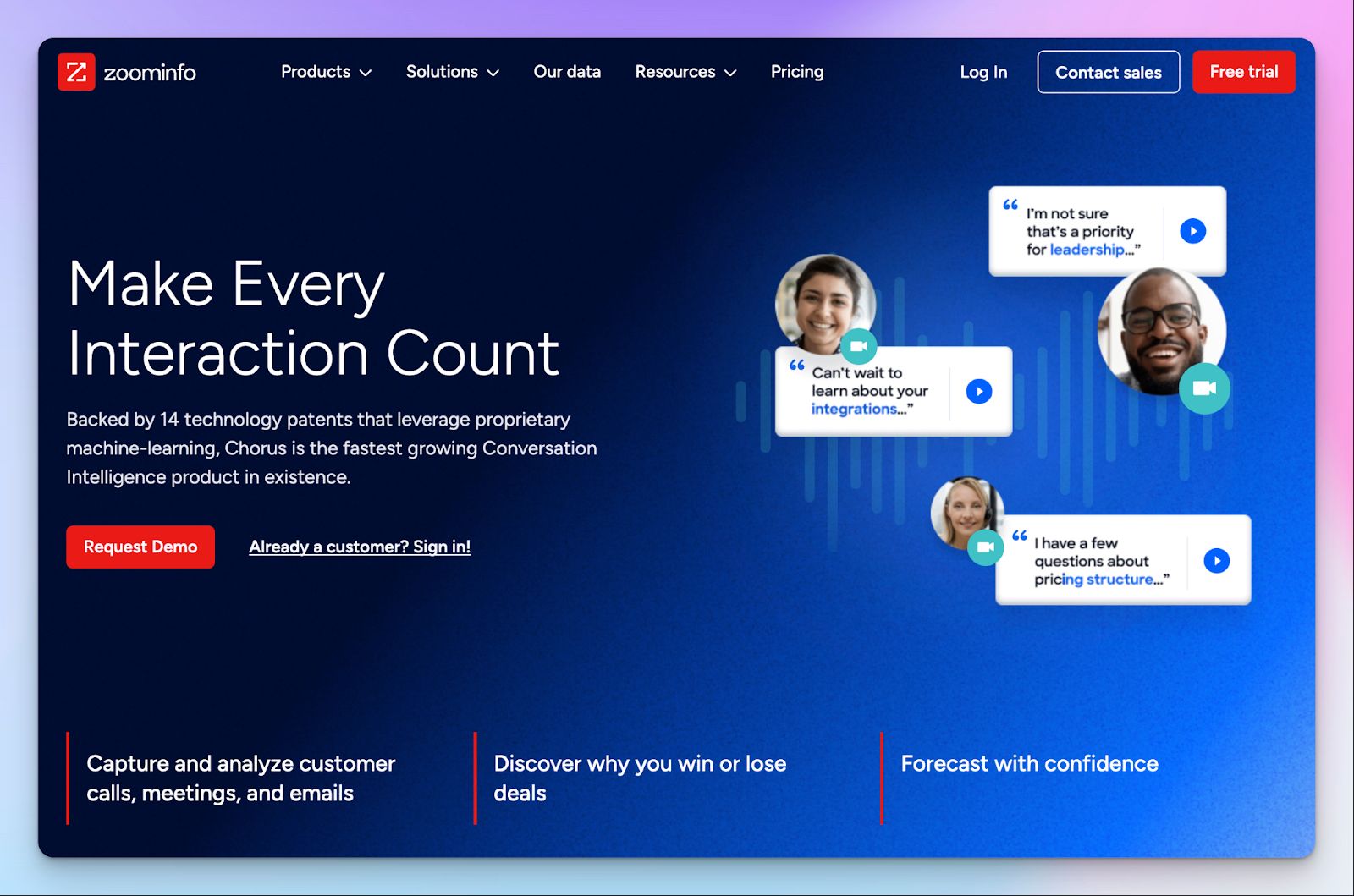
Chorus by ZoomInfo is a specialized revenue intelligence platform built strictly for sales organizations. It analyzes customer interactions to identify deal risks, competitor mentions, and coaching opportunities without the generic behavioral scoring that Read AI relies on.
If you run a high-volume outbound team, Chorus tracks granular metrics to make sales feedback contextual.
Chorus by ZoomInfo vs. Read AI
| Category | Chorus by ZoomInfo | Read AI |
|---|---|---|
| Primary focus | Deep conversation analytics and sales team coaching | General meeting summaries and personal knowledge graphs |
| Target audience | Revenue leaders, RevOps, and enterprise sales teams | Small general business teams |
| Analytics | Tracks competitor mentions, deal risks, and talk-to-listen ratios | Clutters the dashboard with generic sentiment and engagement scores |
| Integrations | Deep native sync with Salesforce, HubSpot, Gainsight, Zoom Phone, and Slack | Connects broadly to calendars with limited CRM integrations |
Chorus by ZoomInfo’s key features
- Deal Intelligence dashboard automatically flags at-risk opportunities and stalled pipeline momentum based on call transcripts
- Thanks to integrations with Salesforce, Gainsight, Microsoft Dynamics, Slack, and HubSpot Dialer, you can automatically log call data to eliminate manual data entry
- Conversation analytics track specific sales behaviors like objection handling, competitor mentions, and talk-to-listen ratios
- With coaching scorecards, sales managers can build targeted training programs using real call snippets
Chorus by ZoomInfo’s pricing
- Contact for pricing
Chorus by ZoomInfo’s pros
- Chorus delivers specific sales coaching metrics, replacing the inaccurate sentiment analysis you get with Read AI
- Deep integration with the Zoominfo ecosystem for GTM and data strategies
- With call snipping, you can share critical feedback or feature requests directly to product channels
Chorus by ZoomInfo’s cons
- Chorus is prohibitively expensive for small teams and requires an annual contract
- Chorus works best as part of the Zoominfo tech stack, so your mileage might vary
- Transcription accuracy falls sharply when dealing with heavy regional accents or multiple languages
4. Fellow
Best for: Organizations that need strict governance controls and structured pre-meeting agendas
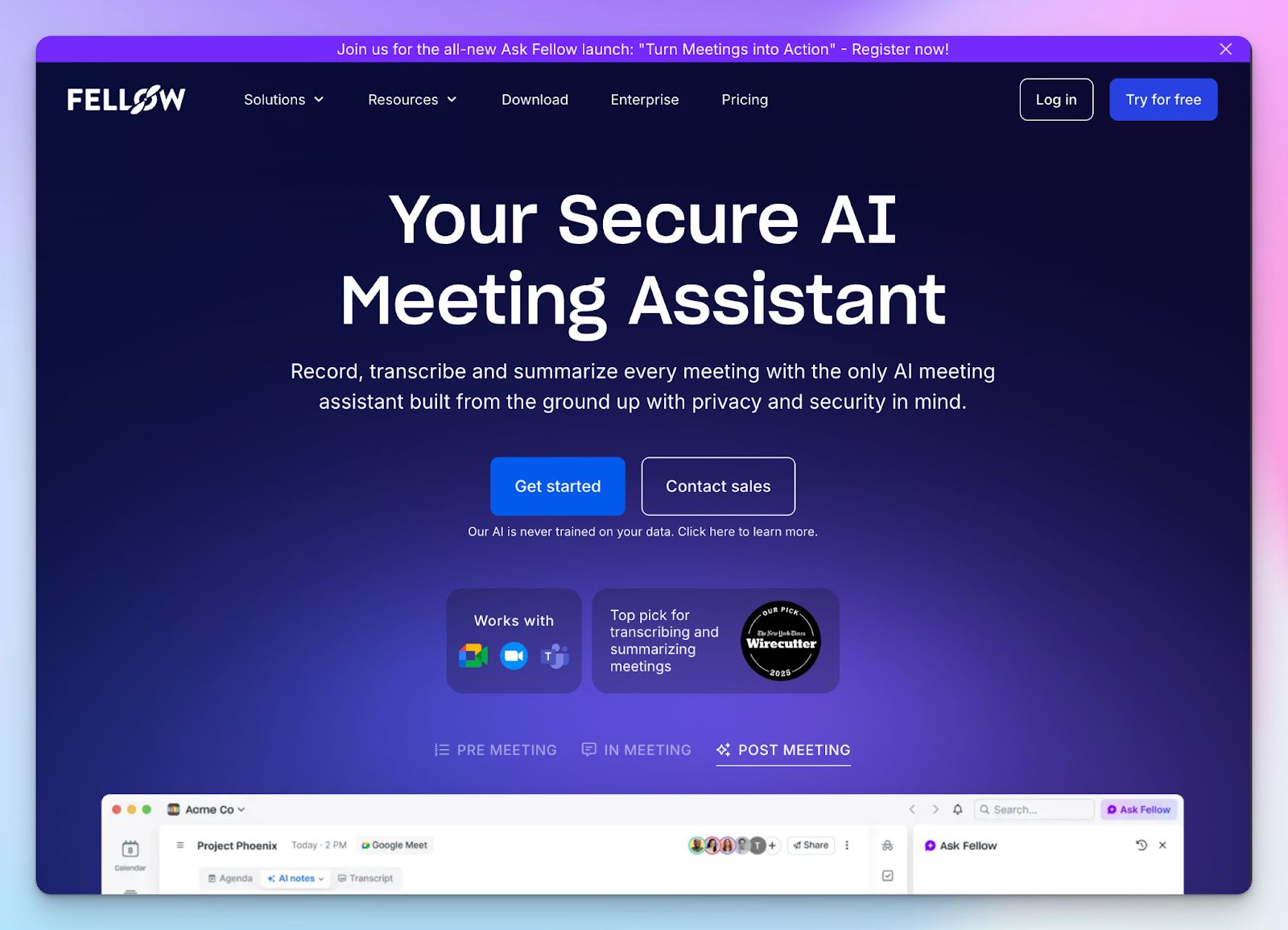
If you operate in a regulated industry like healthcare or financial services, deploying a bot like Read AI is a massive security risk. Fellow is a good shout if you want to standardize meetings across departments without the privacy issues.
Fellow operates strictly within the permissions you set. It implements a structure for pre- and post-meeting management, so all employees can be on the same page.
Fellow vs. Read AI
| Category | Fellow | Read AI |
|---|---|---|
| Primary focus | Pre-meeting agendas and secure, compliant meeting management | Cross-channel analytics and personal knowledge graphs |
| Control over security and privacy | HIPAA, SOC 2 Type II, and GDPR compliant with strict domain controls | Operates with opaque data retention policies and requires calendar permissions to function |
| Meeting capture | Offers both bot and botless recording options with unified data governance | Relies heavily on an invasive bot that auto-joins organization-wide calls |
| Meeting metrics | Tracks operational meeting hygiene to maintain compliance and employee well-being | Primarily focuses on post-call behavioral analytics |
Fellow’s key features
- Collaborative meeting agendas allow participants to add talking points and review previous decisions before the call even starts
- Unlike Read AI, Fellow offers both bot and bot-free recording options, and neither method trains AI models on your proprietary company data
- Fellow lets you quantify meeting value and prevent burnout between back-to-back meetings with break blocks
- Enterprise governance gives admins strict domain control, automatic user provisioning via Okta or OneLogin, and transcript redaction capabilities
Fellow’s pricing
- Free: Capped at 5 AI notes
- Team: $11/month
- Business: $23/month
- Solo: $29/month
- Enterprise: $25/month (billed annually)
Fellow’s pros
- Ask Fellow offers a fast, internal search engine to retrieve meeting records and insights
- Enterprise-grade security and compliance controls replace the risky data practices of Read AI
- Deep syncing with tools like Jira, Linear, Confluence, ClickUp, Zendesk, and Workday to make sure tasks are tracked accurately
- Managers and team leads can set company-wide recording behaviors to prevent accidental capture of confidential information
Fellow’s cons
- The free tier is extremely limited, acting more like a short trial than a sustainable plan for everyday use
- Fellow requires strong organizational buy-in to make an impact
- You must install the dedicated macOS app to use the bot-free recording feature for your calls
5. Fireflies
Best for: Revenue and RevOps teams that need deep CRM automation and conversation intelligence
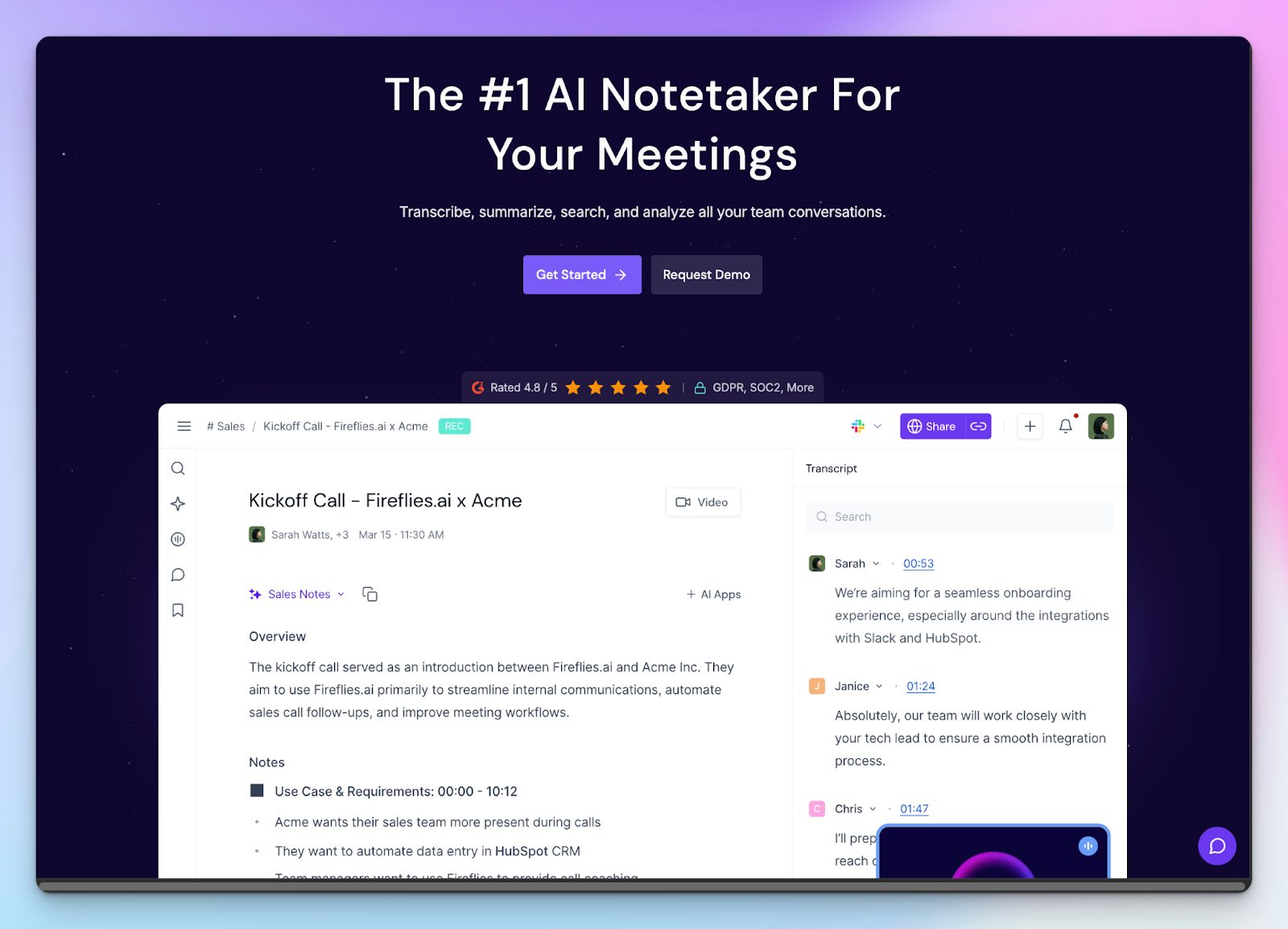
Sales teams that want more accurate analysis than what Read AI offers, but can’t justify the Chorus investment, should look into Fireflies.
It’s a dedicated AI meeting assistant built primarily for sales and RevOps teams that track competitor mentions and talk-to-listen ratios, and push that data directly into CRM.
Fireflies vs. Read AI
| Category | Fireflies | Read AI |
|---|---|---|
| Primary focus | Conversation intelligence and CRM automation for sales | Cross-channel analytics and personal knowledge graphs |
| Analytics | Tracks competitor mentions, objection handling, and talk-to-listen ratios | Clutters the dashboard with generic sentiment and engagement scores |
| Knowledge organization | Sorts transcripts into customizable channels and audio playlists | Difficult to access meeting records for large teams |
| Language support | Supports 100+ languages | Read AI only supports 20 languages |
Fireflies’ key features
- AskFred AI lets you search your entire meeting history to extract specific customer objections or feature requests
- Monitor your transcripts with Topic Trackers to count exactly how often keywords like competitors or specific pricing objections are mentioned
- Live Assist provides real-time coaching during active calls to help representatives answer difficult technical questions immediately
- The soundbites feature lets you clip exact moments from a customer call and route them directly to product teams via Slack or Notion
Fireflies’ pricing
- Free
- Pro: $18/month
- Business: $29/month
- Enterprise: $39/month/seat (billed annually)
Fireflies’ pros
- Delivers highly specific sales coaching metrics, replacing the inaccurate sentiment analysis you get with Read AI
- Wide integrations with third-party tools, including Salesforce, HubSpot, Airtable, Linear, Aircall, Keragon, and Lever
- 200+ custom AI apps let you extend the capabilities of Firefies according to your use case
- Custom channels solve the organizational mess created by Read AI’s single-feed approach to storing transcripts
Fireflies’ cons
- Video recording is locked behind the $29/month Business tier, forcing you to pay extra for a feature most competitors include for free
- Compared to Fireflies alternatives, it struggles to transcribe heavy regional accents, despite the wide language coverage
- The platform relies on a confusing AI credit system for advanced features, which can lead to unpredictable monthly costs for heavy users
Which Read AI alternative is right for you?
Deciding on the right AI meeting assistant comes down to what slows down your work the most. If all your meetings live inside Zoom, Meet, and Teams, and you’re happy with serviceable transcripts, Fathom provides a generous free tier. Revenue teams that need to inspect pipeline health should look at Chorus by ZoomInfo or Fireflies, depending on budgets. If you work in a regulated industry, Fellow enforces the strict domain controls.
Having said that, your main issue with Read AI might just be the invasive bot and the lack of transcript accuracy. You likely want to capture meeting notes without forcing external guests to create accounts.
HappyScribe gives you exactly that. It delivers 95% transcription accuracy across 140+ languages and dialects. You can opt for bot-free in-person meetings, or control exactly when a bot joins your scheduled calls and what it does after. This way, you’re always in control of your data and make sure your guests never jump through hoops just to read a summary.
FAQs on the best Read AI alternatives for AI note taking
Is there a free alternative to Read AI?
Yes, several Read AI alternatives offer a generous free plan. If you need accurate documentation and detailed meeting summaries, HappyScribe is the best AI meeting software and a highly secure AI meeting assistant. For individuals strictly using a video conferencing tool, Fathom also offers a great free plan for unlimited video recording for individual meetings. When evaluating AI meeting assistants, it’s crucial to find one that captures key insights without forcing guests to create accounts just to view a meeting transcript.
Is Read AI illegal?
Read AI is not illegal, but recording virtual meetings can violate privacy laws if you aren't careful. In "two-party consent" jurisdictions, recording without everyone’s explicit permission is a legal risk. Because Read AI’s AI assistant auto-joins calls by scraping your Google and Outlook calendars, you risk recording discussions without proper consent. To stay compliant, switch to Read AI alternatives like HappyScribe, which offer secure and even bot-free recording to ensure your future meetings remain completely confidential and legal.
Is there a free version of Read AI?
Yes, Read AI offers a limited free plan, but it strictly caps you at just five meetings per month. If you exceed that, you are forced onto their paid plans, starting at $19.75 per user month. This is highly restrictive for professionals handling multiple meetings a week. If you want great AI summaries and meeting analytics without hitting paywalls instantly, HappyScribe provides a robust free plan before you ever need to upgrade for advanced features.
Is Read AI the same as Copilot?
No. Microsoft Copilot is a native productivity tool built directly into Microsoft 365. Read AI is an independent AI meeting assistant that recently launched a feature called "Search Copilot" for multi-meeting intelligence, causing name confusion. While Read AI focuses heavily on generating automated meeting summaries, its dashboard can feel cluttered. If you prefer to extract key points using an intuitive AI chat, platforms like HappyScribe or Fireflies (which uses the AskFred AI assistant) offer a much cleaner, focused experience.
What are the best Read AI alternatives for Microsoft Teams?
For Microsoft Teams and Google Meet, top Read AI alternatives include HappyScribe, Fireflies, and Fellow. HappyScribe is excellent for capturing accurate transcripts with precise speaker identification without bothering attendees. Fireflies is ideal for sales calls because its conversation intelligence features push data directly into CRMs. Meanwhile, Fellow improves meeting efficiency by letting you use custom meeting templates, generate meeting reports, and sync tasks into project management tools. All these options offer flexible paid plans to unlock premium AI features.

Biplab Mazumder
Biplab is a content marketer and writer who helps high-growth brands scale content visibility across AI search channels. His works have been published in HubSpot, Freshworks, Atlassian, SurferSEO, etc. When he's not planning content strategy, he's testing AI content workflows and use cases.