![5 Best AI Meeting Recorders You Must Try [2026]](/sanity-images/ejgwz1gl/redesign/d986690fec7d253cd3727af2680c9fd37767eb3e-1536x1024.png?auto=format&w=1536.0&rect=0,128,1536,768&h=768)
TL;DR ⏩
The top AI meeting recorders are:
- HappyScribe: Best for multilingual teams, researchers, and business professionals that want 150+ language accuracy, flexible recording modes, and EU-based data security
- tl;dv: Best for sales teams that need shareable video clips, cross-meeting AI reports, and CRM auto-sync
- Fathom: Best for individuals and small teams that want fast AI summaries, custom templates, and no usage caps on the free plan
- MeetGeek: Best for organizations that need meeting-type-aware summaries, a searchable shared library, and talk-time analytics
- Plaud: Best for professionals who need a physical recorder for in-person meetings, client visits, and situations where meeting bots aren't an option
You're in a meeting. Something important gets said. You think you'll remember it. But chances are high that…you won't.
That's not a dig, it's just how meetings work.
Too much is happening at once for anyone to capture it all while staying present in the conversation. So decisions get half-remembered, action items get lost, and follow-up emails turn into a game of "wait, didn't we already talk about this?"
It adds up. Harvard Business Review research found that 68% of employees don't have enough uninterrupted focus time during the workday. Fractured, poorly documented meetings are a core part of that problem.
AI meeting recorders fix this at the source. They capture the full audio and video, transcribe it, and surface decisions, so you can stop taking notes and start paying attention.
I did my research, tested a bunch of tools, and I’m here to share the best ones available right now.
📚 Also read:
What makes a good AI meeting recorder?
Recording quality
You only notice this when it fails. A key detail gets discussed, and the recording has a gap or weird distortion. Now you’re Slack-ing people, “What did we decide again?” A good recorder just works in the background. Clean audio, no drop-offs, full recording saved so you can revisit context when needed.
Transcription accuracy
Most meetings are chaotic. People interrupt, speak fast, switch tones, and throw in jargon. If the transcript can’t handle that, you stop trusting it. And once that trust is gone, you’re back to rewatching calls. That’s why transcription accuracy should be a top priority.
Language support
If your calls involve different regions, you need an AI meeting record that supports multiple languages. The tool should keep up without breaking the flow, and the summary should still read like something you can send to a client or your team.
Privacy and compliance
Your recordings often hold your most sensitive conversations, like client discussions, internal decisions, pricing, and strategy. You should know where that data is stored, how it’s handled, and who can access it. If you have to dig for answers here, that’s not a great sign.
AI summaries and action items
After five or six calls in a day, you’re not going back to read full transcripts. You just want the outcome. A reliable AI meeting recorder gives you that in seconds.
💡 Pro Tip:
Run two AI meeting recorders side by side for a week. Compare how each one handles speaker overlap, jargon, different accents, and action item extraction from the same calls. The differences in transcript quality and summary depth become obvious when you're looking at the same conversation through two lenses.
What are the top AI meeting recorders? At a glance
| Category | HappyScribe | tl;dv | Fathom | MeetGeek | Plaud |
|---|---|---|---|---|---|
| Best for | Multilingual teams, researchers, journalists, and business professionals that want accurate meeting notes with strong privacy and flexible recording modes | Sales and customer success teams that need full recordings, shareable video clips, and cross-meeting AI insights | Individuals and small teams that want fast, structured AI summaries with no usage caps on the free plan | Teams that want flexible recording options, meeting-type-aware summaries, and a searchable shared library | Professionals who need a single recorder for both in-person and online meetings without bots or browser dependencies |
| Key features | AI summaries and action items, AI Chat across meetings, 150+ language auto-detection, bot and bot-free recording, custom templates, MCP server, subtitle generation, video + audio retention | Timestamped highlights, shareable video clips, cross-meeting AI reports, CRM auto-sync with Salesforce and HubSpot | Instant AI summaries, custom summary templates, clips and playlists, global search, bot-free recording (beta, Mac) | Searchable meeting library, AI chat with timestamped citations, meeting-type detection, talk-time analytics, filler word detection | Physical hardware recorder, Plaud Desktop for bot-free online capture, on-device storage up to 64GB, Ask Plaud AI chat, 10,000+ summary templates |
| Languages supported | 150+ languages and accents with auto-detection | 30+ languages | 25 languages | 100+ languages | 100+ languages |
| Security and compliance | GDPR compliant, SOC 2 Type II certified, AES-256 encryption, EU-based data center | GDPR compliant, SOC 2 certified, AES-256 encryption, EU-based data storage | HIPAA, GDPR, and SOC 2 Type II certified | GDPR, CCPA, and HIPAA compliant | SOC 2 Type II, HIPAA, GDPR, ISO 27001, ISO 27701 certified; recordings never used for AI training |
| Pricing | Free plan with unlimited recordings (45 mins each); paid plans start from $8.50/mo | Free plan available; paid plans start from $29/mo per user | Free plan available; paid plans start from $19/mo per user | Free plan available; paid plans start from $15.99/mo per user | Hardware starts from $159 with 300 free mins/mo; paid plans start from $99.99/yr |
1. HappyScribe
Best for: Multilingual teams, researchers, and business professionals that want highly accurate meeting notes, flexible recording modes, and EU-based data security
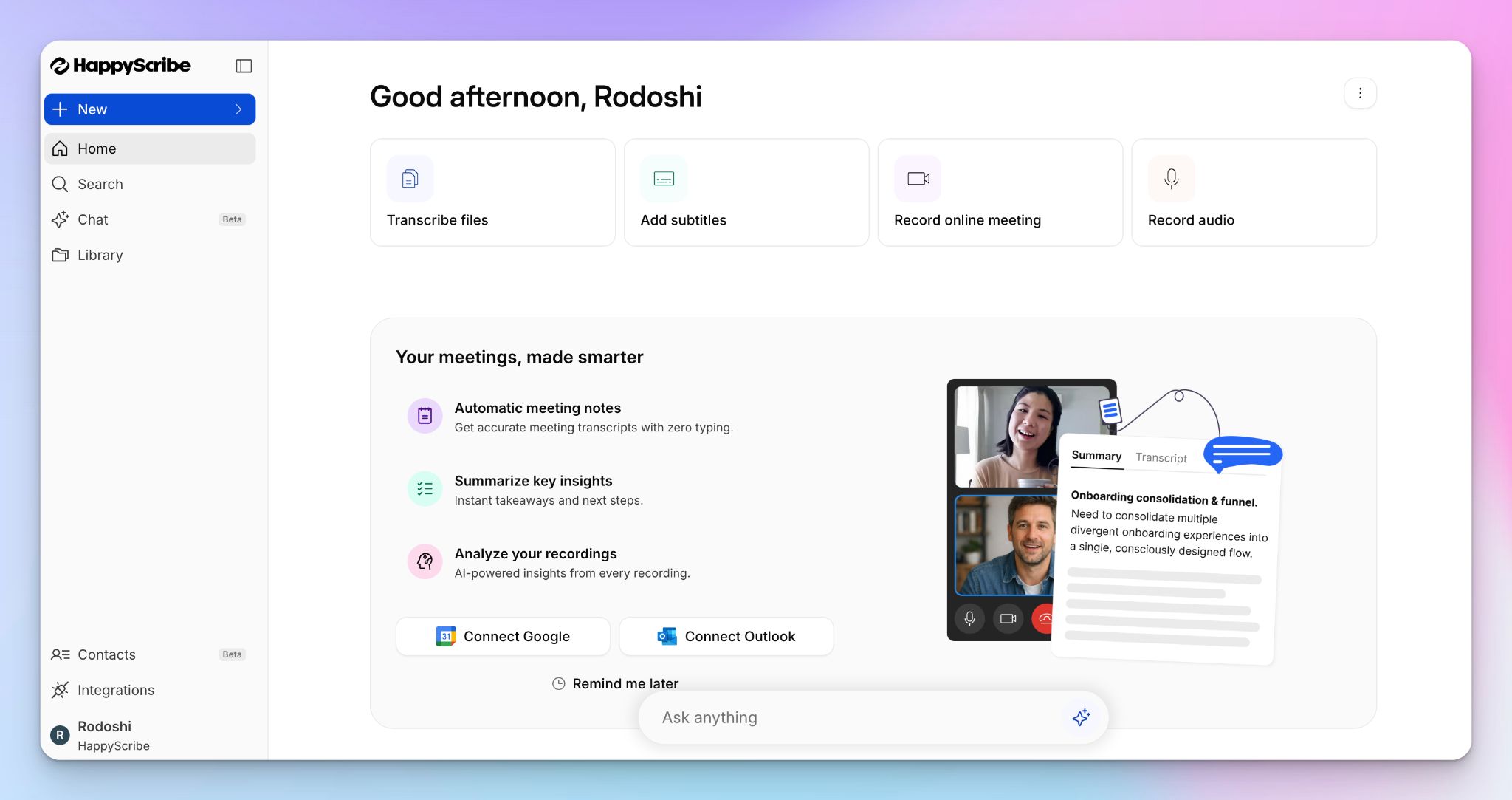
Barcelona-based HappyScribe is an AI meeting recorder that records full audio and video of your meetings, transcribes them with 95%+ accuracy across 150+ languages and dialects, and delivers a structured summary with key decisions and action items moments after the call ends.
It works on Zoom, Google Meet, and Microsoft Teams, and gives you full flexibility over how you want to capture your meetings: with a bot joining via calendar scheduling, or going bot-free with the browser-based recording option.
Either way, HappyScribe becomes your organizational memory, centralizing your meeting content and notes in one place.
HappyScribe’s key features
150+ languages with 95%+ accuracy
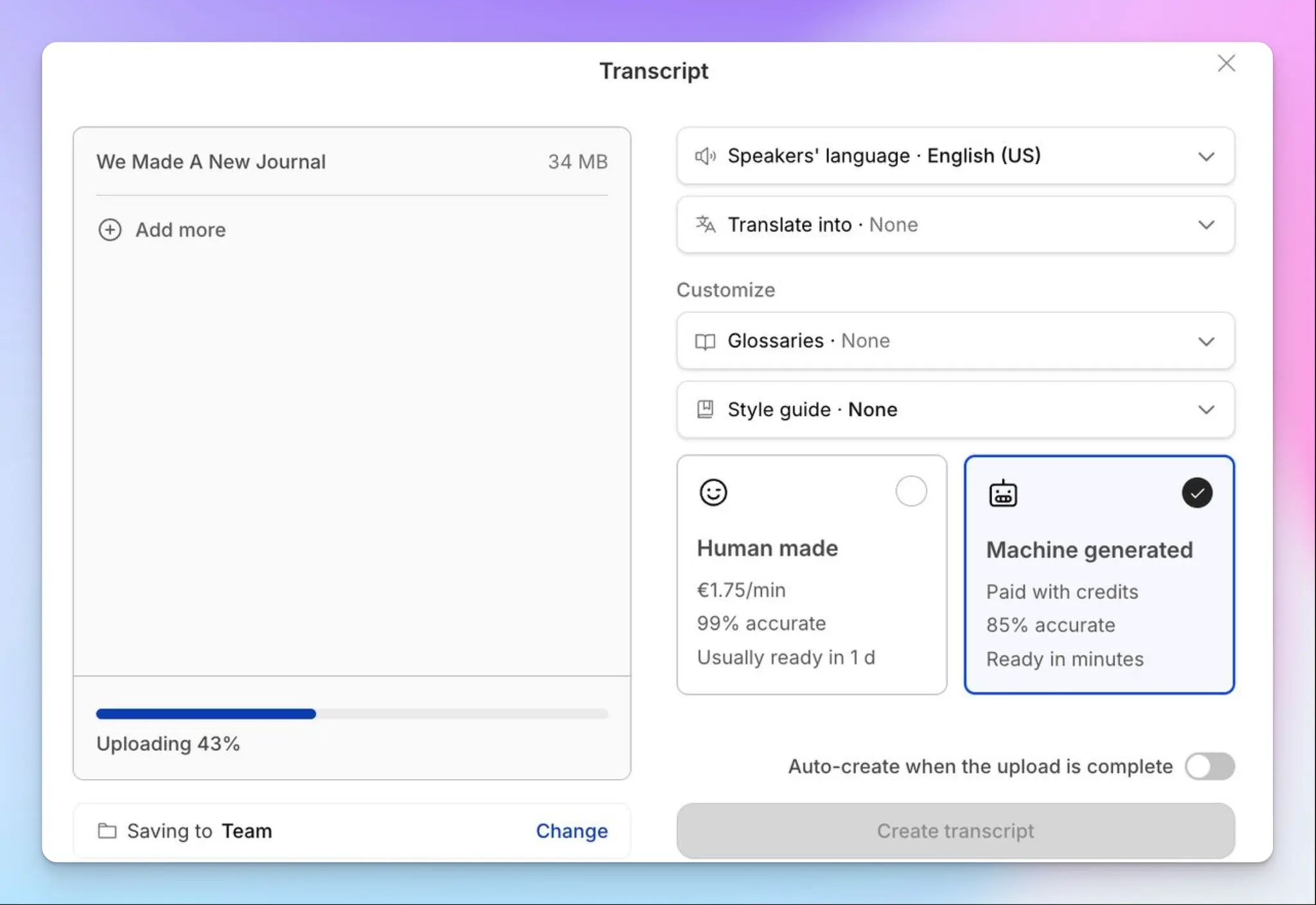
HappyScribe automatically detects what language is being spoken and generates notes in that same language on the fly. There’s nothing to configure beforehand, which makes it easy to jump into multilingual calls without thinking about setup.
It supports 150+ languages and accents and delivers 95%+ accuracy, so you won’t have to spend much time cleaning up the notes.
AI summaries, action items, and full meeting context
Right after each meeting, HappyScribe sends a focused AI summary to your inbox with key decisions, next steps, and the points worth acting on.
Each speaker is clearly labeled in the transcript, so you can track who said what and assign ownership without second-guessing. You also get the full meeting video alongside the transcript, which makes it easy to jump back to the exact moment something was discussed when you need more context.
Auto-join and flexible recording modes
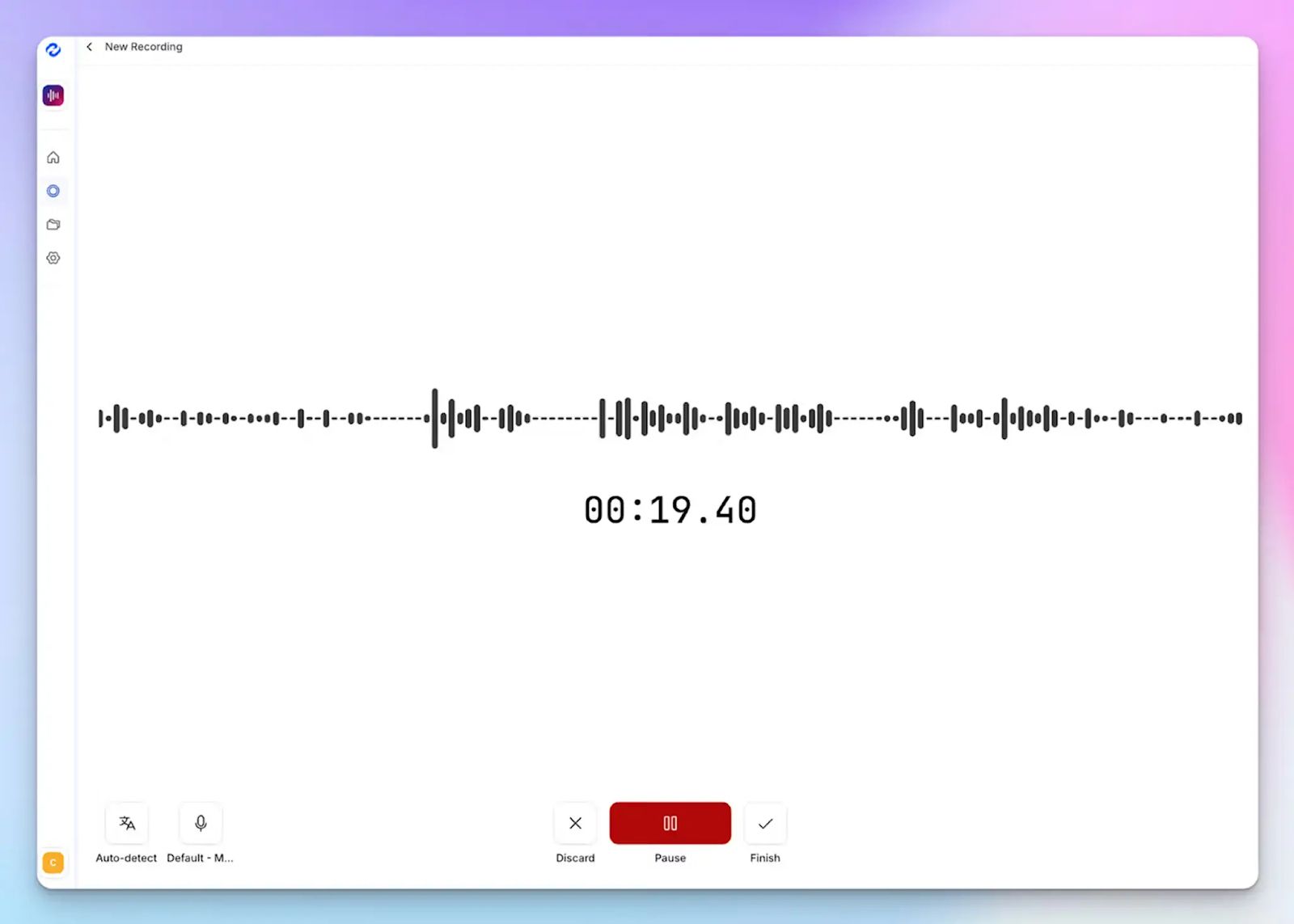
Connect your Google or Outlook calendar and HappyScribe joins scheduled meetings on its own. For last-minute calls, just drop in the meeting link and it’s ready in seconds.
If you’d rather keep the meeting bot-free, you can record directly from your browser without anyone else seeing a participant join. And if the meeting has already happened, upload the file and HappyScribe turns it into a full transcript with a clean summary.
Chat with your meeting notes
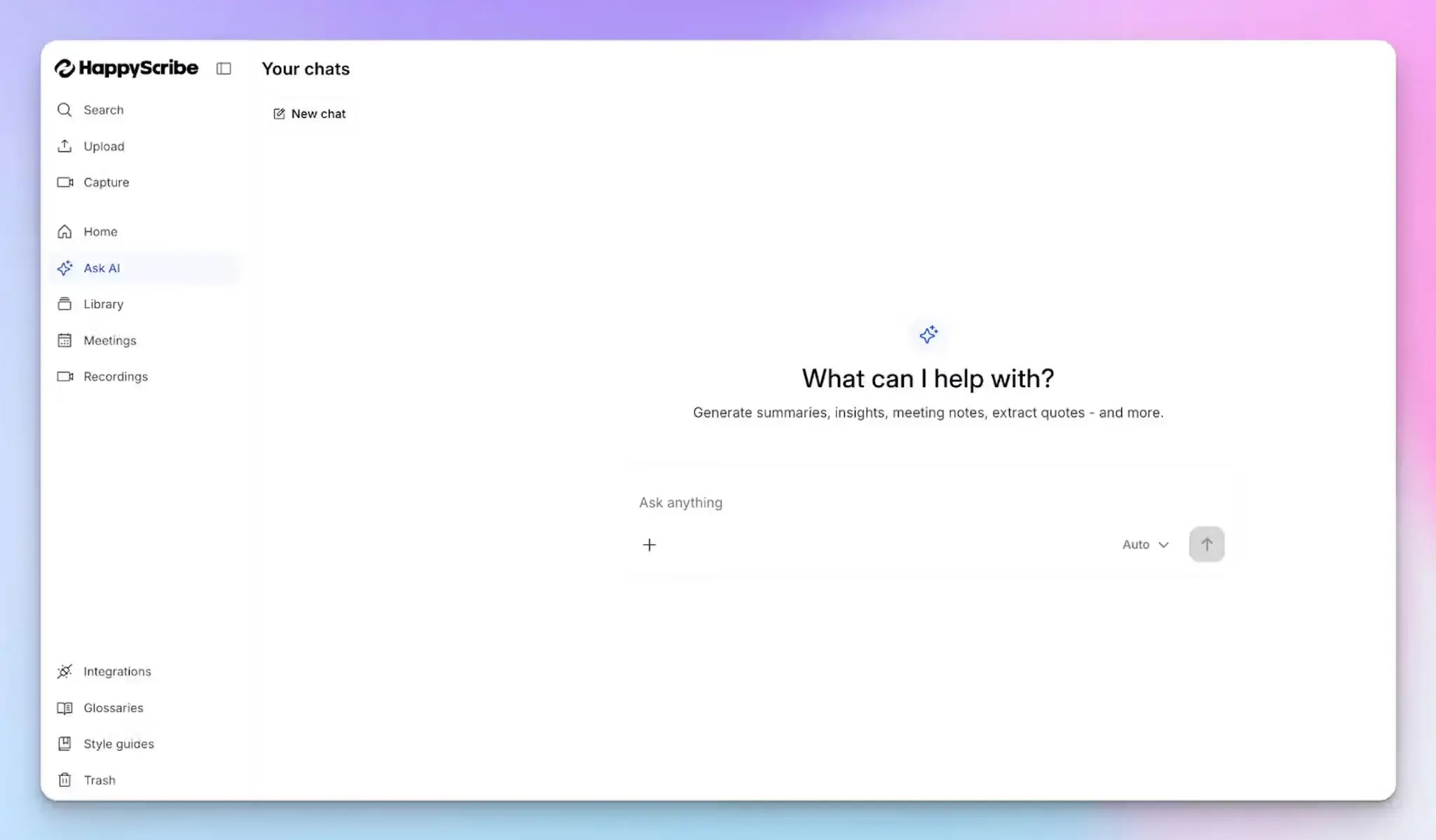
HappyScribe’s AI Chat lets you pull answers from your meetings the same way you’d ask a colleague. Enquire what was decided, who owns a task, or what a specific stakeholder said, and get a clear answer in seconds.
It works across your entire meeting history, so you don’t have to dig through individual transcripts every time you need to retrieve something.
Push meeting notes to where you work
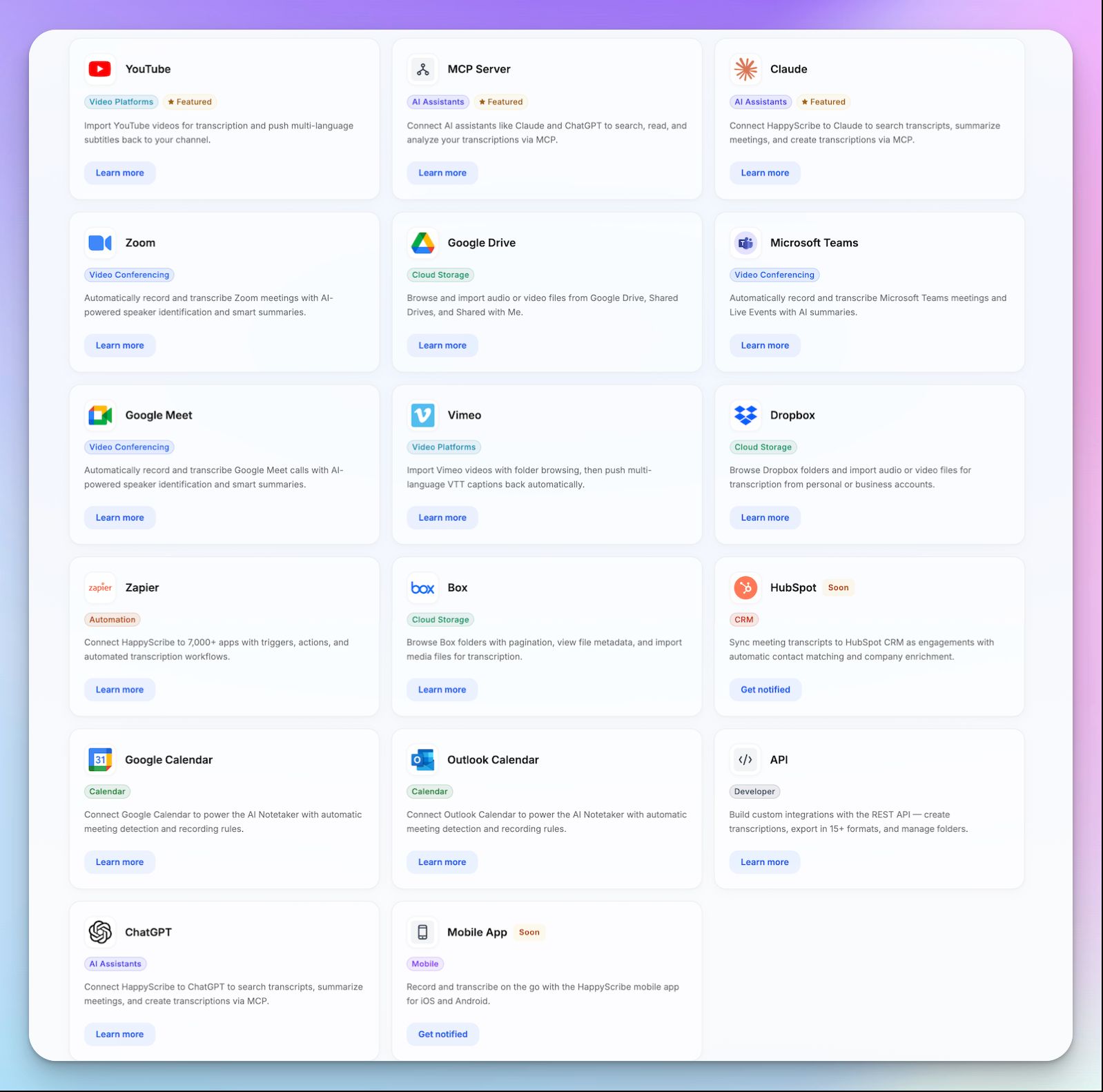
HappyScribe’s integrations make sure your notes don’t stay locked in one place. With its MCP server, you can send transcripts, summaries, and action items straight into the AI tools you already use, whether that’s Claude, ChatGPT, Microsoft Copilot, or Google Gemini.
For everything else, the API and Zapier give you a clean way to plug HappyScribe into your existing workflows.
HappyScribe's pros
- Preserves both audio and video recordings from meetings
- Works for online calls as well as in-person meetings
- Ideal for researchers, journalists, business leaders, professionals, and students
- Pause, resume, or remove the notetaker mid-meeting without disrupting the call
- Translate meeting notes into 80+ languages
- Generate subtitles from meeting content and repurpose them for multilingual teams
- Use custom templates to generate meeting notes in your preferred formats
- Receive meeting notes and summaries via email; share them easily with teammates
- GDPR-compliant and SOC 2 Type II-certified, which makes it ideal for European teams
- All meeting data is stored in an EU-based data center
- Android and iOS mobile apps are coming soon
- Helpful customer support from real humans, not chatbots
HappyScribe's cons
- Doesn’t offer real-time transcription; notes are delivered after the call
HappyScribe's pricing
- Free: Unlimited meeting recordings (45 mins/recording)
- Basic: $8.50/month (billed annually) or $17/month (billed monthly)
- Pro: $19/month (billed annually) or $29/month (billed monthly)
- Business: $59/month (billed annually) or $89/month (billed monthly)
- Enterprise: Contact sales
What are real-life users saying about HappyScribe?
I use HappyScribe extensively for our editorial work. In 2025 alone, I’ve already used almost 400 hours to produce transcripts for journalists and the newsroom, as well as SRT subtitles. I highly recommend it. It’s great that it offers an API — I rely on it for automations. I’ve tried cheaper alternatives, but their quality just doesn’t compare.
HappyScribe is fast, effortless, and accurate — getting straight to the point every time. It makes transcription and subtitling a breeze. Truly grateful for such a reliable tool!
How to use HappyScribe’s AI meeting recorder for note-taking? A step-by-step guide
1. Link your Google or Outlook calendar or paste the meeting link to invite the HappyScribe note taker. For in-person meetings, you can record audio without a bot.
2. Select Meetings in the left sidebar and then check the options at the right to customize when the notetaker should join and who should receive the email summary.
3. Click on the Settings button at the top right to select when the notetaker should start recording and who can view the meeting transcription.
4. During an online call, the notetaker must be admitted by the meeting host to start recording. You can chat with the notetaker to control it.
5. And that's it! The meetings should be saved in your Workspace files or in the Private section, depending on your privacy settings.
2. tl;dv
Best for: Sales and customer success teams that need full meeting recordings, shareable video clips, and cross-meeting AI insights
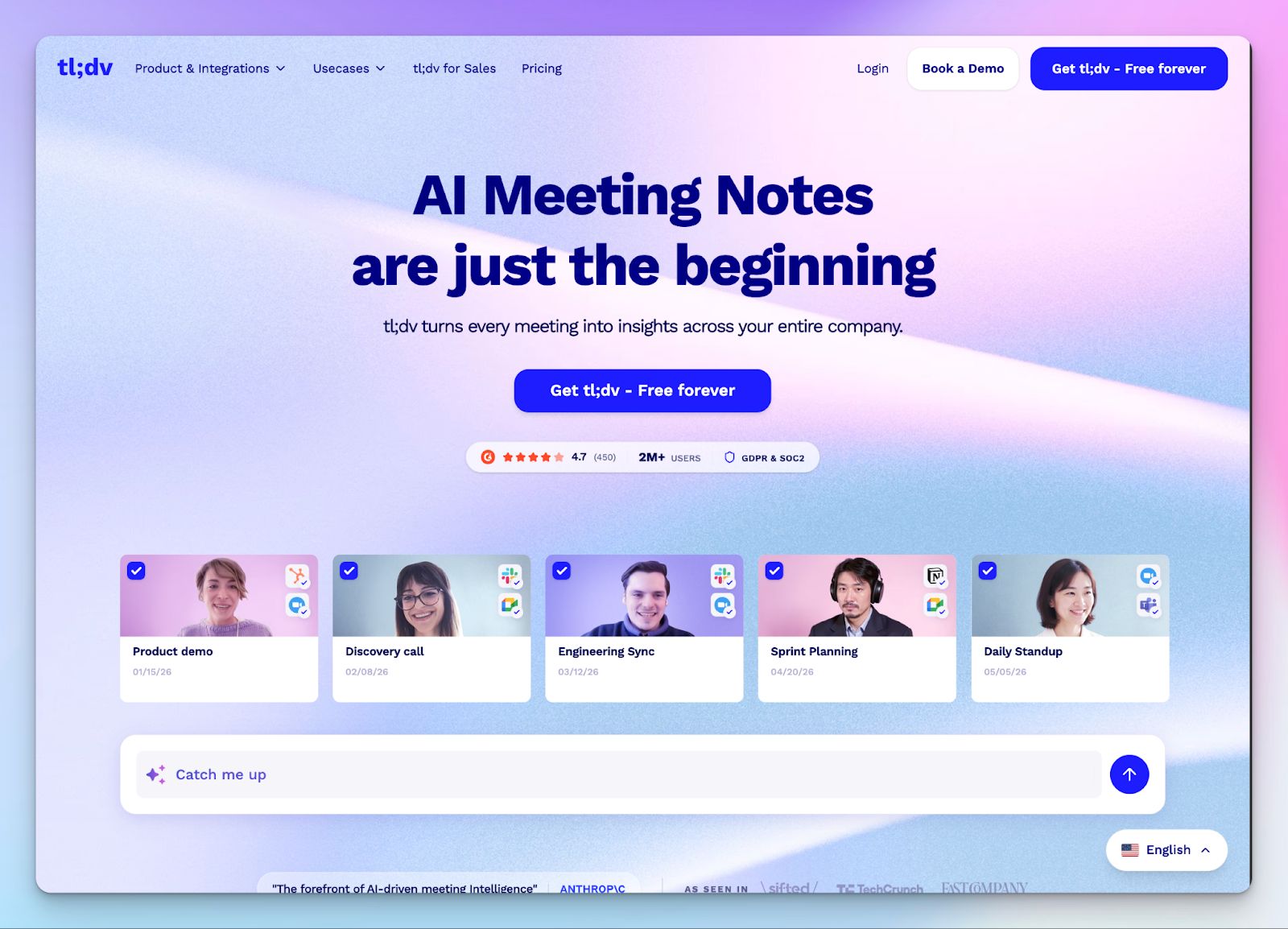
The transcript is just the starting point for tl;dv. What makes it different is what sits on top: the ability to clip key moments, share a two-minute highlight instead of a one-hour recording, and run AI reports across multiple calls to surface patterns that no single session would reveal.
It records full audio and video on Zoom, Google Meet, and Microsoft Teams, and delivers summaries with action items the moment a call ends.
tl;dv's key features
- Timestamped highlights and shareable video clips
- Cross-meeting AI reports that surface trends, recurring objections, and patterns across multiple calls
- CRM auto-sync with Salesforce, HubSpot, and other apps on paid plans
- Bot auto-joins scheduled meetings with no manual setup needed per call
- GDPR compliant, SOC 2 certified, AES-256 encryption, EU-based data storage
tl;dv's pricing
- Free
- Pro: $29/month per user
- Business: $98/month per user
tl;dv's pros
- Unlimited recordings on the free plan with no monthly minute cap
- Video clip creation makes it easy to share specific moments with teammates or stakeholders
- Supports transcription and summarization in 30+ languages
tl;dv's cons
- Free plan caps AI summaries at 10 lifetime uses
- Language support is quite limited compared to tools like HappyScribe, pushing users to look for tl;dv alternatives
3. Fathom
Best for: Individuals and small teams that want a clean, fast meeting recorder with structured AI summaries and no usage caps on the free plan
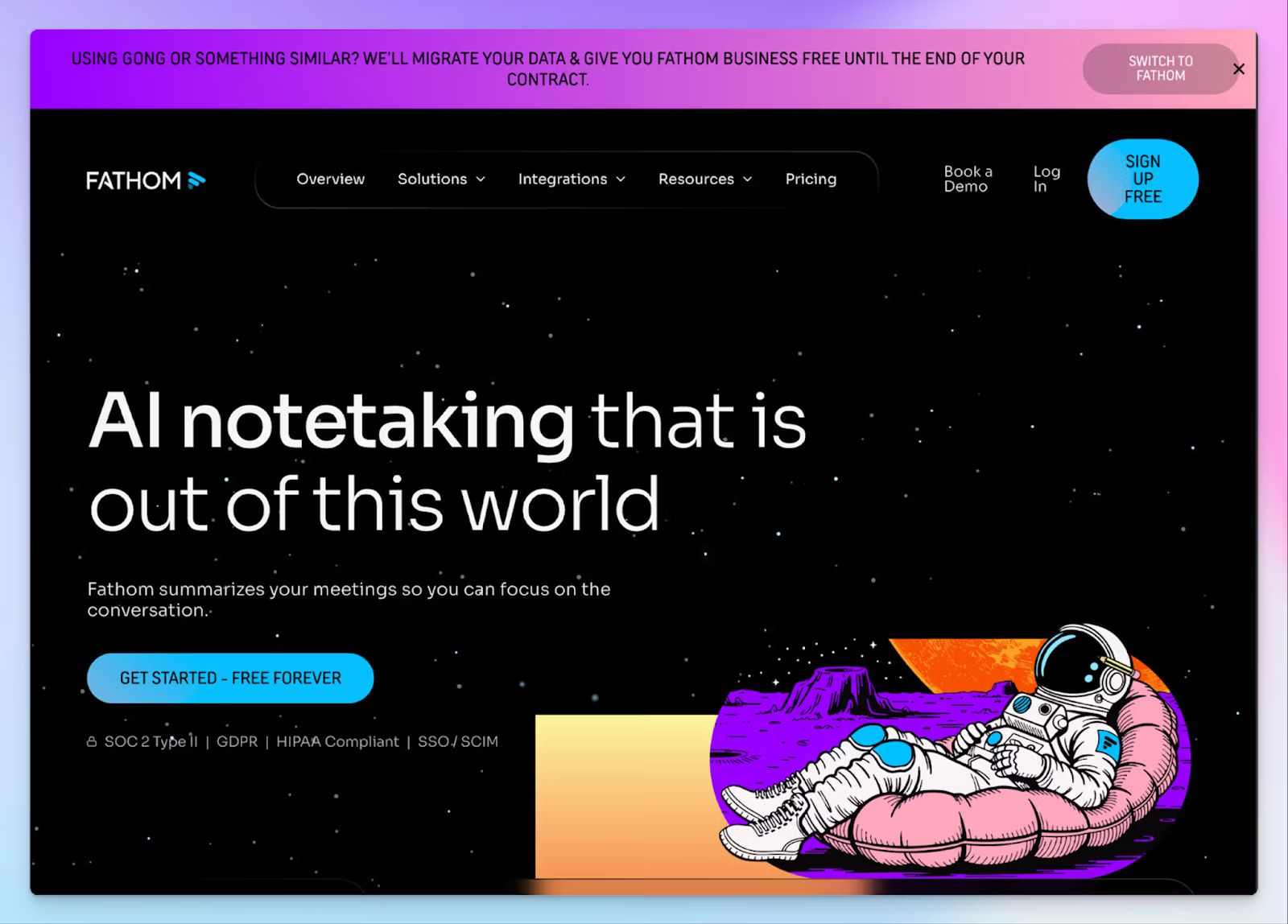
Fathom has a reputation for speed. Connect your calendar, let it join the call, and a structured summary lands in your inbox the moment the call ends. No scrubbing through a transcript looking for what was decided, and no reformatting notes before sharing them.
What sets it apart is the template layer beneath the summaries. Instead of a single default recap format, you can create custom summary templates tailored to your team's workflow, so the output is already structured for whoever reads it next.
Fathom's key features
- Instant AI summaries and action items are delivered the moment the call ends
- Custom meeting summary templates tailored to your team's workflow
- Unlimited recordings, transcripts, and storage across Zoom, Google Meet, and Teams
- Clips, playlists, and global search across your full meeting library
- Bot-free recording in beta for Mac, alongside standard bot capture
- HIPAA, GDPR, and SOC 2 Type II-certified
Fathom's pricing
- Free
- Team: $19/month per user
- Business: $34/month per user
Fathom's pros
- Free plan includes unlimited recordings with no caps or storage expiry
- Custom summary templates make notes immediately usable without reformatting
- Bot-free recording option in beta sets it apart from tools requiring a visible participant
- Native HubSpot, Salesforce, and Zapier integrations on all plans
Fathom's cons
- Advanced AI summaries and action items require a paid plan
- 25 languages supported, well below HappyScribe's 150+
- Bot-free recording is still in beta, Mac only
📚 Also read:
4. MeetGeek
Best for: Teams that want flexible recording options, meeting-type-aware AI summaries, and a searchable shared library across the organization
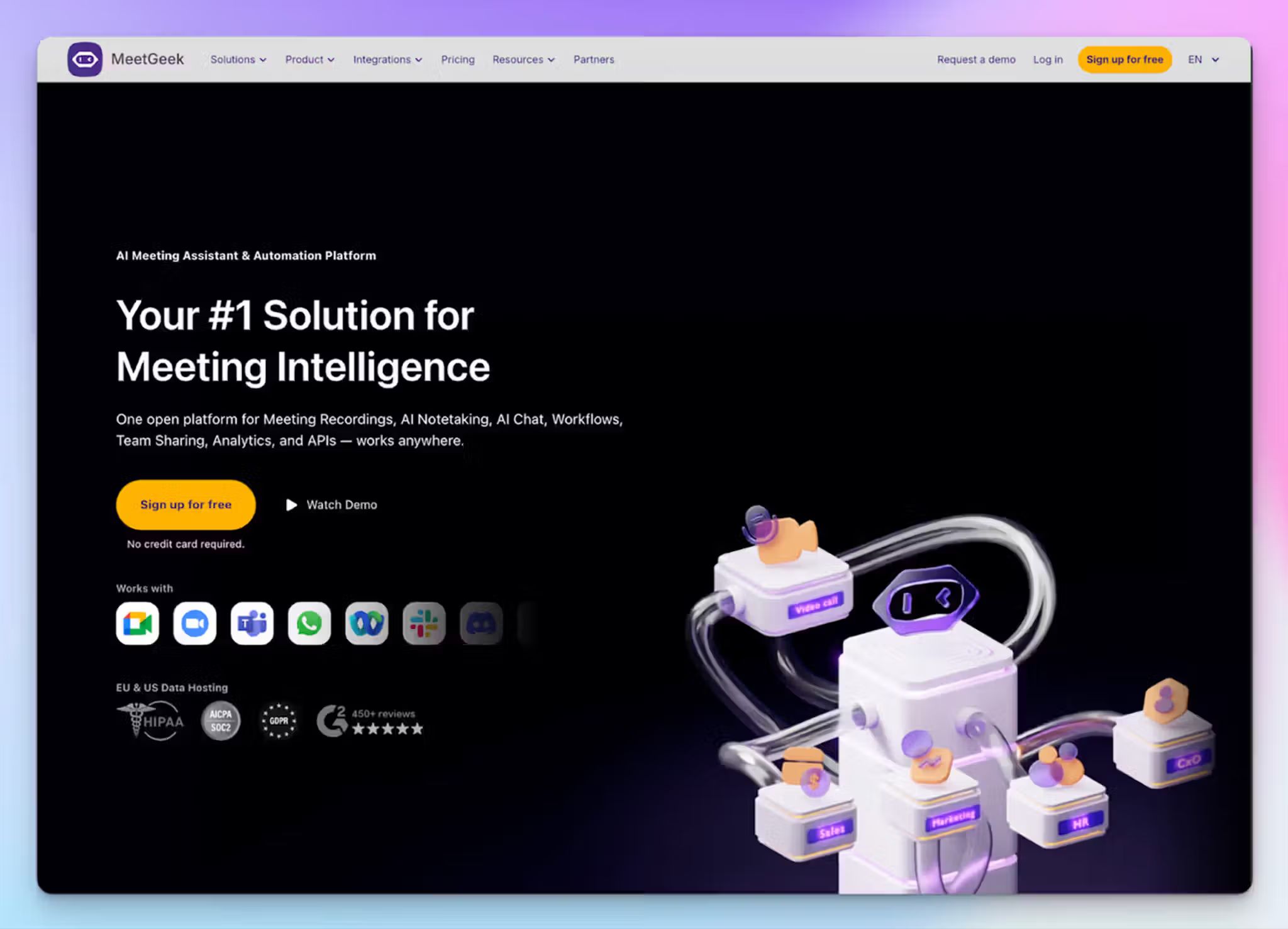
Where MeetGeek earns its place is in how it handles a variety of meetings. On paid plans, it automatically detects the type of call, be it a sales pitch, team sync, customer onboarding, or interview, and applies a matching summary template without any manual configuration. The notes that come out are shaped for the context, not a generic list of bullet points.
The bot joins scheduled calls automatically; a Chrome extension handles browser-based meetings without a bot; a desktop app captures anything on the screen; and a mobile app records in-person conversations.
If your team moves between online and offline meetings, MeetGeek remains useful in both.
MeetGeek's key features
- Searchable meeting library with keyword, date, and participant filters across the full team
- AI chat lets you query past meetings in plain language with timestamped citations
- Talk-time analytics, engagement tracking, and filler word detection for coaching
- Integrations with HubSpot, Salesforce, Slack, Notion, Zapier, and more
MeetGeek's pricing
- Free
- Pro: $15.99/month per user
- Business: $27/month per user
- Enterprise: Custom pricing
MeetGeek's pros
- Pro plan includes API and MCP server access
- GDPR, CCPA, and HIPAA-compliant
- Supports transcription in 100+ languages
MeetGeek's cons
- Free plan limited to 3 hours of transcription per month
- HD video recording is only available on Business plan and above
📚 Also read:
5. Plaud
Best for: Professionals who need a single recorder for both in-person and online meetings, without bots, apps, or browser dependencies
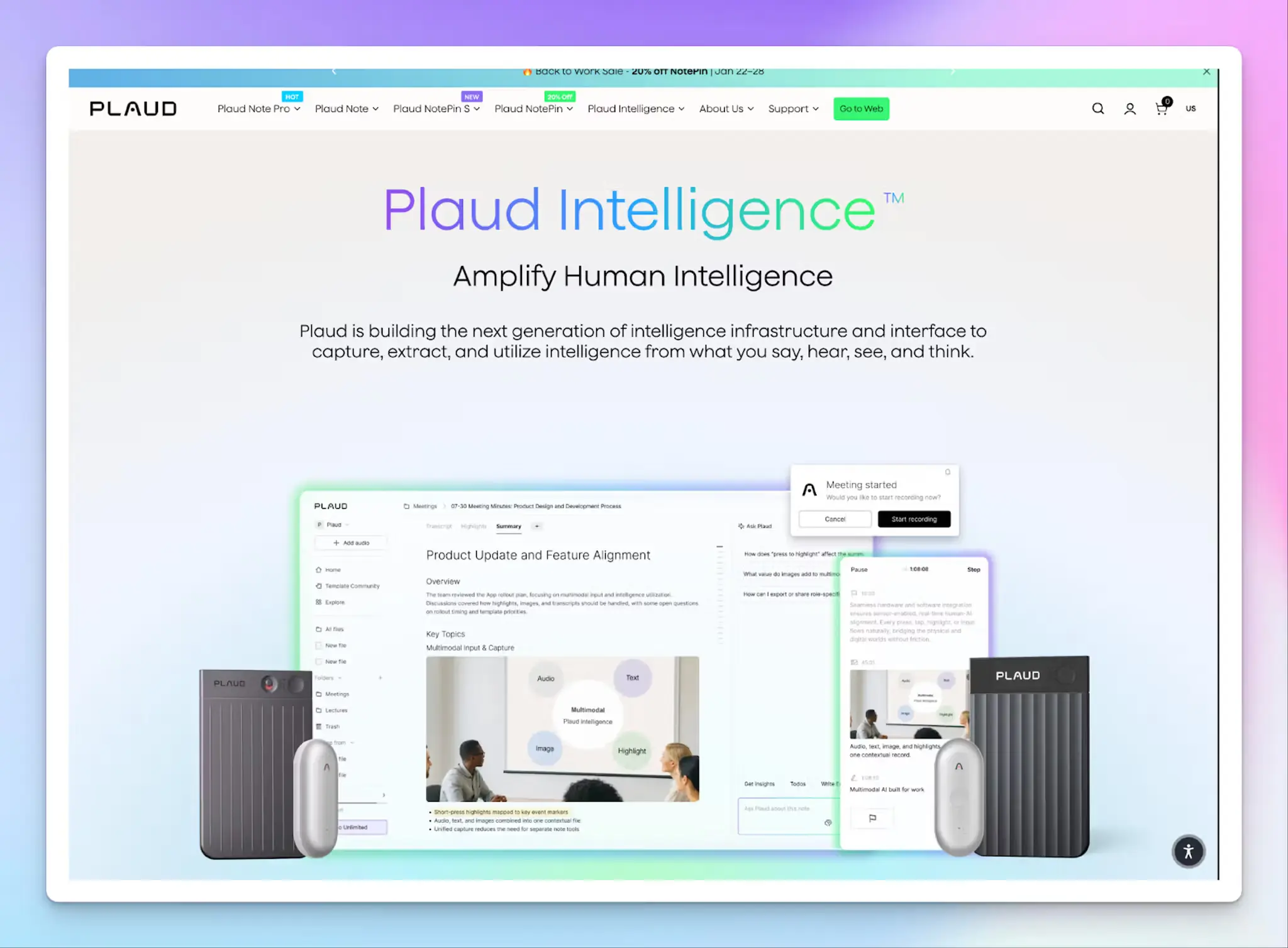
The Plaud Note and Plaud Note Pro are physical AI voice recorders, roughly the size of a credit card, that clip to your phone or sit on a desk.
One press starts recording. When the meeting ends, audio syncs to the Plaud app, where AI transcribes and summarizes it automatically. For in-person meetings, conference rooms, client site visits, or any other situations where a meeting bot would be awkward or inappropriate, Plaud comes in handy.
For online meetings, Plaud Desktop captures audio natively from your computer without joining the call as a participant. It works across Zoom, Google Meet, Microsoft Teams, and any other platform.
Plaud's key features
- Physical hardware recorder with dual-mode recording; automatically switches between phone call and in-person meeting modes
- Plaud Desktop captures online meetings natively without a bot, across any platform
- SOC 2 Type II, HIPAA, GDPR, ISO 27001 and ISO 27701 certified; recordings are never used to train AI models
- On-device storage up to 64GB, with optional encrypted cloud sync
Plaud's pricing
Plaud requires a hardware purchase up front. The Plaud Note starts at $159, and the Plaud Note Pro at $189.00. Each device includes a Starter Plan with 300 free transcription minutes per month.
- Starter Plan: 300 minutes/month, included free with every device
- Pro Plan: $99.99/year
- Unlimited Plan: $239.99/year
Plaud's pros
- Recordings are stored locally on device before syncing, useful for sensitive conversations
- AI transcription in 100+ languages with speaker labels and custom vocabulary
- 10,000+ summary templates plus custom template creation and mind maps
- Ask Plaud lets you query any recording in natural language
Plaud's cons
- Requires upfront hardware purchase; there’s no free or low-cost entry point
- Transcription is audio-only; no video recording or retention
- Free transcription minutes capped at 300 per month on the Starter Plan
📚 Also read:
How to choose the best AI meeting recorder for your team?
The right AI meeting recorder depends on how your team works and where your meetings happen.
👉 For sales-heavy teams running dozens of calls a week, tl;dv's cross-meeting AI reports and CRM auto-sync help surface patterns that individual call summaries would miss.
👉 Fathom is a strong fit if you want a clean, fast recorder with no usage caps and custom summary templates that eliminate reformatting.
👉 MeetGeek earns its spot with meeting-type detection and a shared library that scales across larger teams.
👉 Plaud is the right pick when you need reliable recording in rooms where software bots aren't an option.
👉 But if you're looking for one tool that ticks almost all the boxes, HappyScribe is hard to beat. With 150+ languages at 95%+ accuracy, flexible recording modes for online and in-person meetings, GDPR compliance with EU-based data storage, and integrations that push your notes into the tools you already use, it handles the full spectrum without forcing you to compromise on any single front.
Sign up for HappyScribe's free plan and see how it fits into your workflow.
FAQs on AI meeting recorders
Do AI meeting recorders actually improve productivity, or just add another tool to manage?
Organizations using AI meeting recorders improve productivity by reducing post-meeting admin. The gains come from automatic summarization, action item tracking, and AI-powered search across meeting transcripts. Instead of manually writing follow-ups or rewatching video files, you get instant summaries and clear next steps delivered the moment the call ends. Tools like HappyScribe also let you use AI Chat to extract key insights from your entire meeting history, so a product manager preparing for a Monday sync or a marketing manager pulling together a week's worth of client conversations can get answers without scrubbing through recordings. The result is less time spent on note taking and more time on work that that moves the needle.
Can AI meeting recorders handle multilingual calls with speakers in different languages?
Some can, but coverage varies widely. Multilingual AI transcription is essential for teams spread across regions, where a single call might include speakers in English, French, and Spanish. HappyScribe leads here with 150+ languages and automatic language detection, so there's nothing to configure before the call. MeetGeek and Plaud support 100+ languages each, while tl;dv covers 30+ and Fathom offers 25. If your team regularly runs calls across multiple languages, check the tool's language list before committing to a paid plan. Limited language support in an AI notetaker can leave parts of the conversation untranscribed, which defeats the purpose of having meeting notes everyone on the team can trust.
How do AI meeting recorders keep my meeting data secure?
Enterprise-grade AI meeting recorders use end-to-end encryption to protect meeting data during transmission and storage. Beyond encryption, look for compliance certifications that match your industry's requirements. GDPR compliance and SOC 2 certification are baseline standards for businesses in finance, healthcare, and other regulated sectors handling sensitive conversations in internal meetings and client calls. HappyScribe stores all meeting data in an EU-based data center and holds both GDPR and SOC 2 Type II certifications. Plaud adds ISO 27001 and ISO 27701 on top of HIPAA and GDPR compliance, and none of its recordings are used to train AI models. Before choosing a tool, check where your data lives, who can access it, and whether the AI note taker uses your conversations to train its models.
Do AI meeting recorders work for in-person meetings, or only online calls?
Most AI meeting recorders are built around meeting bots that join Zoom, Google Meet, or Microsoft Teams, which limits their core features to online calls. For in-person meetings, your options get narrowed. HappyScribe handles both: its bot auto-joins scheduled online meetings, and its browser-based recorder captures in-person conversations without requiring a meeting bot. MeetGeek offers a desktop app and a mobile app for recording face-to-face sessions. Plaud takes a hardware approach with a physical recorder that sits on the desk and syncs audio to its app for AI transcription and summaries.
Are there free AI meeting recorders worth using long-term?
Yes, but the limits on each free plan vary. HappyScribe offers the most generous free plan with unlimited recordings up to 45 minutes each, AI summaries and action items, and AI Chat to extract key insights across your meeting history. Fathom also provides unlimited meeting transcripts and video recording on its free tier, though advanced AI meeting notes and action item tracking require a paid plan. tl;dv gives you unlimited recordings but caps AI summaries at 10 for the entire life of the free account. MeetGeek's free plan is limited to 3 hours of transcription per month. Plaud requires an upfront hardware purchase starting at $159, with 300 free transcription minutes included. If you want a completely free AI meeting recorder that holds up for daily use without hitting a wall, HappyScribe's free plan is the strongest option. You can also push notes and clean summaries into Slack, Google Docs, or your CRM via Zapier, and turn conversations into clear next steps without switching tools.

Rodoshi Das
Rodoshi is the Content Lead at HappyScribe, the privacy-first transcription and AI notetaker platform based in Barcelona. Shaping content strategies and building AI workflows excites her as much as exploring new SaaS tools. She specializes in product-led content that informs rather than sells, grounded in honest product benchmarking and low tolerance for empty marketing speak.