![5 Best European Alternatives to Otter AI [2026]](/sanity-images/ejgwz1gl/redesign/7bffa243673f5127f069e70b76b5e37a5f7242f0-2048x1152.jpg?auto=format&w=2048.0&rect=0,64,2048,1024&h=1024)
TL;DR ⏩
Here are the best European alternatives to Otter AI:
- HappyScribe: Best overall for multilingual meeting notes, EU data residency, and bot or bot-free recording
- Bliro: Best for sales and field teams that need CRM-ready notes without stored audio or video
- Modjo: Best for revenue teams that want sales call coaching and deal insights
- Caven: Best for confidential legal, M&A, finance, and advisory meetings that need local or private processing
- Klang AI: Best for public-sector and regulated organizations that need on-premise or air-gapped deployment
Otter AI helped define the AI meeting note taker category, and it's still a capable pick for English-first teams that want real-time meeting notes across Zoom, Google Meet, and Microsoft Teams.
But for teams in Europe, the cracks show up:
- Your data lives in AWS's West US region, so if you want a firm commitment to EU data hosting, good luck finding one
- Otter is currently facing a consolidated US privacy lawsuit claiming it recorded and processed conversations without everyone's consent
- Otter transcribes just six languages, leaving out much of the continent
- The free plan caps you at 300 minutes a month and only three file imports, ever
- Transcripts often need a manual pass to fix names, jargon, numbers, and people talking over each other
If you're based in Europe, or work with EU teams, you shouldn't have to settle.
A European alternative to Otter AI can cover more of the languages your team speaks, tell you exactly where your data lives, give you real control over how meetings get captured, and stand on the right side of EU privacy law while doing it.
Top Otter AI alternatives in Europe: At a glance
| Category | HappyScribe | Bliro | Modjo | Caven | Klang AI |
|---|---|---|---|---|---|
| Best for | Teams that need multilingual meeting notes, file transcription, EU data residency, and SOC 2 Type II | Sales and field teams that do not want to retain recordings | Revenue teams that need CRM automation and sales intelligence | Confidential professional conversations that need private processing options | Regulated organizations that need control over deployment |
| Standout feature | AI notetaker, bot-free capture, AI Chat, and human proofreading | Real-time notes without a visible bot or stored audio/video | AI call scoring and automatic CRM updates | Local capture with EU cloud, bring-your-own-cloud, and on-premise options | Private cloud, on-premise deployment, and air-gapped operation |
| Languages | 150+ | 60 | 100+ | 99+ | 40+ |
| Data and deployment | EU-based Tier IV data centre | EU processing with transcripts stored in Germany | Data hosted on AWS servers in France | EU cloud, customer-managed cloud, or on-premise | EU-hosted cloud, private cloud, or on-premise |
| Starting price | Generous free plan available with unlimited meeting recording, paid from $8.50/month on annual billing or $17 per month on monthly billing | Custom quote | Custom quote | Free plan, paid from €25/user/month | Free plan, paid from €20/user/month |
For a closer look at where Otter performs well and where it falls short in day-to-day use, read our hands-on Otter AI review.
1. HappyScribe
Best for: European teams that need multilingual meeting notes, EU data residency, and one workspace for live conversations and uploaded recordings
HappyScribe is the strongest Otter AI alternative for European teams because it handles far more than routine online meetings. You can record a live call, capture an in-person conversation, or upload an existing file, then manage everything in one EU-hosted workspace.
It lets you search and edit transcripts, translate them, create subtitles, or send important recordings for human proofreading.
With support for more than 150 languages and dialects, HappyScribe is ideal for teams that cannot limit every conversation to one of Otter’s six supported languages.
HappyScribe vs. Otter AI
| Category | HappyScribe | Otter AI |
|---|---|---|
| Data residency | Meeting data is stored in Tier IV data centres within the EU | Data is stored using AWS services in the US West region |
| Language support | 150+ languages and dialects with automatic language detection | 6 transcription languages; German and Simplified Chinese are currently in beta |
| Transcript refinement | 95%+ AI accuracy, custom glossaries, a media-linked editor, and optional human proofreading | Editable transcripts, speaker identification, and personal vocabulary on Pro |
| Meeting capture | AI notetaker for Zoom, Google Meet, and Microsoft Teams; browser recorder; mobile recording on iOS and Android for bot-free or in-person capture | AI notetaker for online calls, plus direct recording through its web, Mac, Windows, iOS, and Android apps |
| Beyond meeting notes | Transcribe uploaded files, translate content, get conversational intelligence with AI Chat, create subtitles, and order human services in one workspace | Import recordings, use AI Chat, generate summaries and action items, and connect meeting data with workflows or CRM tools |
| Free plan | Unlimited meeting recordings of up to 45 minutes each, plus a 10-minute trial for uploaded-file transcription, translation, and subtitling | 300 transcription minutes per month, a 30-minute limit per conversation, and three lifetime file imports |
HappyScribe’s key features
1. Keep sensitive meeting data in the EU
HappyScribe stores data in EU-based Tier IV data centres that meet ISO 27001 and PCI DSS requirements. The platform is GDPR-compliant and has completed a SOC 2 Type II audit.
Files are protected with TLS encryption in transit and AES-256 encryption at rest.
Role-based access controls let you decide who can view, edit, or share each recording.
2. Work across 150+ languages and dialects
HappyScribe automatically detects the language spoken in a meeting and supports more than 150 languages and dialects. European teams can transcribe conversations in Italian, Dutch, Portuguese, Polish, Swedish, Greek, and many other languages that Otter does not currently support.
Custom glossaries improve the recognition of company names, acronyms, and specialist terminology.
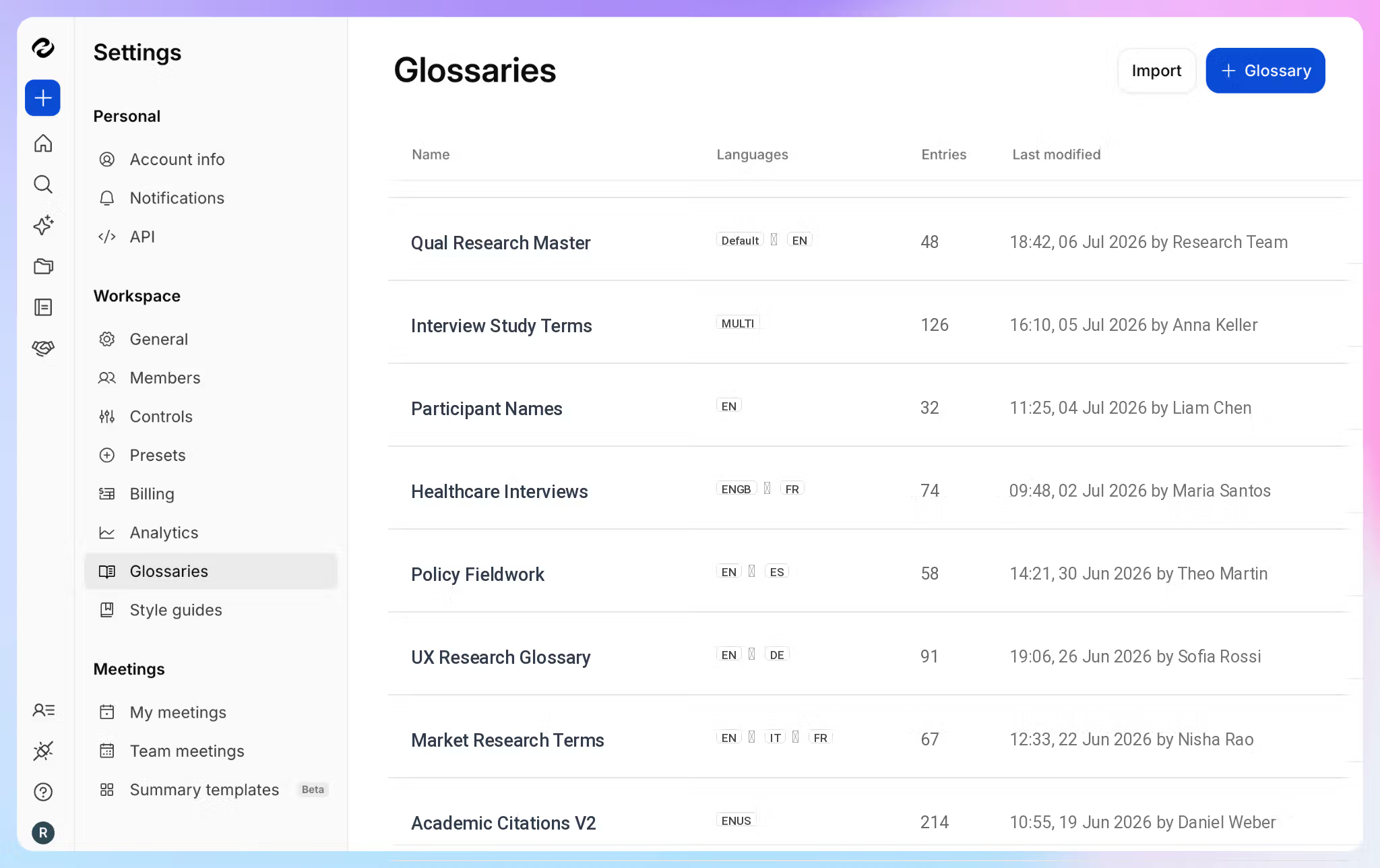
HappyScribe’s AI transcription delivers 95%+ accuracy. You can also translate transcripts in 80+ languages for colleagues in other regions, or request human proofreading when an important recording needs up to 99% accuracy.
3. Record with or without a meeting bot
For scheduled calls, connect your Google or Outlook calendar and let the HappyScribe AI meeting note taker join Zoom, Google Meet, or Microsoft Teams. The meeting assistant appears in the participant list, so its presence is clear throughout the meeting.
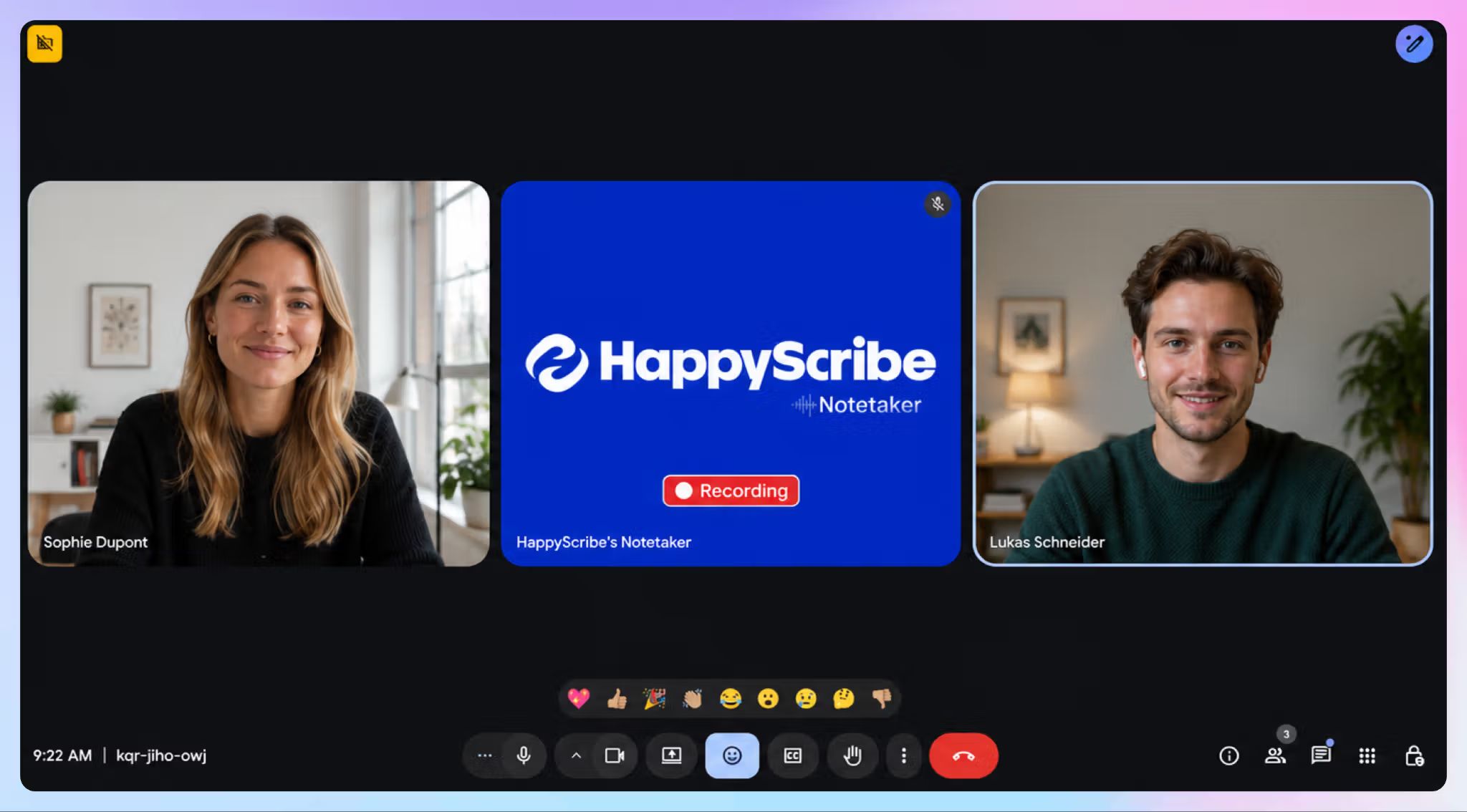
When a bot is not suitable, you can record directly through the browser. HappyScribe’s iOS and Android apps also support interviews, field conversations, and in-person meetings, and allow offline recording.
4. Turn conversations into useful outputs
HappyScribe brings live meetings and uploaded files into one searchable workspace. AI Chat can pull out decisions, action items, or exact quotes from a transcript. It can also search across previous conversations when you need context from an earlier call.
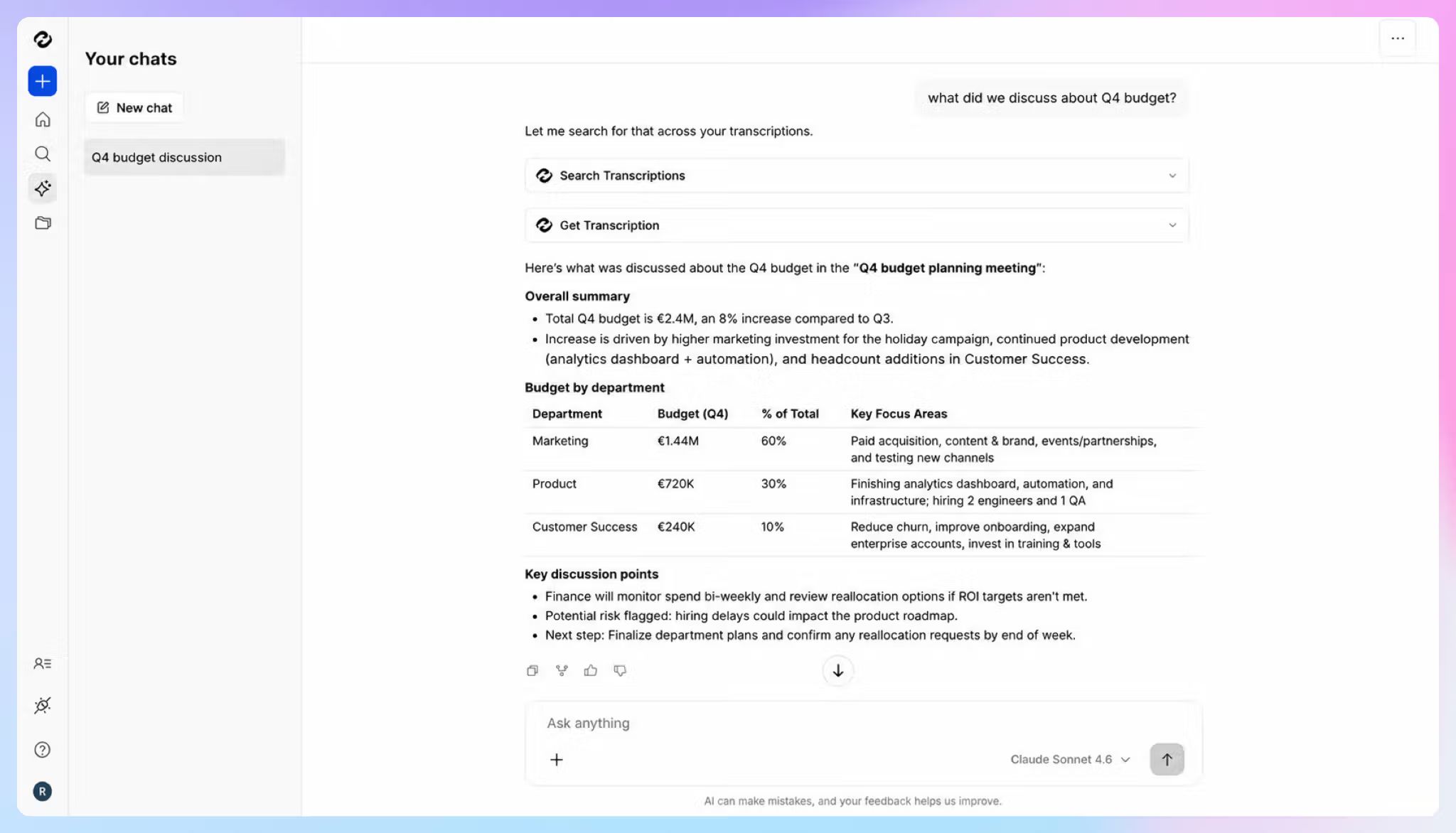
Summary templates let you tailor the output to the conversation. You can create meeting minutes and interview summaries without rebuilding the structure each time.
The workflow continues beyond meeting notes. You can review the transcript against the source media, translate it, create subtitles, or export the finished file in the format your team needs.
5. Test the meeting workflow before paying
HappyScribe’s free plan includes unlimited meeting recordings of up to 45 minutes each. You can use real calls to assess transcript quality, summaries, speaker labels, and sharing options before deciding whether to upgrade.
The plan also includes a 10-minute trial for uploaded-file transcription, subtitling, and translation.
This is more generous in comparison to Otter, which offers 300 transcription minutes each month on its free plan, but limits users to three file imports over the lifetime of the account.
HappyScribe’s pricing
- Free: Unlimited meeting recordings up to 45 minutes each, plus a 10-minute trial for file transcription, translation, and subtitles
- Basic: $8.50 per month on annual billing or $17 per month on monthly billing
- Pro: $19 per month on annual billing or $29 per month on monthly billing
- Business: $59 per month on annual billing or $89 per month on monthly billing
- Enterprise: Custom pricing
- Human proofreading: From $2 per minute
HappyScribe’s pros
- Give meeting participants direct recording controls: the HappyScribe meeting bot announces itself when it joins, and attendees can type ‘!help’ to pause, resume, or remove it
- Connect HappyScribe with Zoom, Google Meet, Microsoft Teams, Google Calendar, Outlook Calendar, YouTube, Wistia, Google Drive, Dropbox, Box, and other platforms
- Push transcripts and meeting notes into existing workflows through Zapier, the HappyScribe API, or its MCP server
- Add SSO and SAML on Enterprise plans for centralized access management across larger teams
- Create and edit subtitles for accessibility and translate transcripts to share with global stakeholders
HappyScribe’s cons
- AI summaries arrive after the meeting; not suitable for real-time transcription
- Human proofreading is billed separately from AI transcription, and the costs are higher
What are users saying about HappyScribe?
Fast, accurate transcripts with easy export. HappyScribe's AI transcription is fast, accurate, and easy to use with minimal training. Speaker detection and timestamps are reliable, and the ability to download clean Word docs without timestamps saves real time. The Chat feature is a great bonus for generating summaries and quizzes from content. Adding a glossary terms improved accuracy immediately, a small tweak with a big payoff for technical content.
I like that HappyScribe's transcription feature provides a complete record with time stamps, making it easy for me to track what was discussed at specific times during meetings. I also appreciate that it supports multiple transcriptions and different languages, which I find very beneficial. It's really convenient to use HappyScribe as a notetaker during my meetings on Zoom and GMeet, as it integrates smoothly and works like a charm. Additionally, I find the setup process very easy; I just had to sign up, log in, and start using it.
How to use HappyScribe’s AI meeting note taker?
- Create a free HappyScribe account and connect your Google or Outlook calendar.
- Let the AI Notetaker join a Zoom, Google Meet, or Microsoft Teams call, or use the browser recorder for a bot-free conversation.
- Upload existing audio or video recordings when you need to bring older Otter workflows into the same workspace.
- Add a Custom Glossary for names, technical terms, and recurring client vocabulary.
- Open AI Chat after the meeting to find decisions, quotes, or next steps across your transcript library.
- Use human proofreading for interviews, research, client deliverables, or any transcript that needs extra review.
2. Bliro
Best for: Sales and field teams that want real-time meeting notes without storing the original audio or video
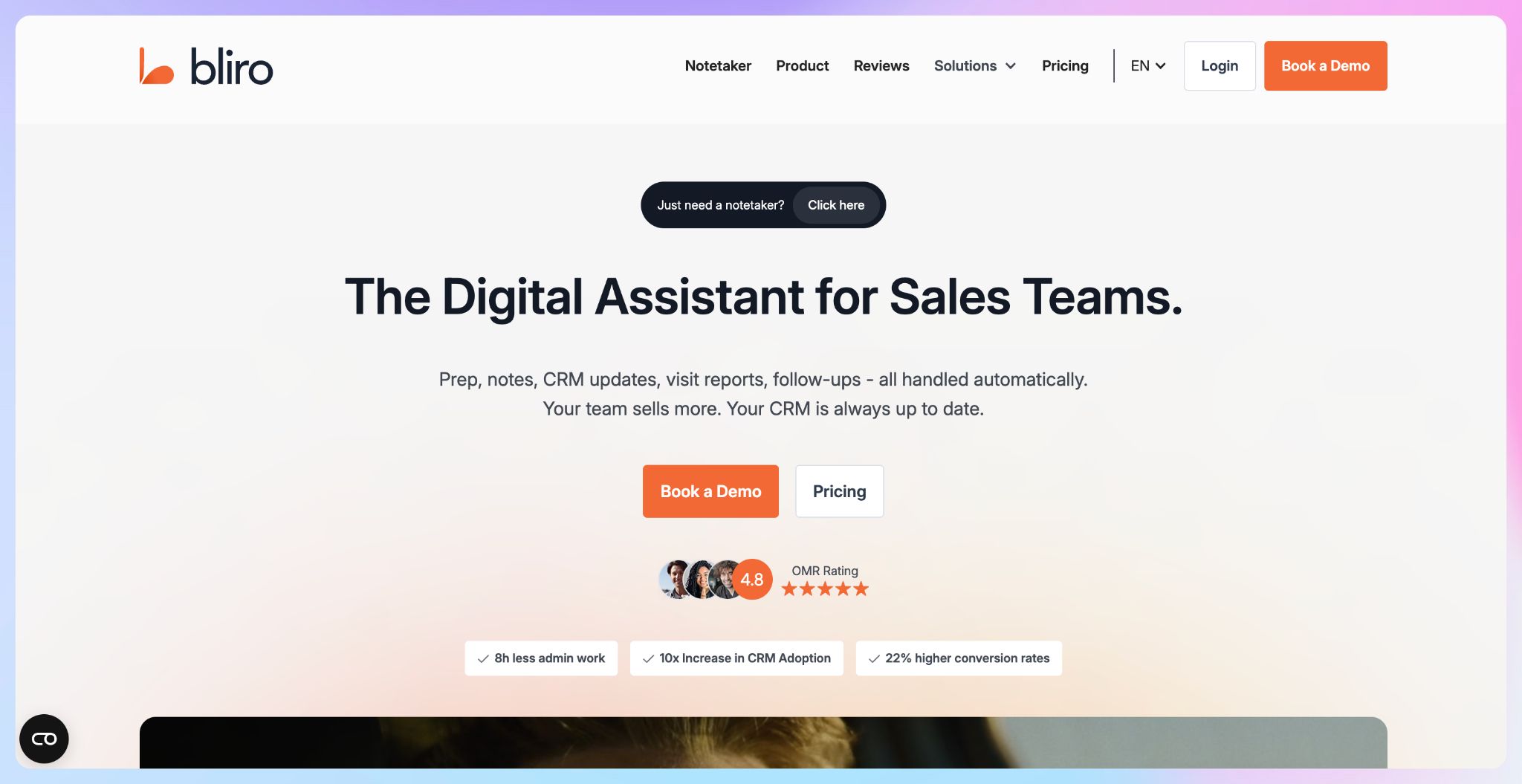
Bliro is a meeting assistant built around the administrative work that follows customer conversations. It captures notes in real time and turns them into structured records. You can sync the outcome with your team’s CRM.
A large part of its appeal comes from what it does not keep. Bliro works through system audio without a visible bot joining the call. It doesn’t save audio or video files.
Bliro is ISO 27001 certified and SOC 2 Type I audited. All data is processed on EU servers; transcripts and summaries are stored in Germany.
Bliro vs. Otter AI
Otter stores the recording behind a transcript, which is useful when a team needs to replay a call. Bliro takes the opposite route. It creates a live text record without retaining the underlying audio or video.
Bliro’s approach is useful for field sales and customer-facing teams. A rep can document an on-site appointment from a laptop, iPhone, or iPad, then have Bliro send relevant information into Salesforce, HubSpot, SAP, or Microsoft Dynamics 365.
Bliro’s key features
- Transcribe online meetings and on-site conversations in real time without a visible bot
- Work across video calls, VoIP conversations, and face-to-face appointments
- Get support for 60 languages
- Search past meeting knowledge, analyze conversations, and draft follow-ups with Ask Bliro
- Connect with Salesforce, HubSpot, SAP, Microsoft Dynamics 365, Slack, Google Meet, Zoom, and Microsoft Teams
- Access CRM integration, conversation analytics, sales coaching, API access, and webhooks through the Revenue Teams plan
- Use Windows, Mac, and iOS apps for capture away from the desk
Bliro’s pricing
- Custom pricing
Bliro’s cons
- You can't replay the original audio or video once the meeting's over
- The CRM automation and coaching features are built for revenue teams, so everyone else is paying for tools they won't touch
- If you want a proper recording archive, you'll likely prefer a tool that actually keeps the source media
📚 Also read:
3. Modjo
Best for: Revenue teams that want sales calls to update CRM records automatically and give managers clearer deal visibility
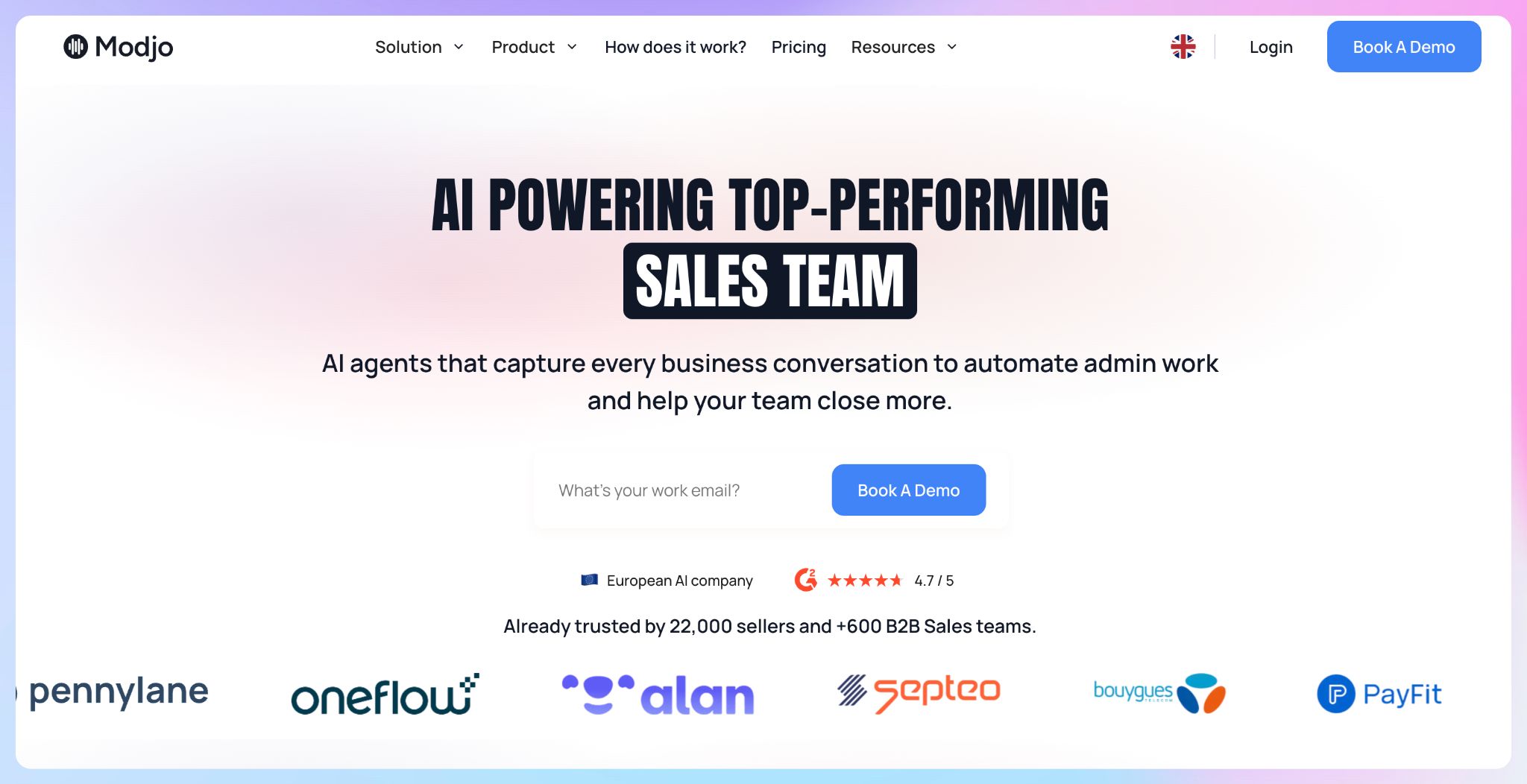
Modjo turns your recorded sales calls into structured revenue data. It can update CRM fields, surface risks, and show you how opportunities are progressing.
The platform is a strong fit if your team already records customer conversations and wants to use that information more effectively.
Your customer data is hosted on AWS infrastructure in Paris. Modjo is GDPR compliant and SOC 2 Type II certified, with encryption applied in transit and at rest.
Modjo vs. Otter AI
Otter and Modjo can both turn sales conversations into searchable notes and send meeting insights to your CRM. However, Otter’s deeper sales capabilities, including live coaching and deal intelligence, are available only on the Enterprise plan.
Modjo is built more directly around revenue intelligence. It can update CRM fields automatically, score calls against your sales methodology, and show you patterns across a larger set of conversations.
As a sales manager, you can use Modjo to see whether reps are capturing key qualification details and where coaching is needed. Otter works well as a broader AI meeting assistant with sales features, while Modjo gives you a more specialized view of rep performance and deal progression.
Modjo’s key features
- Transcribe business conversations in 100+ languages
- Generate custom AI meeting summaries for sales workflows
- Score conversations against sales criteria to support rep coaching
- Monitor calls for expansion opportunities, churn signals, and competitor activity
- Use ready-made AI agents or build custom agents around your sales process
- Ask questions about prospects, customers, deals, and past conversations with Ask Modjo AI
- Connect with phone systems, video tools, email providers, calendars, and CRM platforms
- Access Modjo from Salesforce and HubSpot through its Chrome extension
Modjo’s pricing
- Custom pricing
Modjo’s cons
- Built specifically for revenue teams, so it's overkill if you mainly need notes for internal meetings or research interviews
- No public pricing; you'll have to go through a sales conversation to get a quote
- The value depends on reps recording calls consistently, since sparse adoption undercuts the coaching and deal intelligence features
4. Caven
Best for: Legal, M&A, finance, and advisory teams that need meeting intelligence without surrendering control over sensitive conversations
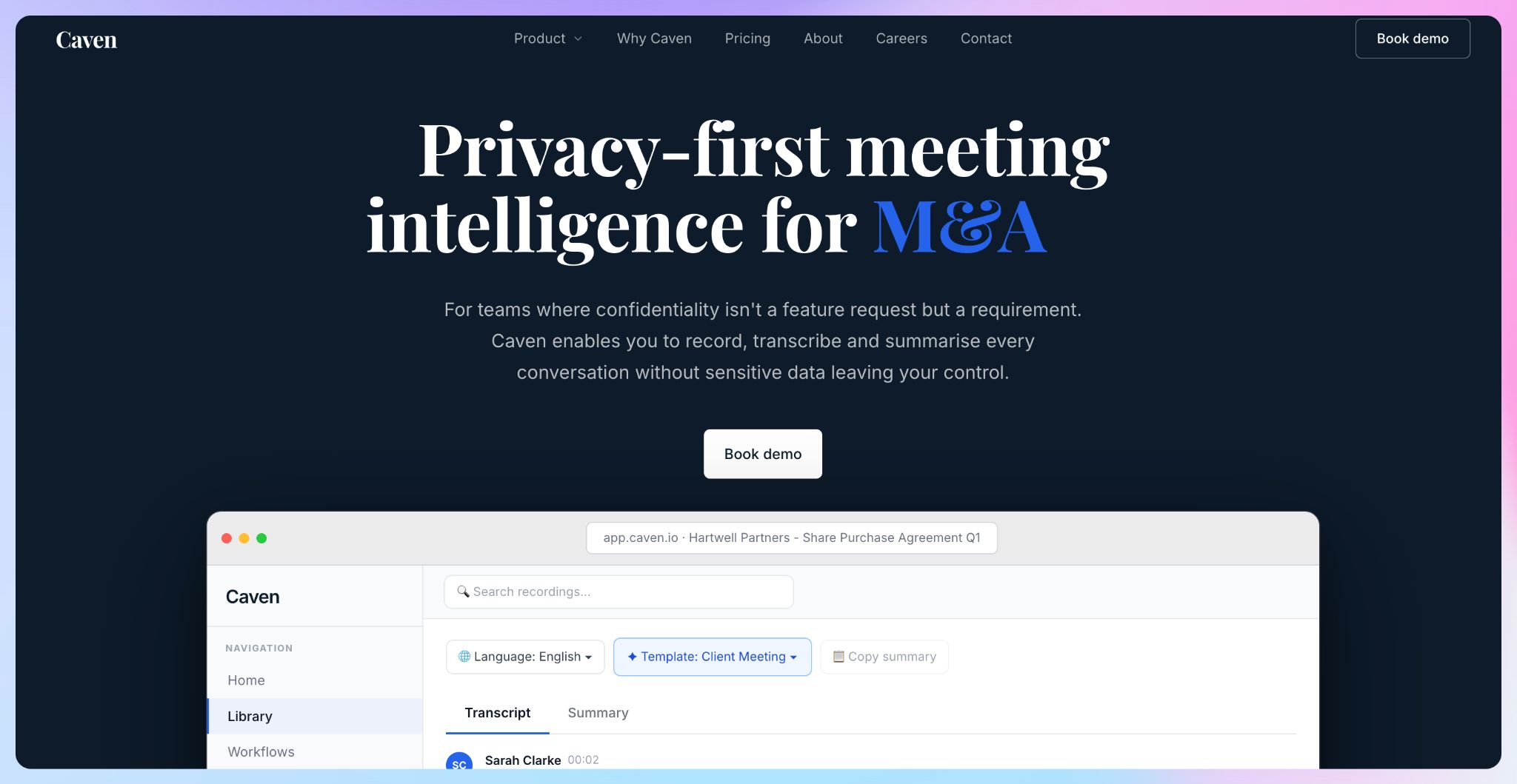
Caven is a Belgian meeting-intelligence platform designed for confidential professional work. It captures conversations through its desktop app, then turns them into searchable transcripts and summaries.
You get full control over where your meeting data is stored. Use its managed EU cloud or deploy the platform within your organization’s own AWS, Azure, or Google Cloud environment.
Enterprise teams can also choose an on-premise setup, keeping meeting outputs entirely on their own servers.
Caven vs. Otter AI
Otter gives teams a cloud meeting workspace. Caven offers an EU cloud option, bring-your-own-cloud deployment, and on-premise hosting for organizations whose security policies demand more control.
Caven’s key features
- Capture Zoom, Microsoft Teams, Google Meet, Webex, and in-person meetings without a bot joining the call
- Transcribe in 99+ languages
- Record locally through the desktop application before selected data is sent for transcription or other enabled workflows
- Search meeting records and ask questions through the integrated AI Copilot
- Apply meeting-specific summary templates, including legal, M&A, private-equity, and advisory use cases
- Send AI-generated summaries and transcripts into Microsoft 365, SharePoint, Notion, iManage, and Google Drive
- Process audio through EU servers, with no AI training and no retention by its speech-to-text provider
Caven’s pricing
- Free: 2 hours per month
- Pro: €25/month per user
- Enterprise: €45/month per user
Caven’s cons
- The free plan is capped at two hours of meetings per month, so regular use effectively requires a paid tier
- Mobile capture, speaker identification, the searchable knowledge base, and summary templates sit behind the Pro plan rather than the free tier
- Bring-your-own-cloud and on-premise hosting are reserved for Enterprise customers
📚 Also read:
5. Klang AI
Best for: Public-sector, legal, audit, research, and regulated teams that need full control over how meeting data is deployed
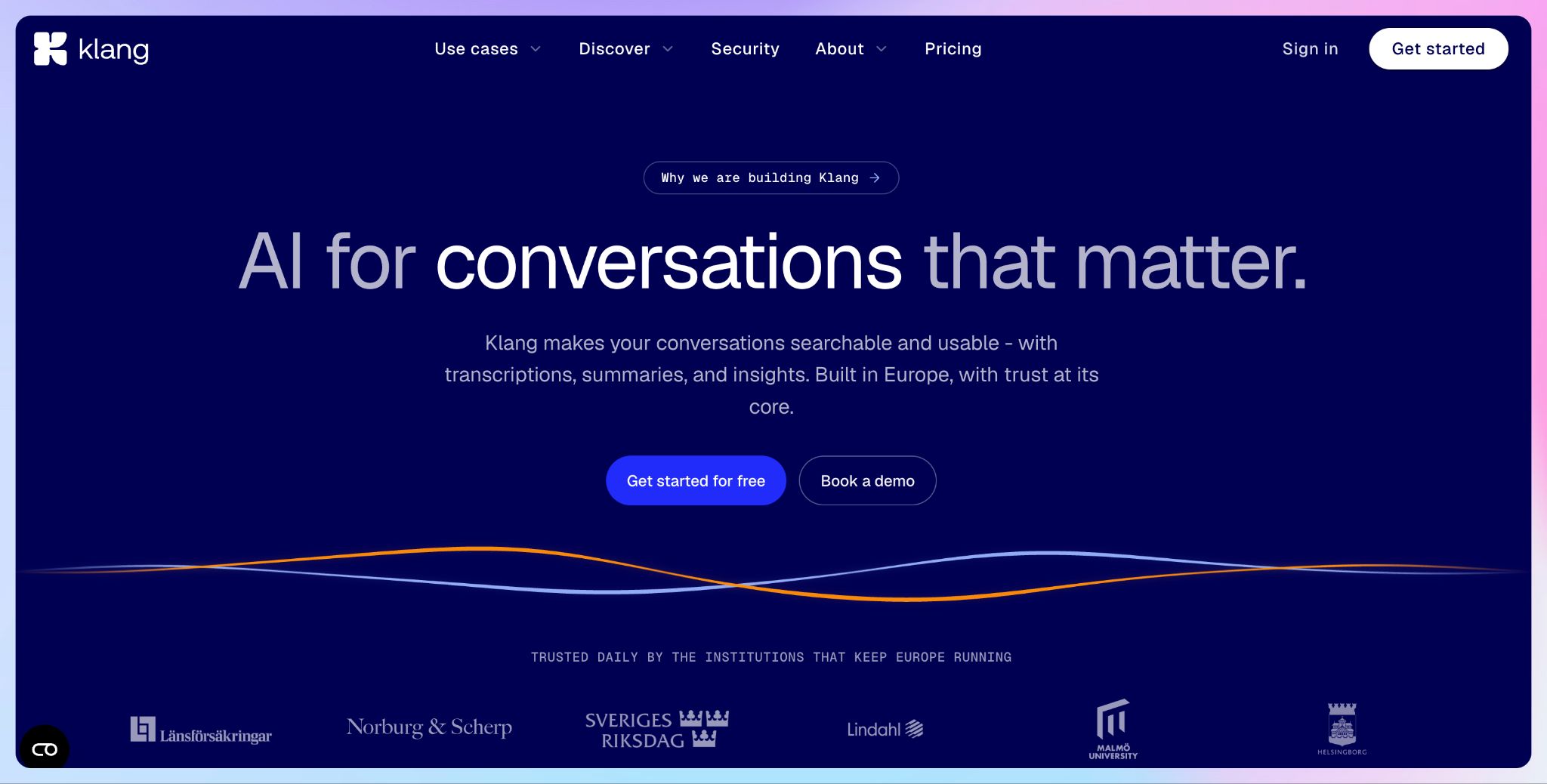
Klang AI is a strong fit for Swedish teams and organizations that cannot place sensitive audio in a shared cloud environment. Alongside its European cloud, the platform can be self-hosted using Docker and Helm across OpenShift, EKS, or bare-metal infrastructure.
You can keep transcripts, summaries, and the underlying meeting data within your own environment. Klang also supports customer-managed encryption keys stored in your KMS.
For more restricted setups, it offers custom EU data residency and air-gapped deployment, where the system can operate without connecting to an external network.
Klang AI vs. Otter AI
Otter gives you a cloud-based workspace for recordings, transcripts, and meeting notes. Klang is designed for organizations that need more control over where the platform runs and how meeting data is processed.
A public-sector organization can deploy Klang in a dedicated EU private cloud with isolated storage and compute resources. Teams with stricter security requirements can run it on their own infrastructure using Docker images and Helm charts. Klang can also work with a customer-selected language model and operate without outbound network access.
Klang AI’s key features
- Transcribe, summarize, analyze, and search conversations in one workspace
- Use a mobile app on iOS and Android to record meetings, interviews, and phone calls
- Use an API and MCP to bring conversation data into internal tools and AI workflows
- Keep cloud data hosted in Europe under GDPR-compliant infrastructure
- Use a dedicated, single-tenant private cloud environment in the EU
- Manage encryption keys through your own key-management system with bring-your-own-key support
- Select a custom EU data region, configure retention, and use SSO, identity-provider authentication, and audit logs
- Deploy on-premise through Docker images and Helm charts
- Run your own language model fully offline in an air-gapped environment
Klang AI’s pricing
- Freemium: Free for one user with unlimited transcription
- Pro: €20/month per user
- Team: Custom pricing
Klang AI’s cons
- Private cloud and on-premise deployment sit on the custom-priced Team plan
- Pro supports a maximum of 10 users
- On-premise and air-gapped deployment require internal technical and security expertise
📚 Also read:
So, which Otter AI alternative should European teams choose?
The right choice depends on why Otter no longer fits your workflow.
👉 Choose Bliro if your sales or field teams want CRM-ready notes without retaining the original recording.
👉 Modjo makes more sense when call coaching and deal visibility are the priority.
👉 For highly confidential work, Caven gives legal and advisory teams more control over processing and hosting.
👉 Klang AI is the better fit when your organizationtion requires private-cloud, on-premise, or air-gapped deployment.
👉 For most European teams, HappyScribe offers the clearest upgrade from Otter. You get broader language support and EU-based data storage. Plus, you get one workspace that carries a conversation from recording to a shareable transcript and insights you can keep reaching out to.
HappyScribe’s free plan lets you test unlimited meetings up to 45 minutes each, so you can judge the transcript quality and workflow using real conversations before committing to a paid plan.
FAQs on Otter AI alternatives in Europe
What should European teams check beyond GDPR compliance?
Ask where recordings and transcripts are stored, which subprocessors can access them, and how deletion works. Confirm whether customer data is used to train AI models and whether you can opt out. Procurement teams should also request the DPA and review encryption standards. For sensitive work, check whether the provider offers EU-only hosting, customer-managed infrastructure, or on-premise deployment rather than assuming a general GDPR statement covers every requirement.
Can the same tool handle meetings and uploaded recordings?
Yes, but capabilities vary widely. Some Otter.ai alternatives focus almost entirely on live transcription for team meetings, while others also accept video and audio files. HappyScribe is useful for global teams that need both workflows in one place. You can capture meetings, upload existing recordings, create AI-generated meeting notes, translate transcripts, and prepare subtitles without moving content between separate AI tools.
Can I move my existing Otter recordings to another platform?
Yes, provided the new transcription tool accepts your exported video and audio files. HappyScribe lets you upload previous recordings alongside new meetings, so you can build a searchable meeting library without starting from zero. You can also query past meetings across folders rather than opening each transcript individually.
Is a visible meeting bot better than bot-free recording?
Neither approach suits every conversation. A visible meeting bot makes recording obvious because it appears in the participant list when it joins meetings. Bot-free capture can feel less disruptive during client calls or interviews, but participants still need to know they are being recorded. Choose an AI meeting assistant that supports both approaches when your work spans formal video meetings, in-person conversations, and calls through more than one video conferencing tool.

Rodoshi Das
Rodoshi is the Content Lead at HappyScribe, the privacy-first transcription and AI notetaker platform based in Barcelona. Shaping content strategies and building AI workflows excites her as much as exploring new SaaS tools. She specializes in product-led content that informs rather than sells, grounded in honest product benchmarking and low tolerance for empty marketing speak.