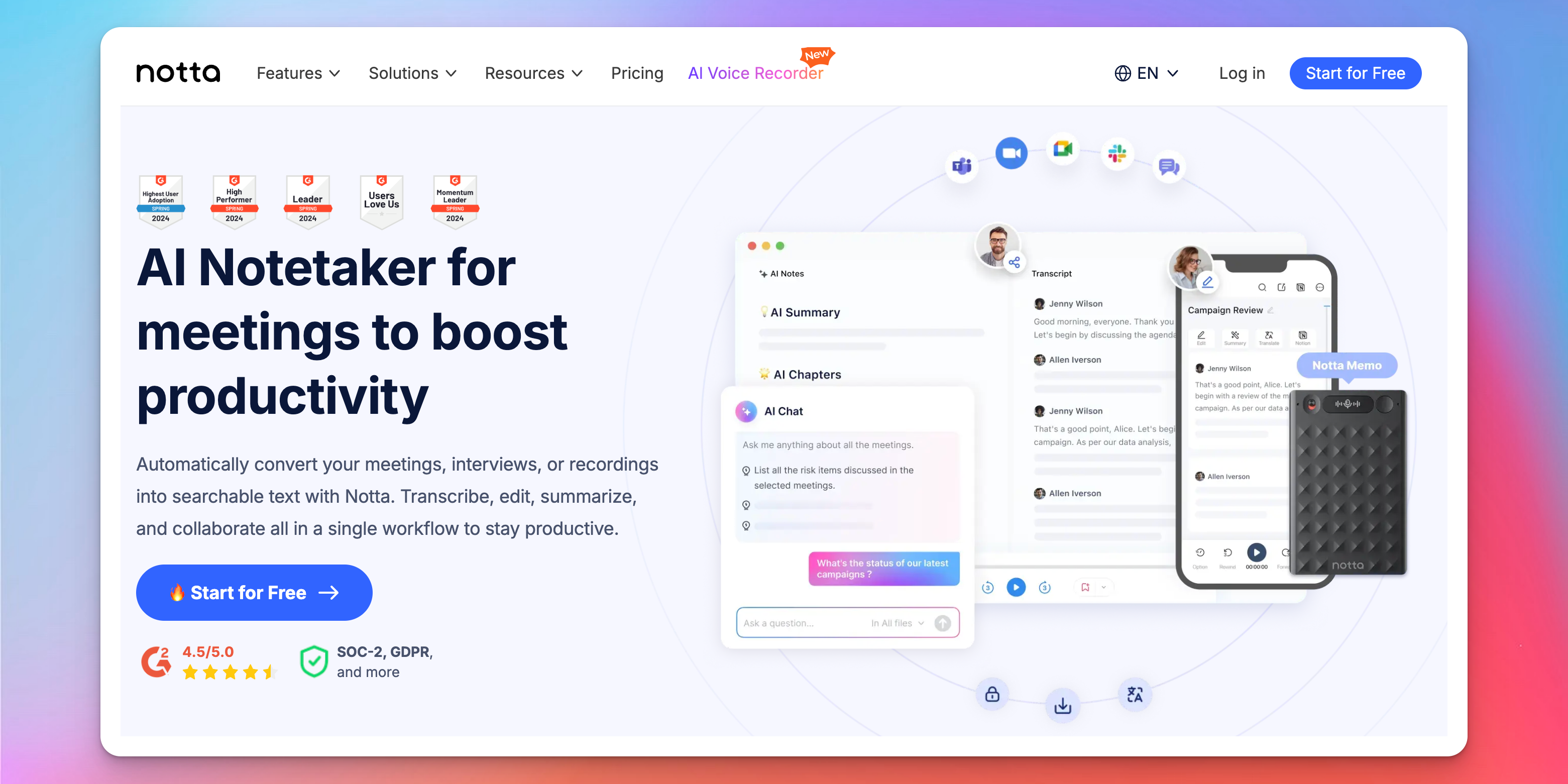
Notta works for quick notes, but users often look for alternatives once accuracy becomes less reliable, long recordings become hard to manage, or billing issues get in the way.
Its 58-language support and fast summaries are useful - but not enough when you depend on stable workflows, transparent pricing, and consistent results.
This guide breaks down the tools that solve those gaps with better accuracy, stronger meeting automation, and more control across your entire audio-to-text workflow.
TL;DR
- Notta is fine for quick notes, but accuracy, long recordings, and workflow control are where it falls behind.
- Otter AI suits meeting-centric teams, offering auto-join, structured summaries, and searchable call history.
- Fathom and Avoma focus on insights, with Fathom giving instant Zoom highlights and Avoma adding CRM sync and conversation intelligence.
- Descript goes beyond transcription, letting you edit audio/video directly through the transcript for publish-ready content.
- HappyScribe is the strongest upgrade with reliable accuracy, human verification, subtitles, translations, and secure team workflows.
What to Look For in a Notta Alternative
The right alternative isn’t “another note taker”; it’s a tool that can support the parts of your workflow Notta can’t carry.
Here’s how to judge one:
- Handling real audio: Assess how well it deals with interruptions, fast exchanges, accents, or multiple speakers - not just clean meeting audio.
- Editing and structure: For long recordings, you’ll want timestamps, navigation, speaker control, and an editor that stays responsive under heavy files.
- Output flexibility: The best tools turn transcripts into usable assets: subtitles, summaries, translations, chapters, or client-ready documents.
- Team readiness: Shared workspaces, roles, and controlled access matter the moment when more than one person touches the transcript.
- Workflow integrations: Calendar sync, CRM updates, meeting auto-join, and flexible file imports determine how much manual effort you eliminate.
- Data control: Permissions, recording rules, storage policies, and compliance standards should match the sensitivity of what you record.
With these factors in mind, let’s explore the top alternatives that meet these criteria.
5 Best Notta Alternatives in 2026
Here are the top Notta alternatives for 2026, offering greater accuracy, smarter workflows, and more advanced AI transcription capabilities than simple note-taking tools.
1. HappyScribe
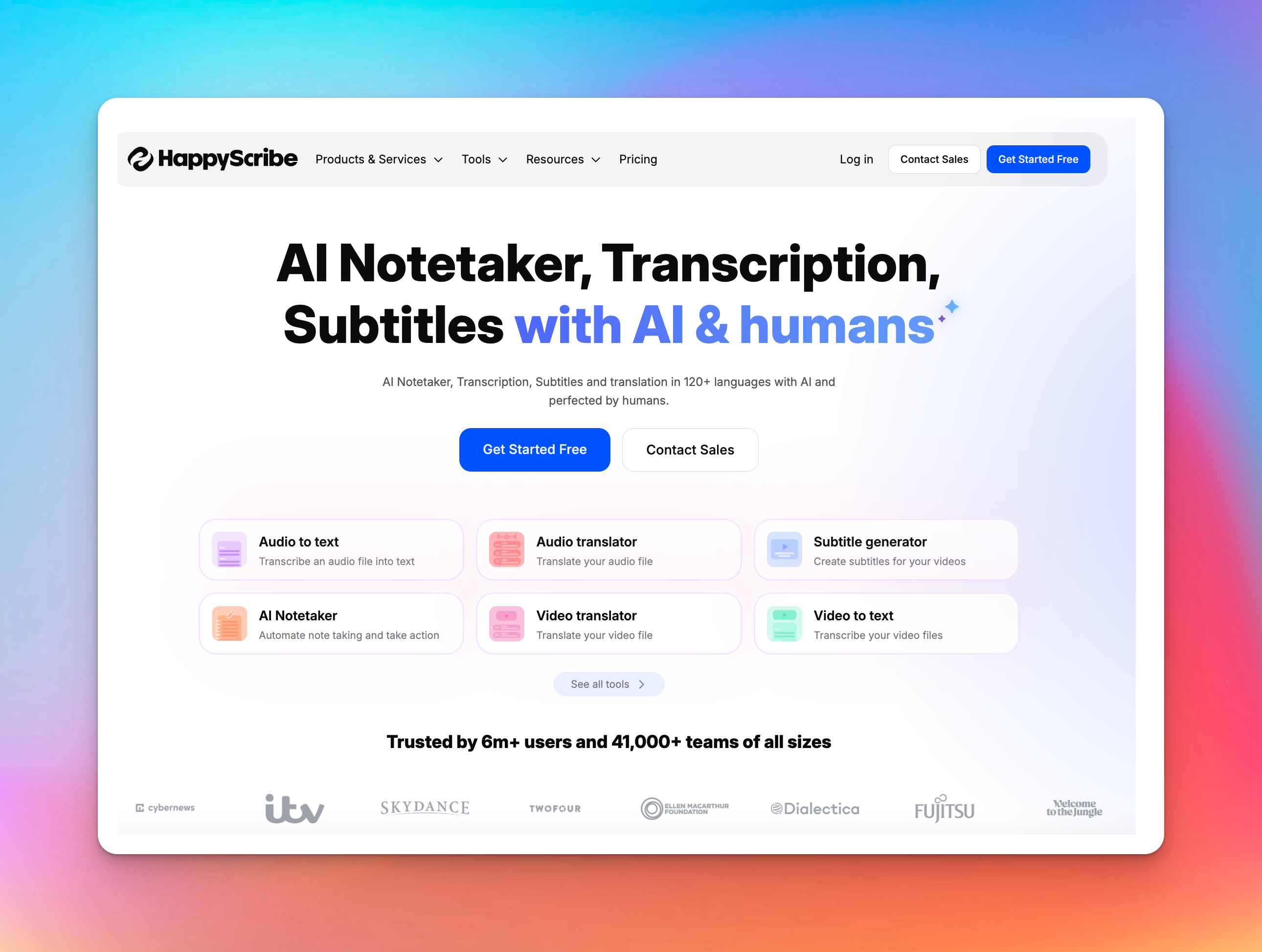
HappyScribe handles the full transcription workflow - live meetings, long recordings, multilingual content, and publish-ready outputs. You can upload any audio or video file, or record a meeting, and HappyScribe turns it into reliable, structured text.
With direct integrations for Zoom, Google Meet, and Teams, plus AI and human accuracy in 150+ languages, it’s ideal when transcripts must be dependable and reusable, not just “captured.”
What Sets HappyScribe Apart:
- Interactive Transcript Editor: Review transcripts alongside media with word-level timestamps, speaker labels, and synced playback for precise editing.
- Multiple Export Formats: Export as TXT, DOCX, PDF, SRT, VTT, or CSV for publishing, accessibility, or archival use.
- AI and Human Transcription Options: Choose fast AI transcription or 99% accurate human proofreading in 60+ languages with 24-hour turnaround.
- AI Meeting Notetaker: Joins Zoom, Google Meet, or Teams automatically, transcribes in real time, identifies speakers, and emails summaries after each call.
- Team Collaboration Tools: Shared workspaces, role-based access, glossaries, and style guides keep terminology and formatting consistent across teams.
- Enterprise-Grade Security: Fully GDPR and SOC 2 Type II compliant; user data is never used for AI training.
- Free Utility Tools: Includes a video/audio trimmer, converter, subtitle editor, time-shifter, and online voice recorder for quick pre- or post-processing.
HappyScribe vs. Notta: a comparison of what matters most to professionals.
| Feature | HappyScribe | Notta |
|---|---|---|
| Focus | Transcription, translation, subtitles, content workflows | Meeting notes, live & uploaded transcription |
| Languages | 120+ | 58 |
| Human transcription | ✅ Available | ❌ Not offered |
| Meeting transcription | ✅ Zoom, Meet, Teams | ✅ Zoom, Meet, Teams |
| Subtitles / Content editing | ✅ Full support (editor, styling, glossaries, style guides) | ❌ No dedicated subtitle editor; basic caption export |
| Collaboration | ✅ Shared workspaces, roles, glossaries | ✅ Basic sharing & team access |
| Integrations | Vimeo, YouTube, Google Drive, Zoom, more | Zoom, Google Drive, Slack, Calendar |
| Security / Compliance | GDPR + SOC 2 Type II | GDPR + SOC 2 Type II |
| Export formats | TXT, DOCX, PDF, SRT, VTT, CSV, and more | TXT, DOCX, PDF, SRT, XLSX |
| Best use | Content creation, media, multilingual workflows | Meetings, internal calls, quick notes |
| Ratings (Trustpilot) | 4.6 (Excellent) | 1.9 (Poor) |
| Pricing | Pay-as-you-go ($12/hr) or plans from $9/month | From $13.49/month |
HappyScribe covers the full arc: real-time notes, 150+ languages, publish-ready exports, glossaries, style guides, and human verification when precision stops being optional.
It’s the difference between capturing a conversation and owning a transcript you can trust anywhere.
2. Otter AI
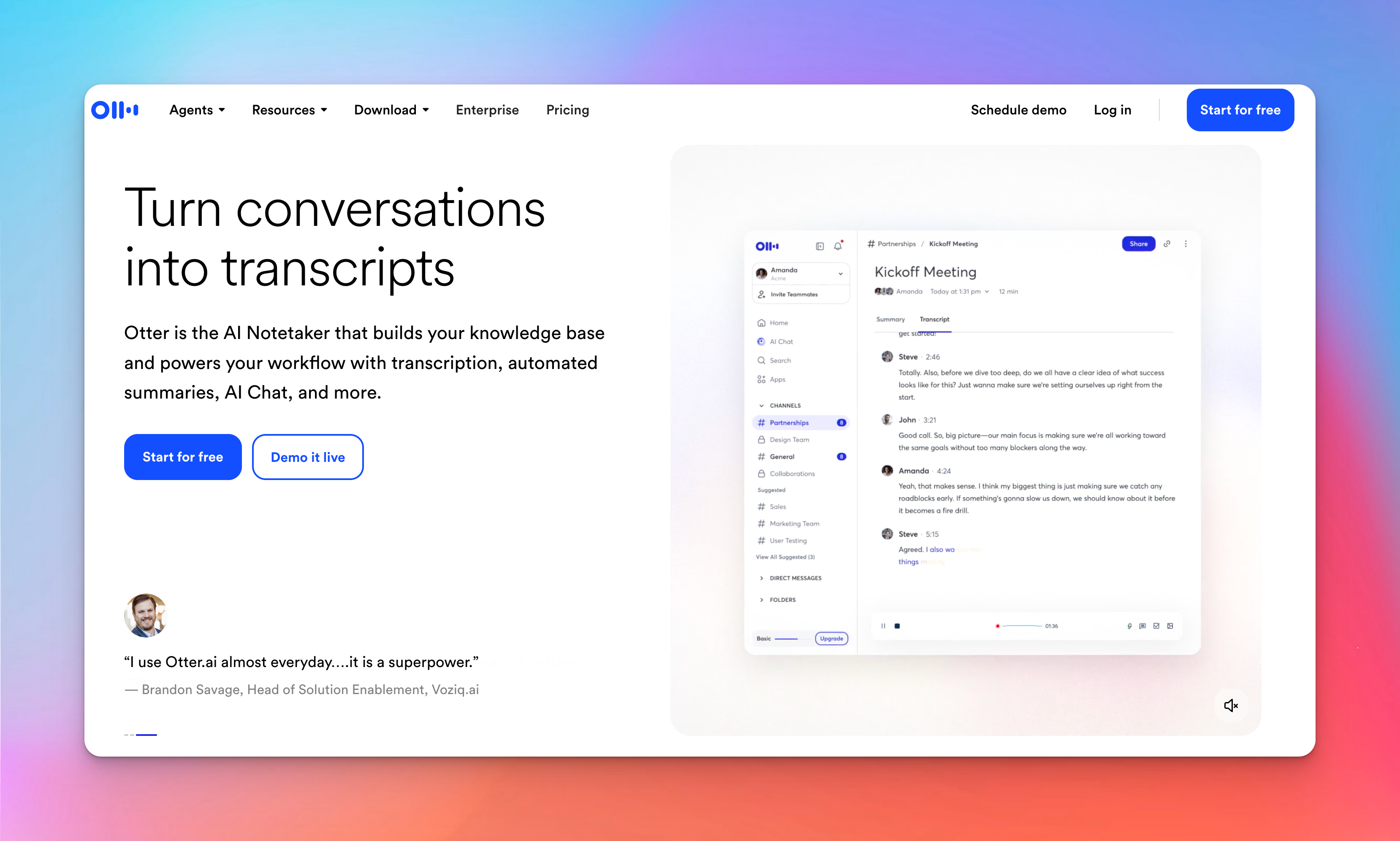
Otter automates the entire meeting workflow. When connected to your calendar, its AI Meeting Agent joins calls on its own, transcribes everything in real time, and produces summaries, action items, and searchable notes.
Key Features
- Live transcript with structure: Speaker labels, highlighted phrases, and timestamps appear as the call happens, making the recording easy to scan afterward.
- Searchable history: Transcripts turn into a reference system you can query instead of replaying meetings.
- Team workflow: You can comment, share, and push takeaways into tools like Notion, Salesforce, HubSpot, Asana, Google Docs, and Slack.
- AI Meeting Agent & Chat: The bot captures notes and answers questions about past conversations, though reviewers report unexpected joins and unwanted invitation emails.
Pricing
- Free: $0
- Pro: $16.99/month
- Business: $30/month
If you want calls documented automatically, Otter is fast and convenient. If you need strict control over when recordings start and who joins your meetings, its automation can get in the way. Notta gives you more predictable handling; Otter gives you less effort.
3. Fathom
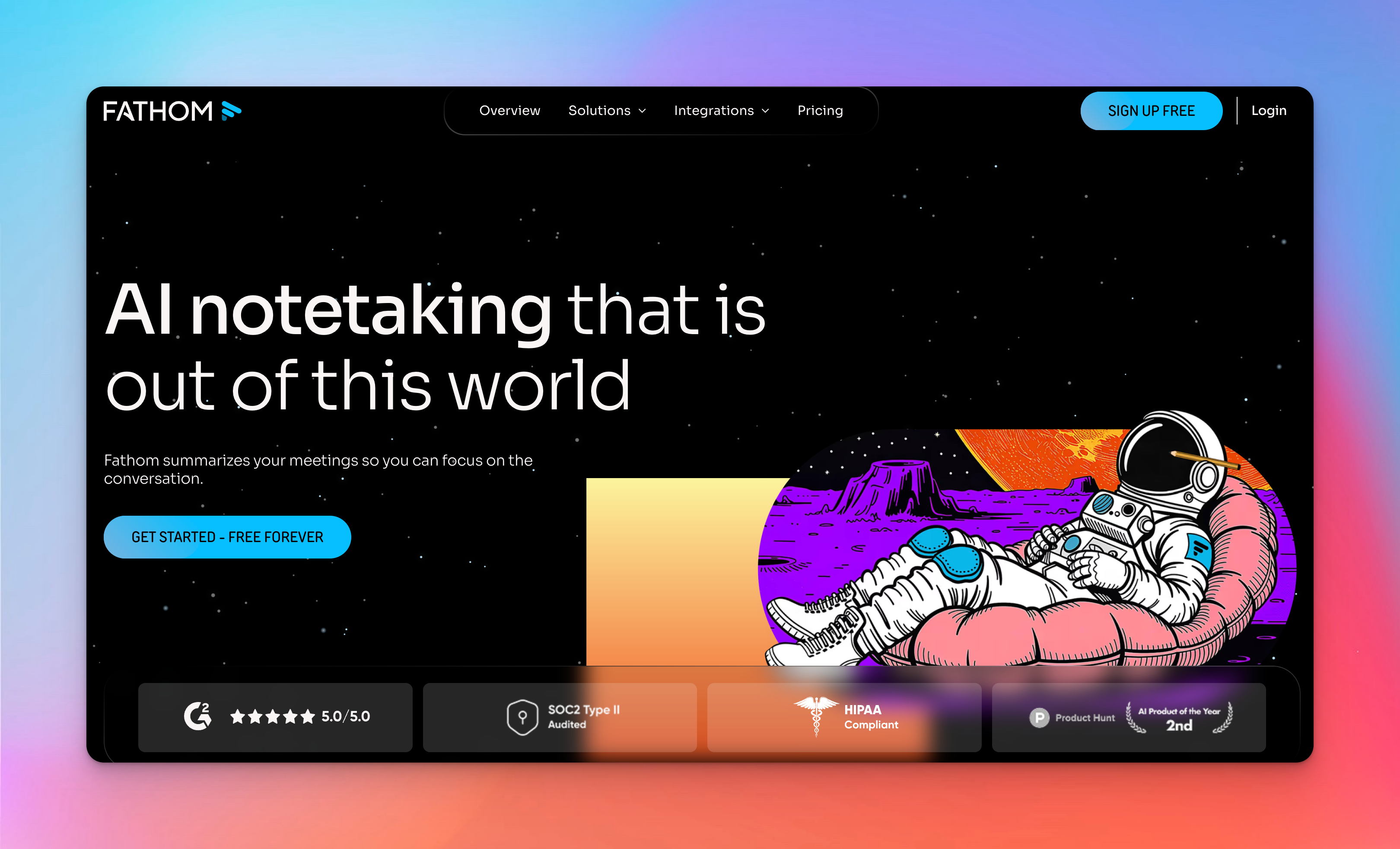
Fathom takes a very straightforward approach to meeting documentation: you speak, it captures everything, and the material shows up organized the moment the call ends.
There’s no setup ritual or workflow to maintain. If the meeting is underway, Fathom is already doing its part.
Key Features
- Real-time transcription: Capture conversations live with speaker-labeled transcripts.
- Automatic highlights and summaries: Key points, decisions, and action items are generated automatically for quick reference.
- Searchable notes: Easily search past meetings to find critical information in seconds.
- Integrations: Connects with Zoom, Google Calendar, and popular CRMs for smooth workflow integration.
- Collaboration: Share notes, comment on transcripts, and track follow-ups with your team.
Pricing
- Free: $0
- Premium: $20/user/month
- Team: $18/user/month
- Business: $28/user/month
Fathom lines up well with a day built around planned calls and minimal after-meeting effort. However, if your audio isn’t limited to calls or you work across several languages, Notta is simply more flexible.
4. Avoma
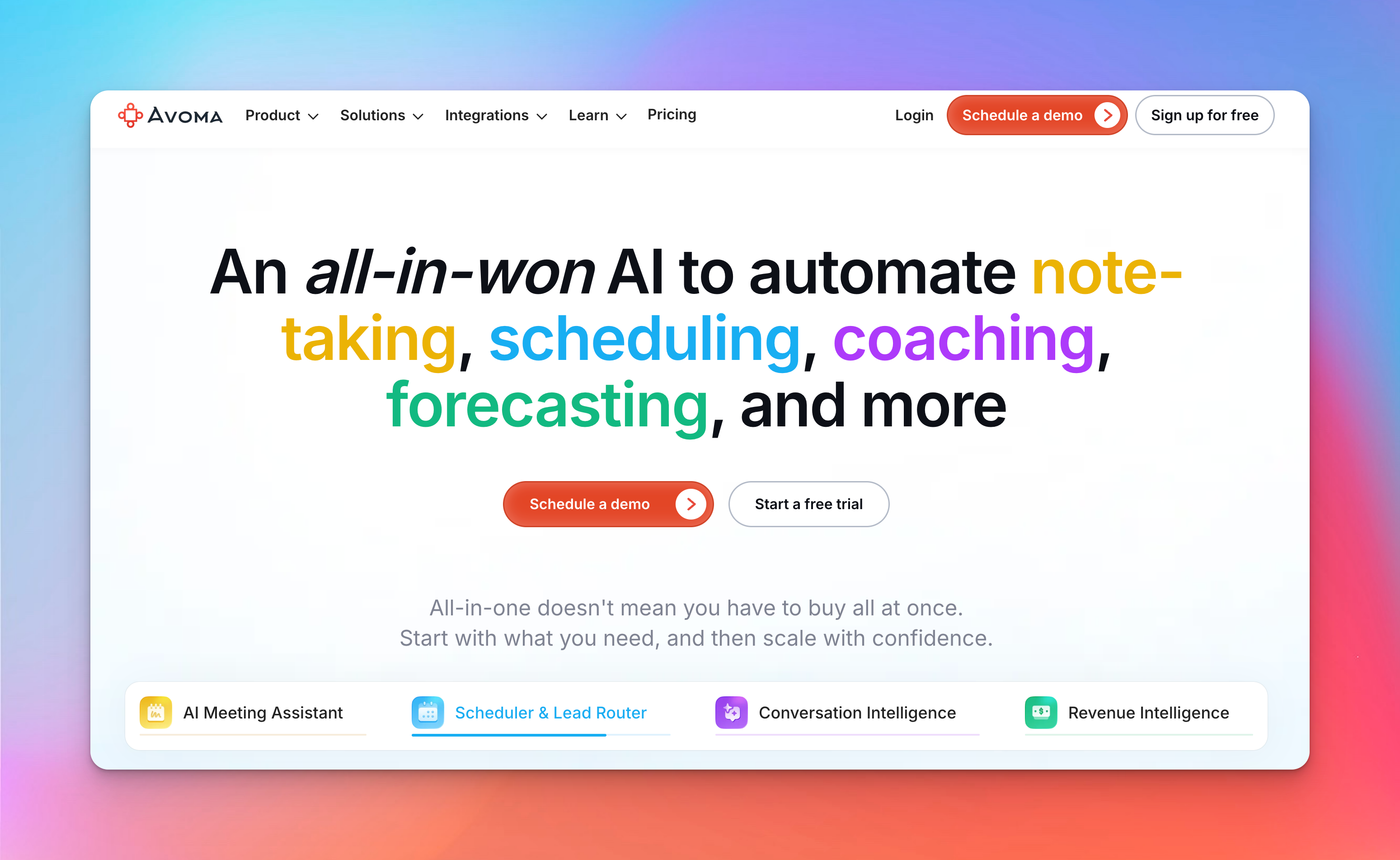
Unlike Notta, which focuses on quick transcription and brief summaries, Avoma helps you manage the full workflow around every conversation.
Notes, follow-ups, handoffs, coaching, and pipeline visibility all come together in one system. That’s especially useful when meetings tie directly to revenue or customer work.
Key Features
- Real-time transcription & speaker labeling: Captures Zoom, Google Meet, and Teams calls with labeled speakers and structured notes.
- AI summaries & follow-ups: Generates action items, next steps, and post-meeting emails automatically.
- CRM integration: Syncs notes and meeting data into tools like Salesforce and HubSpot with no manual entry.
- Conversation intelligence: Call scoring, talk-pattern insights, coaching prompts, and topic tracking.
- Revenue intelligence: Deal and churn-risk alerts, methodology scoring, forecasting views, and pipeline inspection.
- Scheduling & lead routing: 1:1, group, and round-robin scheduling with automated qualification and routing.
Pricing
- Startup: $29/month per recorder seat
- Organization: $39/month per recorder seat
- Enterprise: $39/month per recorder seat (annual billing)
Avoma excels for AI transcription and automated meeting notes, providing teams with actionable insights and analytics that Notta doesn’t offer.
While slightly more complex, its structured workflows, integrations, and real-time collaboration make it a powerful choice for teams that treat meetings as a key driver of productivity.
5. Descript
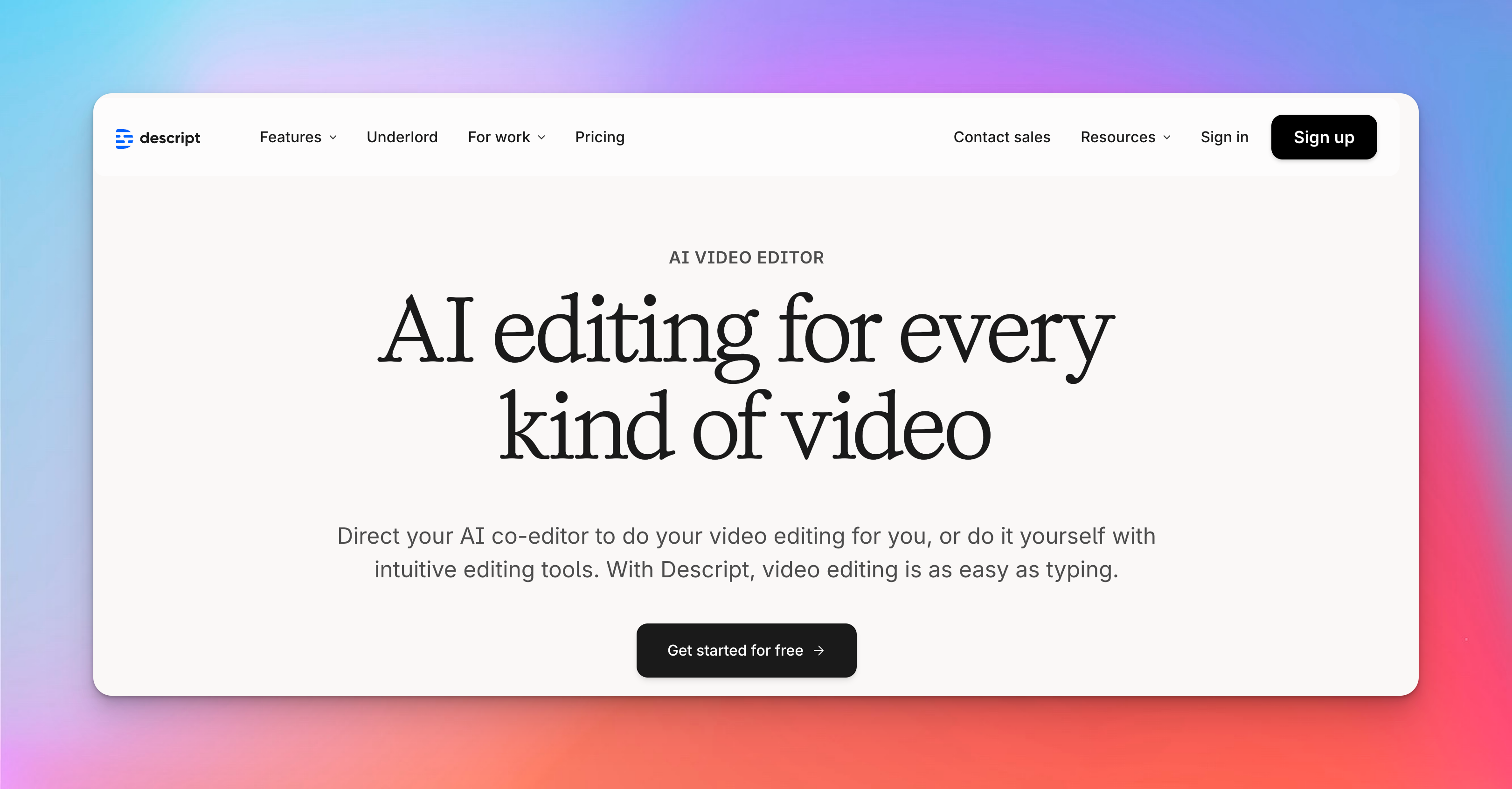
Descript gives you transcription, but the workflow pushes you toward creating finished content.
You edit by editing text, and the media updates instantly - useful when you want recordings to become publishable videos or podcasts rather than searchable notes.
Key Features:
- Text-based editing: Make cuts and rearrange sections by editing the transcript; audio and video follow your changes.
- AI cleanup tools: Studio Sound, Eye Contact, Green Screen, and filler-word removal handle the polish that normally takes multiple apps.
- Overdub and Regenerate: Fix dialogue with a voice clone and sync new lines to video, though lip-sync on talking-head recordings varies.
- Underlord & Quick Design: Generate scripts, layouts, visuals, and transitions to speed up video creation.
- Recording and collaboration: Record screens or cameras and work with teammates inside the same project.
Pricing
- Free: $0
- Hobbyist: $24
- Creator: $35
- Business: $65
Descript is at its best when transcription is only the first step. It covers the entire path from rough recording to publishable media, which makes it far more capable than Notta for finished content.
But that breadth comes with occasional instability and heavier project overhead. If you need reliable, low-friction meeting notes, Notta stays ahead.
If you’re building videos or podcasts from the same source material, Descript is the tool that gives you room to create.
Notta vs Top Alternatives: Key Comparison
When comparing Notta to its top alternatives, each tool stands out for specific strengths. Here's a quick breakdown:
| Tool | Best For | From | Languages | Standout Strength |
|---|---|---|---|---|
| Notta | Basic meeting notes | $13.49/mo | 58 | Fast summaries + broad integrations |
| HappyScribe | Pro transcription & subtitles | $9/mo or $12/hr PAYG | 120+ | Human-level accuracy + full content workflow |
| Otter.ai | Automated live meeting notes | $16.99/mo | English-first, limited multilingual | AI agent that joins & summarizes meetings |
| Fathom | Quick Zoom-focused summaries | $20/user/mo | English-focused | Instant highlights after every call |
| Avoma | Sales/customer meetings | $29/mo | English-centric | CRM syncing + conversation intelligence |
| Descript | Editing podcasts/videos | $24/mo | ~25+ | Text-based video/audio editing suite |
Conclusion
If all you need is quick notes, Notta gets the job done. But every serious alternative outperforms it somewhere that actually matters.
HappyScribe is the only platform that covers the entire transcription + content pipeline, offering 150+ languages, AI and human accuracy, subtitles, translations, editing, meeting notes, and enterprise-grade security.
Otter, Fathom, Avoma, and Descript each excel in a specific niche, but none match the same balance of precision, control, and reliability across workflows.
Frequently Asked Questions
Is Notta or Otter AI better?
Both Notta and Otter AI offer AI-powered transcription and note-taking, but they serve slightly different needs. Notta is stronger for fast, multi-language transcription and clean exports. Otter AI is better if your workflow revolves around meetings, auto-joined calls, and instant summaries.
Is there a free version of Notta?
Yes. Notta’s free plan includes limited monthly transcription minutes, basic editing, and cloud storage. For larger files, translations, or heavier usage, you’ll need a paid plan.
Is Notta AI worth it?
It’s worth it if you regularly turn audio or video into structured text, especially with multiple speakers or languages. Its transcription quality, simple editor, and flexible exports make it practical for individuals and small teams.
What is the best AI note-taker app?
It depends on what you need. HappyScribe offers the best accuracy and multilingual support, while Otter AI is built around automated meeting capture and summaries. If you want precision and adaptable workflows, HappyScribe is the stronger choice.

Akshay Kumar
Akshay builds pieces meant to reach people and stay visible where it matters. For him, it’s less about the name and more about whether the words did what they were meant to.