SOC 2 Type II
Independent audits verify the controls protecting every client recording and transcript.
Every hour you spend writing up notes is an hour you can't bill. HappyScribe captures client conversations across Zoom, Google Meet, Microsoft Teams, and on-site meetings. Get accurate transcripts in 150+ languages, plus structured summaries and clear action items within minutes.
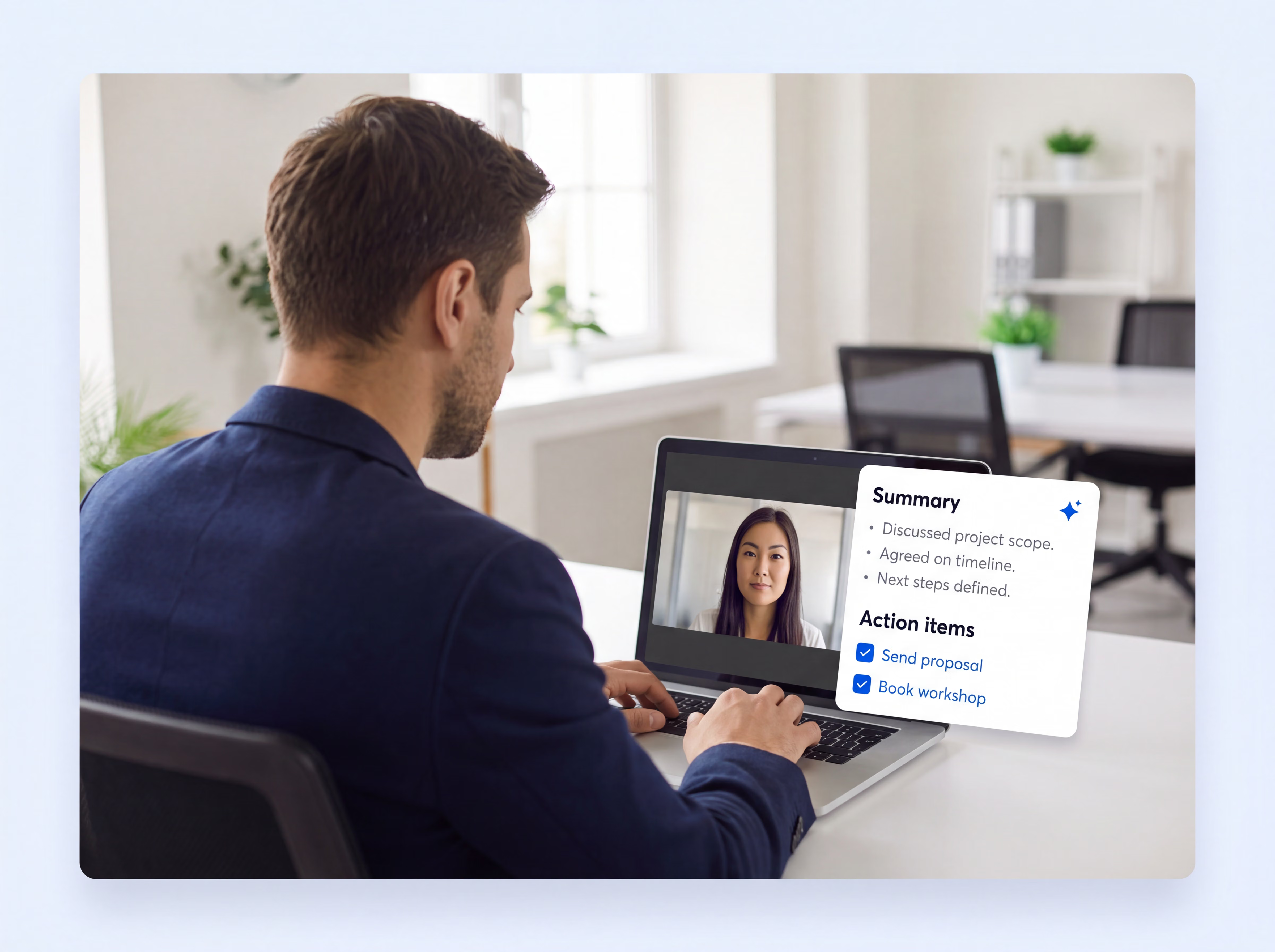
Trusted by teams at 41,000+ organizations
95%+
accuracy on client meeting notes
150+
languages for multinational engagements
6M+
professionals use HappyScribe
41,000+
teams run on HappyScribe
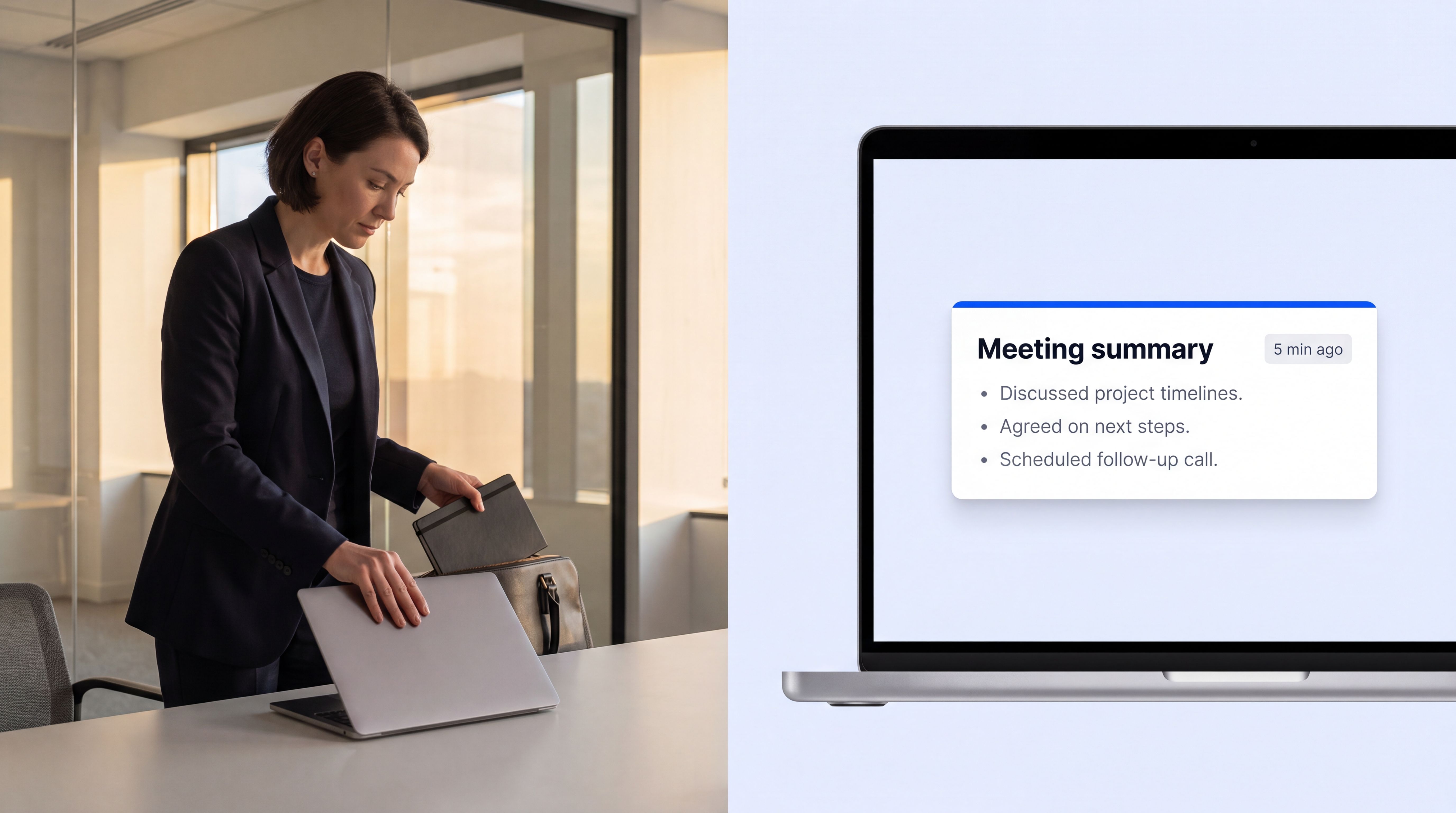
Whether you run your own practice, manage a team of consultants, or juggle a dozen agency clients, HappyScribe takes care of the notes.
When every non-billable hour comes straight out of your evening, note-taking admin is the first thing worth automating. The browser-based AI Notetaker covers your virtual calls while the mobile app covers everything that happens in the room.
Managers see decisions without sitting in every meeting. New consultants ramp on past notes and call recordings, not handover meetings.
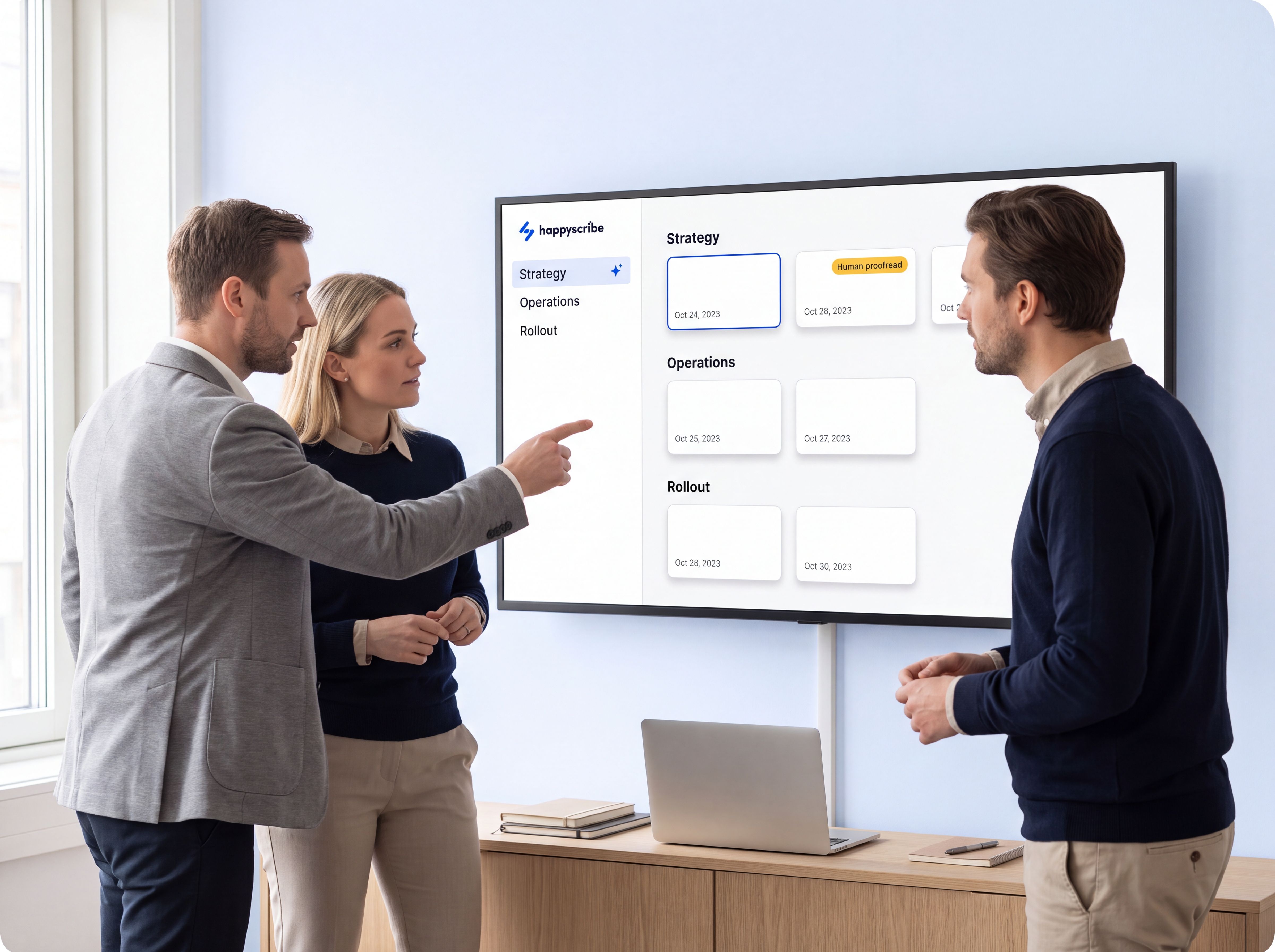
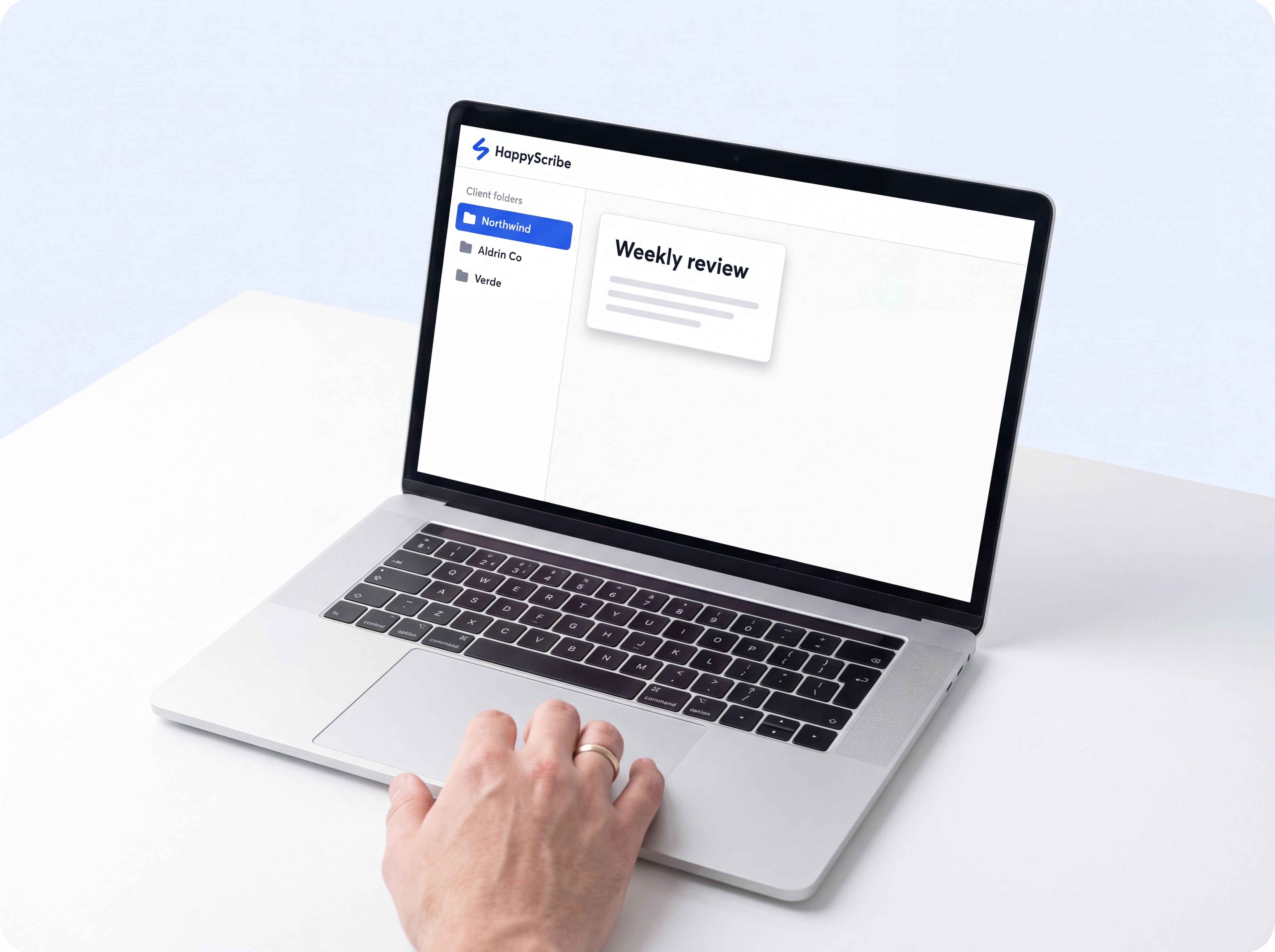
Client calls stay organized in individual folders. Before a review, query that client's entire call history and walk in with every commitment at hand.
A few minutes after your call ends, everything's ready to share: the video recording, the full transcript, a clear summary, the decisions made, and every action item with its owner.
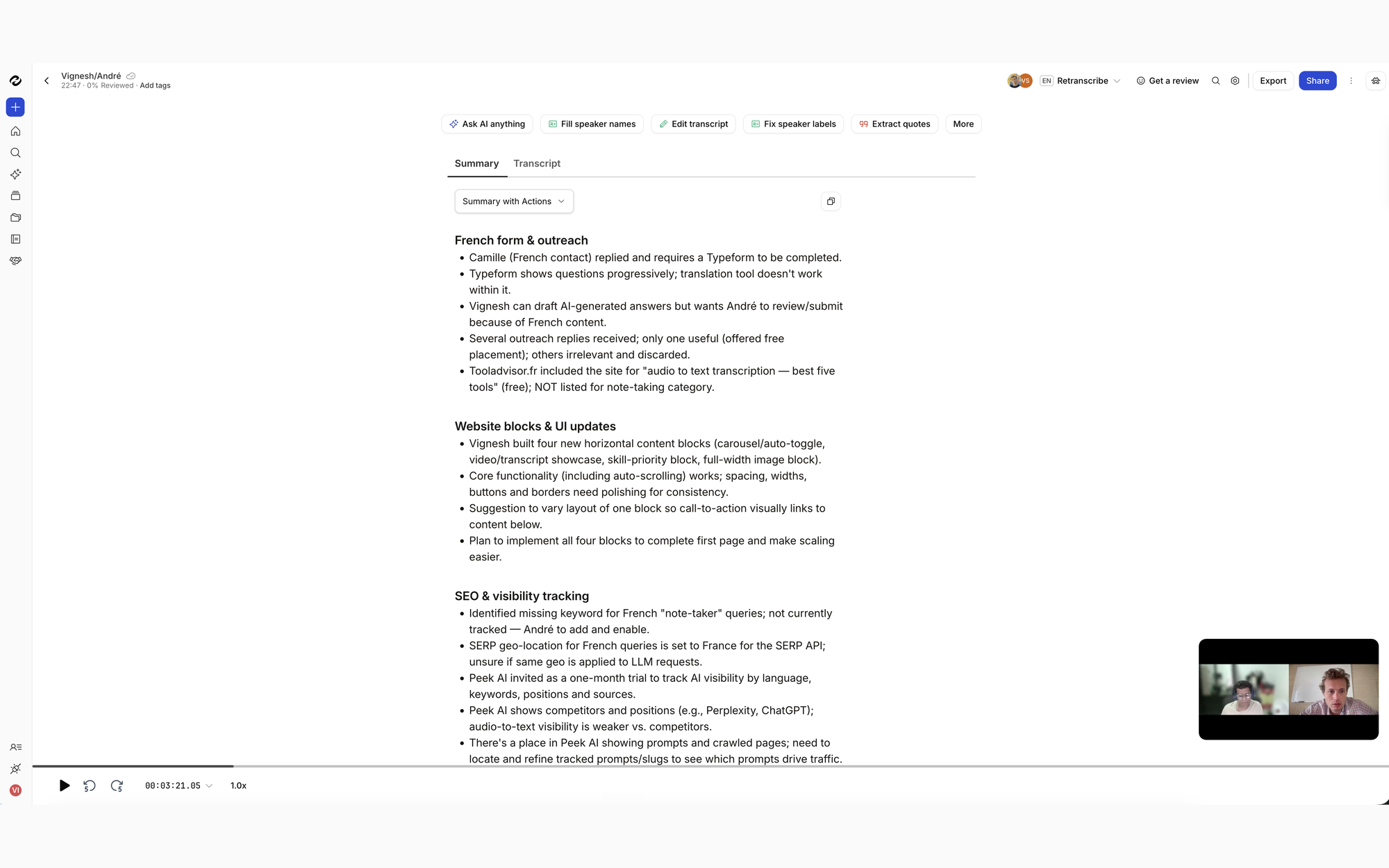
Key points and decisions structured so they drop straight into your status deck or engagement log.
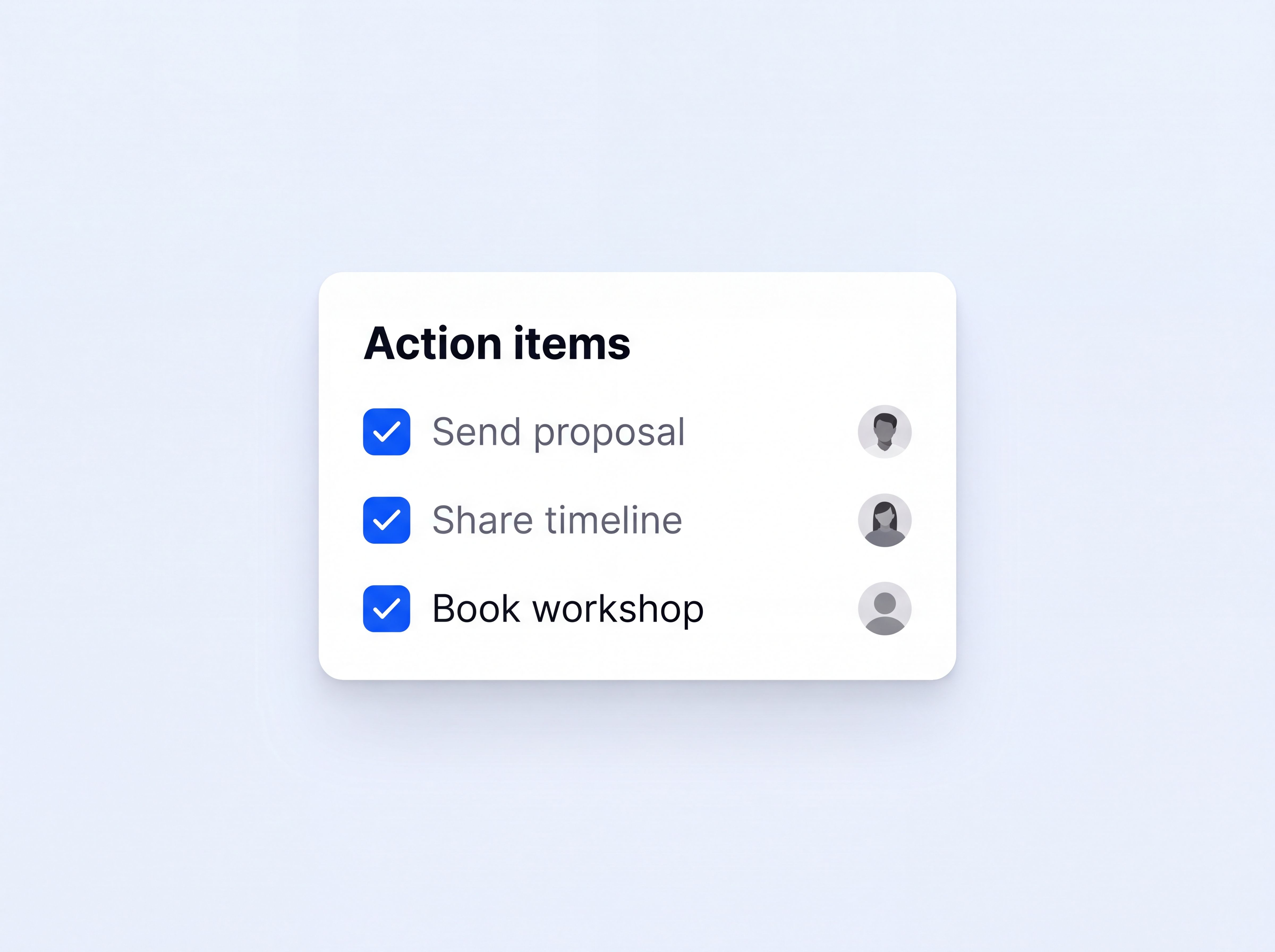
Every commitment captured with who owns it, from your side and the client's.
Speaker labels across every client stakeholder, so quotes in your findings are attributed correctly.
Send the recap to your client or team the moment it's ready, from the same screen.
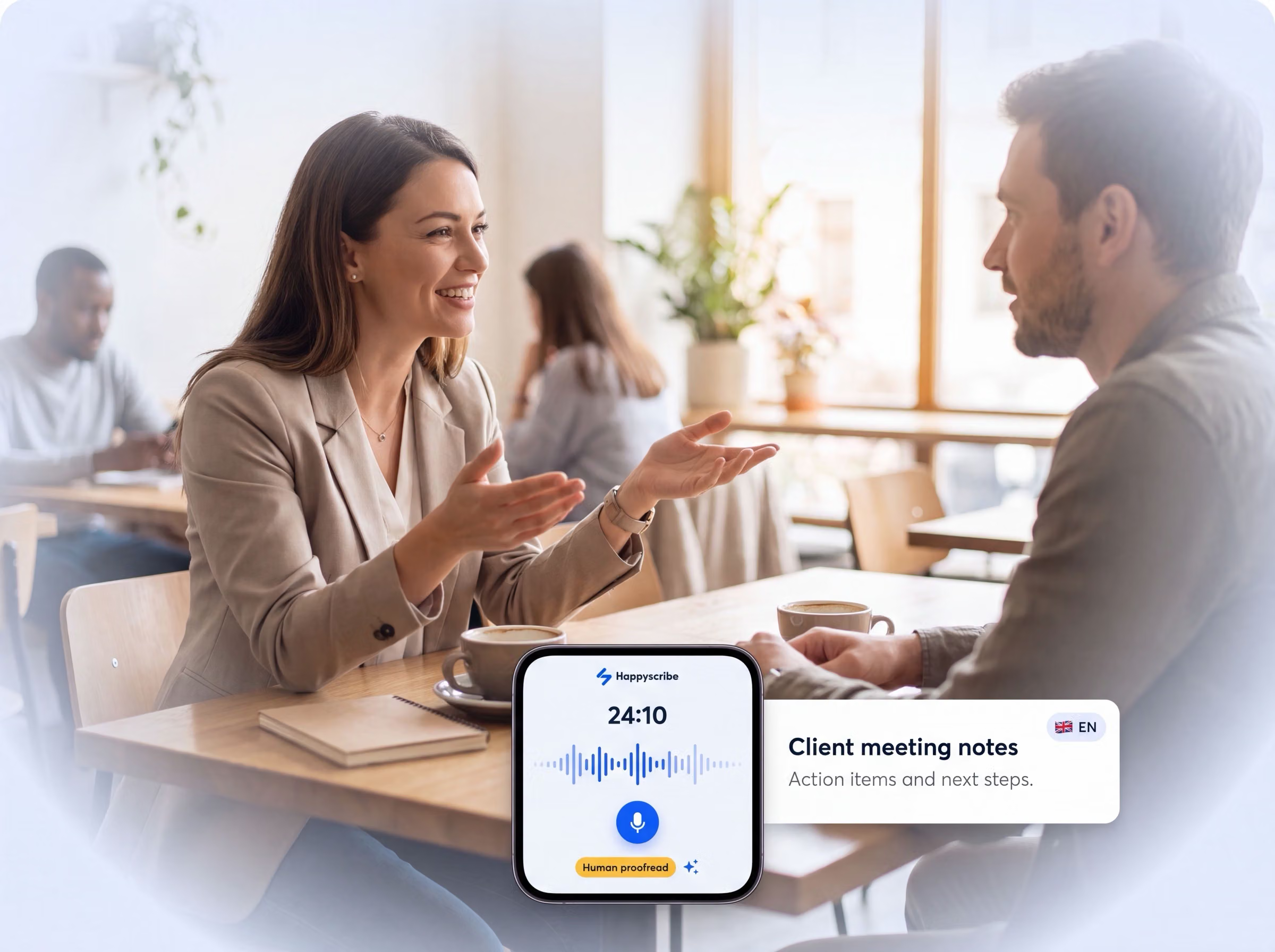
Not every client conversation happens on a video call. Workshops, stakeholder interviews, and site visits happen in the room, where a calendar bot can't follow. The HappyScribe app for iOS and Android has it covered:

Use HappyScribe's AI features to turn raw client conversations into polished, handover-ready work.
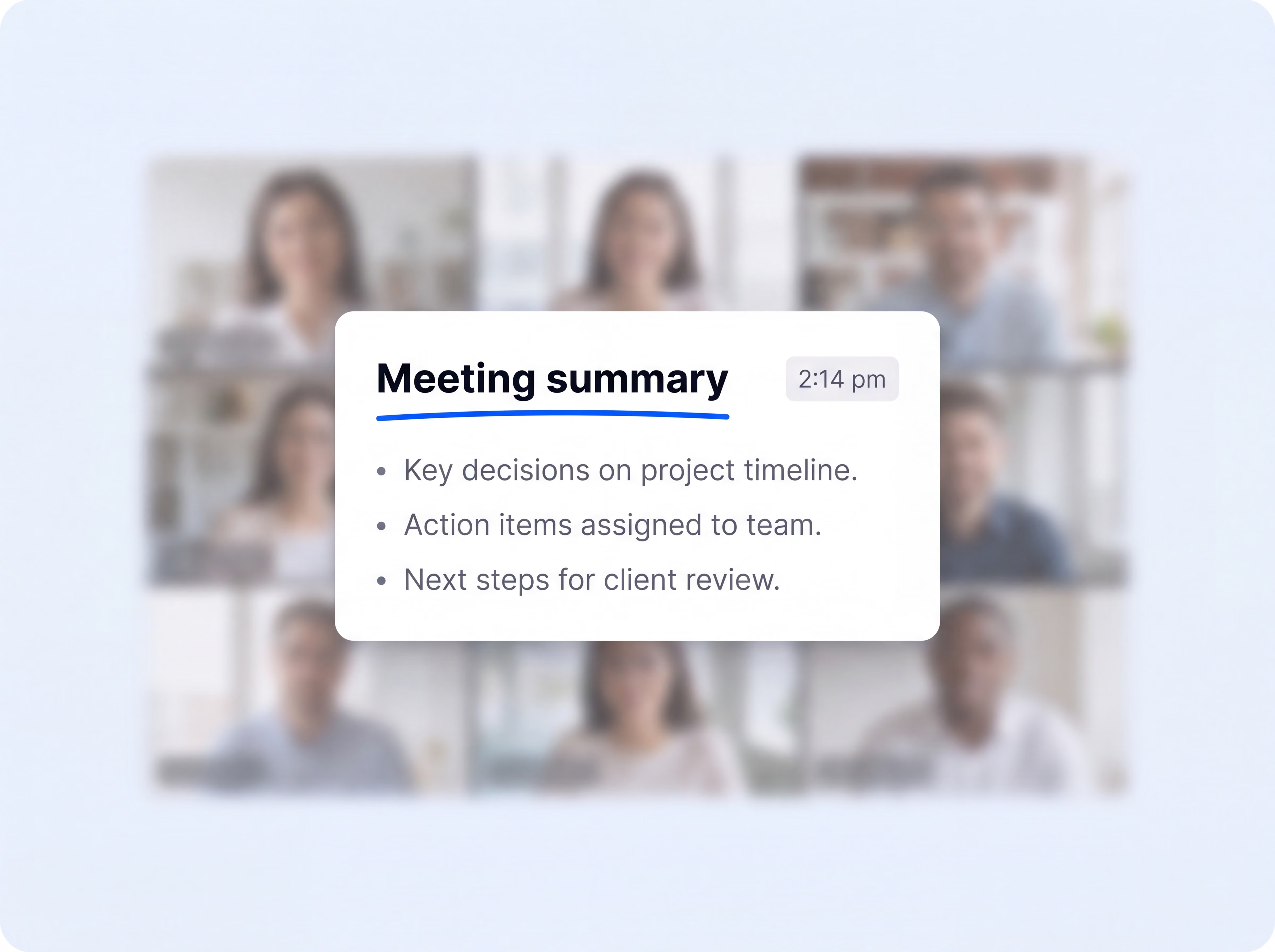
Choose from summary templates built for client calls, project updates, interviews, and more. Get a structured recap minutes after the conversation ends, ready to drop into your engagement log or client file.
Automatically extract action items and assign owners on both sides, so nothing agreed in week two comes back as a surprise in week eight.
Speaker labels link every comment to the right stakeholder. Your findings stay clear, credible, and easy to reference.
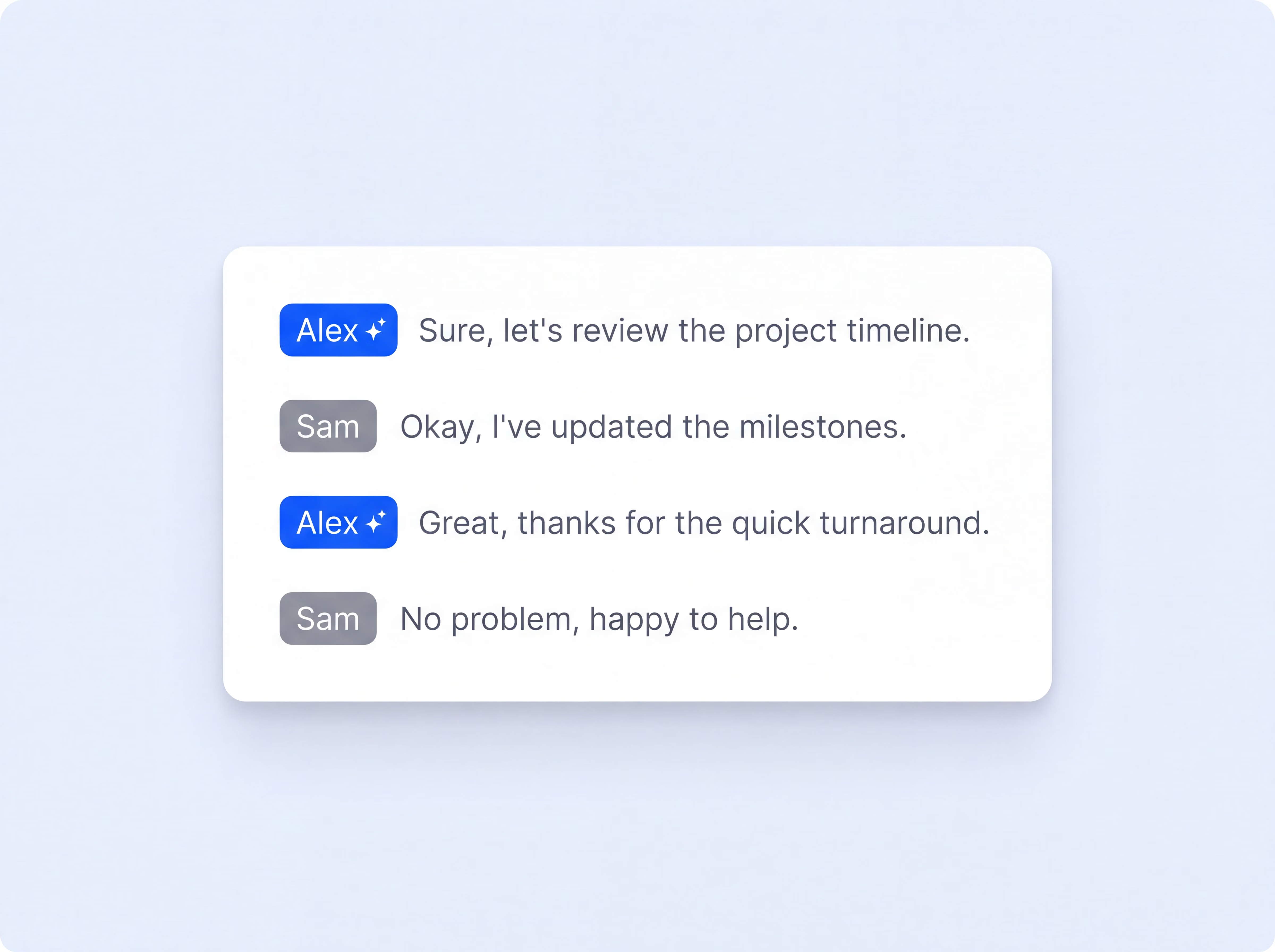
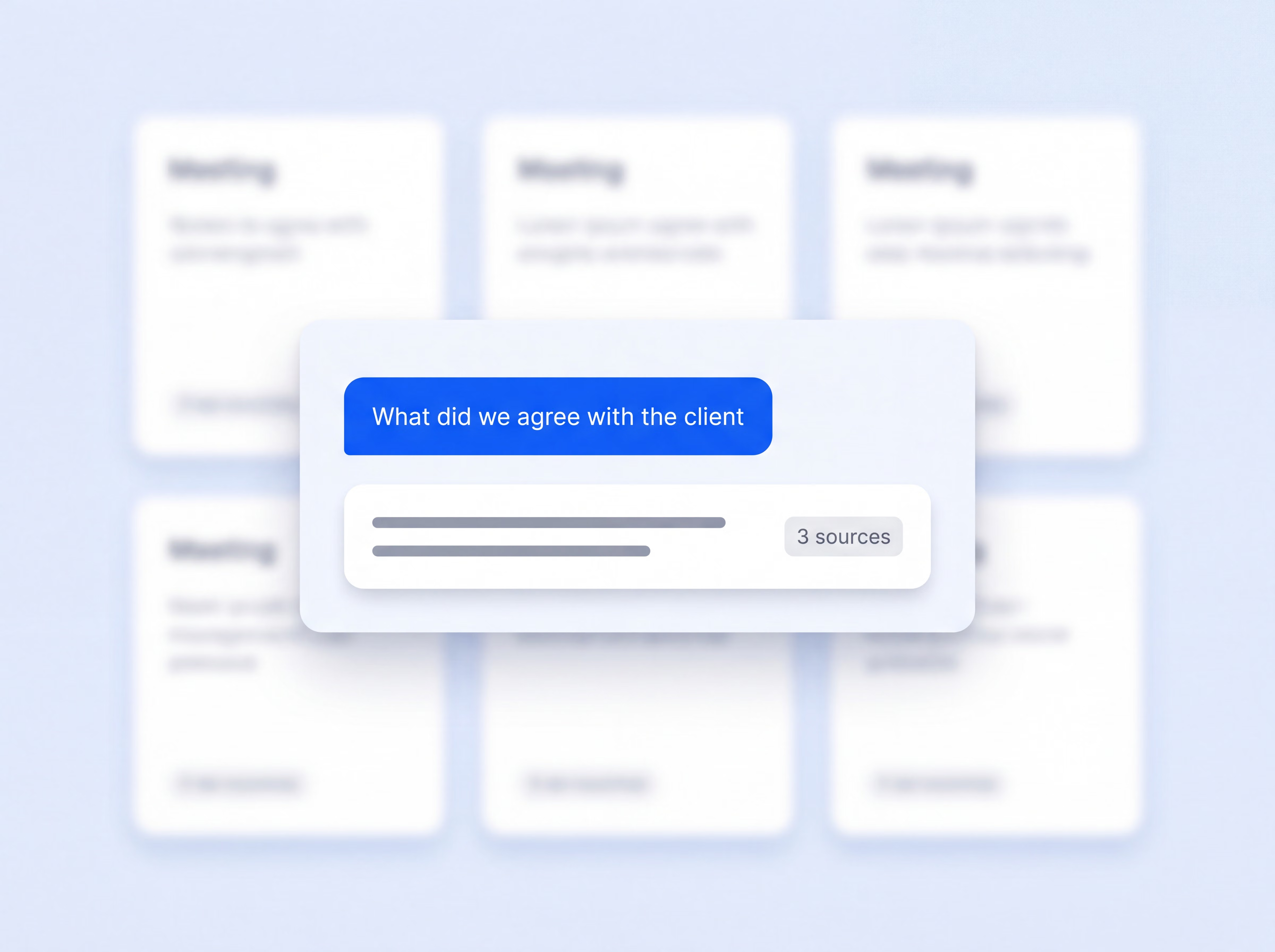
Search a single call, a client folder, or your entire library to get cited answers and supporting evidence ahead of your next steering committee meeting.
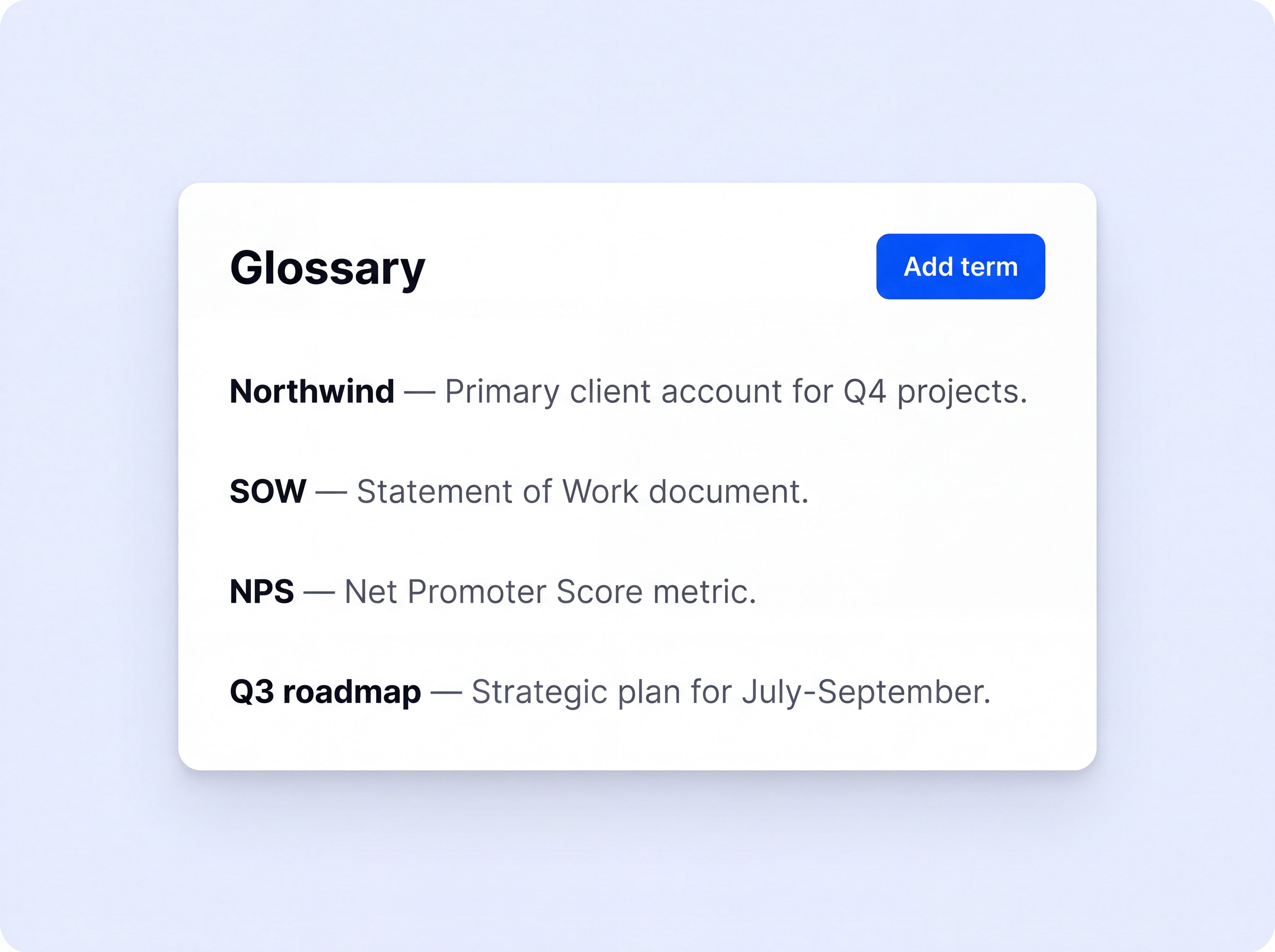
Set custom glossaries for acronyms and industry terms, so every transcript gets the details right from the start.
Capture meetings in 150+ languages, for cross-border teams and international stakeholders.
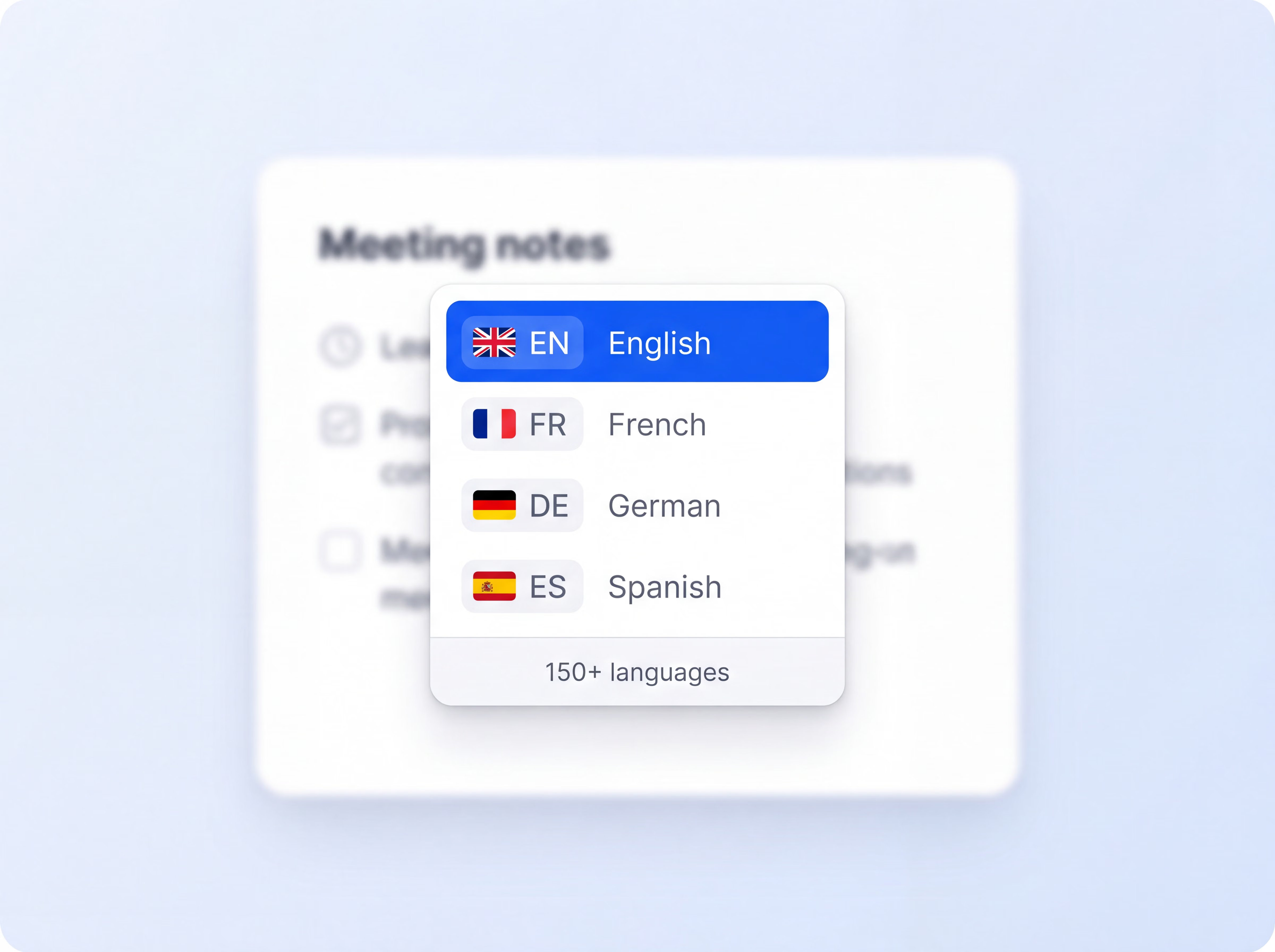
Translate meeting notes into 80+ languages when the working language and the client's language differ.
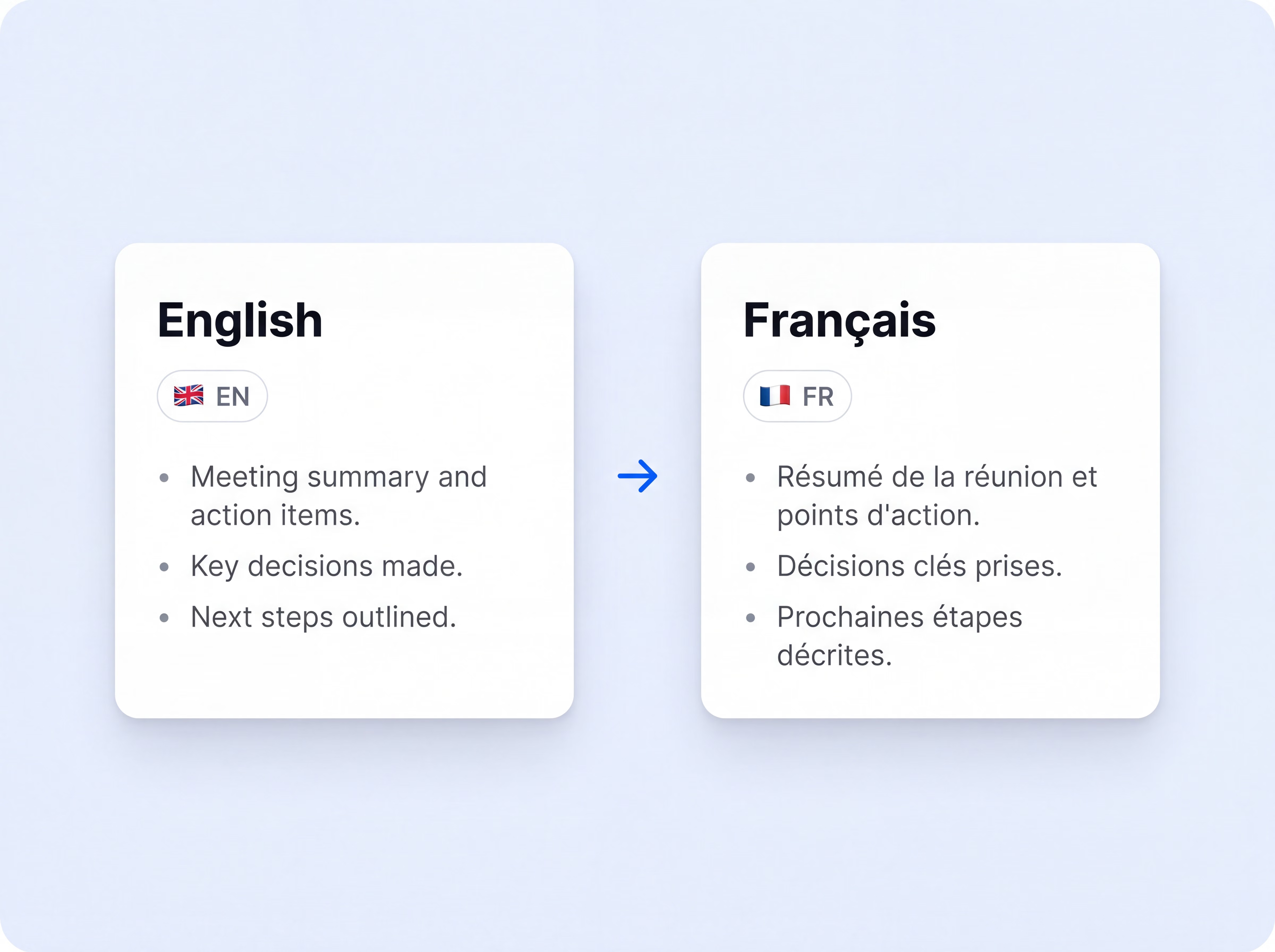
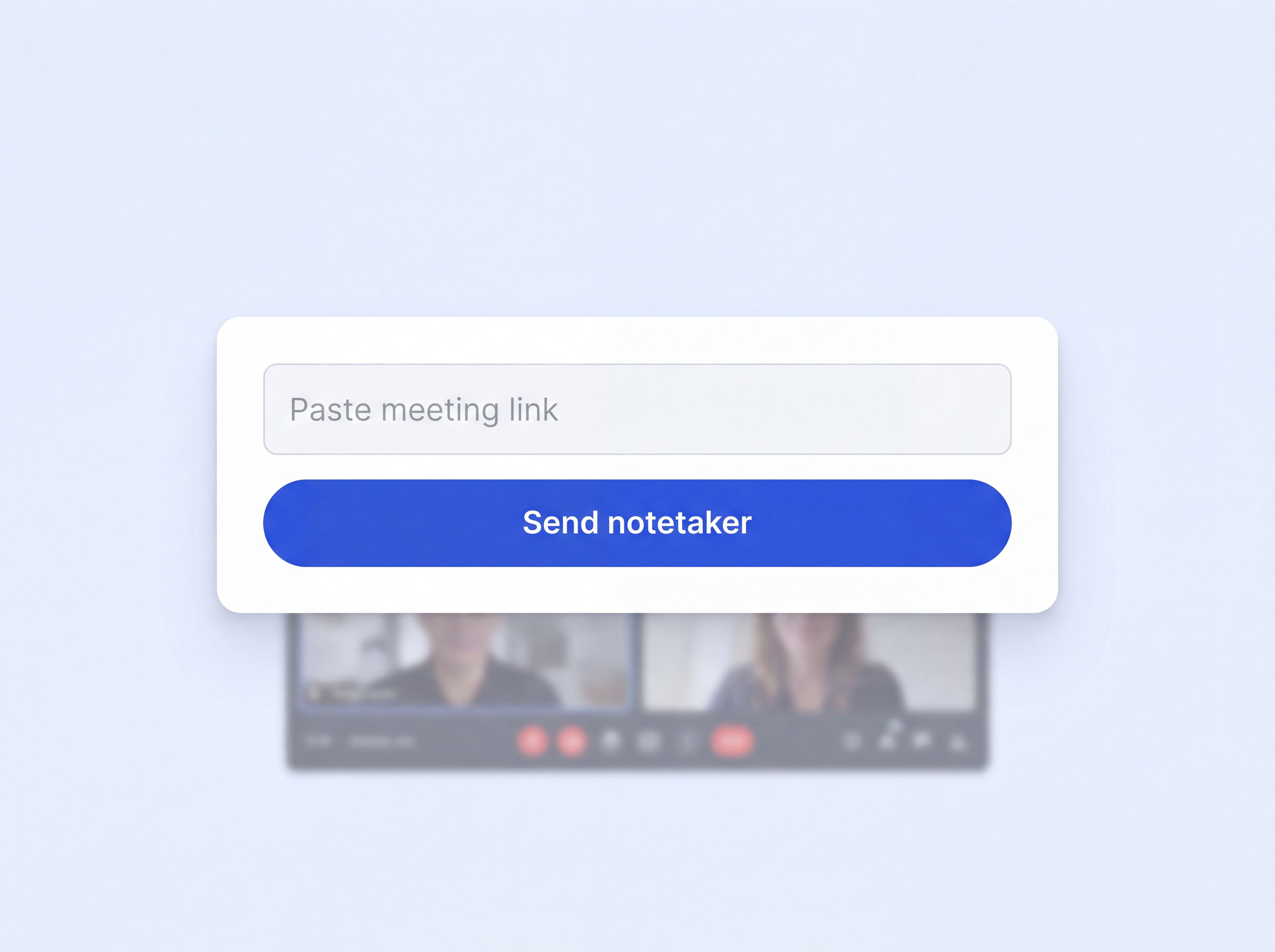
Paste any meeting URL and the notetaker joins, even for calls that never touched your calendar.
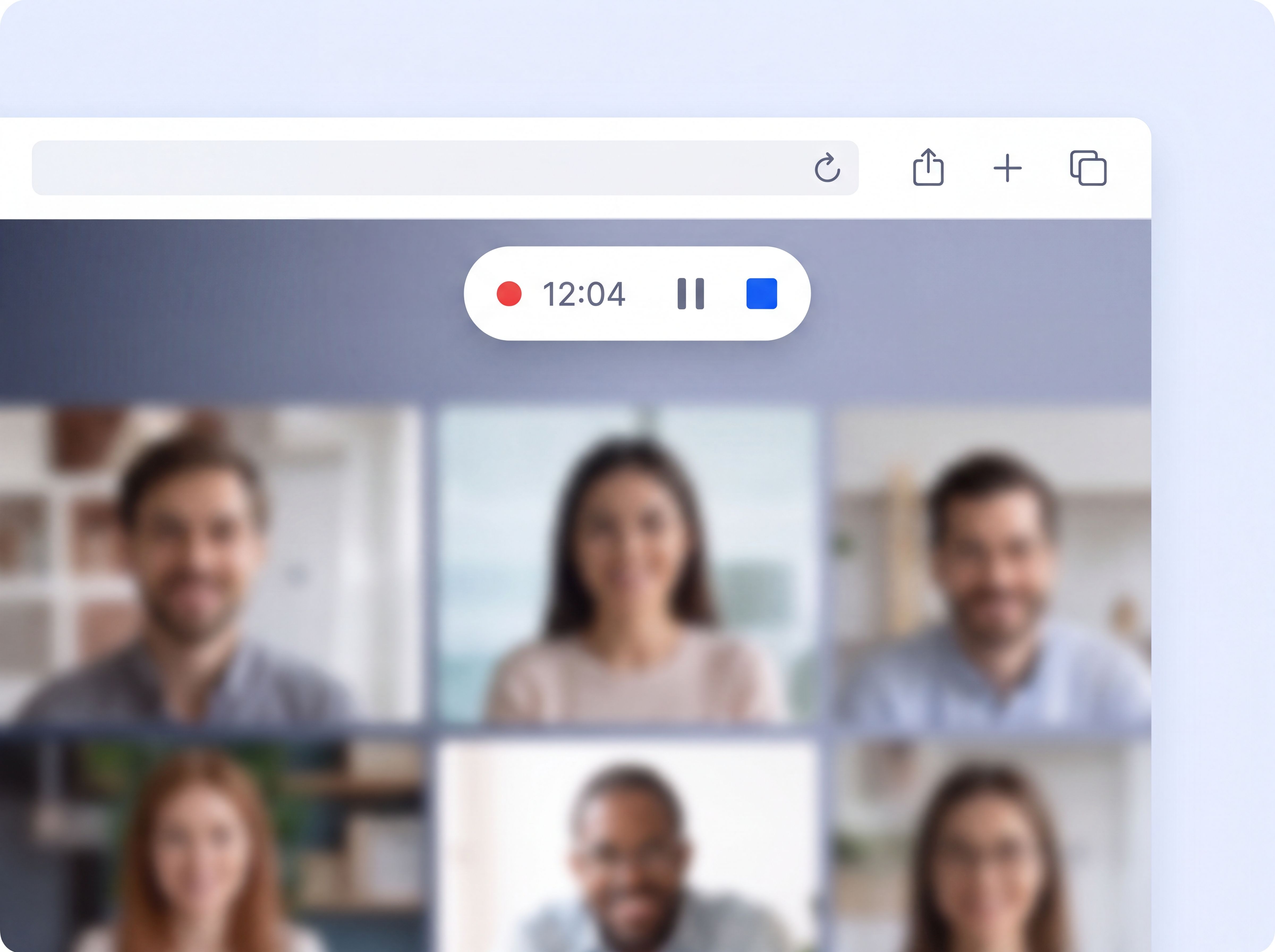
Record through the browser with no bot participant, for clients who prefer not to see one join.
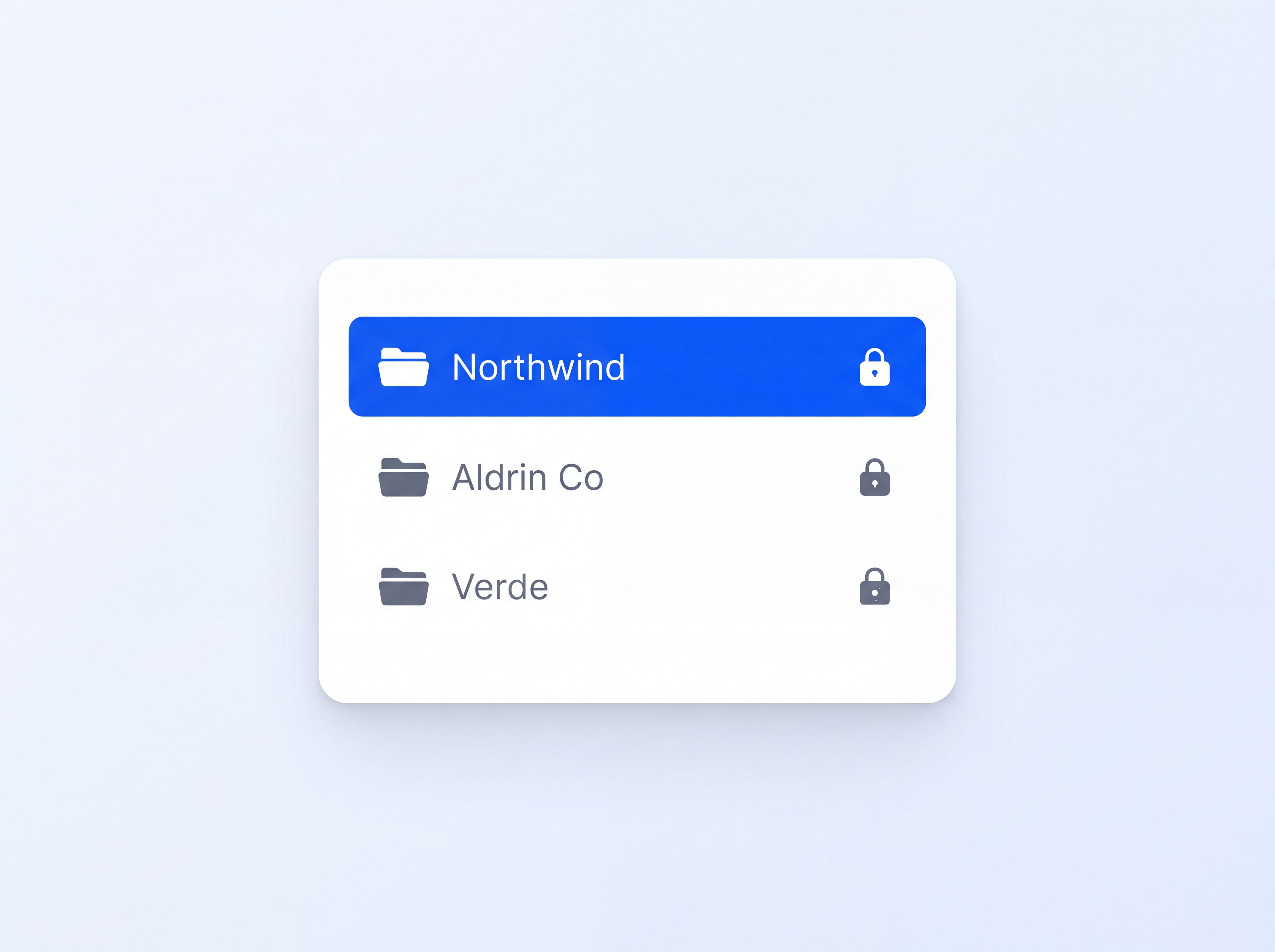
Per-client folders with access control keep confidential engagements confidential.
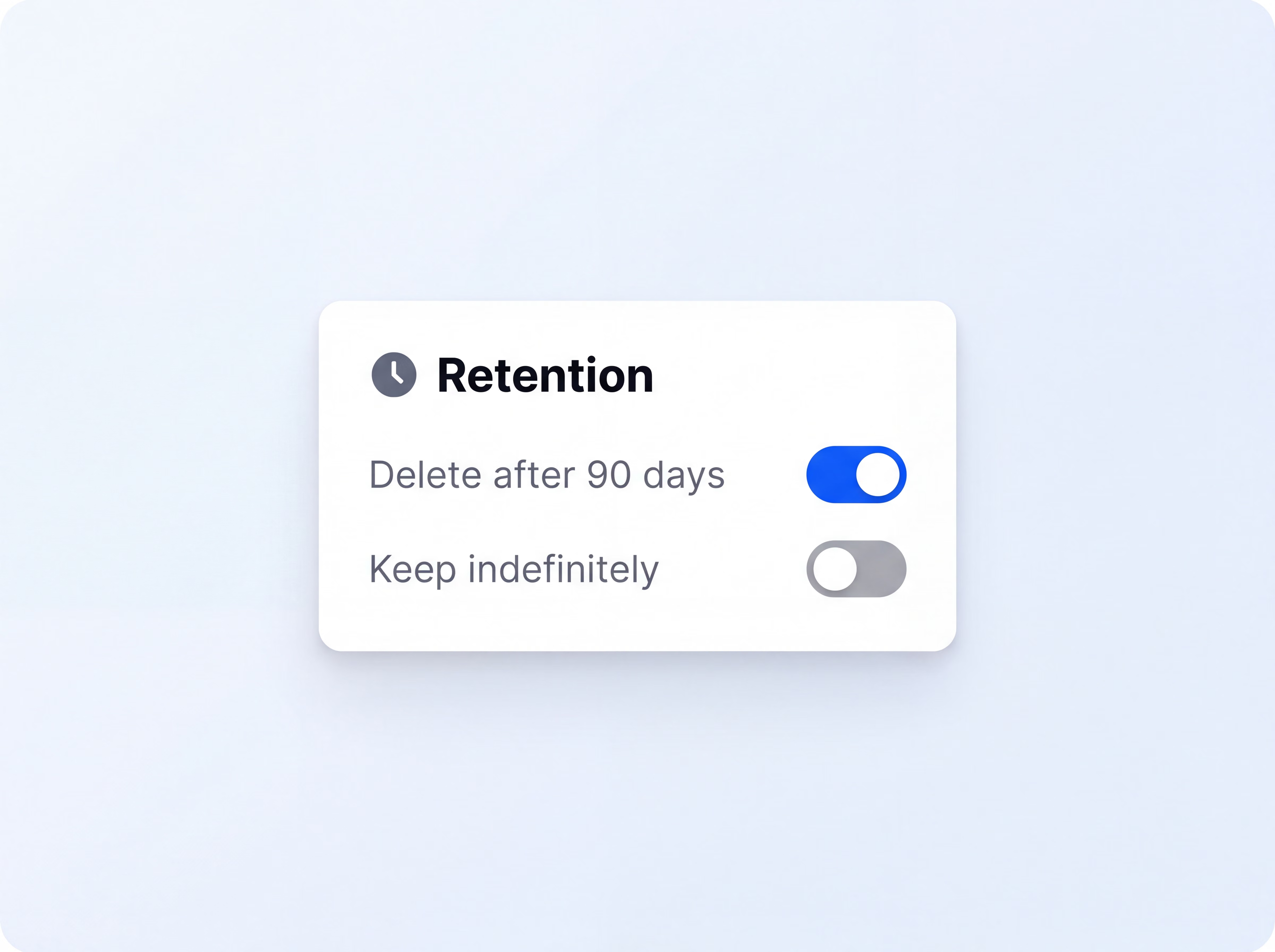
Set retention rules so notes are kept, or deleted, exactly as your contracts require.
Calendar sync with Google Calendar and Outlook, native capture on Zoom, Google Meet, and Microsoft Teams, and Zapier to connect notes to 5,000+ apps.
Client conversations carry sensitive information. HappyScribe gives you the controls and documentation needed to answer security reviews with confidence.
Independent audits verify the controls protecting every client recording and transcript.
Built to support European data protection requirements across your transcription workflow.
Client recordings, transcripts, and notes stay securely hosted in Europe under independently recognized security standards.
Client conversations are never used to train machine-learning models unless you explicitly opt in.
Single sign-on gives your firm central control over account access.
Set retention periods by client or contract, then delete data when the engagement ends.
Keep each engagement separate with folder-level access controls for client work.
Use vetted transcription professionals working under NDA when a deliverable needs human review.
Transcribing is super accurate - just a little editing here and there. It has saved me hours of time.
There are four ways to capture a call with HappyScribe:
Yes. The HappyScribe mobile app for iOS and Android records in-person sessions even when you're offline, then syncs them with the same accuracy, speaker detection, and support for 150+ languages. Workshop recordings and discovery interviews become editable transcripts that sit alongside your call notes, ready to quote in your deliverables.
Minutes after the meeting ends, five things are waiting for you:
Private folders with access control keep each client's calls walled off from the rest of your workspace. Retention controls let you keep or delete notes to match each contract, and workspace roles make sure only the right people see each engagement.
Yes. HappyScribe supports 150+ languages and dialects, and notes can be translated into 80+ languages when your working language and your client's language differ. When a deliverable needs around 99% accuracy, human-checked transcription is available in 60+ languages.
Yes. HappyScribe is SOC 2 Type II certified and GDPR compliant, data lives in an EU Tier IV data center, and your content is never used to train AI models unless you opt in. Human transcription services are backed by NDAs. You'll find the full details on our security page.
Yes. HappyScribe's free plan includes unlimited meeting recordings up to 45 minutes each, a 10-minute AI transcription trial, and 3 AI file analyses. No credit card required.
Purpose-built solutions for every kind of team and workflow.
Your meetings deserve better notes. Compare the 5 best AI meeting assistants on accuracy, language support, and privacy.
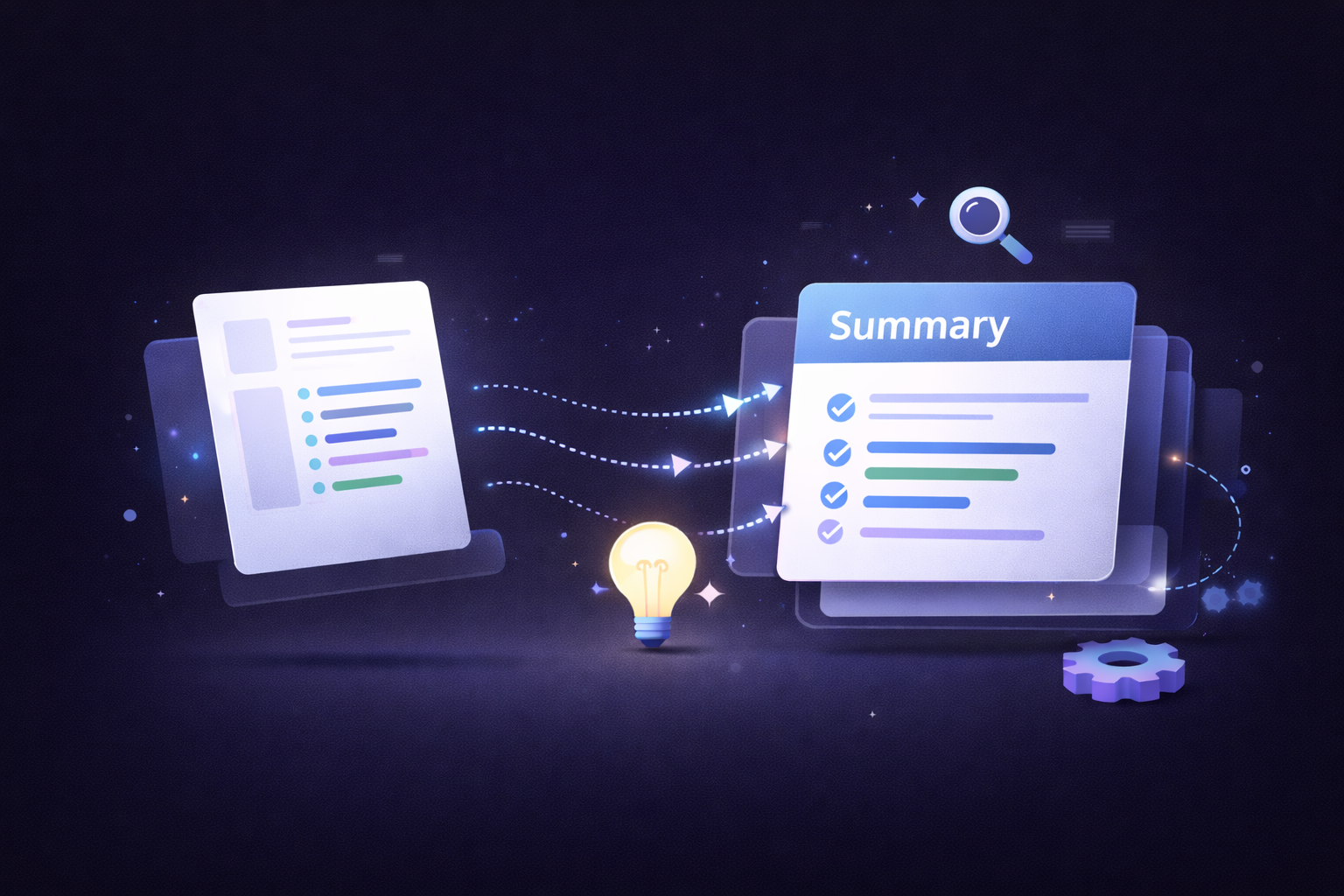
Learn how to write an objective summary with AI, plus examples, best practices, and tools to keep summaries factual and unbiased.
We tested the 5 best AI meeting note takers for teams and client calls, discover which tools deliver the most accurate summaries and boost productivity.
AI or human transcription? Learn when each works best, where accuracy can vary, and when human review is worth the extra time.
Find the best European alternatives to Sonix for file transcription, subtitles, and meeting notes, with verified EU data residency
Find the best European alternatives to Rev for human transcription, subtitles, and meeting notes, with verified EU data residency.