

Can Vimeo Generate Subtitles?
Learn how to add subtitles and captions to Vimeo videos in a straightforward and efficient way with this article.
Add accurate Japanese subtitles for your German videos in just a few clicks. Ideal for content creators, marketers, and filmmakers who want to localize their videos for a Japanese-speaking audience.


Trusted by 6m+ users and 41,000+ teams of all sizes
With our uploader, you can import your file from anywhere, whether it's on your laptop, Google Drive, Youtube, or Dropbox.
Determine the language of the audio of your video.
With our Human-Made service, the original (German) subtitles will be created by a native subtitler and proofread by an experienced reviewer.
Select "Japanese" to determine the target language for the subtitle translation process.
Receive an email when the subtitles have been created within 24 hours for the German subtitles and 3-5 days for Japanese subtitles.
Access your subtitles from the dashboard.
You can export to SRT, VTT, and many more. It's that easy to have your video professionally subtitled!

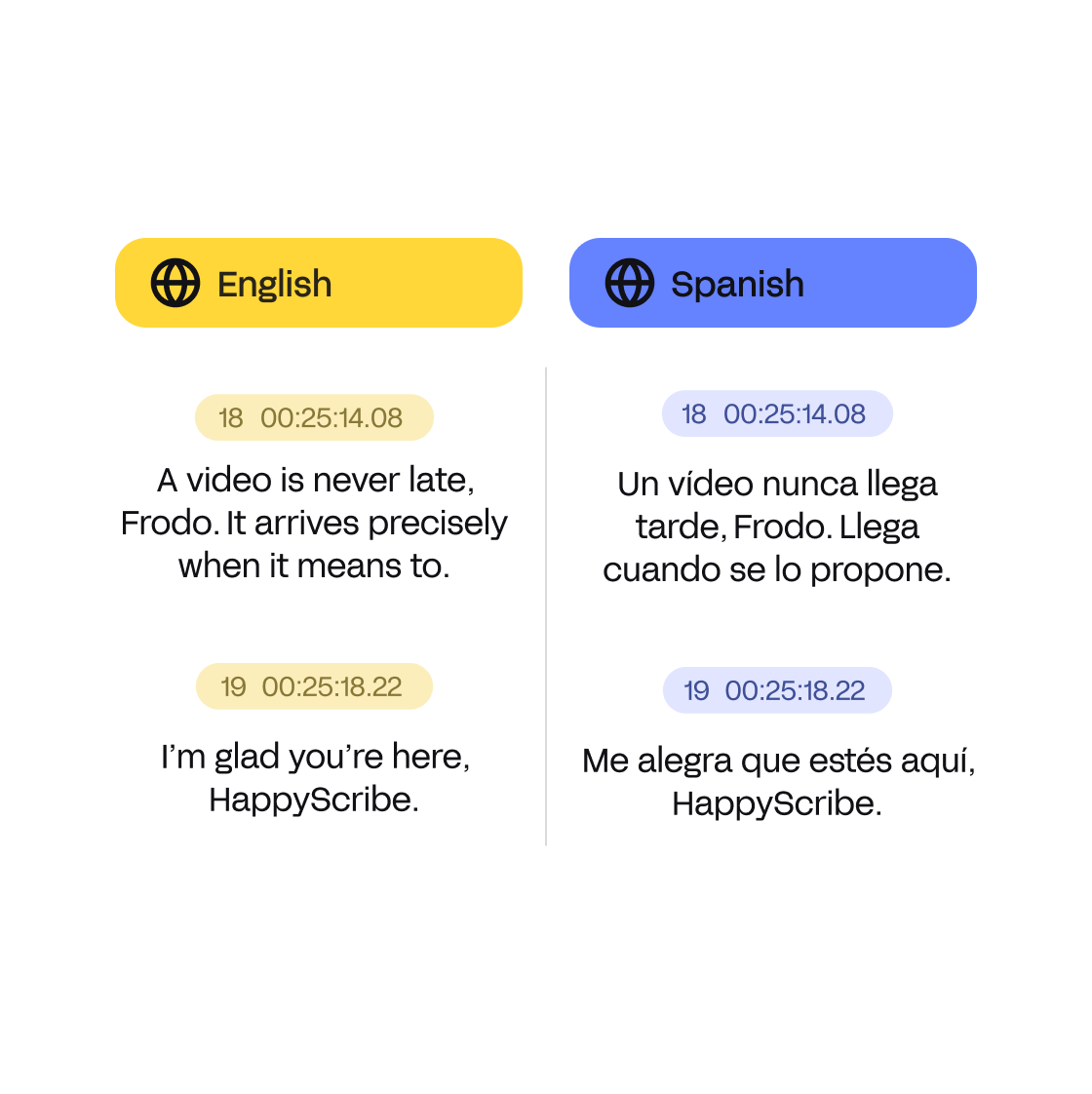
All your translations are done by one of our German to Japanese subtitle translators to ensure the absolute highest quality. No machines are used here, just the talents and abilities of our translators.
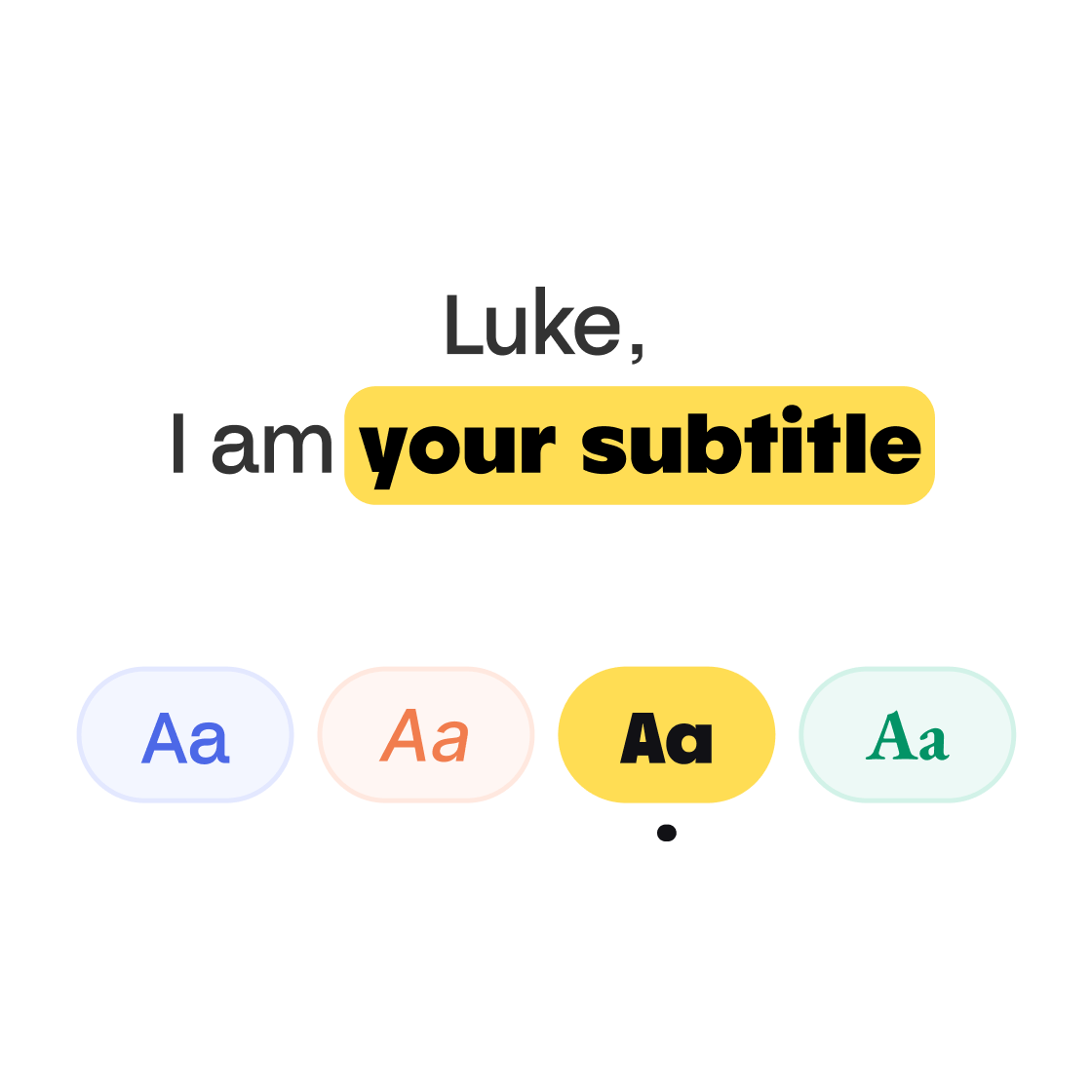
Once your subtitles have been translated, you can format your subtitles to make them match your brand. You can select multiple settings and get your video ready to publish. You can also directly download the video with burned-in subtitles.
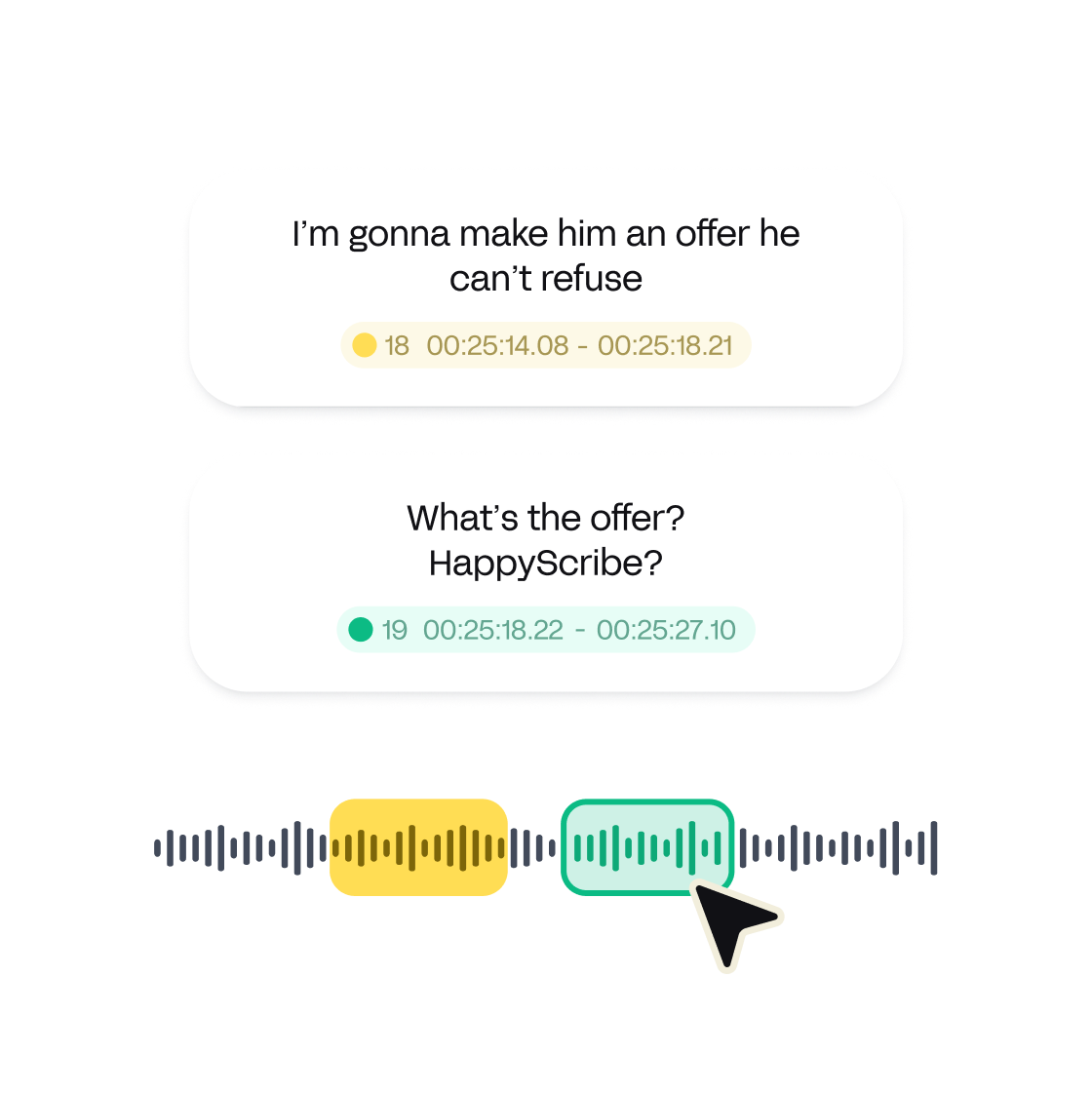
Our translation experts take care of the translation and making sure that your subtitles look pretty. But even then you can still decide how your subtitles are going to look with our line, CPL, and CPS management.
Best automatic subtitle transcriber. It ain't free, but I tried some of them and I really think this is the best one (for now).
This site is so well designed. Very grateful that they've made their conversion tools available for everyone, there are lots of them out there, but I like this one because it works and it looks great doing it!
Great software with clean interface. Saves me so much time I wish I found it earlier.
Great software, most accurate I’ve used and reasonably priced.
Literally a lifesaver. Had to transcribe an interview which was 40 minutes and they were able to do it within less than 5 minutes. Would have taken me about 5 days to do manually.
HappyScribe is really easy to use. While you still need to double-check just in case, it gets most of it correct.
Overall great software for transcribing and adding subtitles to videos! I highly recommend HappyScribe to content creators and marketers.
Amazing AI service. Very accurate text. 5 star experience and very handy tool to user for transcription! So happy that these guys created this.
Perfect transcription and extremely fast turn around time.
Learn how to add subtitles and captions to Vimeo videos in a straightforward and efficient way with this article.

This blog post discusses the benefits of using subtitles in research and conference videos to make them accessible and shareable worldwide. Subtitles can help overcome language barriers and improve accessibility for individuals with hearing impairments, making the content more inclusive and reaching a broader audience.

This blog post highlights the importance of using captions for companies in various contexts. It emphasizes how captions can enhance accessibility, engagement, and search engine optimization. Additionally, it discusses the features and benefits of using Happy Scribe, a captioning and transcription tool.