

Can Vimeo Generate Subtitles?
Learn how to add subtitles and captions to Vimeo videos in a straightforward and efficient way with this article.
Add accurate Spanish subtitles for your Korean videos in just a few clicks. Ideal for content creators, marketers, and filmmakers who want to localize their videos for a Spanish-speaking audience.


Trusted by 6m+ users and 41,000+ teams of all sizes
With our uploader, you can import your file from anywhere, whether it's on your laptop, Google Drive, Youtube, or Dropbox.
Determine the language of the audio of your video.
With our Human-Made service, the original (Korean) subtitles will be created by a native subtitler and proofread by an experienced reviewer.
Select "Spanish" to determine the target language for the subtitle translation process.
Receive an email when the subtitles have been created within 24 hours for the Korean subtitles and 3-5 days for Spanish subtitles.
Access your subtitles from the dashboard.
You can export to SRT, VTT, and many more. It's that easy to have your video professionally subtitled!

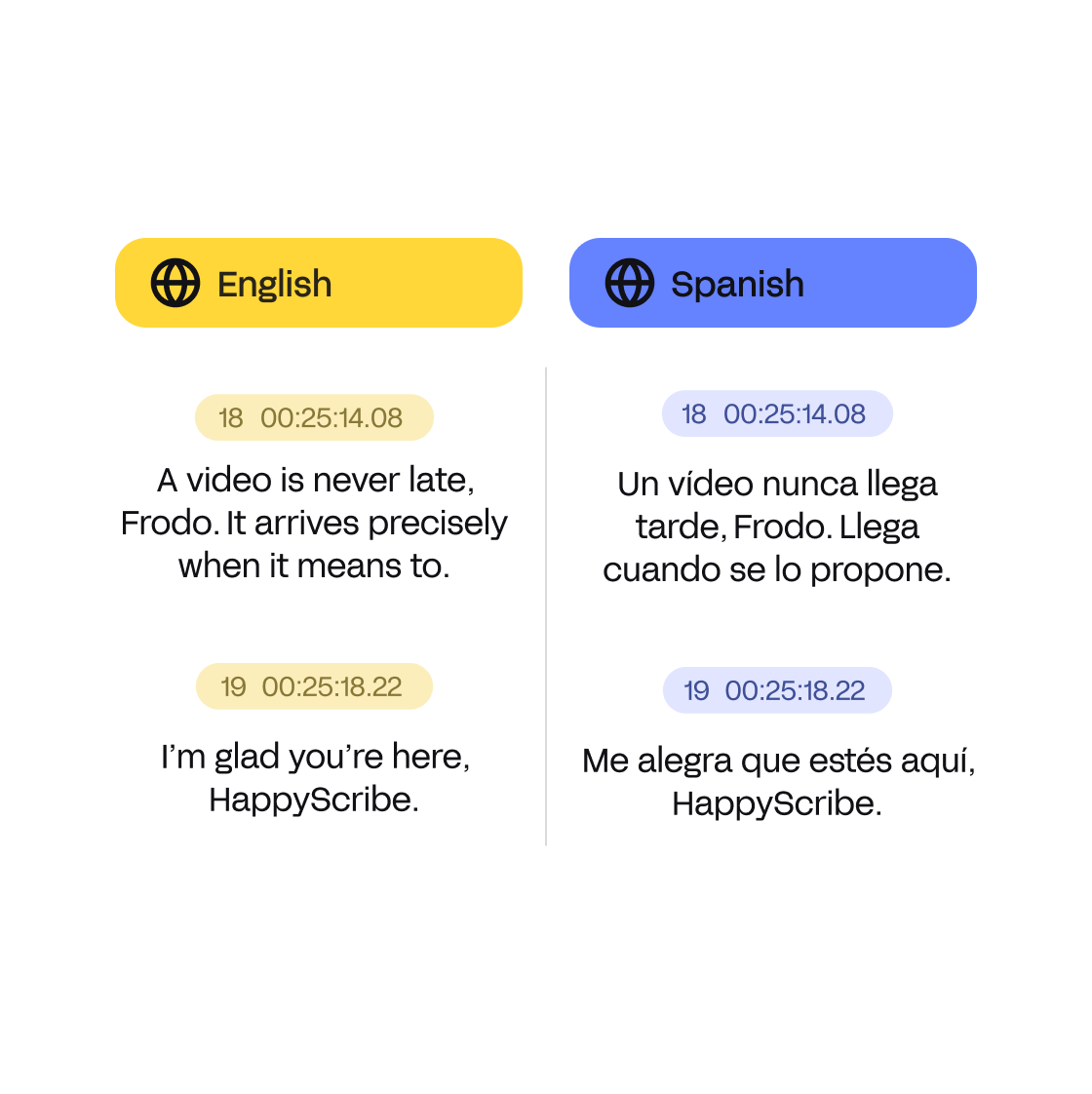
All your translations are done by one of our Korean to Spanish subtitle translators to ensure the absolute highest quality. No machines are used here, just the talents and abilities of our translators.
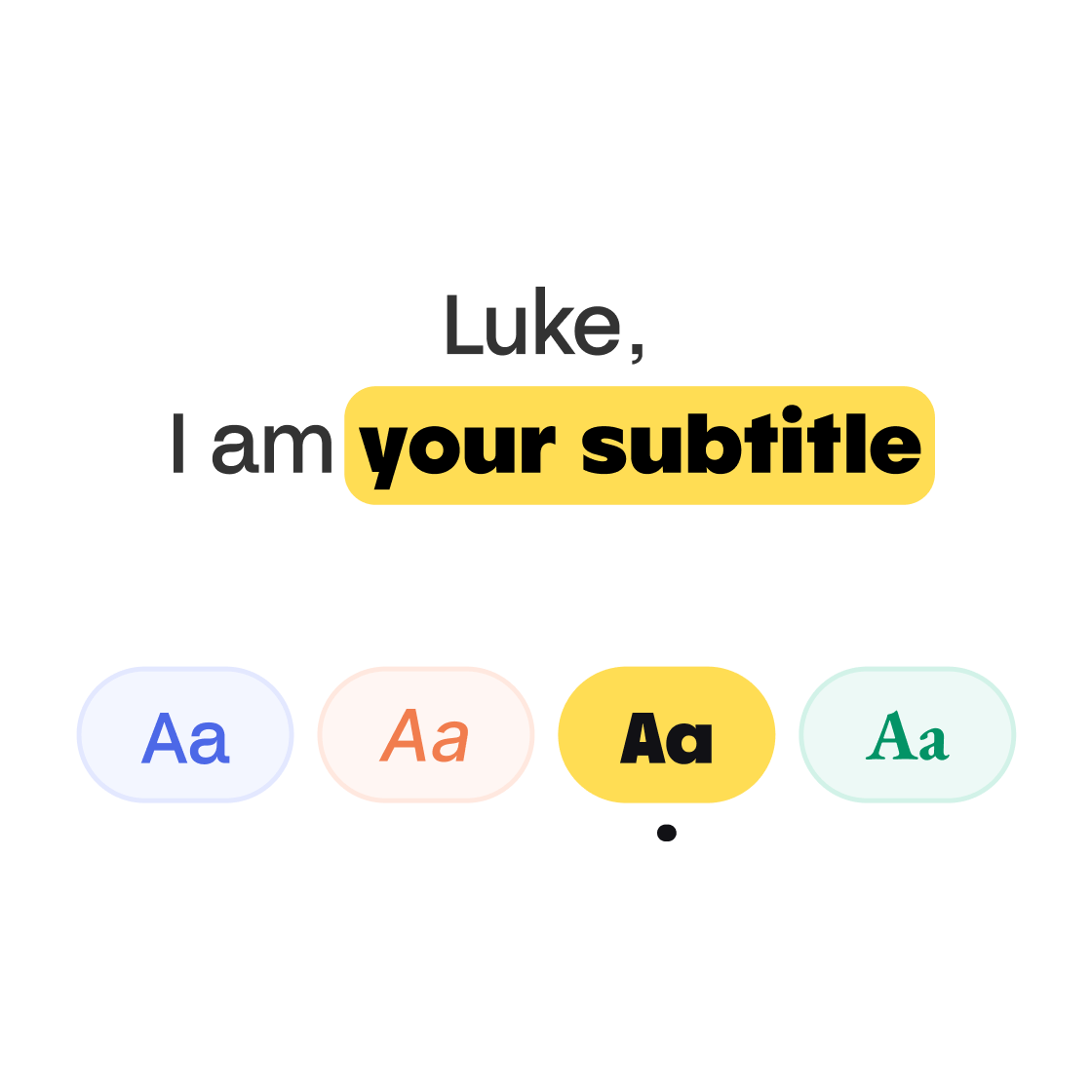
Once your subtitles have been translated, you can format your subtitles to make them match your brand. You can select multiple settings and get your video ready to publish. You can also directly download the video with burned-in subtitles.
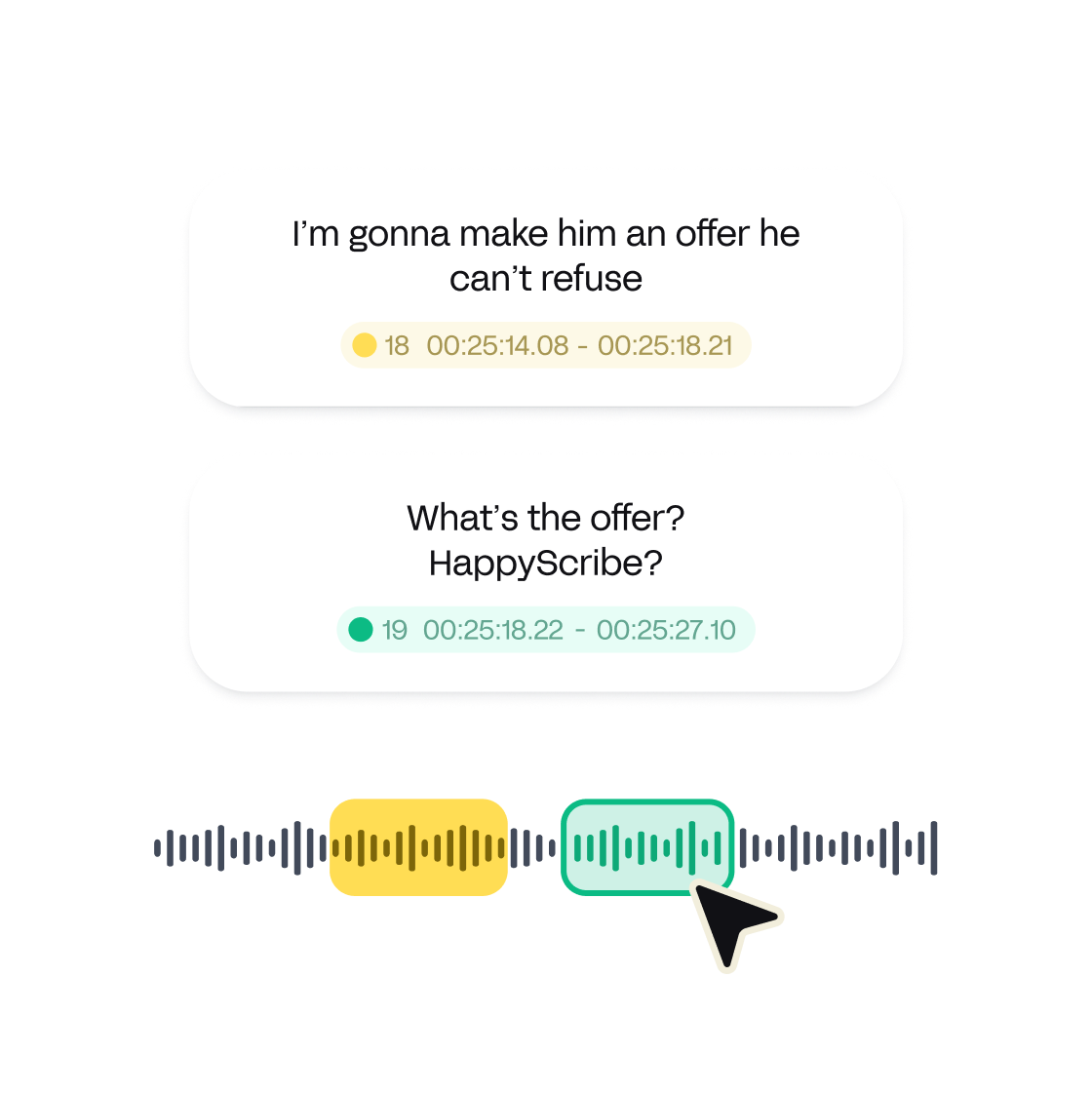
Our translation experts take care of the translation and making sure that your subtitles look pretty. But even then you can still decide how your subtitles are going to look with our line, CPL, and CPS management.
The app is easy and very useful. Thank you HappyScribe
The experience was very necessary for my work because I don't have the subtitle in English
Works excellent in the German language. When there is an issue, the customer service is extremely helpful, working with you to solve the problem. Next time, I will use HappyScribe again!
I used to use Rev.com and recently moved over to HappyScribe based on the referral from a friend. Low cost, easy to upload/download, and quick, accurate captions. I definitely recommend.
One of the best (maybe the best) and affordable automatic text transcriber
Good. The process is easy and smooth.
Transcribed a 30 minutes video from British English without errors. It only took it about 2 minutes.
Great and fast. Not too expensive!
Very intuitive features and interface to generate and edit subtitles synchronized with the video. It works very well with video having French audio.
Learn how to add subtitles and captions to Vimeo videos in a straightforward and efficient way with this article.

This blog post discusses the benefits of using subtitles in research and conference videos to make them accessible and shareable worldwide. Subtitles can help overcome language barriers and improve accessibility for individuals with hearing impairments, making the content more inclusive and reaching a broader audience.

This blog post highlights the importance of using captions for companies in various contexts. It emphasizes how captions can enhance accessibility, engagement, and search engine optimization. Additionally, it discusses the features and benefits of using Happy Scribe, a captioning and transcription tool.