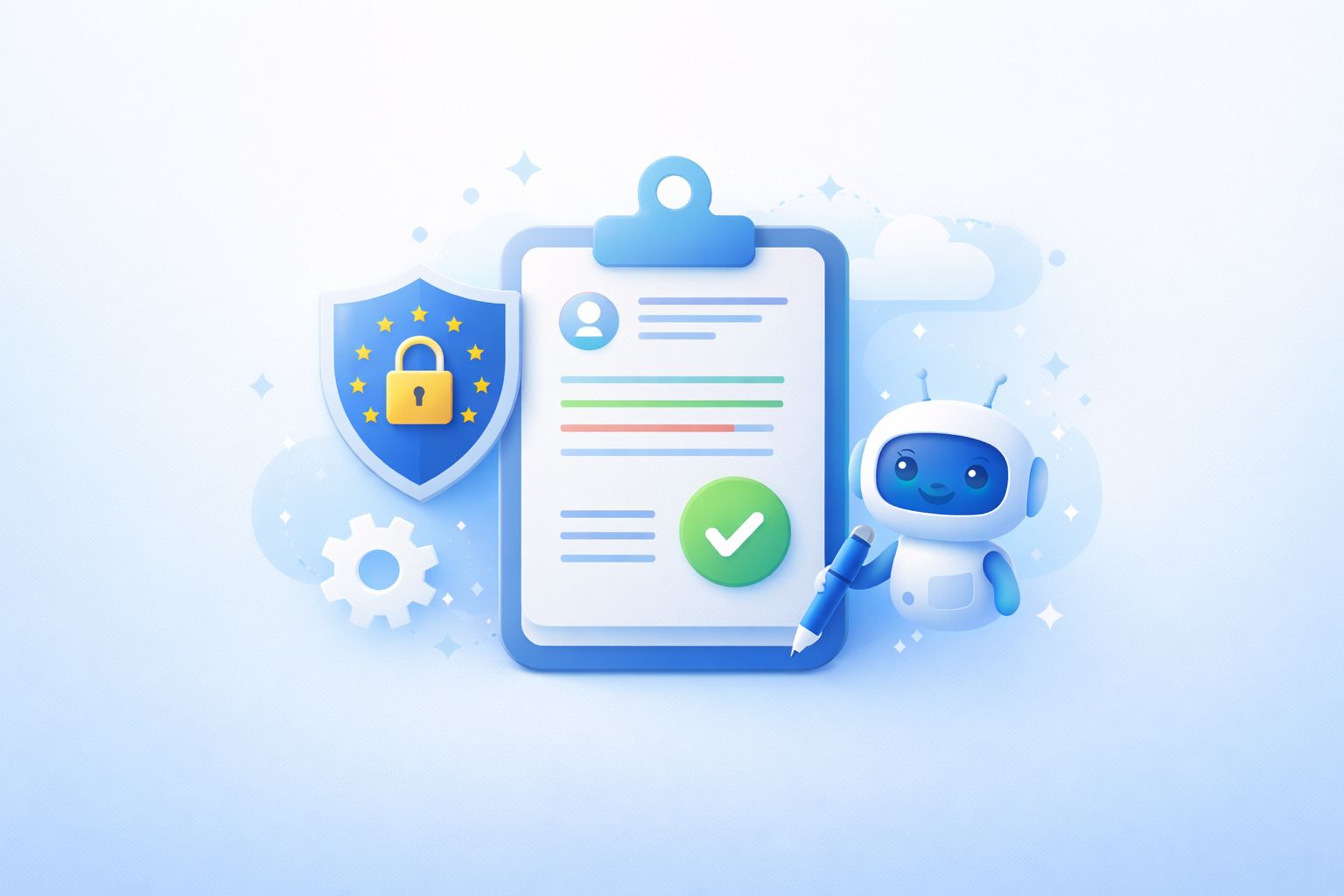
AI要約
Key decisions, open questions, next steps. In your inbox before the next call starts.
HappyScribe joins your Google Meet calls and delivers notes and action items your whole team can act on. Works across 150+ languages. No paid Google account needed.
600万人以上のユーザーと、あらゆる規模の41,000以上のチームに信頼されています
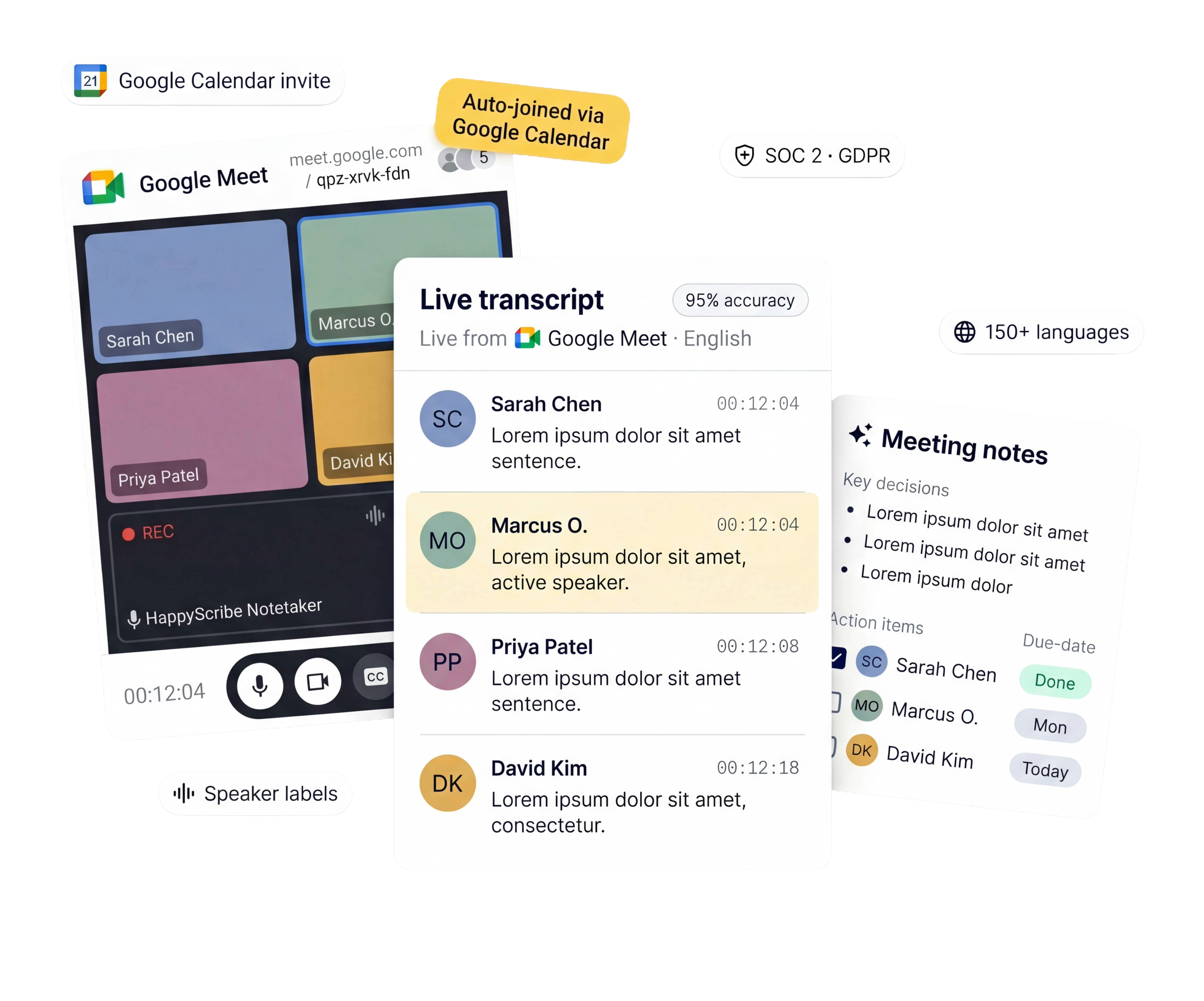
HappyScribe は Google Meet の会話を記録する、3つの柔軟な方法をご用意しています。
Connect your calendar. HappyScribe joins every Google Meet automatically — no manual invites.
Capture audio straight from your browser. No bot in the meeting. Built for sensitive conversations.
Already have a recording? Upload it and get full meeting notes in minutes.
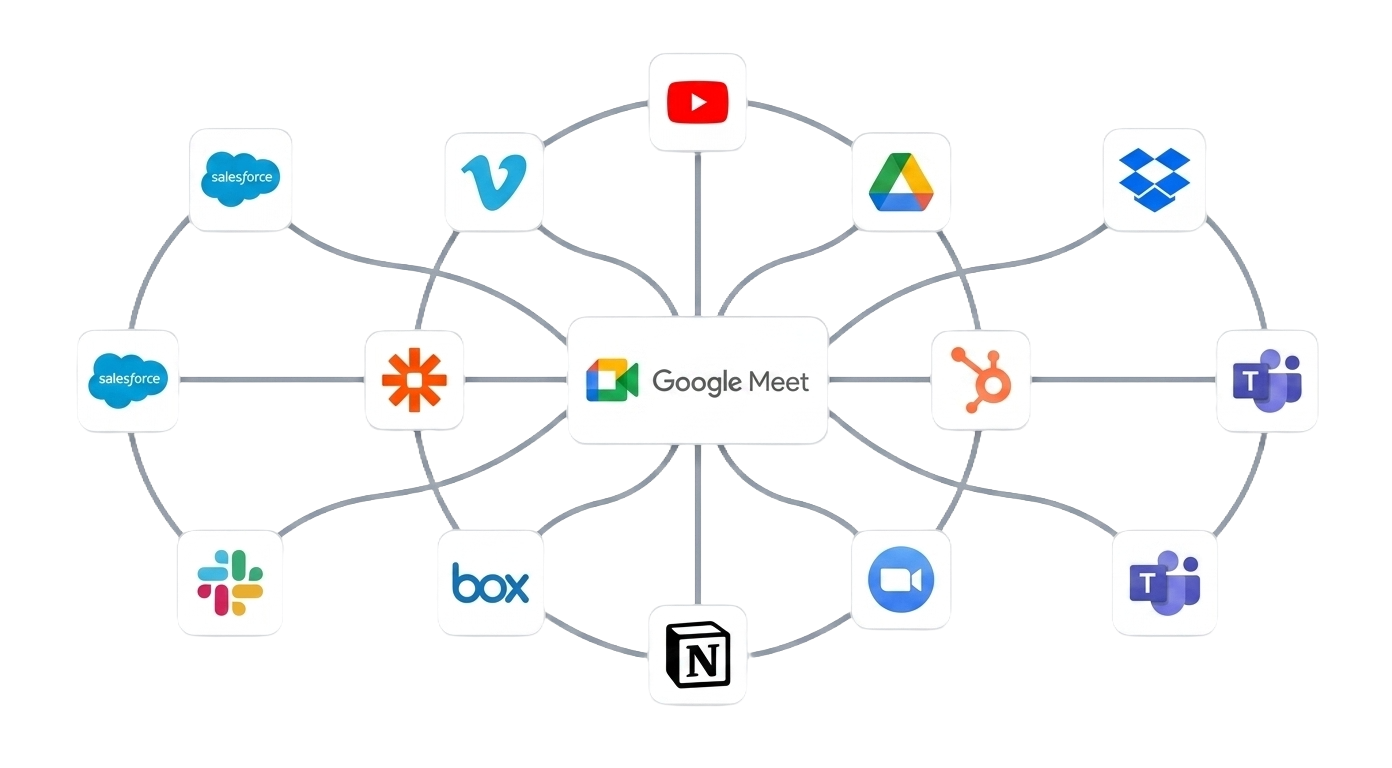
Push transcripts to Notion, HubSpot, Google Drive, or wherever your team works.
話者ラベルとタイムスタンプ付きで95%以上の精度。
専門分野でお仕事ですか?カスタム単語登録を追加すれば、業界特有の専門用語が翻訳で失われることはありません。
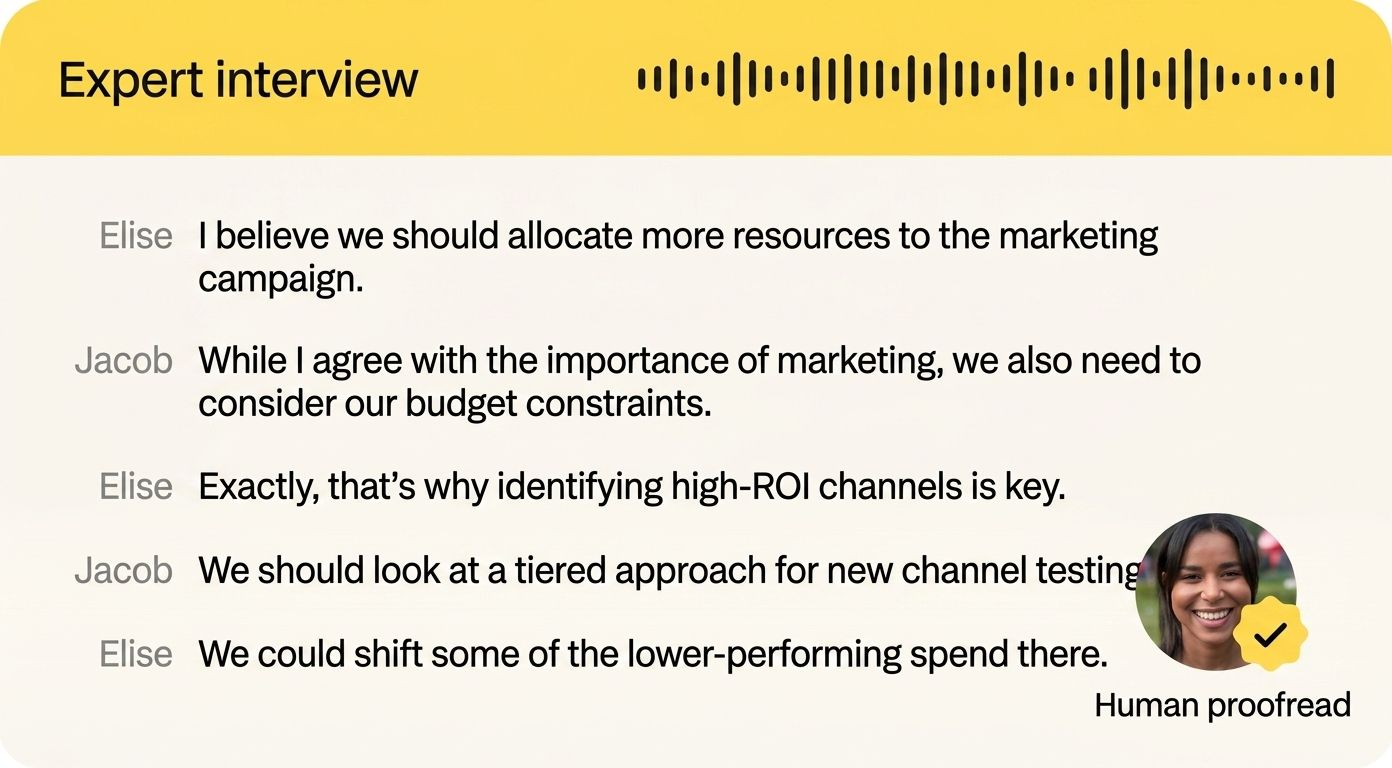
すべての Google Meet から重要な決定事項とアクションアイテムを、通話終了から数分後に受信トレイへ直接お届けします。
全員が同じ信頼できる情報源を共有。「議事録を誰か送ってくれる?」とお願いする必要はもうありません。
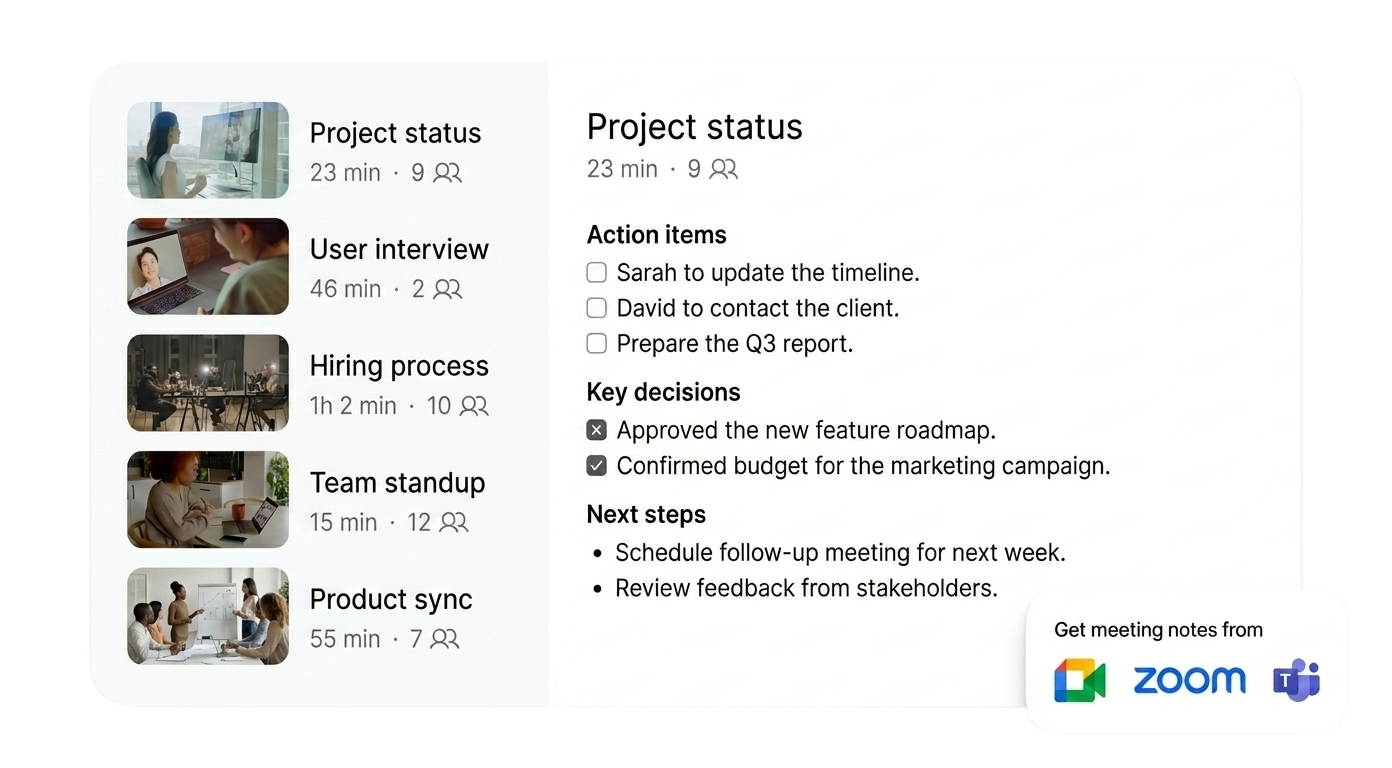
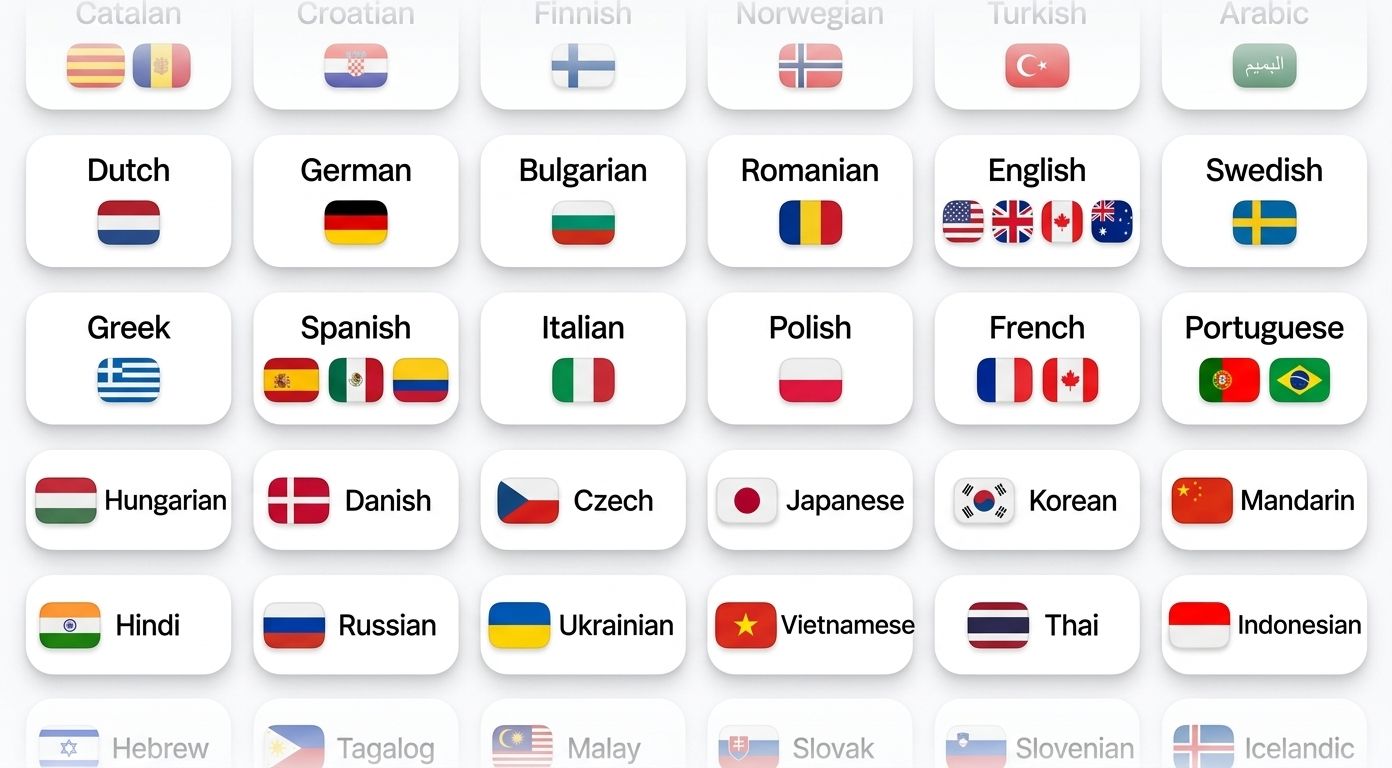
HappyScribe は話されている言語を自動検出し、通話中の言語切り替えにも対応します。
150以上の言語と方言に対応。最初からグローバルチームのために設計されています。
API・Zapier・MCP を介して HappyScribe をお使いのツール群に接続。会議の議事録が Google Drive・Notion・HubSpot・Slack・ChatGPT・Claude に自動で届きます。
コピー&ペーストもタブの切り替えも不要。議事録はただ自動で表示されます。
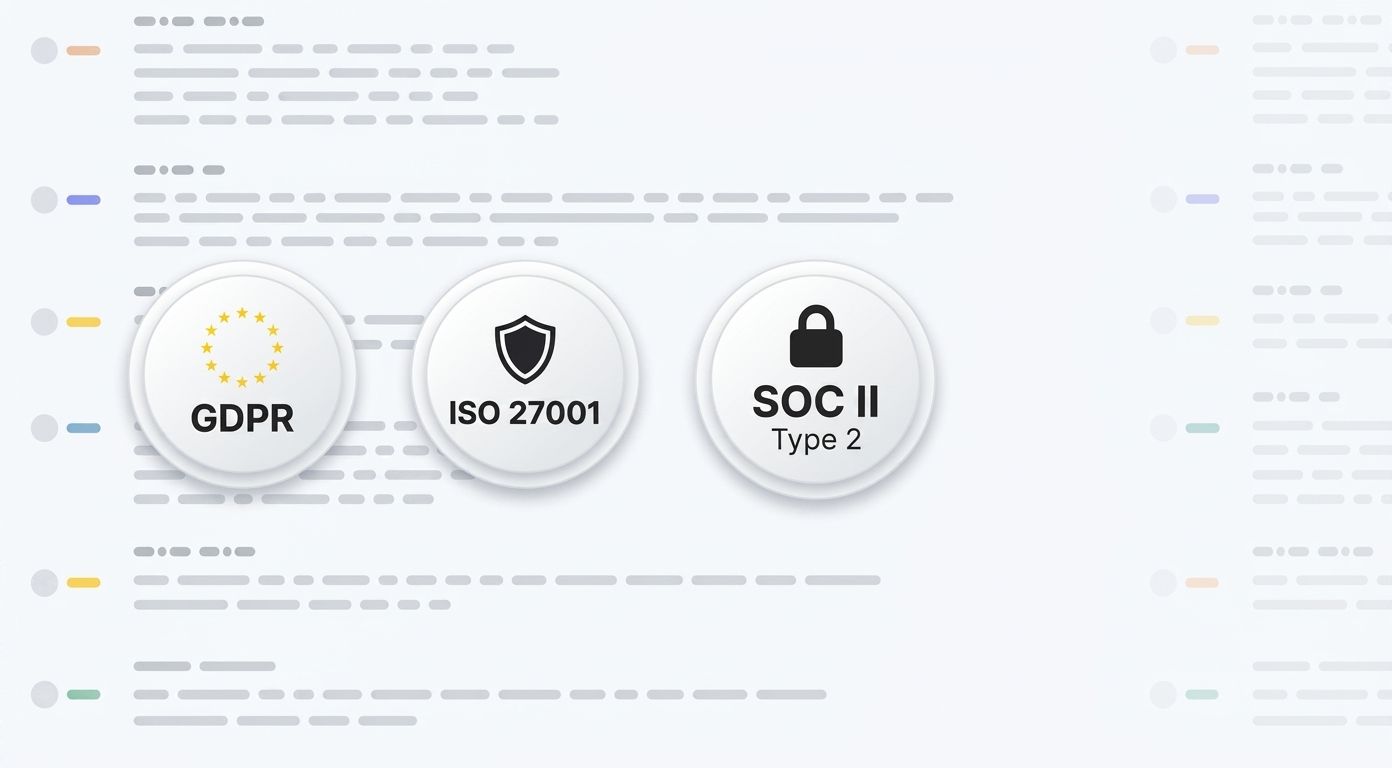
HappyScribe は SOC 2 Type II 認証を取得し、GDPRに準拠しています。
本社はバルセロナにあり、データは PCI DSS および ISO 27001 に準拠したEU圏内のデータセンターに保管されます。すべてのデータは通信時・保存時に暗号化されます。
Ask questions, playback specific moments, write follow-ups, and create content from your meeting notes.
Key decisions, open questions, next steps. In your inbox before the next call starts.
"Did the client approve the budget?" Ask the recording. Get the answer with the timestamp.
Search every call from the last quarter. Find who promised what, and when.
Turn any Google Meet into a recap email, project brief, or action plan. One click.
Link your Google or Outlook calendar. Takes 30 seconds.
Shows up as a participant. Records audio and video. You don't lift a finger.
Summary, action items, full transcript. Export as PDF, DOCX, TXT, MP3, MP4, or SRT.
はい。HappyScribeは無料のGoogleアカウント、Google Workspace、Google Workspace Enterpriseのいずれでもご利用いただけます。
Geminiの議事録機能は有料のGoogle Workspaceプラン(Business Standard以上)が必要です。対応言語は8言語で、一度に1言語のみ。複数言語が混ざる会議には対応していません。話者識別の精度も安定しません。
HappyScribeは無料・有料どちらのGoogleアカウントでもご利用いただけます。150以上の言語に対応し、話者を正確に識別。会議の途中で言語が切り替わっても対応します。AI要約に加えて完全な文字起こしも取得でき、DOCX・PDF・SRT・VTT形式でのエクスポートも可能です。ZoomやMicrosoft Teamsでもお使いいただけます。
こちらから登録し、happyscribe.com(無料です!)、Googleカレンダーを連携すれば、HappyScribeが自動でGoogle Meetの会議に参加します。単発の会議の場合は、会議リンクを貼り付けて手動でHappyScribeを招待してください。
150以上の言語・方言。HappyScribeは言語を自動で検出し、会議の途中で話者が言語を切り替えても対応します。
すべてのデータは、ISO 27001準拠のTier IV EUデータセンターに保管されます。HappyScribeはバルセロナに本社を置き、SOC 2 Type II認証を取得、GDPRにも準拠しています。お客様のコンテンツが第三者のモデル学習に使われることはありません。
HappyScribeは対応するすべての言語で95%以上の精度を実現します。アクセント、複数人の同時発話、専門用語、早口の話者にも対応。話者識別で、誰が何を話したかを明確にします。
はい。HappyScribeのAI議事録ツールには、会議の録画が無制限(1回あたり最大45分)の充実した無料プランがあります。クレジットカードは不要です。
無料のHappyScribeアカウントを作成し、Googleカレンダーを連携するか会議リンクを貼り付けるだけ。HappyScribeがGoogle Meetに参加し、話者ラベル付きで会話を文字起こしし、会議後にメモとアクションアイテムをお届けします。Workspaceのサブスクリプションも、Geminiのアドオンも必要ありません。
I'm using the subtitling & transcript HappyScribe tool and it works great. It rematches even the voice/speech with the captions you edit and place in a new field. That's AI, well done and thank you, HappyScribe!
I wish there was more time provided for those who can't afford extra time but other than that I loved it, it's a really helpful website!
Very nice tool if you are a student like me who would like to use your time on everything else but the transcription
So easy, so efficient, so cheap. Thank you so much
Magnifique, cela m'a bien aidé pour mes cours en anglais, surtout que ma professeur est britannique, donc ce n'est pas pareil que les américains. Merci!
Great experience, really helped me with my biology lectures. Missed a star because the prices are not student friendly.
For translators and subtitlers looking for a way to PLC that first step of generating a decently SRT file synced with natural breaks and real sentences (capitalization and punctuation), this is miles beyond YouTube and other services!
By far the easiest service for transcriptions and subtitles I have found. I like that you can customize the font size and move the subtitles to the top or bottom of the video as needed.
I've been able to post the output with minimum error corrections. Much unlike any other that I have used so far. I strongly recommend HappyScribe for all transliteration jobs.
「このAI議事録ツールは、私たちにとってまさに業務を大きく変える存在です。会議中にすべてを書き留める必要がもうなく、今は本当に議論に集中できています。」
From multilingual calls to noisy rooms, discover AI note-takers for Google Meet that summarize, highlight action items, and keep your team on track.
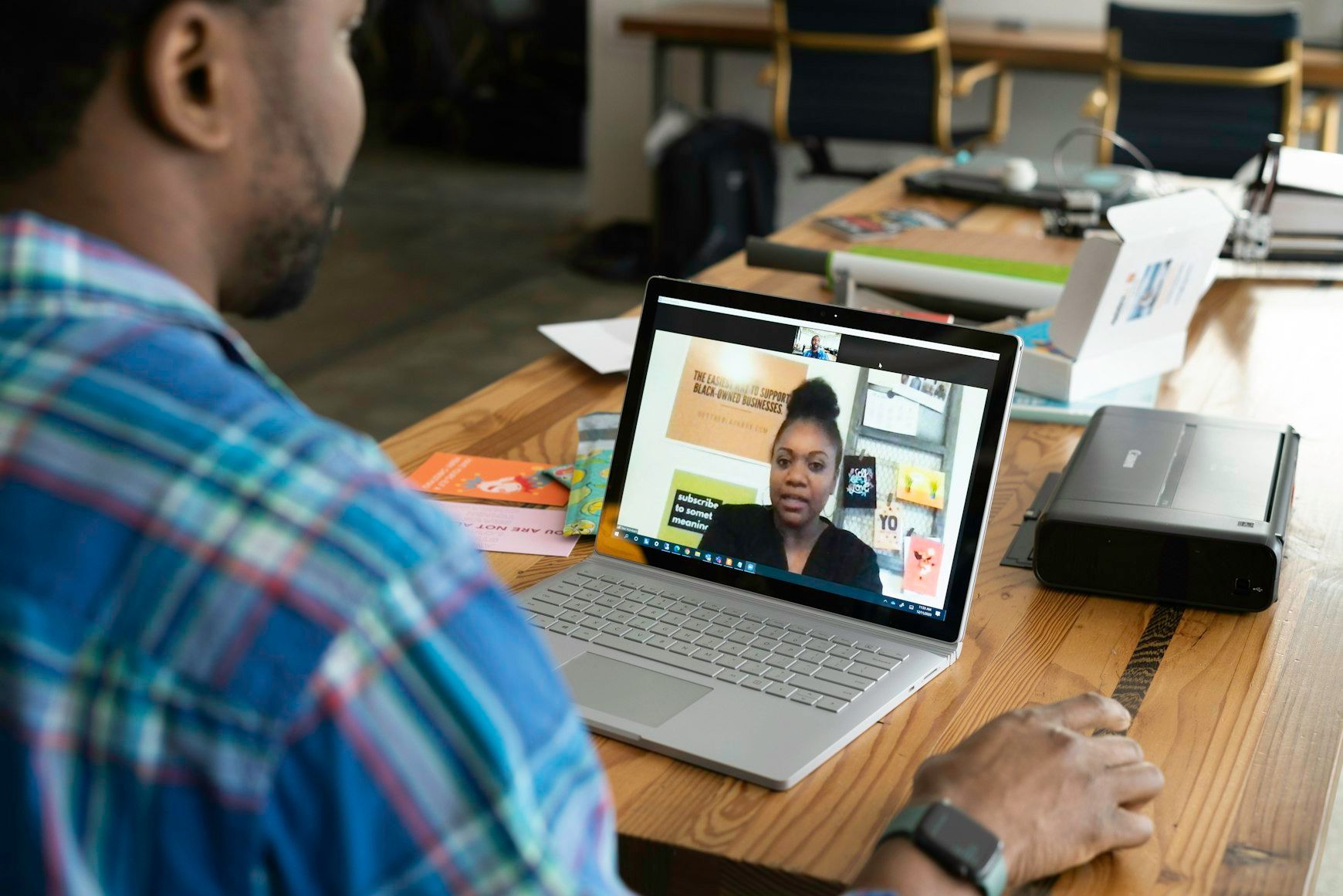
Google Meet has become a go-to tool for seamless online communication, whether you’re hosting a team meeting or a global webinar. But when it comes to documenting discussions and decisions, automation can save you time and effort while ensuring accuracy.

AI transcription has revolutionized the way we document Google Meet conversations, providing speed and accuracy that far outpace traditional methods. In this guide, we’ll walk you through the steps to set up and leverage AI-powered tools like Happy Scribe to transcribe your meetings effortlessly and efficiently.