Smart summaries
Decisions, blockers, next steps. Structured and ready to share — no Copilot needed.
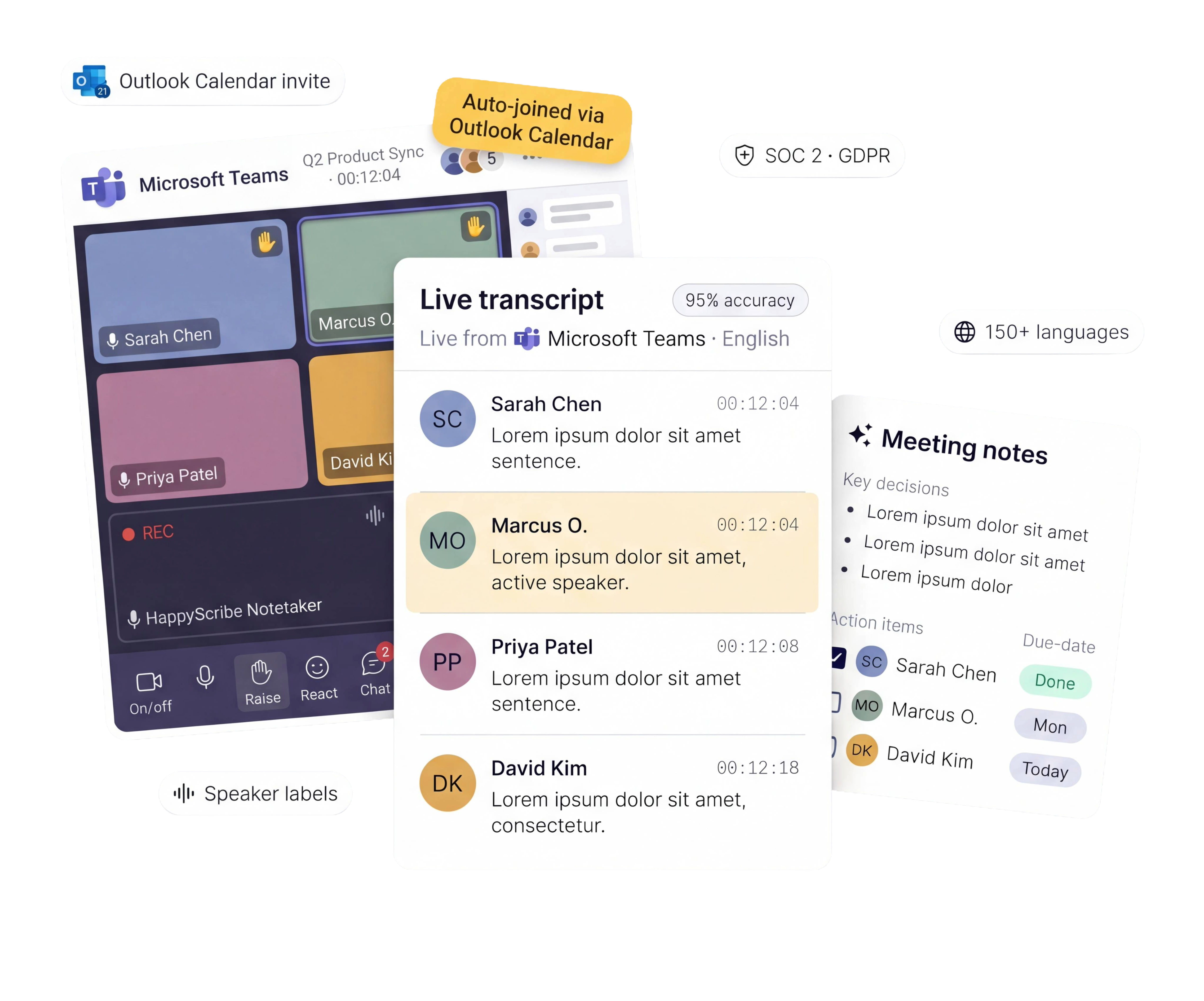
HappyScribe joins your Teams calls, transcribes the conversation, and delivers notes and action items. Works with every Teams plan — no Copilot license required. Works in 150+ languages.
Trusted by 6m+ users and 41,000+ teams of all sizes
Bot, bot-free, or file upload — you choose how you capture your meetings.
Connect your Outlook calendar. HappyScribe auto-joins every Teams meeting — you don't touch a thing.
Record directly from your browser. No bot visible. Built for confidential or executive meetings.
Got a Teams recording sitting in OneDrive? Upload it and get meeting notes in minutes.
Route transcripts to Salesforce, HubSpot, Jira, or your CRM. Zero manual work.
Over 95% accurate across accents, crosstalk, industry jargon, and multi-speaker meetings.
HappyScribe captures every word as spoken and turns them into searchable and shareable assets.
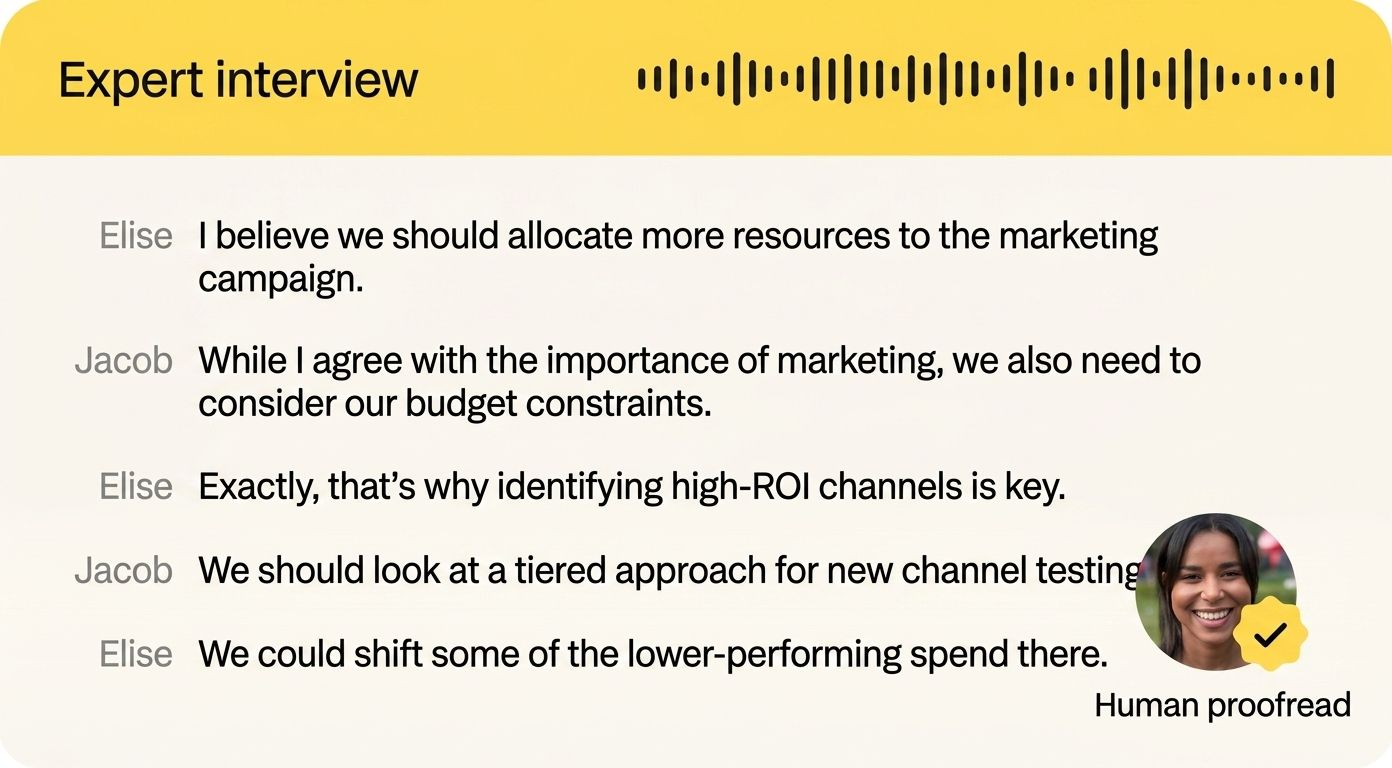
Every discussion, every decision, every next step — captured and organized automatically.
Your meeting summary lands in your inbox minutes after the call ends. No follow-up emails. No missed details.
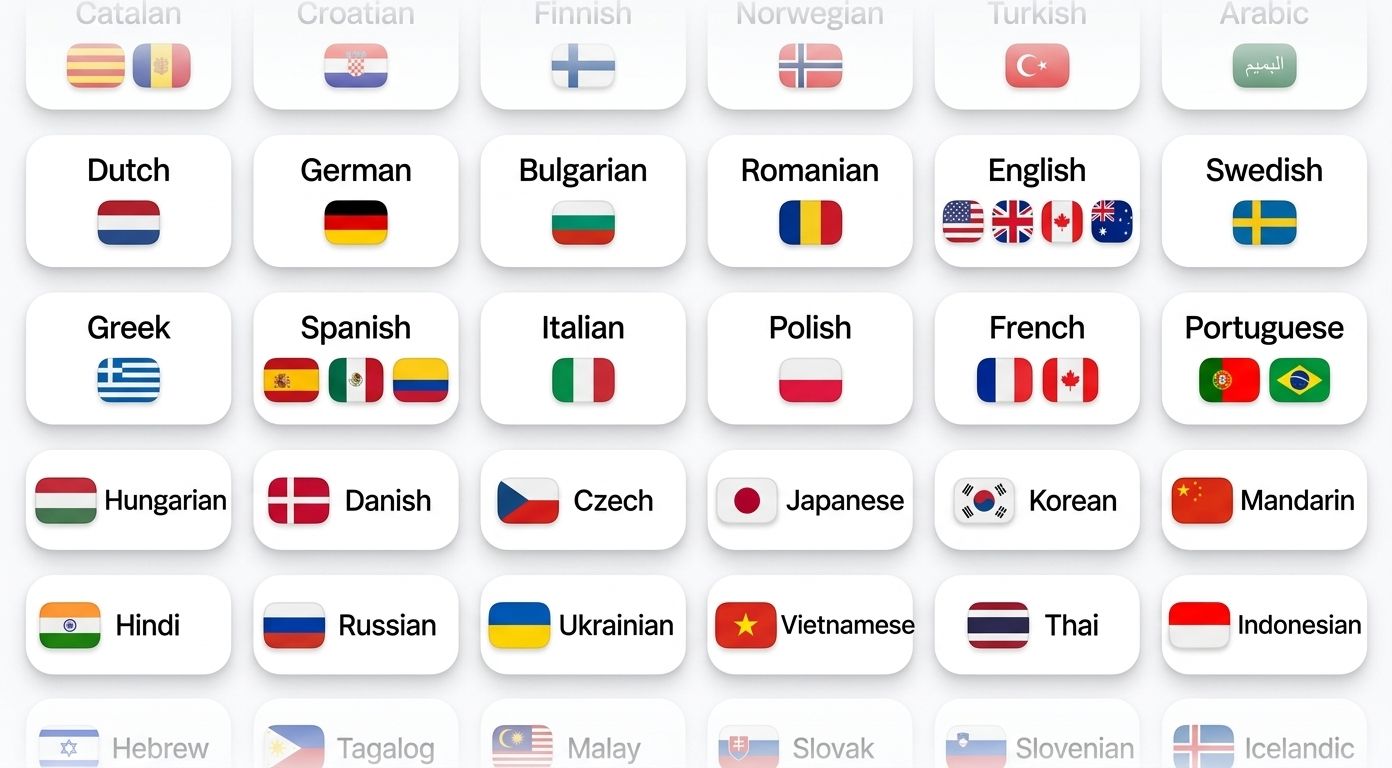
HappyScribe auto-detects and transcribes in 150+ languages and dialects.
Whether your call is in French, Spanish, Hindi, Mandarin, or Japanese, every word is captured with perfection.
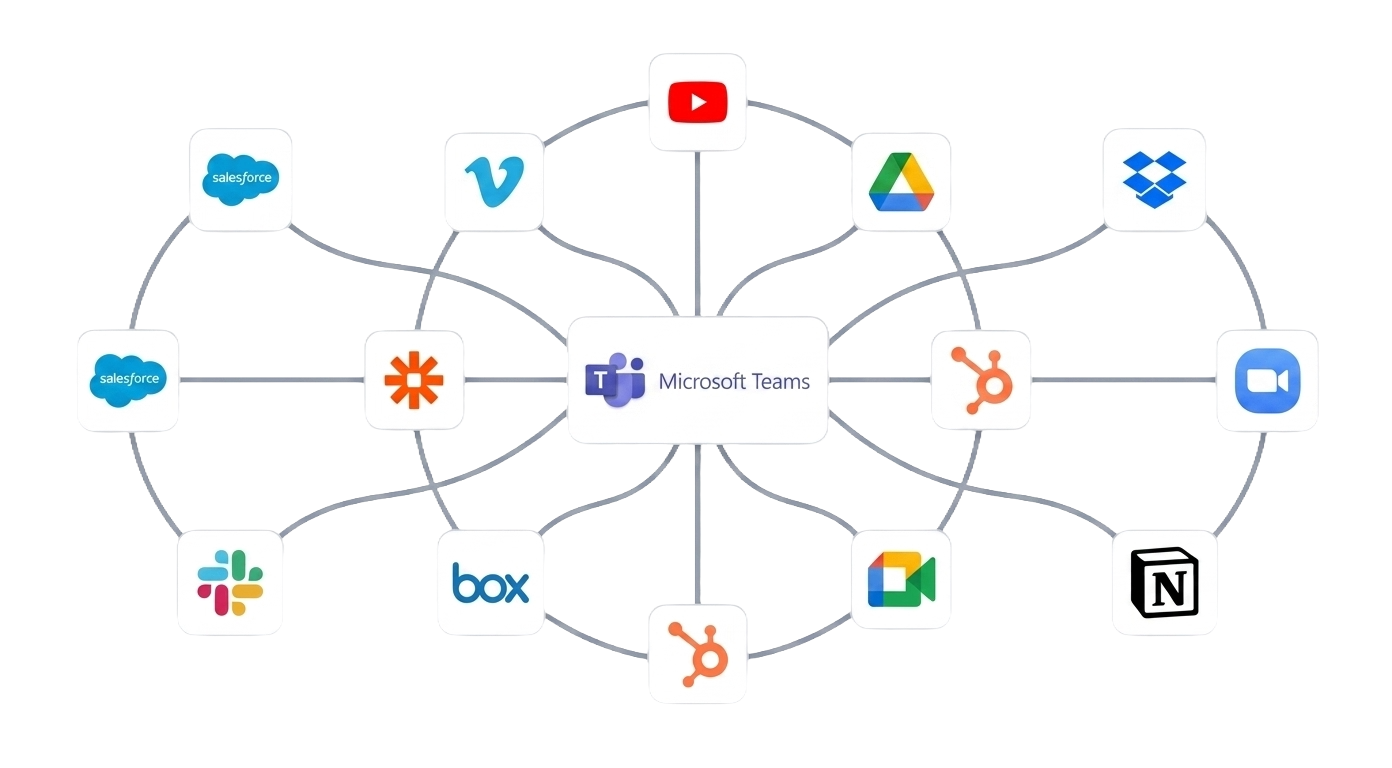
Connect HappyScribe to your tech stack via API, Zapier, or MCP.
Transcripts land where your team works, not just on SharePoint.
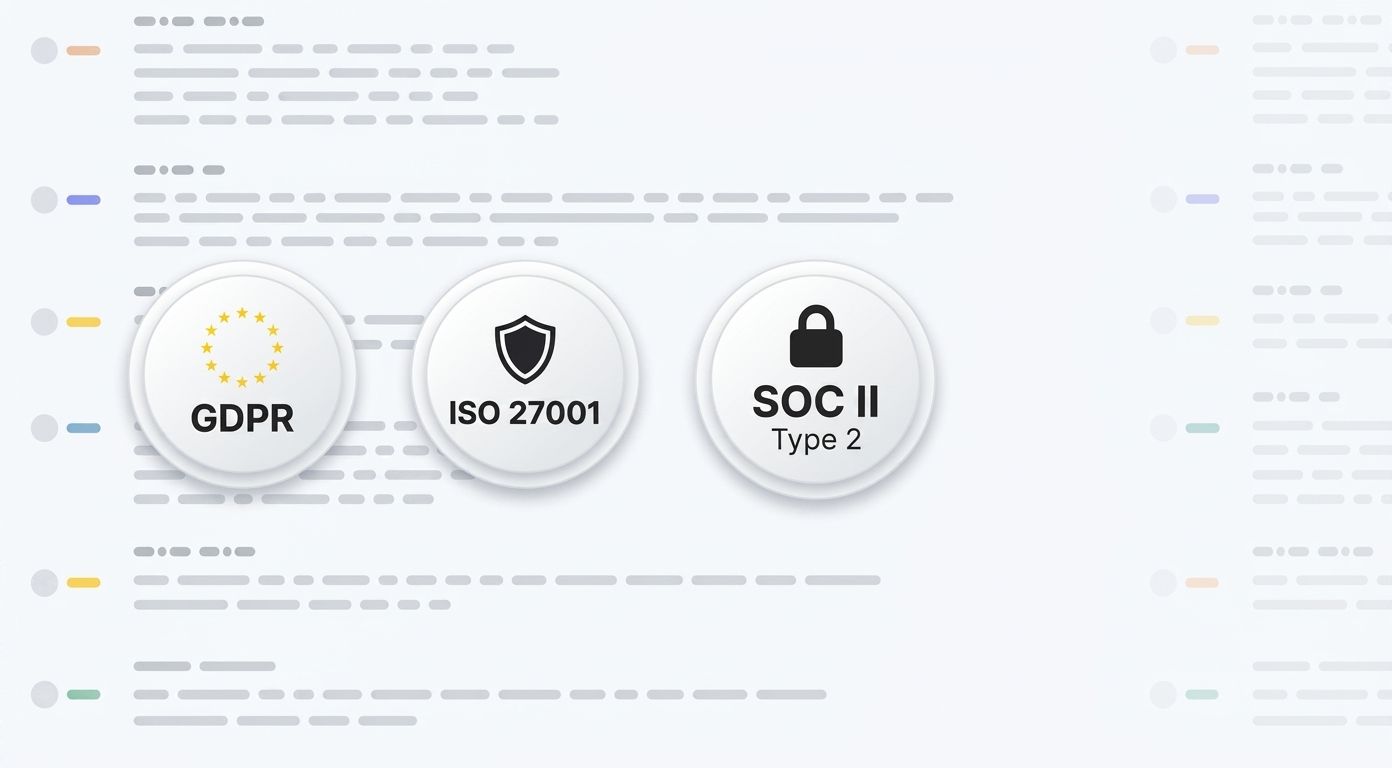
HappyScribe is SOC 2 Type II-certified and GDPR-compliant.
Headquartered in Barcelona, with data stored in PCI DSS and ISO 27001-compliant EU data centers. All data is encrypted in transit and at rest. No third-party model training on your content.
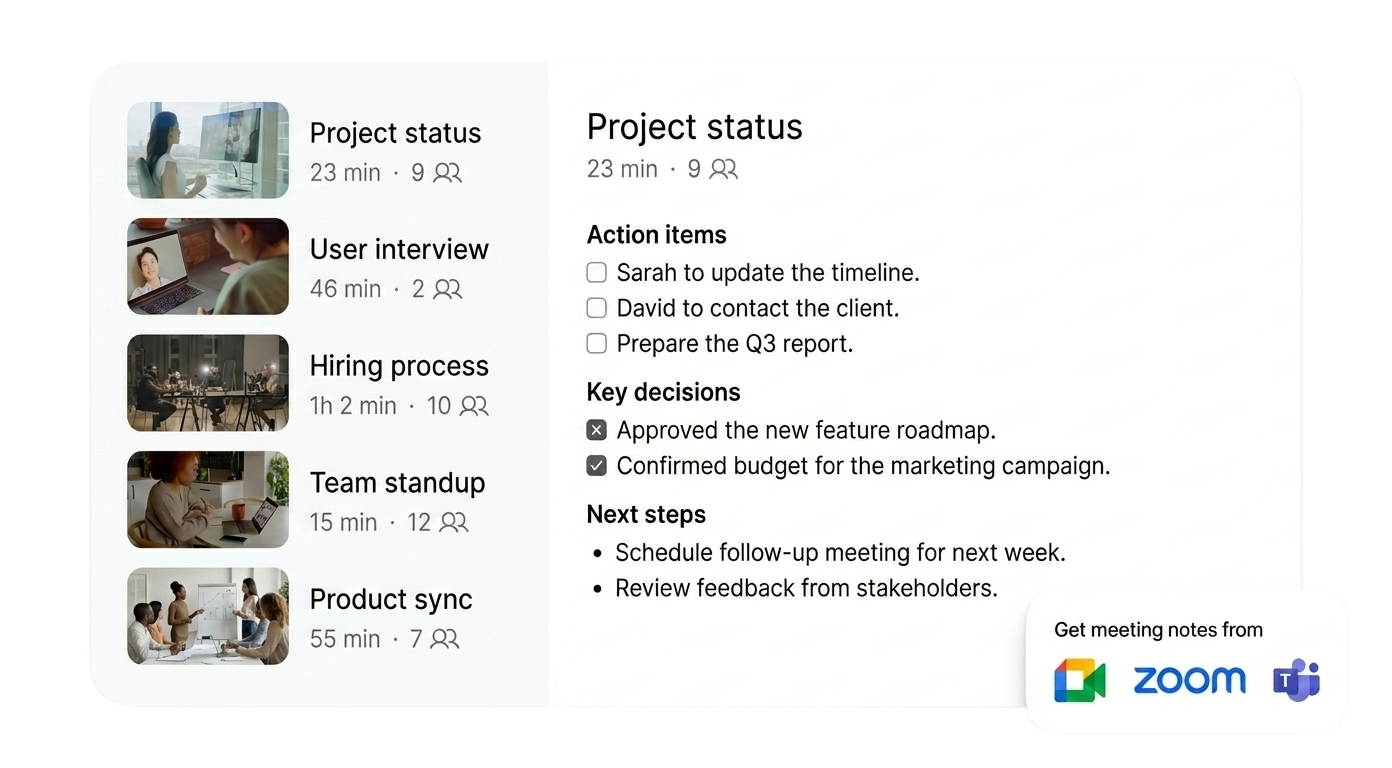
Transcription is just the start. Extract insights, track decisions, and create content from every meeting.
Decisions, blockers, next steps. Structured and ready to share — no Copilot needed.
"What did legal say about the contract?" Ask the recording. Skip the 45-minute rewatch.
HappyScribe becomes your organizational memory. Search across weeks or months of standups and one-on-ones. Find the exact information you're looking for in seconds.
Turn any Microsoft Teams call into an email draft, project brief, quiz, or action plan. All in one click.
Link your Outlook or Google calendar. Takes 30 seconds.
Shows up as a participant in your Teams meeting. Records audio and video.
Summary, action items, full transcript. Export as PDF, DOCX, TXT, MP3, MP4, or SRT.
Yes. HappyScribe works with Teams Free, Microsoft 365 Business Basic, Business Standard, and Enterprise. No paid upgrade required.
Copilot requires a separate Microsoft 365 Copilot license on top of your existing plan. It works only within Microsoft's ecosystem and supports 40+ languages.
HappyScribe offers a generous free plan with unlimited meeting recordings. You don't need a paid Microsoft plan to take meeting notes. It supports 150+ languages and dialects, accurately identifies speakers, records both audio and video, and handles language switching mid-call. Delivers notes straight to your inbox, or you can export to DOCX, PDF, SRT, or VTT formats. Works across Zoom and Google Meet too.
Sign up at happyscribe.com, connect your Outlook calendar, and HappyScribe joins your Teams meetings automatically. For one-off meetings, paste the meeting link and invite HappyScribe manually.
Yes. HappyScribe offers a bot-free browser recorder that captures audio directly from your device. No bot joins the meeting. Built for sensitive conversations or when you prefer a discreet setup.
150+ languages and dialects. HappyScribe detects the language automatically, even when speakers switch languages mid-call.
All data is stored in Tier IV EU data centers. HappyScribe is headquartered in Barcelona, is SOC 2 Type II certified and GDPR compliant. No third-party model training on your content.
95%+ accuracy across all supported languages. HappyScribe handles accents, crosstalk, technical vocabulary, and fast speakers. Speaker identification labels who said what.
Yes. HappyScribe offers a free plan with unlimited meeting recordings for your Teams calls, capped at 45 minutes per recording. No credit card required.
Yes. One account works across Microsoft Teams, Zoom, and Google Meet. All your meeting notes end up in one place.
TXT, DOCX, PDF, SRT, and VTT. Notes are delivered to your inbox automatically after every call.
Yes. Upload your Teams recording to HappyScribe and get a transcript in minutes. We support MP4, M4A, MP3, WAV, and most other audio/video formats.
Sign up for HappyScribe's free plan. Connect your Outlook calendar or paste a meeting link. HappyScribe joins your Teams meeting, transcribes the conversation with speaker labels, and sends you notes and action items after the call. No Copilot license or Microsoft 365 upgrade required.
It's an amazing app, and the prices are suitable
Great service will save you a ton of time compared to manual/traditional methods.
When I need something transcribed from an MP3, I use this service. In my profession, transcription is needed regularly. I like this service because it is pretty much quick, accurate, and painless.
I like using HappyScribe, and I recommend everybody if he wants
HappyScribe is an excellent tool, especially the subtitle translation feature. It improves your SEO in multiple languages!
Loving HappyScribe — thanks to Emma at Amber Mountain Marketing for telling me about them. Super simple, cost-effective way of adding subtitles to our videos — saving me tons of time and frustration — thanks guys x
This is a great program for getting quick transcriptions for editing. Easy and intuitive dashboard/interface, and reasonably priced.
Even I could use it and I'm a caveman
Excellent technology and easy to use.
“The AI Notetaker is a real game-changer for us. There’s no need to write everything during meetings anymore; now I can actually engage.”
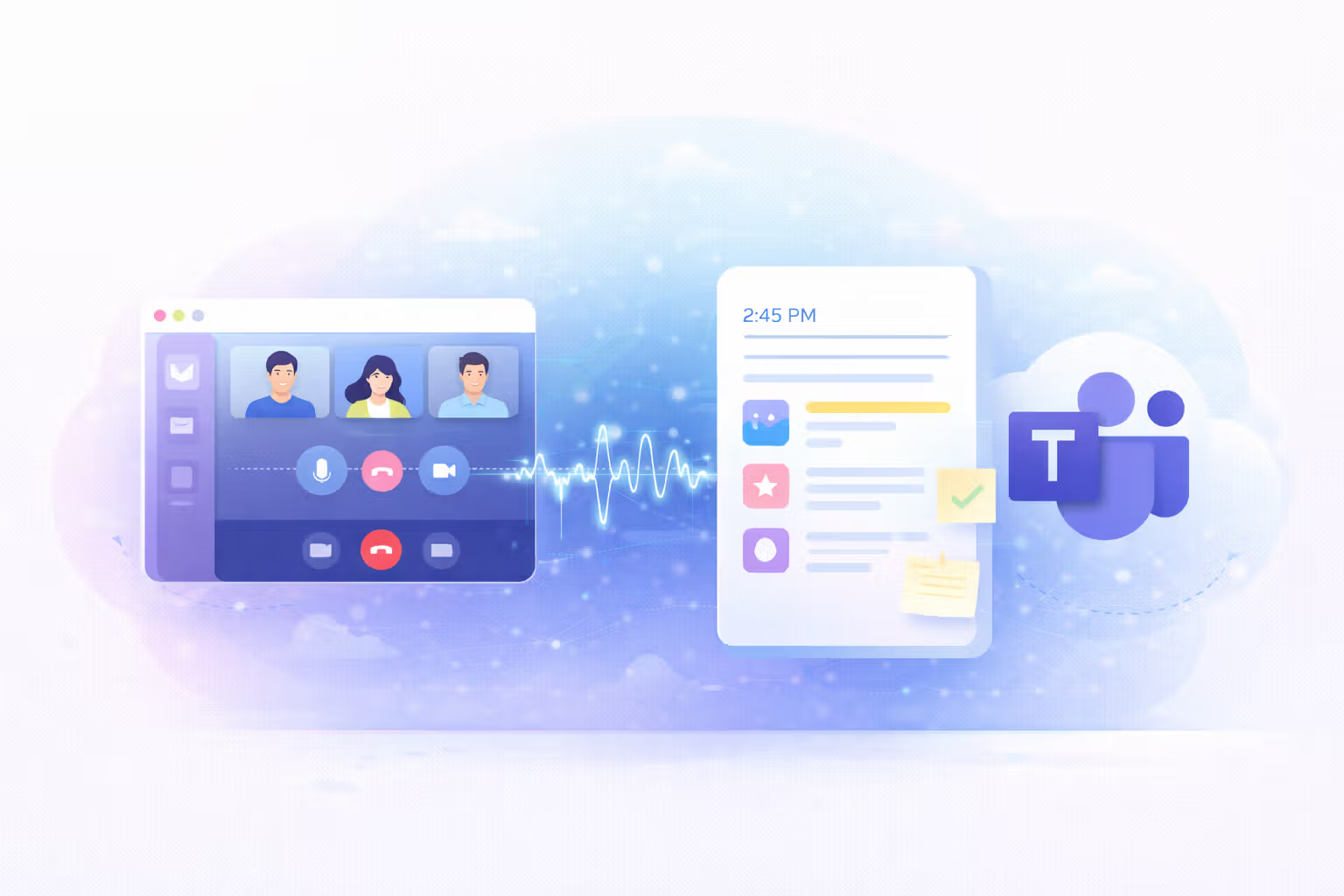
Compare the best AI note takers for Microsoft Teams. See how they handle recording, summaries, security, and sharing and find the right one for you.
Tired of MS Copilot's limitations? Explore the 5 best Copilot alternatives for AI meeting notes that are accurate, affordable, and flexible.
We tested the 5 best AI meeting note takers for teams and client calls, discover which tools deliver the most accurate summaries and boost productivity.