AI要約
Decisions, blockers, next steps. Structured and ready to share — no Copilot needed.
HappyScribe joins your Teams calls, transcribes the conversation, and delivers notes and action items. Works with every Teams plan — no Copilot license required. Works in 150+ languages.
600万人以上のユーザーとあらゆる規模の41,000以上のチームに信頼されています
ボット参加、ボットなし、ファイルアップロード——会議の記録方法はあなたが選べます。
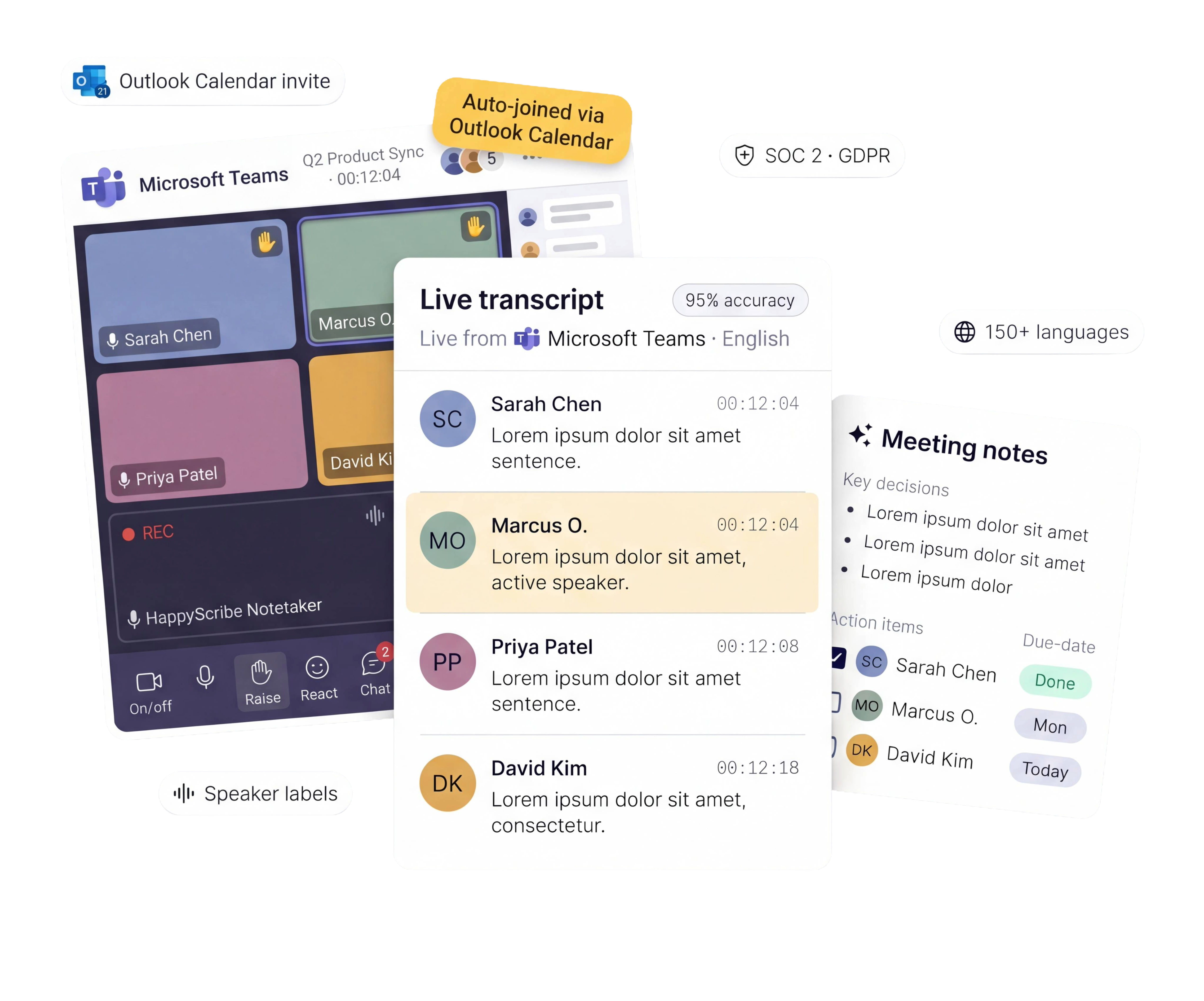
Connect your Outlook calendar. HappyScribe auto-joins every Teams meeting — you don't touch a thing.
Record directly from your browser. No bot visible. Built for confidential or executive meetings.
Got a Teams recording sitting in OneDrive? Upload it and get meeting notes in minutes.
Route transcripts to Salesforce, HubSpot, Jira, or your CRM. Zero manual work.
なまり、同時発話、専門用語、複数話者の会議でも95%以上の高精度。
HappyScribeは話した言葉をそのまま捉え、検索・共有できる資産に変換します。
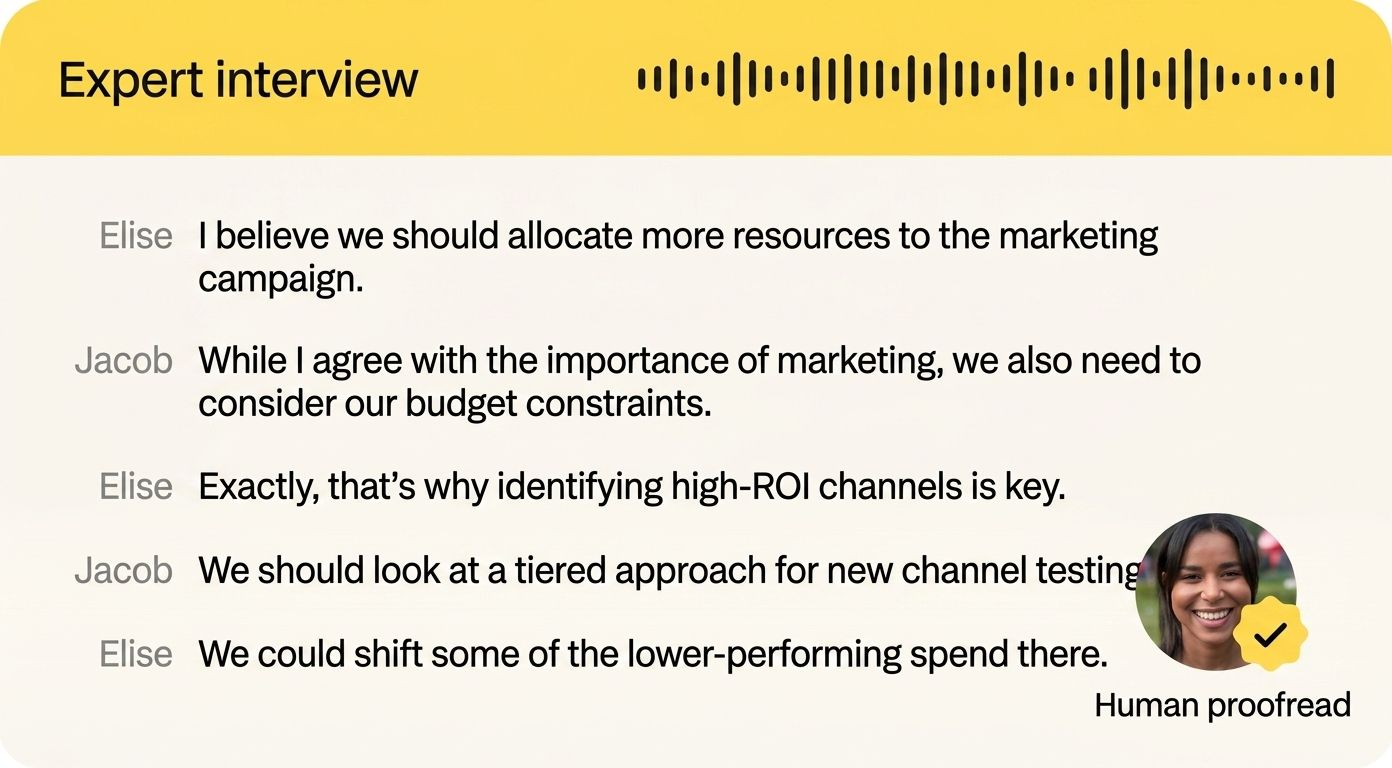
あらゆる議論、あらゆる決定、あらゆる次のステップを自動で記録・整理します。
会議終了の数分後には、議事録の要約がメールボックスに届きます。フォローアップのメールも、抜け漏れもありません。
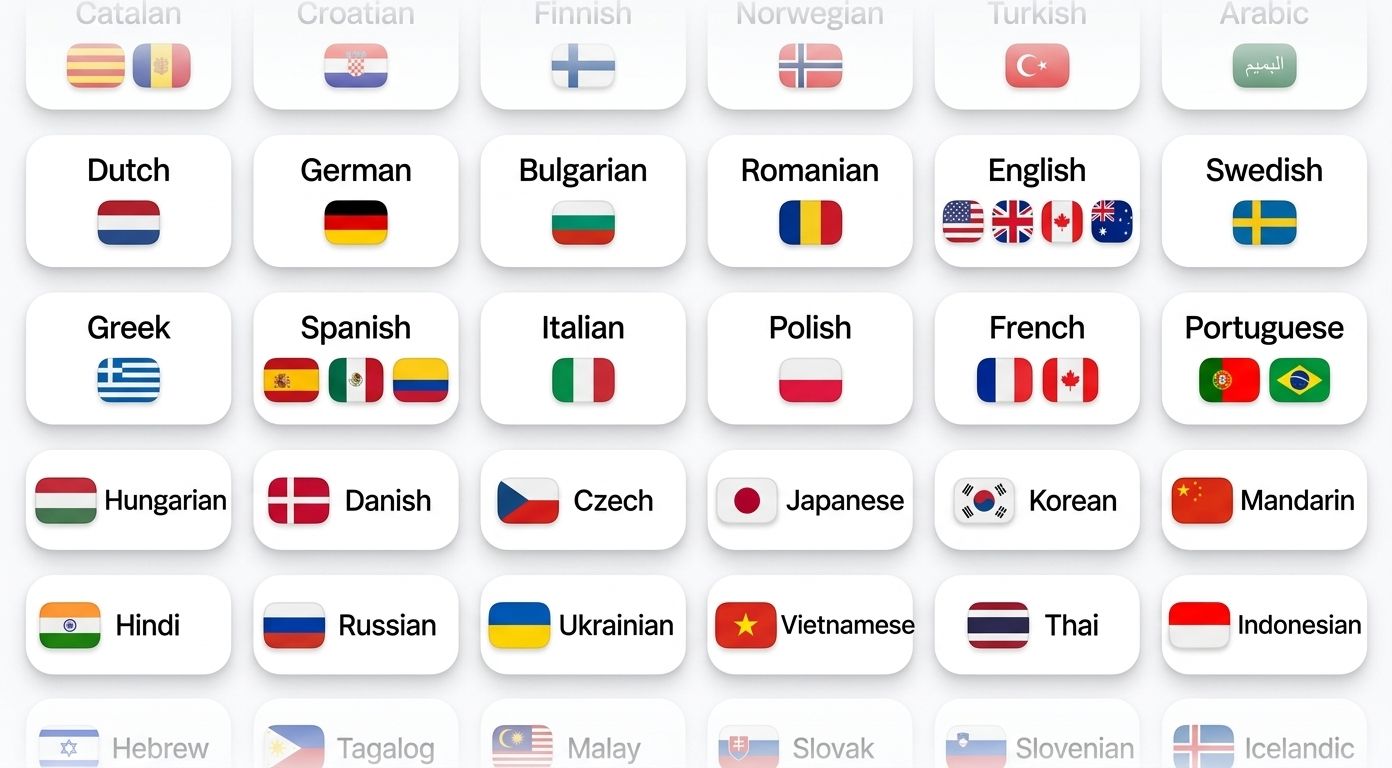
HappyScribeは150以上の言語と方言を自動で判別し、文字起こしします。
フランス語、スペイン語、ヒンディー語、中国語、日本語——どの言語の会議でも、一語残らず正確に記録します。
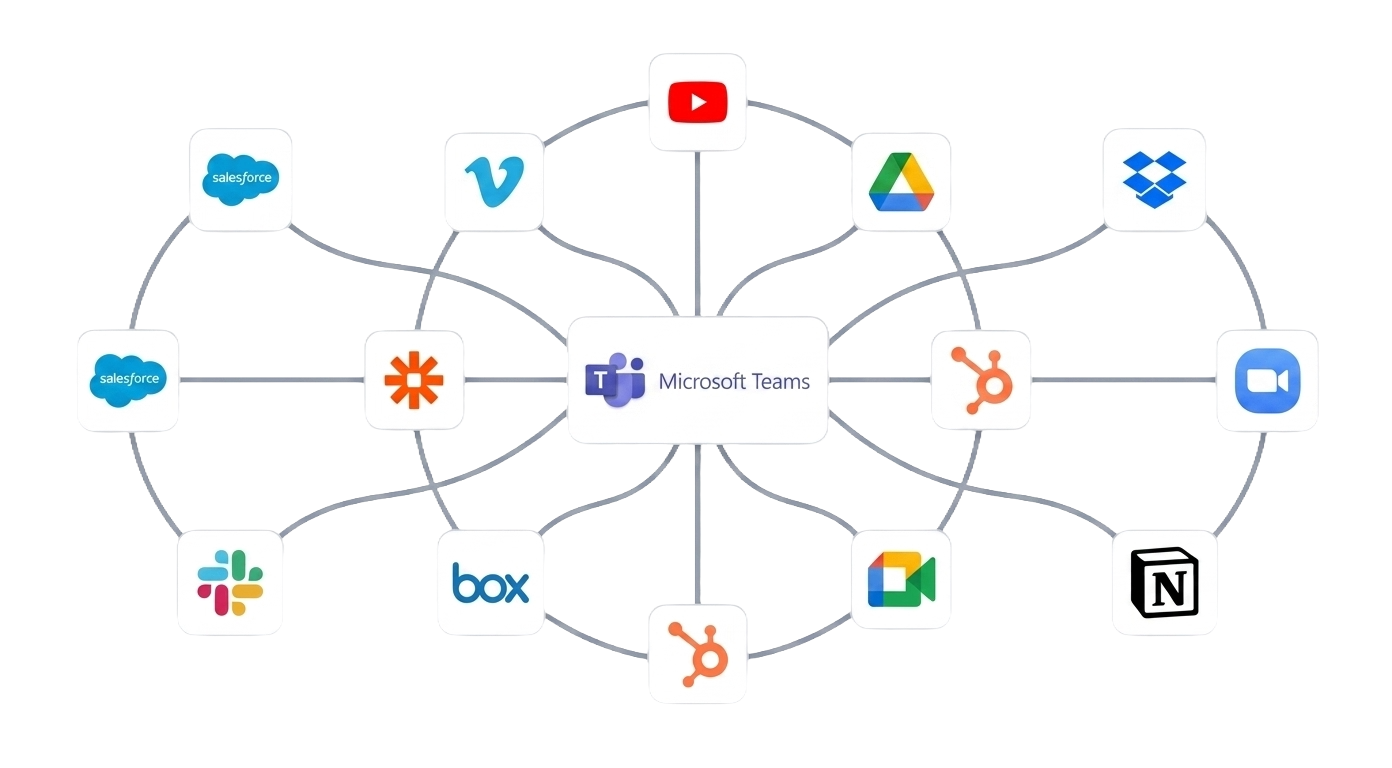
API、Zapier、MCP経由でHappyScribeを社内のツール環境に連携できます。
文字起こしは、SharePointだけでなく、チームが実際に作業する場所に届きます。
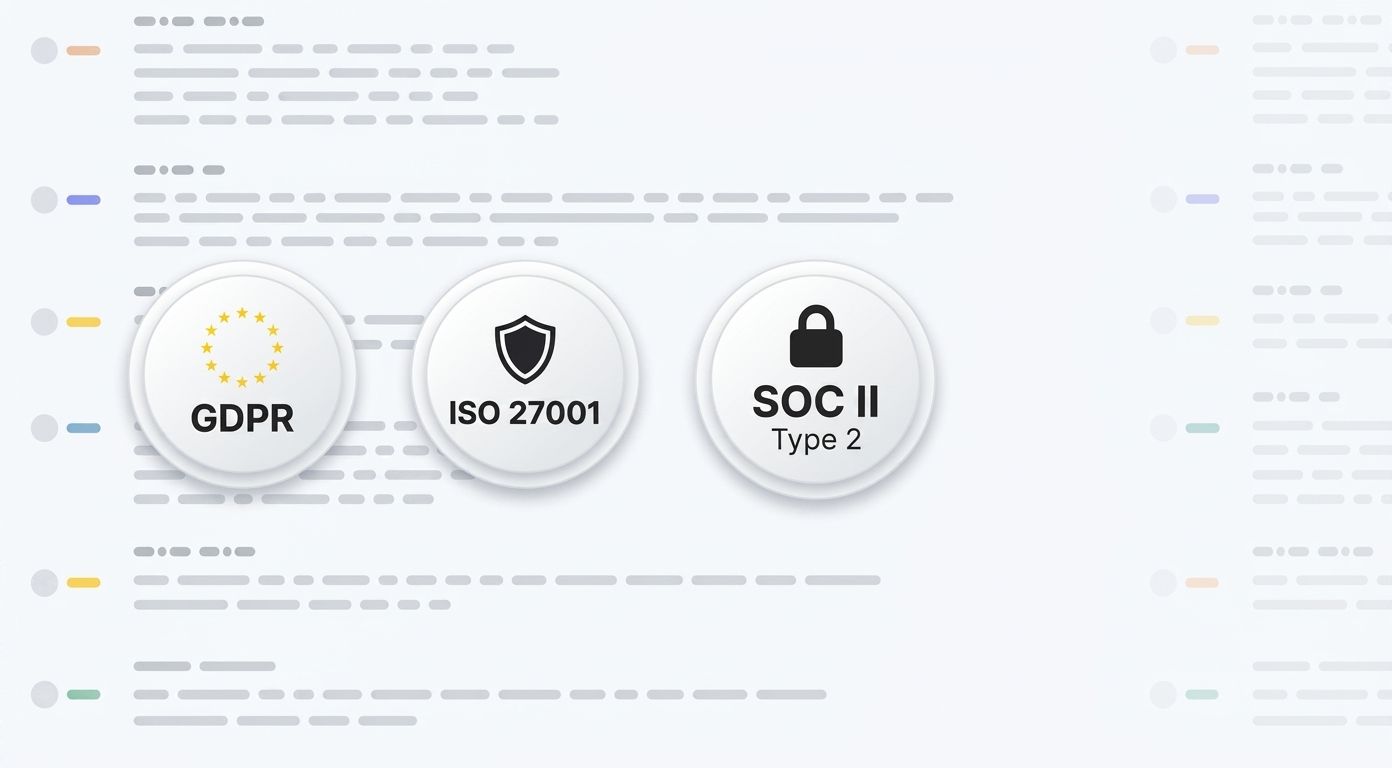
HappyScribeはSOC 2 Type II認証を取得し、GDPRに準拠しています。
本社はバルセロナにあり、データはPCI DSSおよびISO 27001に準拠したEU内のデータセンターに保管されます。すべてのデータは通信時も保管時も暗号化されます。お客様のコンテンツが第三者のモデル学習に使われることはありません。
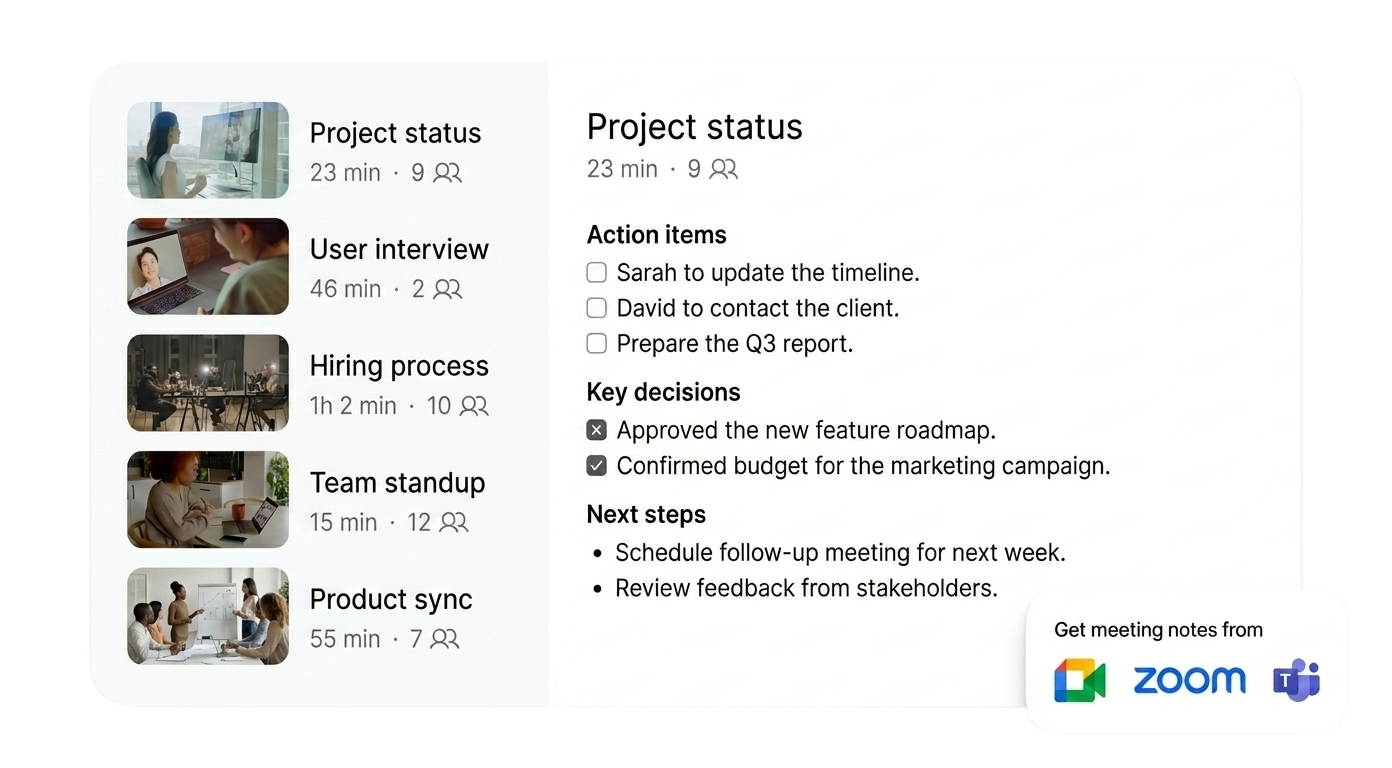
Transcription is just the start. Extract insights, track decisions, and create content from every meeting.
Decisions, blockers, next steps. Structured and ready to share — no Copilot needed.
"What did legal say about the contract?" Ask the recording. Skip the 45-minute rewatch.
HappyScribe becomes your organizational memory. Search across weeks or months of standups and one-on-ones. Find the exact information you're looking for in seconds.
Turn any Microsoft Teams call into an email draft, project brief, quiz, or action plan. All in one click.
Link your Outlook or Google calendar. Takes 30 seconds.
Shows up as a participant in your Teams meeting. Records audio and video.
Summary, action items, full transcript. Export as PDF, DOCX, TXT, MP3, MP4, or SRT.
はい。HappyScribeはTeams無料版、Microsoft 365 Business Basic、Business Standard、Enterpriseに対応しています。有料プランへのアップグレードは不要です。
Copilotは、既存のプランに加えて別途Microsoft 365 Copilotのライセンスが必要です。Microsoftのエコシステム内でのみ動作し、対応言語は40以上です。
HappyScribeは、会議録音が無制限の充実した無料プランを提供しています。議事録の作成にMicrosoftの有料プランは必要ありません。150以上の言語と方言に対応し、話者を正確に識別、音声と動画の両方を録音し、会議中の言語切り替えにも対応します。議事録はメールボックスに直接届くほか、DOCX、PDF、SRT、VTT形式でエクスポートできます。ZoomやGoogle Meetでも使えます。
happyscribe.comでサインアップし、Outlookカレンダーを連携すれば、HappyScribeが自動でTeams会議に参加します。単発の会議では、会議リンクを貼り付けてHappyScribeを手動で招待してください。
はい。HappyScribeは、お使いのデバイスから直接音声を録音する、ボットなしのブラウザレコーダーを提供しています。会議にボットは参加しません。機密性の高い会話や、目立たない設定を好む場合に最適です。
150以上の言語と方言に対応しています。HappyScribeは言語を自動で判別し、会議中に話者が言語を切り替えても対応します。
すべてのデータはEU内のTier IVデータセンターに保管されます。HappyScribeは本社をバルセロナに置き、SOC 2 Type II認証を取得し、GDPRに準拠しています。お客様のコンテンツが第三者のモデル学習に使われることはありません。
すべての対応言語で95%以上の精度です。HappyScribeはなまり、同時発話、専門用語、早口の話者にも対応します。話者識別により、誰が何を話したかがわかります。
はい。HappyScribeは、Teams会議の録音が無制限(1回の録音につき45分まで)の無料プランを提供しています。クレジットカードは不要です。
はい。1つのアカウントでMicrosoft Teams、Zoom、Google Meetをまたいで使えます。すべての議事録が1か所にまとまります。
TXT、DOCX、PDF、SRT、VTTに対応しています。議事録は会議終了後に自動でメールボックスに届きます。
はい。Teamsの録画をHappyScribeにアップロードすれば、数分で文字起こしが完了します。MP4、M4A、MP3、WAVをはじめ、ほとんどの音声・動画形式に対応しています。
次の方法で始められます。HappyScribeの無料プランにサインアップ。 Outlookカレンダーを連携するか、会議リンクを貼り付けてください。HappyScribeがTeams会議に参加し、話者ラベル付きで会話を文字起こしし、会議終了後に議事録とアクションアイテムをお届けします。Copilotのライセンスも、Microsoft 365のアップグレードも不要です。
Great service for creating subtitles
Useful! Great program for subtitling
I used their service quite a long time ago in 2017, and it has improved a lot in these years.
The automatic conversion generated a pretty decent baseline, and I liked the ergonomics of the editor that allows you to polish the transcript while listening to the audio in sync.
So, so simple to use. Every imaginable option for accurate transcription. Has enabled me to create a uniqueness about our new app.
Love this. Got it on AppSumo sales and we've been using it to transcribe our videos
Indispensable service. A real treat. Worked perfectly and very reasonably priced.
The transcriptions have great quality, but the prices are a little high
Great interface, fast, easy to use.
「AI議事録は私たちにとってまさに革命的です。もう会議中にすべてを書き留める必要はなく、今では本当に会話に集中できます。」

Compare the best AI note takers for Microsoft Teams. See how they handle recording, summaries, security, and sharing and find the right one for you.
Tired of MS Copilot's limitations? Explore the 5 best Copilot alternatives for AI meeting notes that are accurate, affordable, and flexible.
We tested the 5 best AI meeting note takers for teams and client calls, discover which tools deliver the most accurate summaries and boost productivity.