
動画をアップロード
Import an MP4, MOV, AVI, MKV, or paste a YouTube, Vimeo, or TikTok link. HappyScribe supports 60+ video file formats.
AIを使って数秒で字幕を作成。ブランドキットによるスタイル設定と150以上の言語に対応しています。無料で始めて、より幅広い視聴者にリーチしましょう。


Import an MP4, MOV, AVI, MKV, or paste a YouTube, Vimeo, or TikTok link. HappyScribe supports 60+ video file formats.
Select the source language and let our AI subtitle generator create perfectly timed captions.
Fine-tune wording, use our video-editing features to adjust timing on the waveform, choose fonts or animations, then export an SRT, VTT or STL file or burn subtitles straight into your video.
HappyScribeのAIツールを使えば、120以上の言語と方言で字幕を自動生成できます。字幕をすぐに翻訳し、SRTやVTTファイルとして書き出して、YouTube、Instagram、LinkedIn、TikTokなどあらゆるSNSに公開できます。追加の動画編集作業なしで、すべての動画コンテンツを世界中の視聴者に届けましょう。
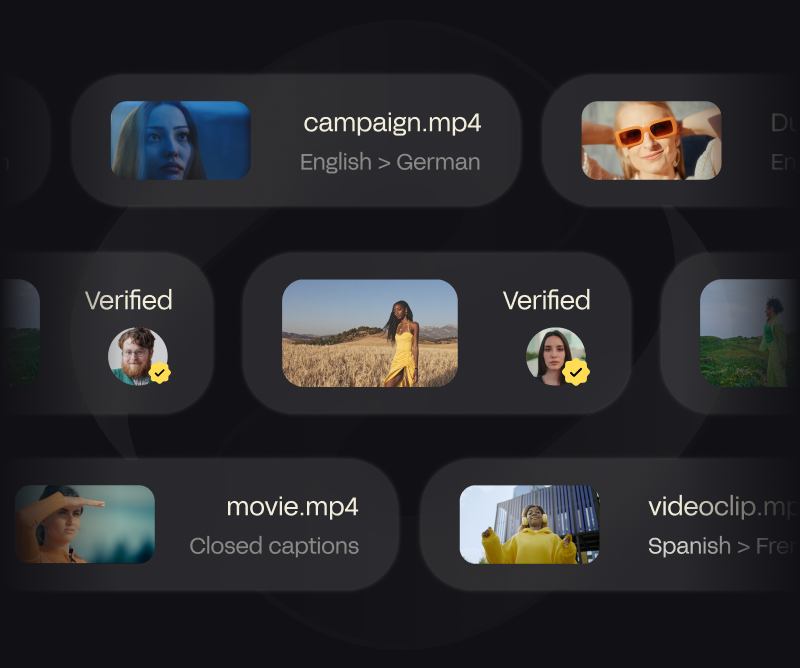
正確な字幕を付けると、音声をオフにして視聴されるフィードでも視聴者がより長く見続けてくれます。字幕を自動で生成し、フォント・色・画面上のアニメーションをカスタマイズして、ワンクリックで動画ファイルに焼き込めます。重要な場面を強調し、メッセージを明確に伝えて、あらゆるSNSでクリック率を高めましょう。
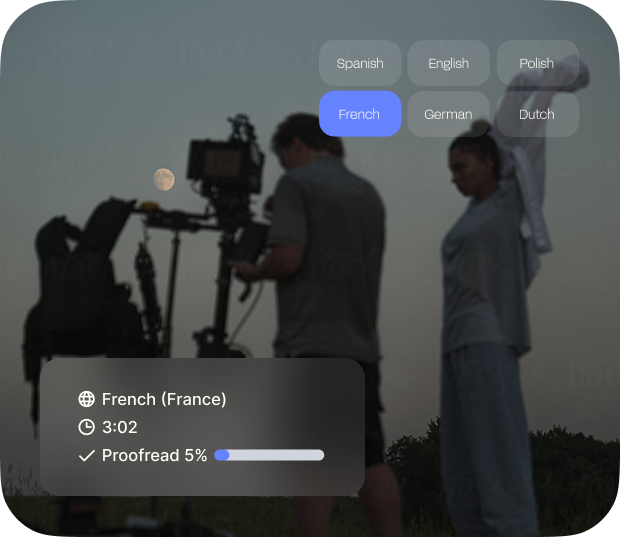
自動字幕生成ツールで、話した内容をSEOに強いテキストに変換しましょう。字幕を付けると、検索エンジンが話された言葉をすべてインデックスできるようになり、動画がより多くの検索結果に表示されやすくなります。整ったテキストを書き出して説明欄に追加したり、字幕をMP4に直接焼き込んだりできます。
CPS allows you to ensure that your viewers have time to read the subtitles.
By providing the starting timestamp, you can decide when the subtitles start.
We provide exports in SRT, VTT, STL, TXT, Final Cut Pro, AVID, Premiere, and more.
Collaborate and share your subtitles in view-only or edit mode.
See subtitles in real time and check their position with the soundwave.
Create spaces for you to share your files with the rest of your team.
Seamlessly integrate with your favorite social media platforms, video editors and more.
Break language barrier and translate your subtitle files in +60 languages.
使いやすい字幕エディターで、字幕を編集し、数分で視聴者に合わせて仕上げられます。
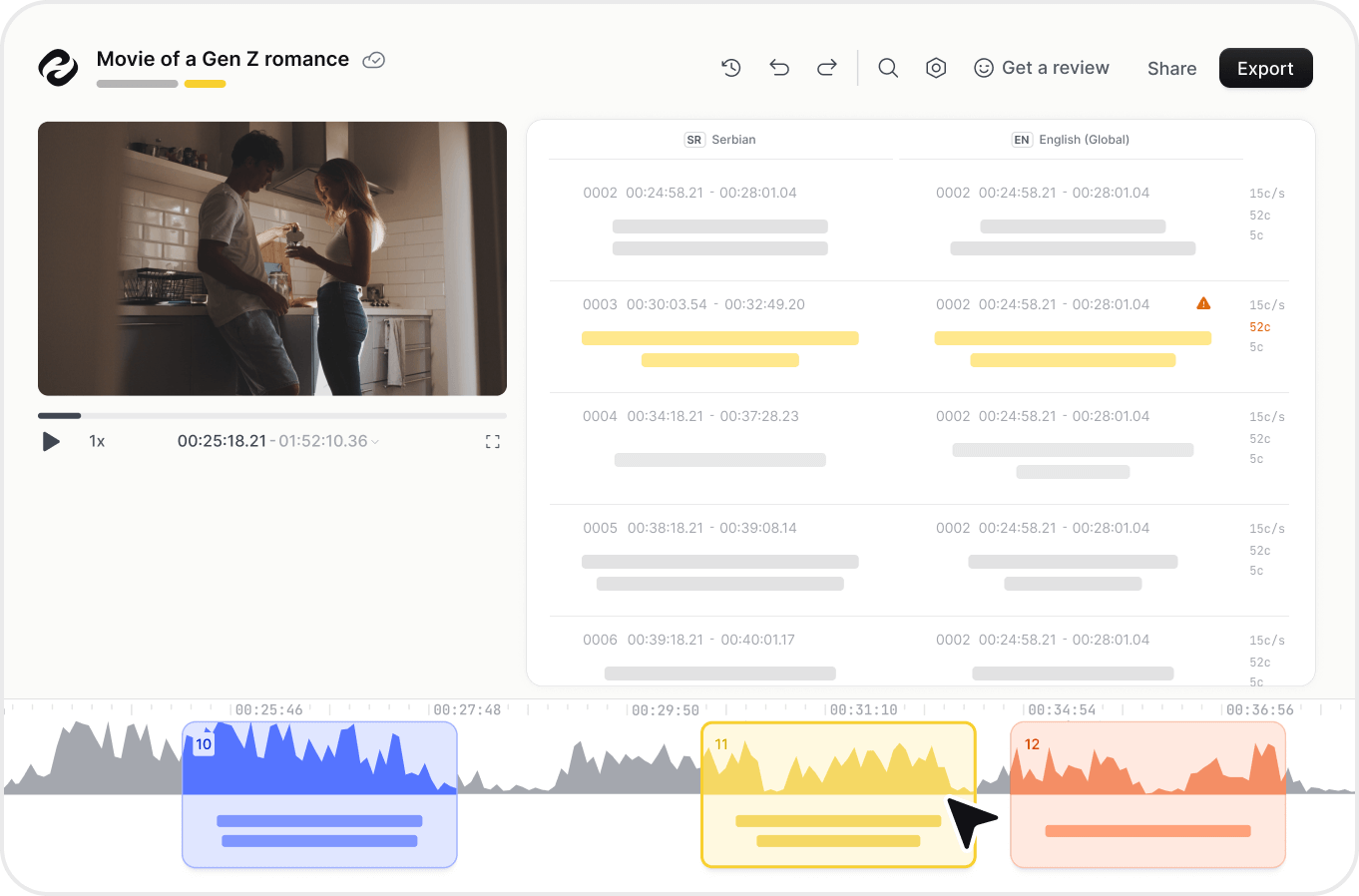
字幕とは、映画、テレビ番組、ゲームなどのセリフやナレーションの書き起こし、または脚本から作成されるテキストで、通常は画面下部に表示されますが、下部にすでにテキストがある場合は画面上部に表示されることもあります。
HappyScribeの自動字幕生成ツールを使えば、150以上の言語で字幕を生成できます。動画をアップロードするかリンクを追加するだけで、字幕作成ソフトが動画ファイルから音声を抽出し、85%の精度で字幕に変換します。
HappyScribeでは無料トライアルと有料プランの両方をご用意しています。字幕生成ツールを無料でお試しいただき、より多くの機能や長い動画が必要な場合はアップグレードできます。
はい!HappyScribeには使いやすいオンライン字幕エディターが付いており、最終的な字幕を書き出す前にタイミング・テキスト・書式を調整できます。
自動字幕の精度は最大85〜95%です。プロ品質の仕上がりが必要な場合は、最大99%の精度で人による字幕作成を選択できます。
字幕を付けると、動画のアクセシビリティが向上し、エンゲージメントが高まり、視聴時間が延び、コンテンツが世界中の視聴者に届きやすくなります。
はい。すべての動画・音声ファイルは業界標準の暗号化とデータプライバシー対策を用いて安全に保存・処理されます。
字幕作成にAIを使うと、すべてがはるかに簡単で速くなります。手作業で何時間もかけて字幕を付ける代わりに、AIが数分で面倒な作業を肩代わりしてくれます。ほとんど編集の必要がない正確な字幕が得られ、大幅な時間短縮になります。さらにAIなら、字幕を翻訳する作業も、100以上の言語へわずか数クリックで行え、世界中の視聴者とつながれます。そのうえ、字幕は簡単にカスタマイズできます。フォントサイズの調整、表示位置の追加などを行い、すべてを洗練されたプロ品質に、しかも従来のわずかな時間で仕上げられます。
Excellent just could cost a little less for countries with weak currency like mine
The best transcription for subtitles that I've ever seen. In French! Almost no need for adjustment, I corrected one word and one space in a 3-minute video.
Easiness and precision in translation
Really simple and straightforward to use - highly recommended
I used HappyScribe for a work project for sales training. Being able to upload, transcribe and edit was easy, awesome and my job was professional and well received thanks to HappyScribe.
Amazing. Helped when we were in a jam.
The automatic conversion generated a pretty decent baseline, and I liked the ergonomics of the editor that allows you to polish the transcript while listening to the audio in sync.
Works excellent in the German language. When there is an issue, the customer service is extremely helpful, working with you to solve the problem. Next time, I will use HappyScribe again!
Great software. Saves a lot of time!
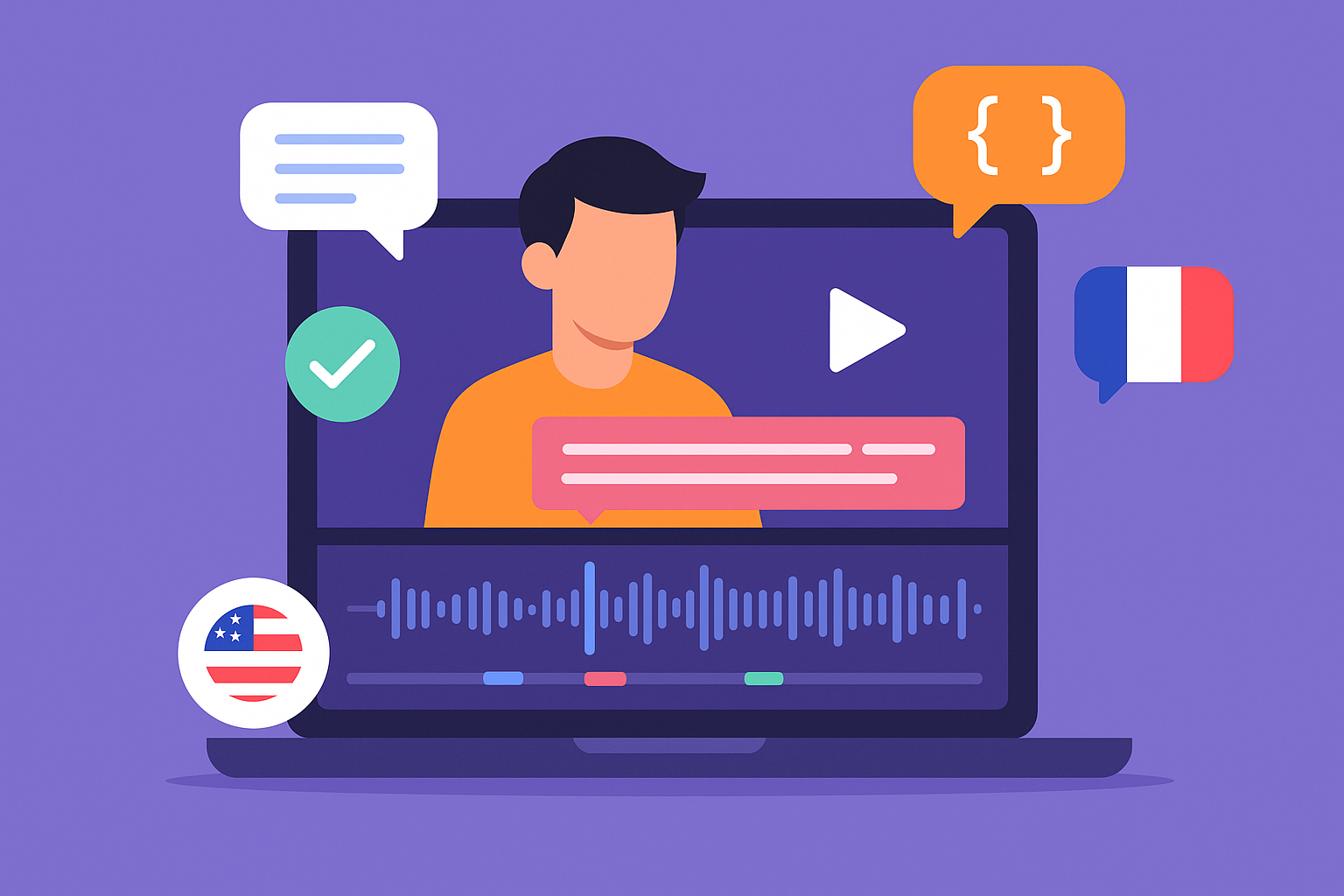
Discover the 5 best subtitle generators in 2026: HappyScribe, Veed, Canva, Sonix and Descript. Compare features, pricing, languages, accuracy to choose yours.
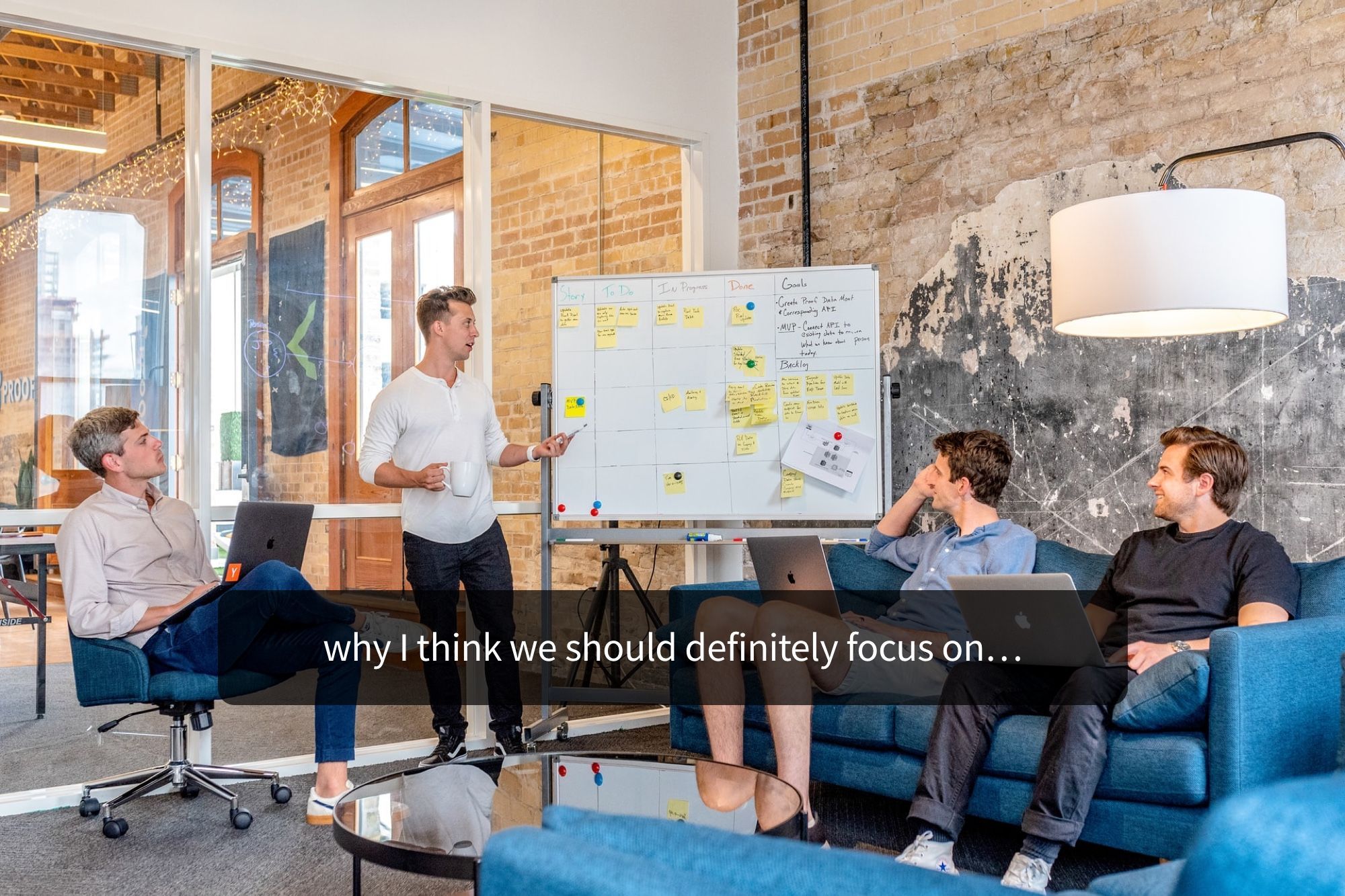
Your subtitles need to be readable and perfectly synced with the video and perfectly follow the reading skills of your audience. For example, you don't make subtitles for adults the same as subtitles for children.

Subtitling for e-learning improves accessibility and comprehension by providing a text version of audio content. It involves transcribing, timecoding, editing, and formatting captions, syncing them with visual content. This process enhances learning experiences and ensures inclusivity for all learners.

Advanced captioning is revolutionizing the language industry by providing accurate and real-time translations of spoken content into text form. This technology is benefiting various sectors, including media, education, and accessibility services, by making audio and video content more inclusive and accessible to a wider audience.