AI要約
Decisions, topics, next steps. Ready before your next meeting starts.
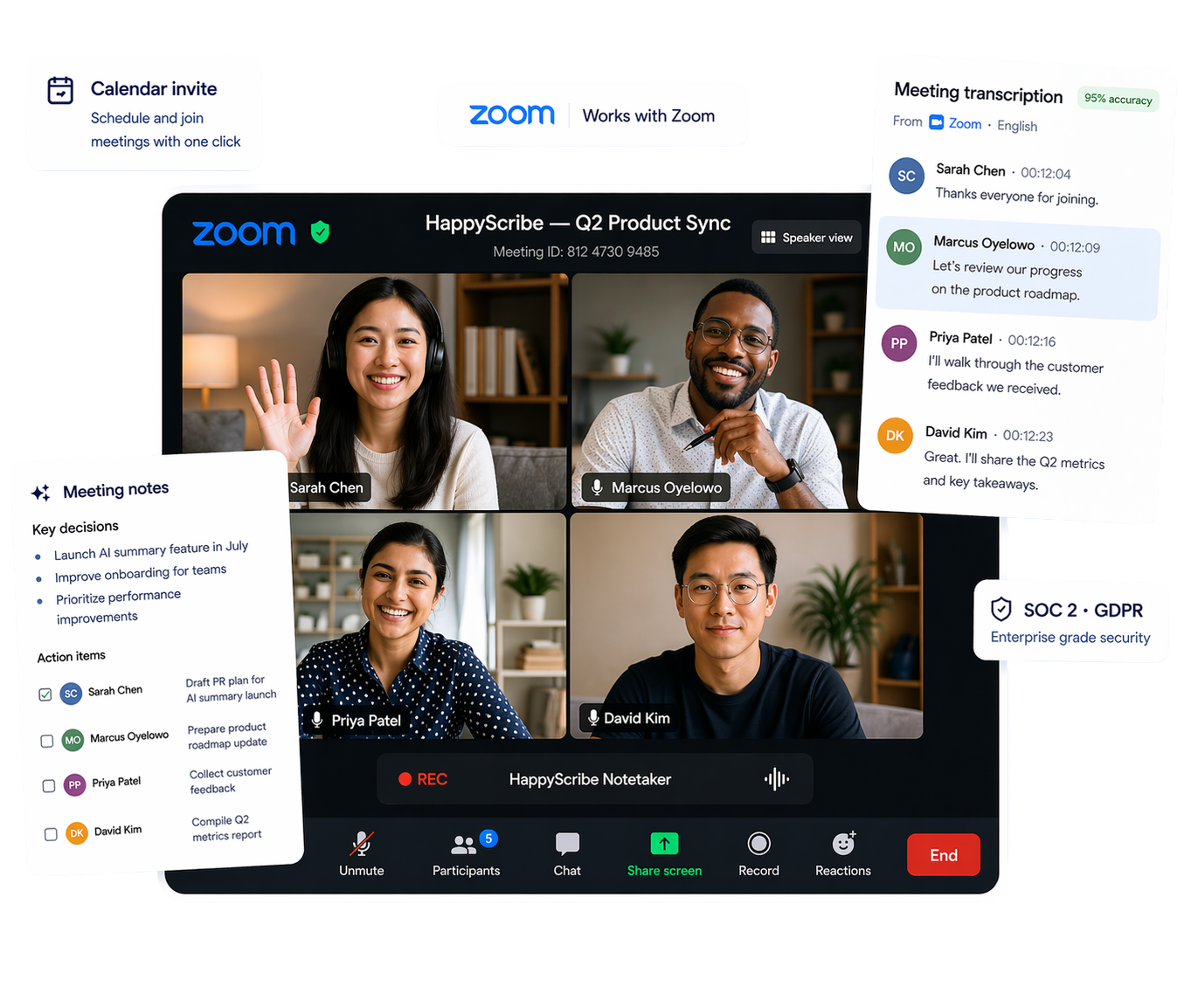
HappyScribe joins your Zoom calls, transcribes the conversation, and delivers accurate summaries and action items. Works in 150+ languages.
600万人以上のユーザーと、あらゆる規模の41,000以上のチームに信頼されています
Zoom会議を思いどおりの方法で記録しましょう。
HappyScribe auto-joins every Zoom meeting as a transparent meeting bot.
Record meeting audio directly from your device. Built for sensitive conversations or in-person meetings.
Upload pre-recorded Zoom meetings and get full meeting notes in minutes.
Send transcripts anywhere. Connect to your existing tools in one click.
箱から出してすぐに精度95%以上。HappyScribeはアクセント、話者の重なり、業界特有の専門用語も難なく処理します。
話者識別が誰が何を話したかを正確に示すので、文字起こしは整理されたまま、検索しやすく、すぐに共有できます。
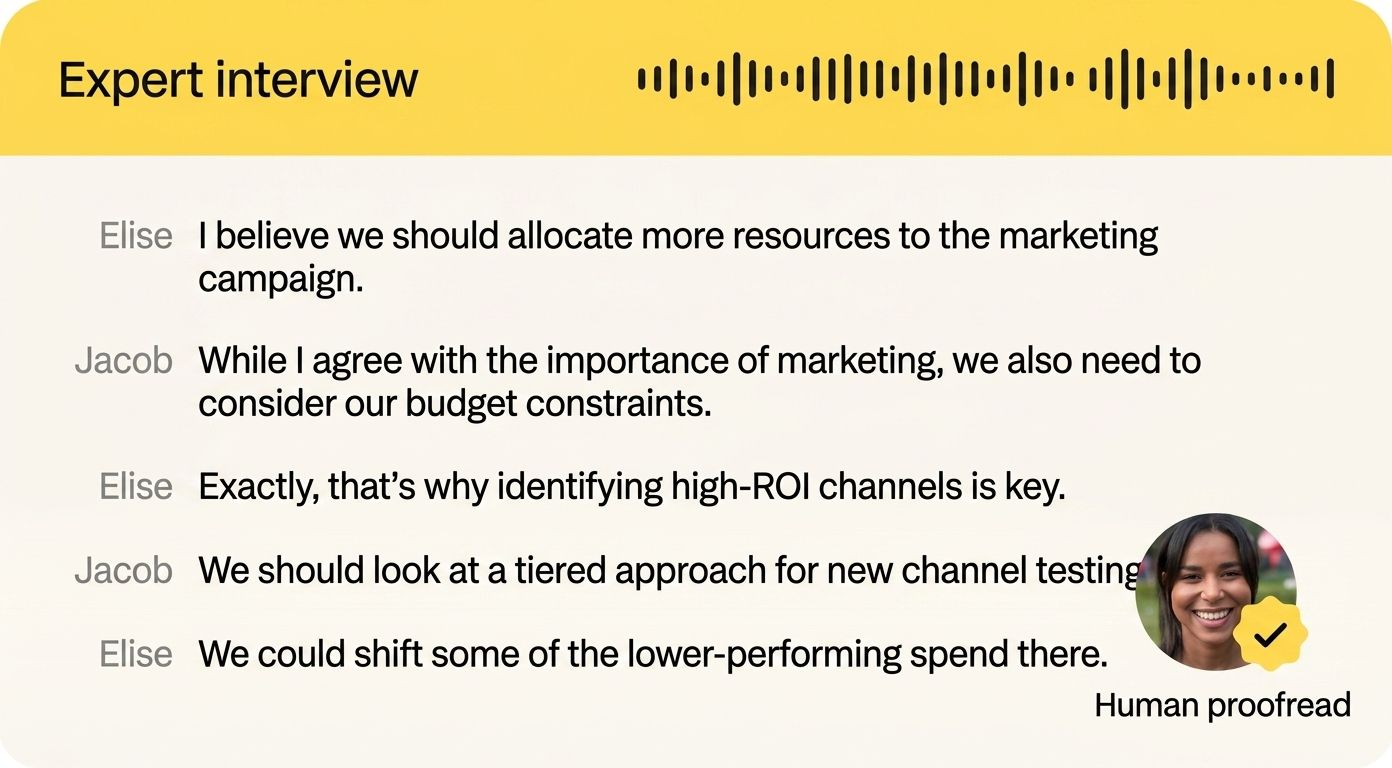
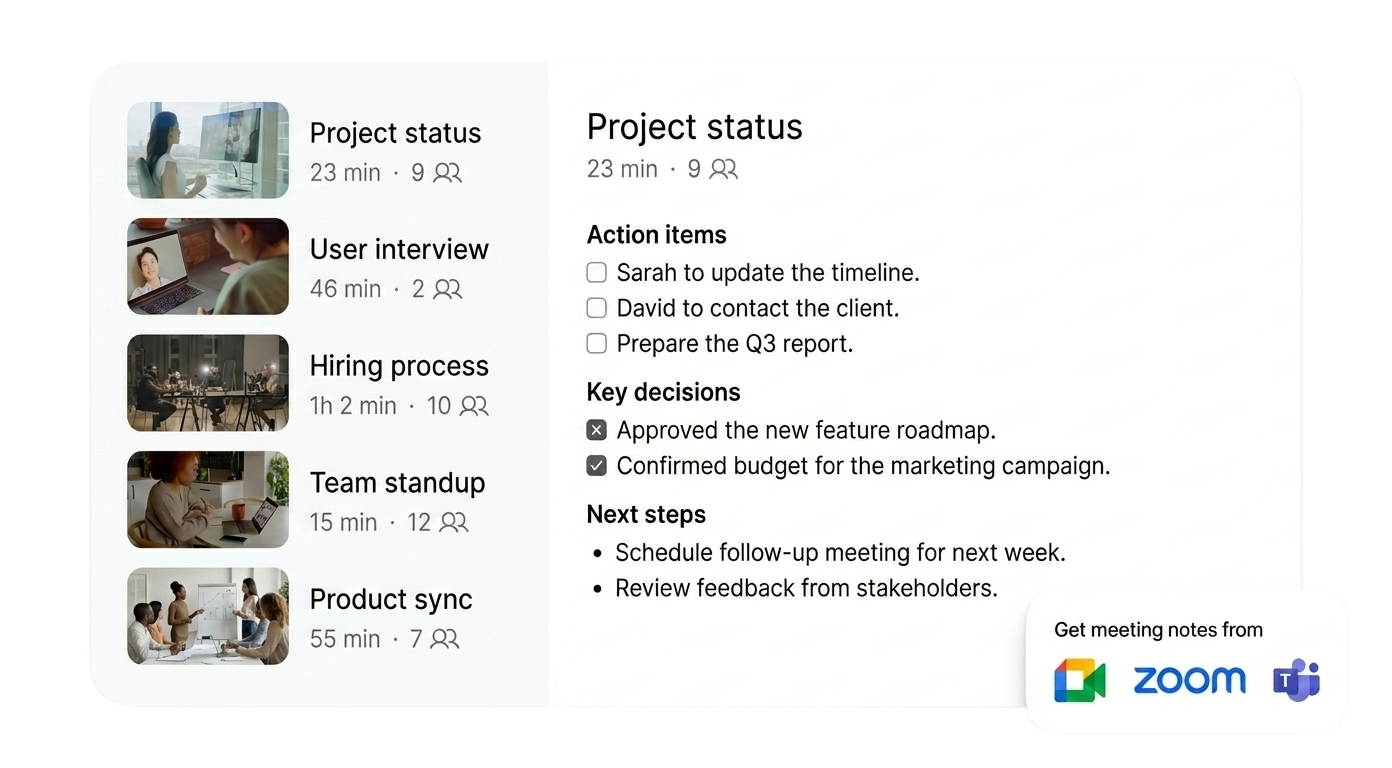
何が話し合われ、何が決まり、次に何が起きるのか — HappyScribeがそのすべてをまとめます。
Zoom通話が終わって数分で、議事録が受信トレイに届きます。要約を求めて人を追いかける必要はもうありません。
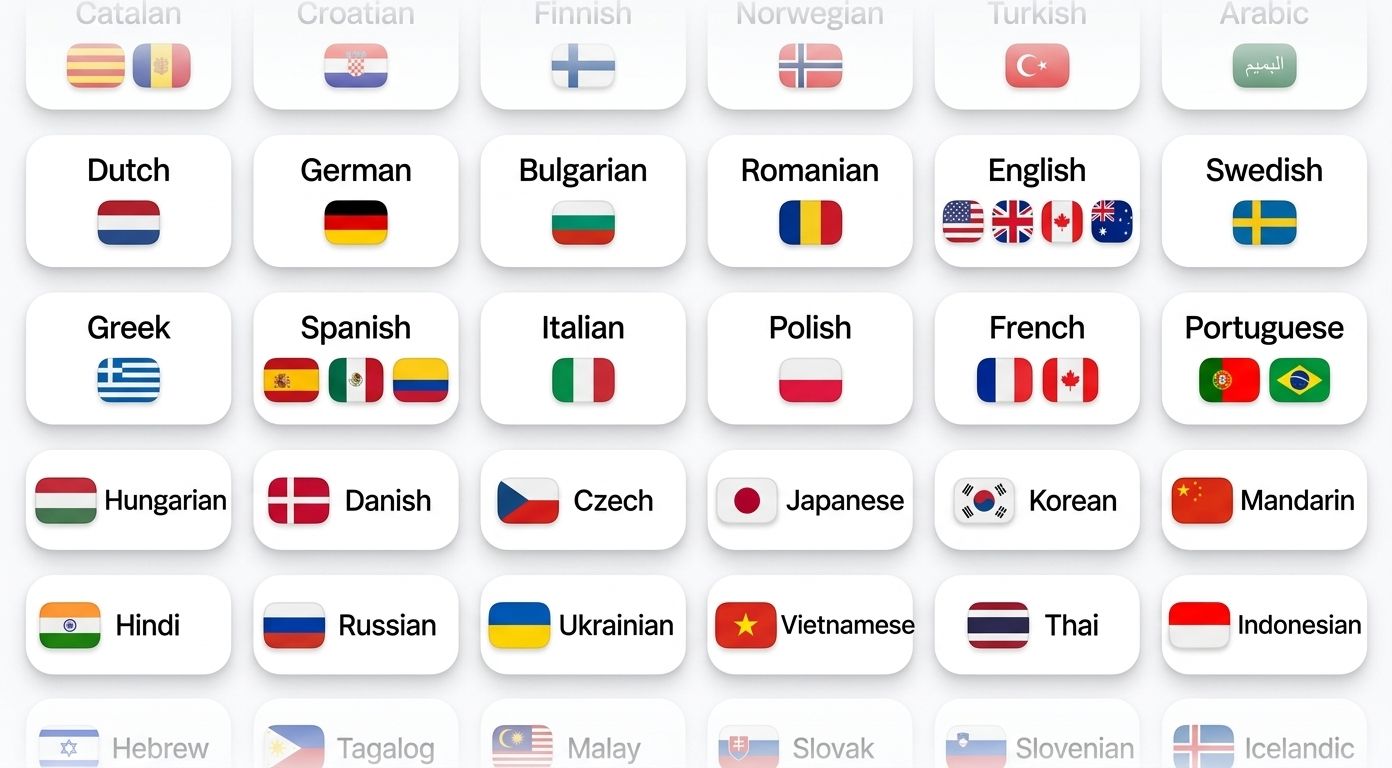
多言語のグローバルチームのために作られています。
HappyScribeは会議の言語を自動検出し、途切れることなく文字起こしします。
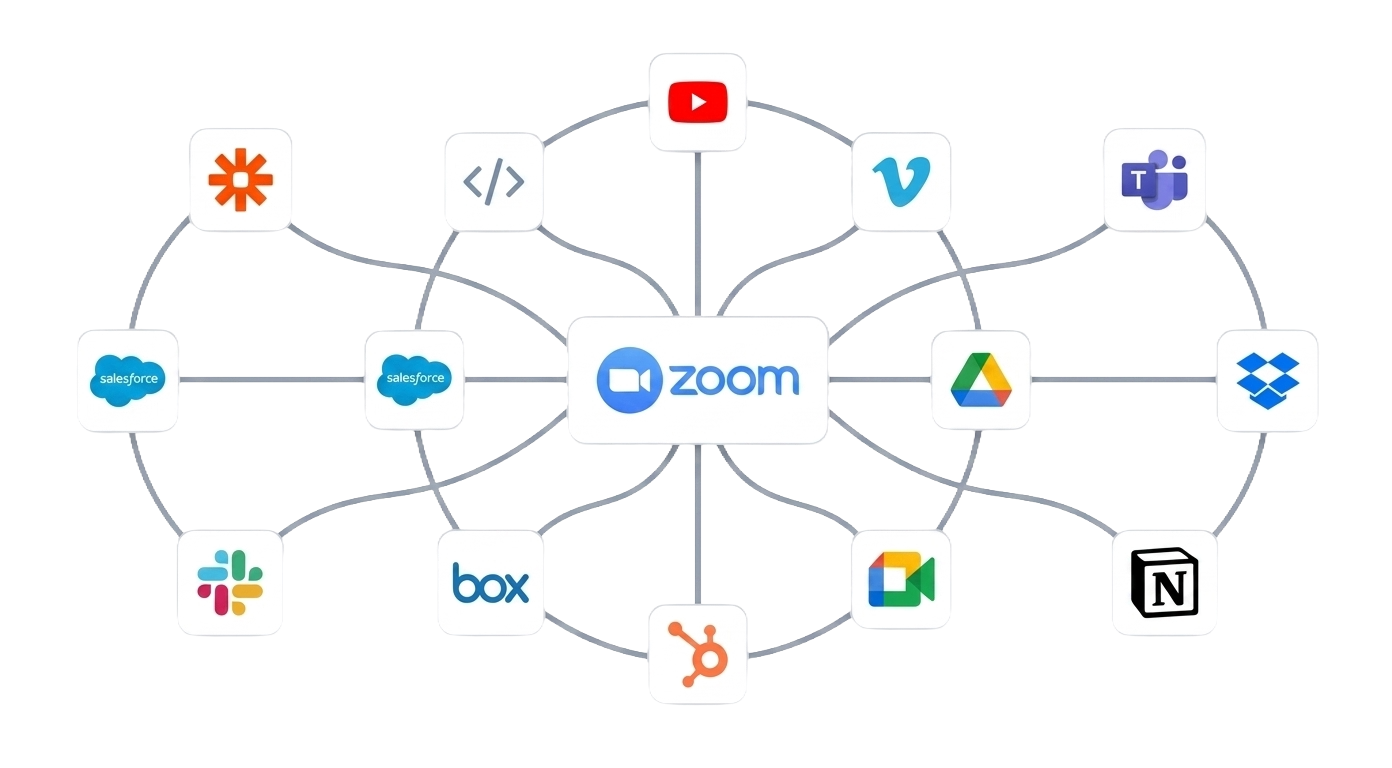
API、Zapier、MCPを通じて、HappyScribeを既存のツールと連携できます。
会議の議事録が、必要な場所へ確実に届きます。
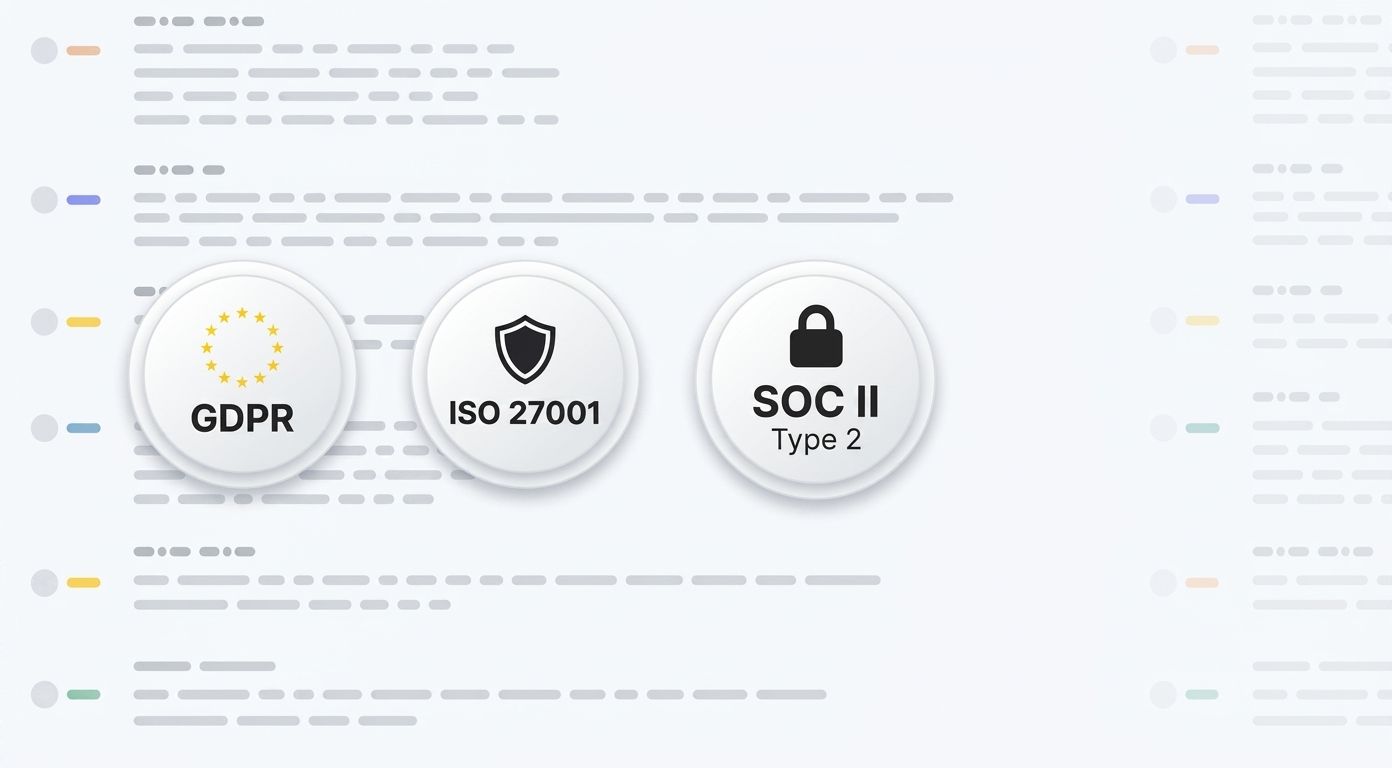
HappyScribeはSOC 2 Type II認証を取得し、GDPRに準拠しています。
本社はバルセロナにあり、データはPCI DSSおよびISO 27001準拠のEU内データセンターに保管されます。すべてのデータは通信時も保存時も暗号化されます。
Every Zoom call becomes an asset. Ask questions, extract insights, and create content from your meeting recordings.
Decisions, topics, next steps. Ready before your next meeting starts.
"When did we agree on the deadline?" Ask it. Get the answer. Skip the rewatch.
Ask questions across every recording. Track what was said, promised, or decided, weeks or months ago.
Turn any Zoom call into an email draft, project brief, quiz, or action plan. All in one click.
Link HappyScribe with your Google Calendar or Outlook Calendar.
HappyScribe shows up as a participant. Records both audio and video.
Summary, action items, full transcript. Export in PDF, DOCX, TXT, MP3, MP4, or SRT.
はい!HappyScribeはZoomの無料アカウント、Zoom Pro、Zoom Enterpriseのいずれでもご利用いただけます。プロ品質の議事録作成のためにZoomプランをアップグレードする必要はありません。
Zoom AI Companionは対応言語が限られ、要約も基本的なものにとどまります。HappyScribeは150以上の言語に対応し、DOCX、PDF、MP3、MP4、SRTなど複数の形式にエクスポートでき、Zoom・Google Meet・Teamsを1つのアカウントで横断的に使えます。
はい。HappyScribeはZoomのミーティング、ウェビナー、あらゆるZoomセッションに対応しています。
HappyScribeは多言語の通話を自動で処理します。チームが会議の途中で英語とフランス語を切り替えても、HappyScribeは両方を聞き取ります。
HappyScribeでは、通話中にチャットからAI議事録ツールを操作できます。
はい。HappyScribeにはブラウザベースのレコーダーがあり、会議にボットを参加させることなく、お使いのデバイスからZoom会議の音声を直接録音できます。
はい。HappyScribeはZoom通話に名前付きの参加者として表示されるため、参加者全員がその存在を把握できます。ただし、ブラウザベースの録音を選んだ場合、HappyScribeはボットとして参加しません。ボットなしで録音する際は、参加者に録音中であることをお知らせください。
happyscribe.comで無料登録し、カレンダーを連携すると、Zoom会議に自動で参加します。単発のブレインストーミングなら、Zoomリンクを貼り付けるだけでかまいません。
はい。HappyScribeには充実した無料プランがあり、Zoom通話でAI議事録ツールをお試しいただけます。会議の録音は無制限で、1回の録音あたり45分までという制限があります。クレジットカードは不要です。より多くの時間やチーム機能が必要になれば、いつでもアップグレードできます。
はい。1つのアカウントでZoom、Google Meet、Microsoft Teamsを横断して使えます。すべての議事録が同じ場所に整理されたまま保管されます。
HappyScribeはTXT、DOCX、PDF、MP3、MP4、SRT、VTTなど複数のエクスポート形式に対応しています。議事録は通話のたびに自動で受信トレイに届きます。
はい。Zoomの録画をHappyScribeにアップロードすれば、数分で文字起こしが手に入ります。HappyScribeは40以上のファイル形式に対応し、Google Drive、Dropbox、BoxからもZoomの録画をアップロードできます。
「AI議事録ツールは、私たちにとってまさに大きな転機です。会議中にすべてを書き取る必要がもうなくなり、今では本当に議論に集中できています。」
Saved me hours of work, very accurate and only required minor editing.
Entro em contato para saber quando estará disponibilizada a transcrição de áudios no idioma português, porque infelizmente está indisponível.
I needed something in a pinch and HappyScribe did exactly that. I was impressed how closely accurate the transcript was. Better than some of the others I had tried. Thank you
Site works very well, if I really needed to I would consider paying for their service
This makes my life so much easier! Nice and quick, and also does the translation from one language speaking to another language writing. Awesome!
They were accommodating and helped me rather quickly.
The software is quite amazing and worked very well. This is a first-time experience.
Works great and has a bunch of different settings to transcribe it best for you.
I love it! Everything you could want for your assignment-related services. Transcribing works very accurately and is free as well. Site looks well maintained and the customer support is great. Definitely recommended.

Compare the top AI note-taking tools for Zoom in 2026. See features, pricing, language support, integrations, and security to find the best fit for your team.

I tested 10+ AI note taking so you don't have to. Here are the best ones that deliver high-quality notes without compromising on privacy.
I tested the best bot-free AI note takers. Compare features, privacy, pricing, and see which tool fits your workflow best.