動画をアップロード
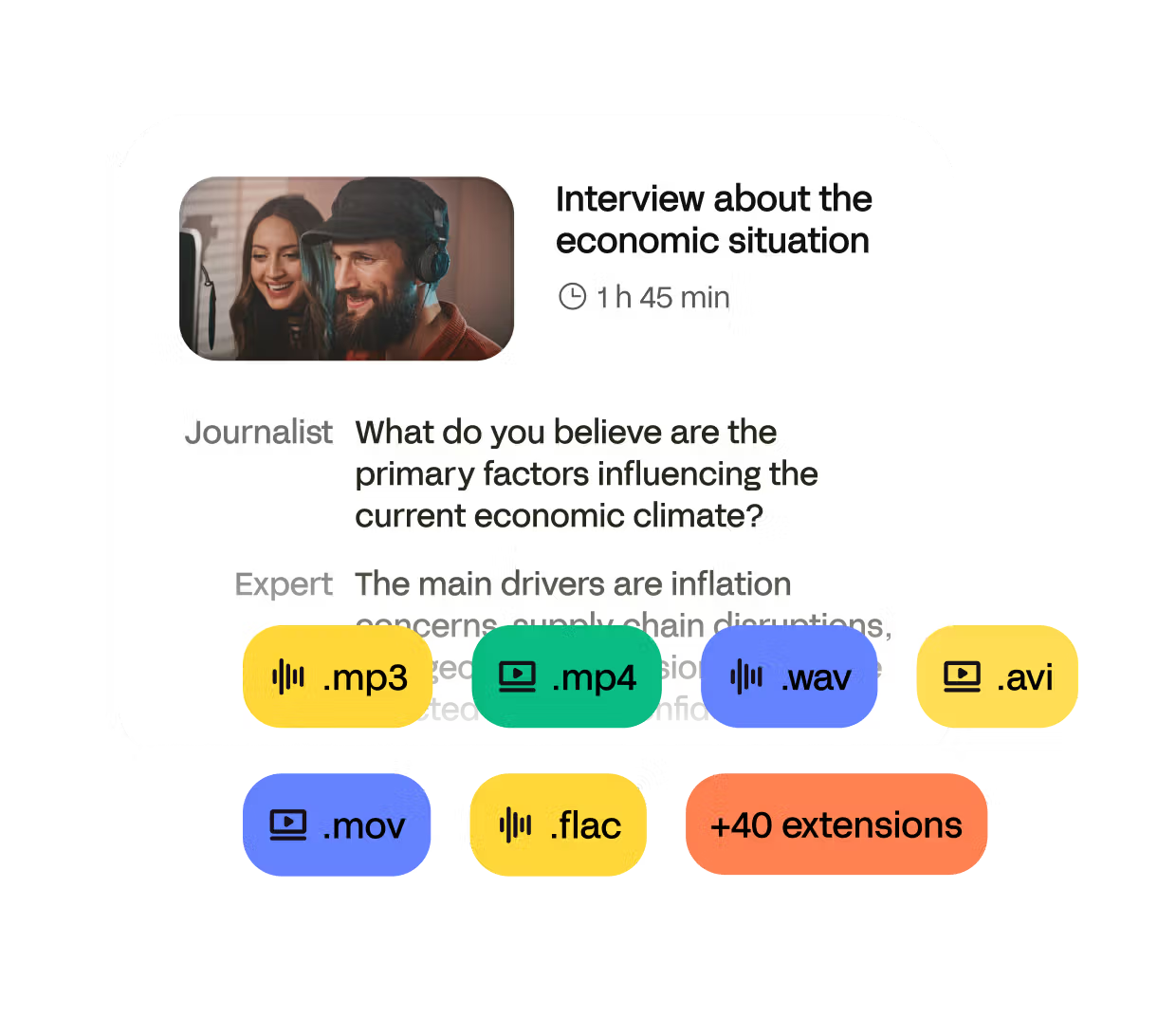
Import from your computer, YouTube, Zoom, Google Drive or Dropbox. We support MP4, MOV, AVI, MKV, and more.
オンライン動画文字起こしツールで、正確な動画の文字起こしを数分で生成できます。


600万人以上のユーザーと、あらゆる規模の41,000以上のチームに信頼されています
Import from your computer, YouTube, Zoom, Google Drive or Dropbox. We support MP4, MOV, AVI, MKV, and more.
Use our AI video transcriber for fast results, or order human-made transcripts for extra accuracy.
Review the transcript in our editor, fix anything in seconds, then export to TXT, DOCX, PDF, or subtitles (SRT, VTT).
HappyScribeはAIを活用した動画テキスト化ツール兼動画文字起こしツールで、動画をテキストに変換したり、字幕を作成したり、すぐに使える文字起こしを数分で取得したりできます。
Produces clear, reliable transcripts from any video — even with fast speakers, background noise, or strong accents.
Converts video into text in minutes using state of the art speech-to-text technology.
Offers human-verified transcripts for interviews, research, legal recordings, and other accuracy-critical content.
Supports video transcription for more than 150 languages and accents, suitable for global and multilingual videos.
Provides an online editor to refine video transcripts, correct text, adjust timestamps, and label speakers.
Exports your video transcripts in TXT, DOCX, PDF, or subtitle formats such as SRT and VTT.
Zoom会議の文字起こしでも、YouTubeの文字起こしでも、講義の録画をテキスト化したい場合でも、HappyScribeはあらゆる動画を編集可能な文字起こしに変換します。
プラットフォーム: YouTube、Zoom、Google Meet、Microsoft Teams、Loom、Google Drive、Dropbox、ローカルファイル
あらゆる動画を数秒でテキストに。ファイルをアップロードするかリンクを貼り付けるだけで、文字起こしがほぼ瞬時に表示されます。正確で、すぐに編集でき、ブラウザ上で直接生成されます。
-> 待ち時間なし、設定不要
-> 長時間の録画にも対応
-> AIによる超高速な処理
動画をテキストに文字起こしすると、コンテンツがアクセスしやすく、検索しやすく、再利用しやすくなります。テキスト版があれば、引用の抽出、要約の作成、字幕の執筆、長時間の録画を使える資料へ変換することが容易になります。時間を節約し、アクセシビリティを高め、チームが動画コンテンツをより効率的に活用できるようになります。
動画文字起こしツールは、動画内の話された音声を文字テキストに変換します。音声を解析し、語句を識別して、タイムスタンプや話者ラベルを含められる編集可能な文字起こしを生成します。これにより、動画コンテンツを読みやすく、検索しやすく、再利用しやすく、さまざまな形式で共有しやすくなります。
無料で使えますか?
動画をテキストに文字起こしするにはどうすればいいですか?
動画をテキストに変換する主な方法は何ですか?
YouTube動画をテキストに変換できますか?
動画の文字起こしを編集できますか?
データは安全ですか?
The integration with Google Drive, the amazing-looking interface and personalized vocabulary.
Compared to the other crappy services, it's so good! It actually works, and it's so nice. You can navigate easily, no ads, payments, hidden money, anything like that.
Love it. The automatic transcriptions (Eng & Spanish) are way above average and the interface is super easy!
I'm so happy with the subtitles, are amazing and so easy to use
Just excellent, effective and very accurate.
I had been looking for a powerful tool like this for years in graduate school and documentary production. I found my game this year.
First accurate transcription ever had. Fast, maybe overbudget for non professionals with long projects.
Awesome way to combine subtitle (SRT) files and video - especially for YouTube music videos
I found HappyScribe by accident but it immediately became my go-to transcription tool. I would recommend this service to anyone looking for fast transcription.

Looking for video to text software? Compare HappyScribe, Otter, VEED, Notta, and Tactiq, and see which one’s the best fit for your workflow.
In this article, you’ll learn how to efficiently convert video content into text, whether for accessibility, SEO, or broader audience engagement. We’ll explore top tools like Happy Scribe, and offer practical tips for ensuring accurate and high-quality transcriptions to make your content conversion process smooth and effective.
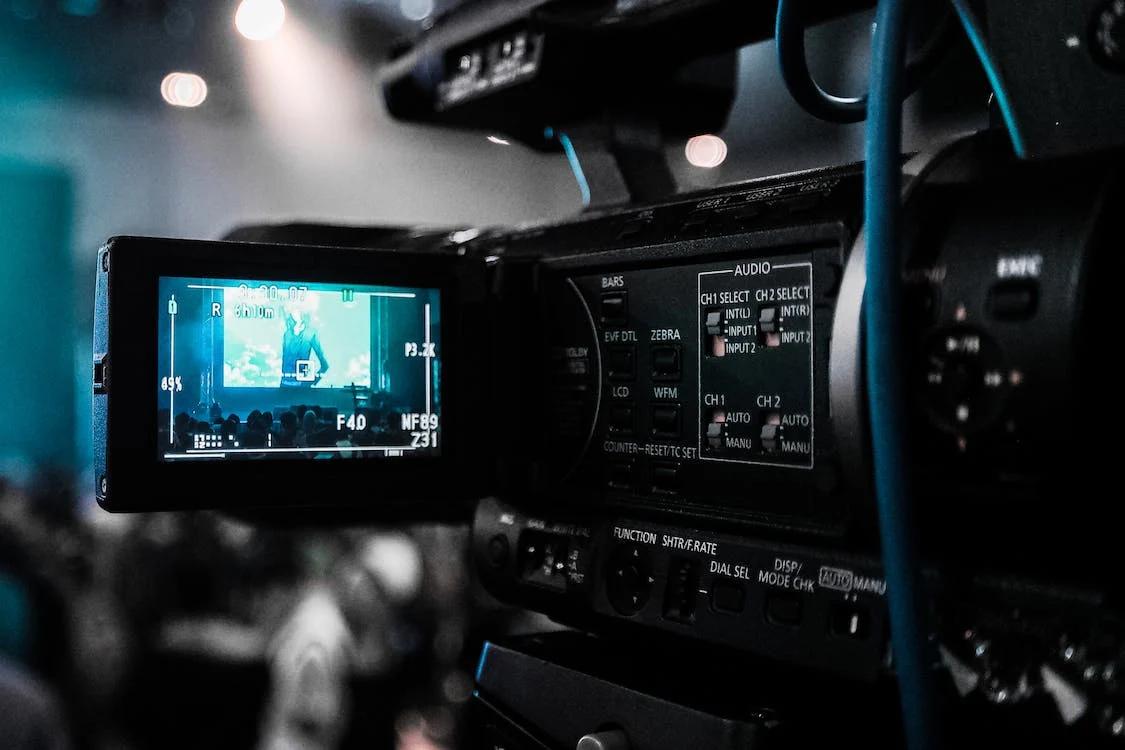
This article discusses the advantages and distinctive features of Vimeo's transcription service, which enhances video accessibility, aids in SEO, and attracts a broader audience.