


M4V to Text Converter
Upload your M4V and get an accurate transcript in minutes. 150+ languages, speaker labels, and export to Word, SRT or VTT. Free to start.
 Free to try, no credit card
 150+ languages
- Rated 4.7 on Trustpilot
How to transcribe M4V to text
-
Upload your M4V file
Drag and drop your M4V file or browse your device. HappyScribe supports 45+ audio and video formats and automatically detects the spoken language.
-
Let our AI transcribe your M4V
Our speech-to-text engine delivers fast transcripts with up to 98% accuracy, even on long videos, noisy audio or strong accents. Speakers are labelled and every line is timestamped.
-
Edit and export your M4V transcript
Review your transcript in our interactive editor, then download it as TXT, Word (DOCX), PDF, SRT, VTT and more.
Why use HappyScribe for M4V transcription?
-

150+ Languages
Convert M4V to text in 150+ languages and dialects, with automatic detection for accents and regional variations.
-

Leading Accuracy
Our M4V to text converter uses advanced AI speech recognition to handle background noise, accents, and fast speech better than competitors.
-

Lightning-Fast
With HappyScribe, you can transcribe M4V to text for a 1-hour file in just a few minutes—compared to 4-5 hours of manual work.
-

Secure & Private
Every M4V you upload is protected with 256-bit SSL encryption, GDPR compliance, and strict privacy standards.
State of the art accuracy
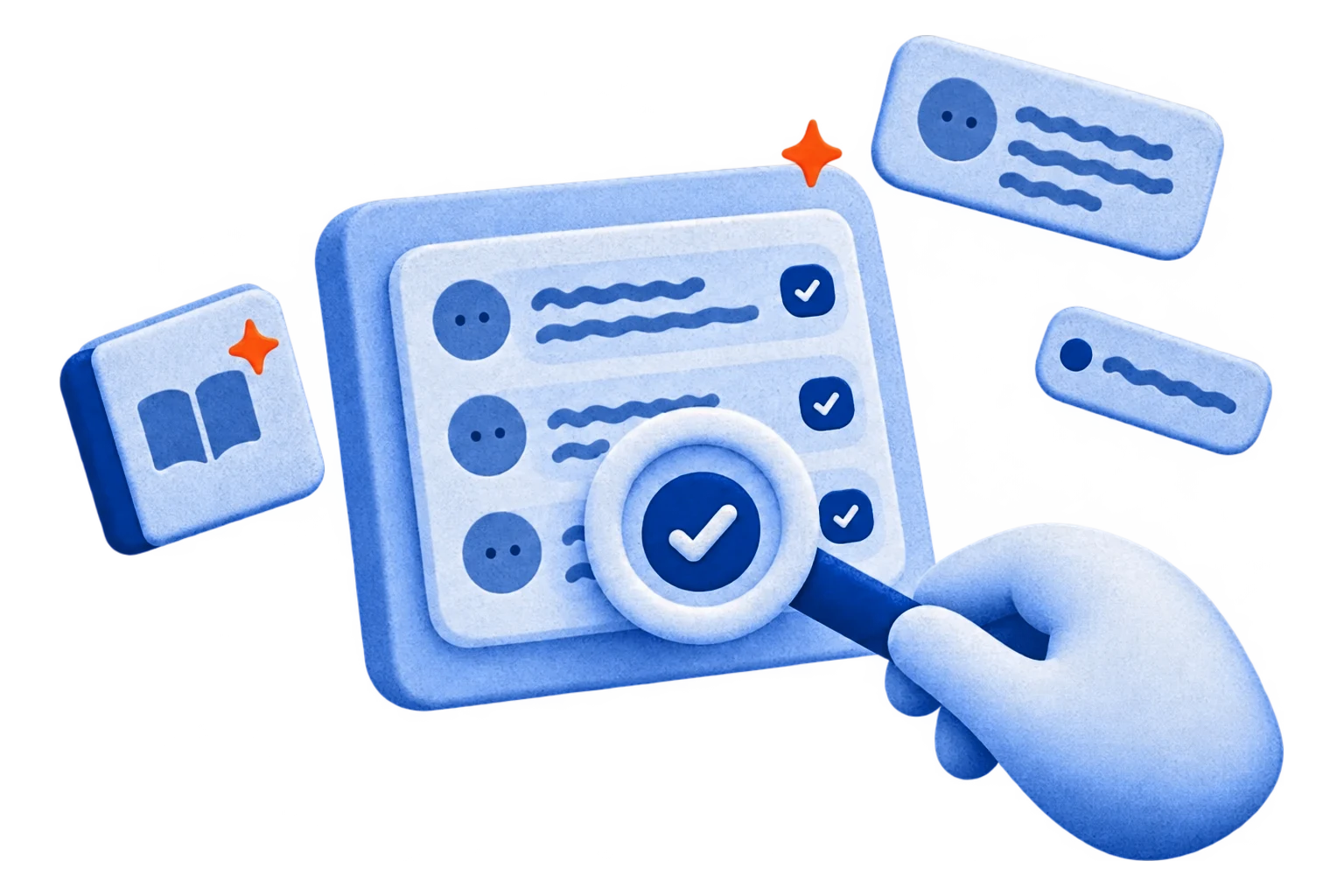
Our transcription technology delivers up to 98% accuracy when converting M4V to text. Unlike most tools that struggle with background noise, strong accents, or fast speech, HappyScribe is trained to handle real-world audio. This means you spend far less time editing transcripts and can rely on them for professional use cases from publishing content to keeping official records.
Faster Than Manual Transcription
Transcribing manually takes about 4–5 hours for every hour of audio. With HappyScribe, a 1-hour M4V file is processed in just a few minutes. The AI starts working immediately after upload, so you can download your transcript almost instantly. Whether you’re a journalist on deadline, a student rushing to finish notes, or a business team documenting meetings, speed makes all the difference.
Support for 150+ Languages
HappyScribe supports over 150 languages and dialects, making it one of the most inclusive tools on the market. You can upload a M4V file in English, Spanish, French, Arabic, Mandarin, or dozens of other languages, and the system will automatically detect and transcribe it. This flexibility is especially valuable for international teams, global content creators, and researchers working across borders.

Transcribe on the go with the mobile app
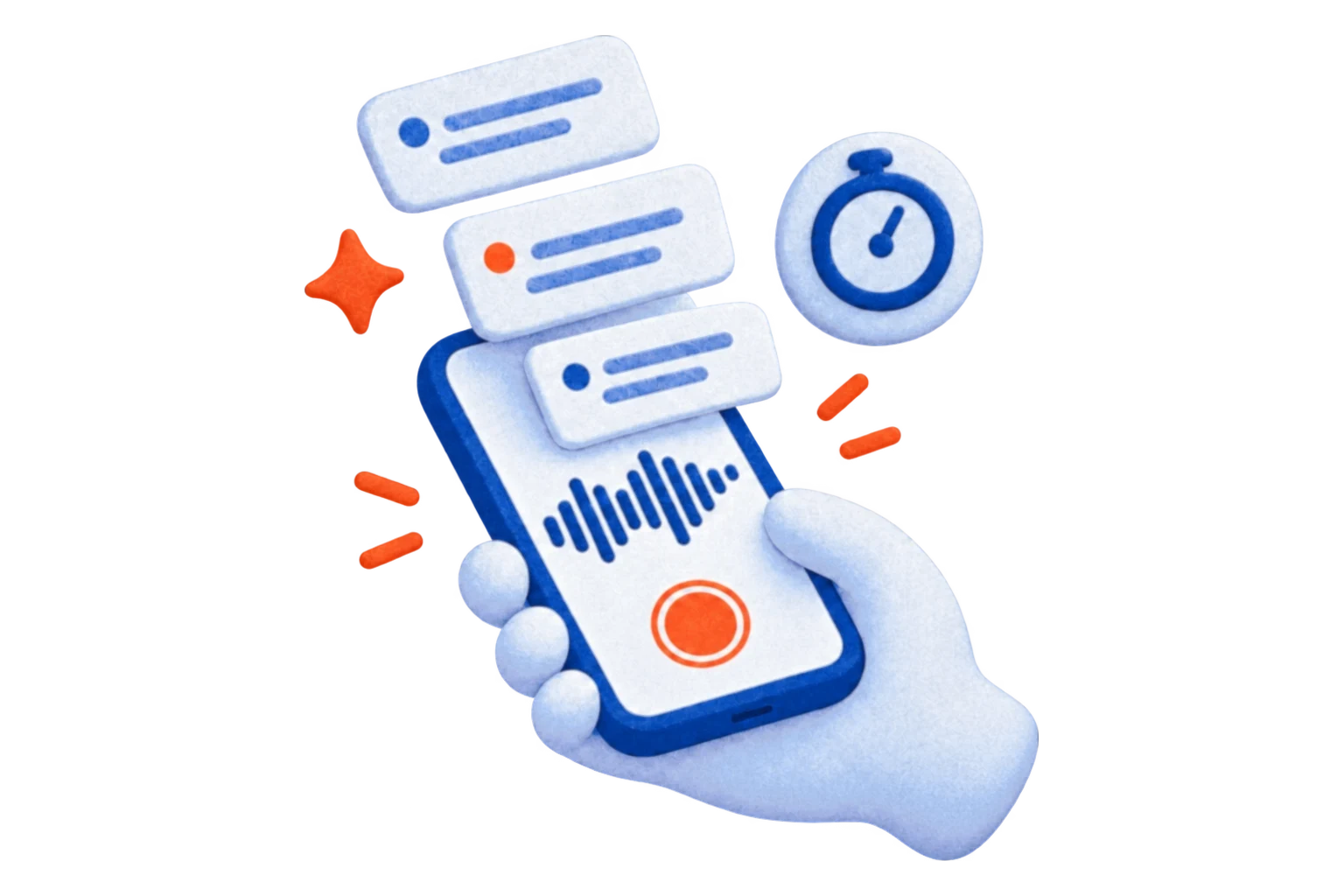
Recorded something on your phone? The HappyScribe mobile app transcribes meetings, lectures, interviews, and voice memos with AI in 150+ languages — record on the go, edit and export at your desk.

Who uses our M4V transcript generator?
-

Content Creators & Podcasters
Turn M4V recordings into blogs, subtitles, transcripts, and SEO-friendly content. Repurpose episodes or interviews in minutes instead of hours.
-

Business Professionals
Convert M4V meetings and calls into searchable notes and action items. Keep teams aligned and stay compliant with zero extra effort.
-
Journalists & Researchers
Transcribe interviews in minutes, not hours. Quickly find quotes, verify facts, and work across 150+ languages with ease.
-

Students & Educators
Turn M4V lectures and tutorials into clear study notes. Improve comprehension, revision, and accessibility for all learners.
Frequently Asked Questions
Can you convert M4V to text?
Yes. HappyScribe uses automatic speech recognition (ASR) to turn the speech in your M4V file into text in a matter of minutes, whatever the file size or language, with up to 98% accuracy. If you need a proofread transcript with 99% accuracy, you can opt for our human transcription service, delivered within 24 hours. You can transcribe audio files and other formats the same way.
Is your M4V to text converter better than other tools?
Yes. HappyScribe's M4V to text converter delivers up to 98% accuracy with support for 150+ languages, multiple export formats, and optional human proofreading. Unlike basic converters, we handle real-world audio challenges like background noise and strong accents.
How accurate is the M4V transcription?
Automatic M4V transcription is up to 98% accurate, depending on audio quality, background noise and accents. It is the fastest option when you need text in minutes and are happy to do a quick review in the editor. If you need 99% accuracy, our professional transcribers deliver human-verified transcripts within 24 hours.
Do you offer human transcription services for M4V files?
Yes, we do! If you want 99% accuracy, you should always choose our human transcription service. Our team of expert transcribers will deliver your transcripts within 24 hours. To order it, contact our sales team.
Can I convert M4V to TXT, Word or SRT?
You can export your M4V transcripts to many text formats as well as subtitle formats including Plain Text (.txt), Microsoft Word (.docx), PDF (.pdf), SubRip (.srt), VTT... The export can include timestamps, highlights, and speaker names. We offer as well a free subtitle file converter and a free transcription editor. In addition to that, you'll be happy to hear that not only you can upload M4V but also other video and audio formats such as wav, mov, ogg, wma...
Do you offer free M4V transcription?
Yes! We do offer a free trial of 10 minutes so you can upload you M4V files and try out the quality of our speech recognition engine. Once you receive your transcript, you can use our online text editor to proofread and fix misspellings or other mistakes. Our platform is user-friendly and you'll see that it's very easy to use our online tools. After this free trial you will be able to enjoy one of the most affordable pricing plans in the industry.
What languages can I transcribe my M4V file to?
You will be able to transcribe your M4V in over 150 languages, dialects, and accents. In addition to that, we also offer a translation service for your audio transcripts. We also offer human transcription in English, Spanish, French and German.
Can I upload M4V files from other platforms?
Yes, of course! We support importing Video files from many services such as Google Drive, Dropbox, Wistia, Vimeo, and Youtube.
How do I get a transcript from my M4V file?
Upload your M4V above. HappyScribe extracts the audio track and transcribes it automatically in minutes, with speaker labels and timestamps. Review it in the editor, then download it as TXT, Word, PDF, SRT or VTT. There is no need to convert the video to audio first.
Customer Reviews

 4.7/5 on Trustpilot
-
I primarily use HappyScribe for YouTube and other video transcripts, and it’s consistently the most accurate option I’ve found compared to AI LLMs.
Tre' H. G2 -
I use the app to transcribe my YouTube videos. I was surprised by the quality and speed of transcription. I highly recommend this website.
Wędkarskie Dylematy Trustpilot -
This software quickly transcribed my video and saved me time to get my work done.
Derashay Zorn Trustpilot
More format converters
Related articles
-

Transcription vs Translation: What's the Difference?
Have you ever wondered, 'What is the difference between transcription and translation?' If so, read on.
-

The Art of Subtitling: Translation vs. Adaptation
In this article we explain the differences between adapting and translating your subtitles. Find out what works best for your audiovisual content!
-

Can a Webinar Be Translated?
As Zoom transforms global communication, overcoming linguistic barriers becomes paramount, highlighting the need for webinar translations.