
FLV to FLAC Converter Online
Turn any FLV file into FLAC in seconds. Nothing to install, no watermark, 100% free.
 Free to try, no credit card
- Rated 4.7 on Trustpilot


Why choose HappyScribe?
-
40+ Formats
Convert from FLV to FLAC, plus 40+ other formats.
-
100% Free
No signups, no fees, no hidden restrictions. Convert FLV to FLAC online for free.
-
Secure
We take your security seriously. All file transfers use 256-bit SSL encryption.
-

Online
No installs needed; convert FLV to FLAC right from your browser, on any device, anytime.
How to convert FLV to FLAC?
-
Upload your FLV file
Start by dragging and dropping your FLV file into the upload area, or click to browse your device and select your file in the list.
-
Choose FLAC format
Next, pick FLAC as the format you’d like to convert your file into. We support 40+ formats in total. When you’re ready, hit the Convert button.
-
Download your converted FLAC
Once the conversion is complete, you’ll get a download link right away. Just click to save the file to your device. It’s fast, easy, and doesn’t require any software installation.

What is FLV?
Flash Video (FLV) is a container that encapsulates Sorenson Spark, VP6, or H.264 video together with MP3/AAC audio and on‑screen data events for ActionScript. It became the backbone of early YouTube and news portals because the small header footprint yields quick progressive playback. Macromedia introduced FLV in 2002 with Flash Player 6, offering the first ubiquitous plug‑in‑based video experience on the Web. After Adobe’s acquisition, FLV evolved to support H.264 in 2007 but began losing ground once HTML5 <video> gained traction. By the end of 2020, Adobe disabled Flash, and most CDNs convert FLV archives to MP4 or HLS.
What is FLAC?
Free Lossless Audio Codec (FLAC) compresses PCM audio by 30‑60 % without discarding information, making it ideal for archiving CDs and hi‑res mixes. It uses linear prediction and Rice coding and wraps metadata like cuesheets and artwork in a flexible block structure. Developer Josh Coalson released FLAC 1.0 under the open‑source BSD licence in 2001 as an answer to proprietary formats like Monkey’s Audio. Within a decade, hardware vendors Cowon, FiiO, Logitech Squeezebox added native decoding. In 2015, Apple began supporting FLAC in iOS 11’s Files app, cementing its place as the de‑facto lossless standard.
Free Online FLV to FLAC Converter
HappyScribe’s free FLV to FLAC converter changes the format of an audio or video file online. Upload the file, choose FLAC and download the result, usually within seconds. When both formats can hold the same audio and video streams, we copy them without re-encoding, so there is no quality loss. There is no signup or watermark, and files are deleted from our servers one hour after processing.
Need to convert your file from FLV to FLAC? It’s simple. Just upload your file, choose the output format, and click ‘Convert’. That’s it — no downloads, no complicated software, and no hidden costs. Our tool is designed to be fast, secure, and completely free, so you can turn your files into the format you need in seconds.
Whether you’re converting audio for sharing, editing, or playback on different devices, our converter ensures high-quality output every time. After your conversion, you’ll also have the option to transcribe audio to text, making it easy to turn your FLAC files into accurate, editable text in just a few clicks.
Frequently Asked Questions
Is the FLV to FLAC converter really free?
Yes. There is no account, no watermark and no limit on the number of files.
Will converting FLV to FLAC reduce quality?
Not when both formats support the same codecs: we copy the streams without re-encoding. When a re-encode is needed, quality stays close to the original for everyday use.
How long does it take?
Most files are ready in a few seconds. Long or high-resolution videos take longer, mostly depending on upload speed.
Can I convert a YouTube link?
No. The converter works with files on your device. It does not download from YouTube or other sites.
How to open a FLV file?
Desktop apps like VLC or MPC‑HC open FLV seamlessly. If you encounter a Spark‑encoded clip, convert using FFmpeg: `ffmpeg ‑i input.flv ‑c:v h264 output.mp4`. Web players no longer stream FLV, so upload sites recommend remuxing to MP4 or WebM.
How to open a FLAC file?
VLC, foobar2000, Winamp, and the Linux desktop decode FLAC out of the box. In the studio, Reaper and Ableton Live import FLAC while preserving metadata. If you need playback on constrained devices, transcode to ALAC or high‑bit‑rate MP3 with no audible penalty in casual listening.
Related articles
-
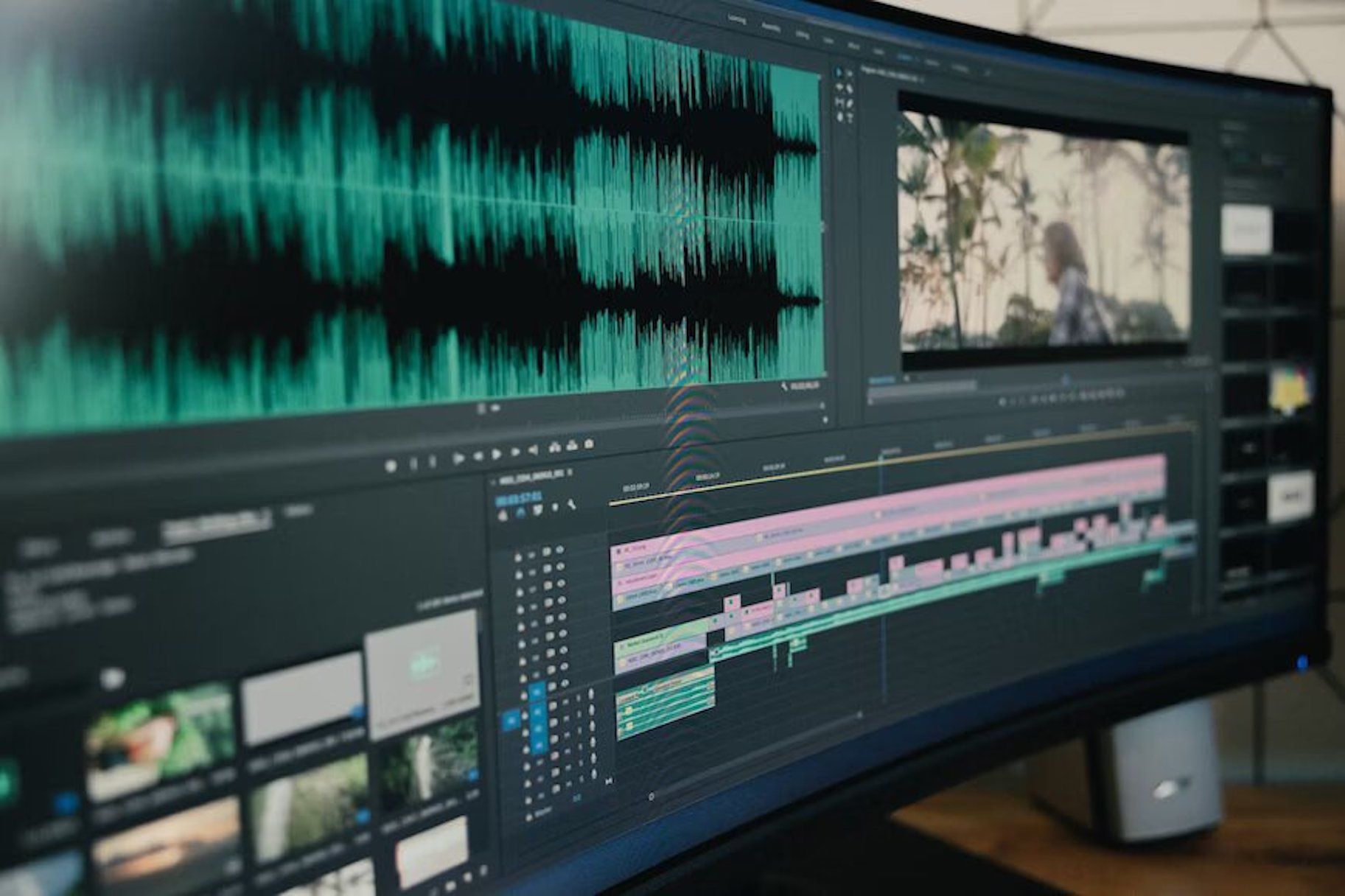
Transcription and Subtitling for Media Production and Distribution Teams
HappyScribe: Your essential tool for transcription and subtitling, empowering media teams to overcome language barriers and connect with global audiences efficiently and effectively."
-

How to transcribe a Vimeo video with a third party tool
Third-party transcription tools offer highly accurate transcripts written by human transcriptionists. Users can upload their video transcription files to Vimeo by creating an account with a transcription service, ordering the transcription, downloading it, and uploading it to Vimeo.