
Convert Kannada Audio to Text with AI Transcription
Our AI transcription converts Kannada audio to text in minutes, from interviews and meetings to voice notes and video. Up to 98% accurate, with support for 150+ languages and accents.
 Free to try, no credit card
 150+ languages
- Rated 4.7 on Trustpilot
Trusted by 6m+ users and 41,000+ teams of all sizes


Why choose HappyScribe?
-
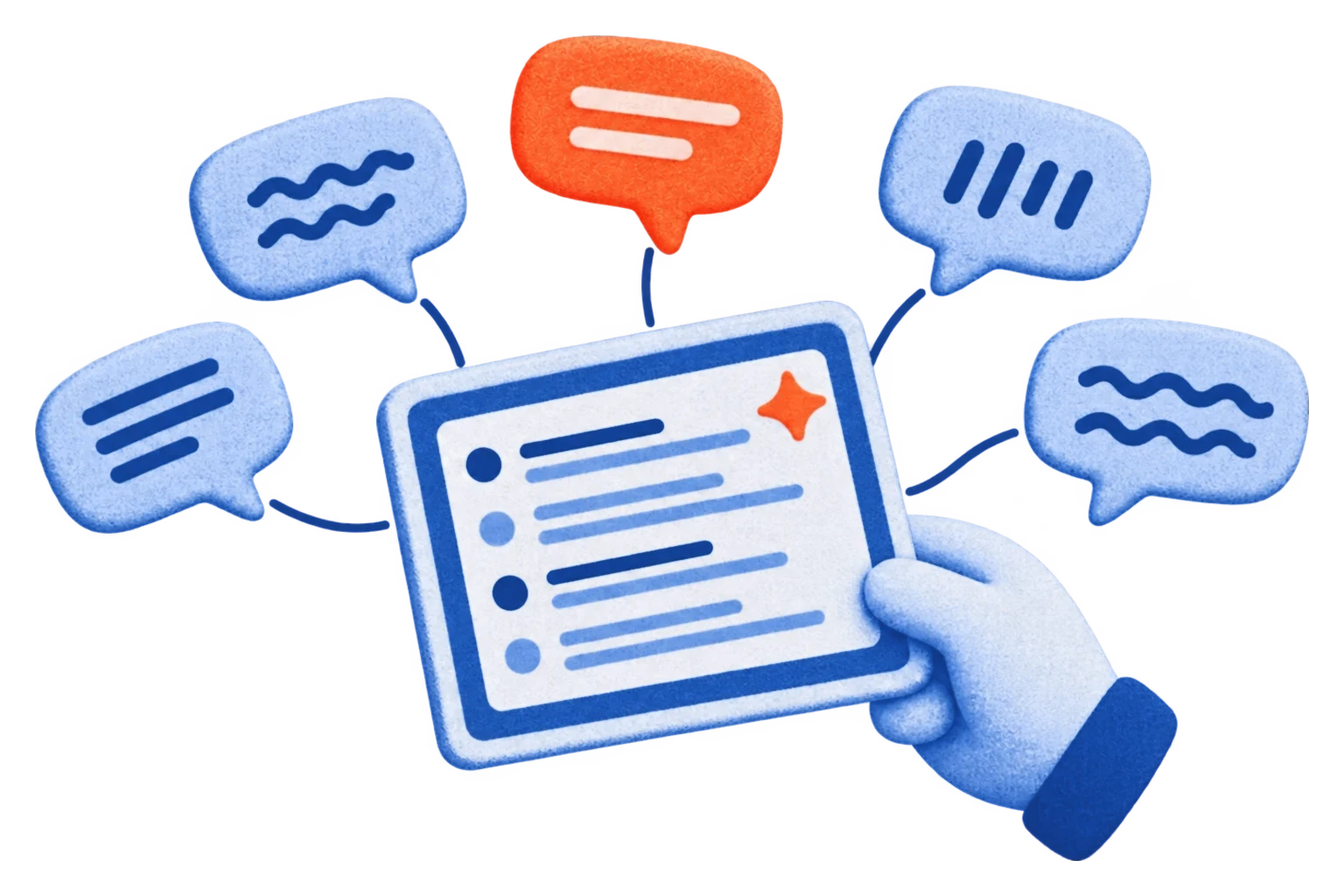
Transcribe Kannada and 150+ other languages
Our AI understands more than 150 languages and a wide range of accents and dialects. Turn Kannada speech into accurate, searchable text, and handle your other languages from the same account.
Try for free -
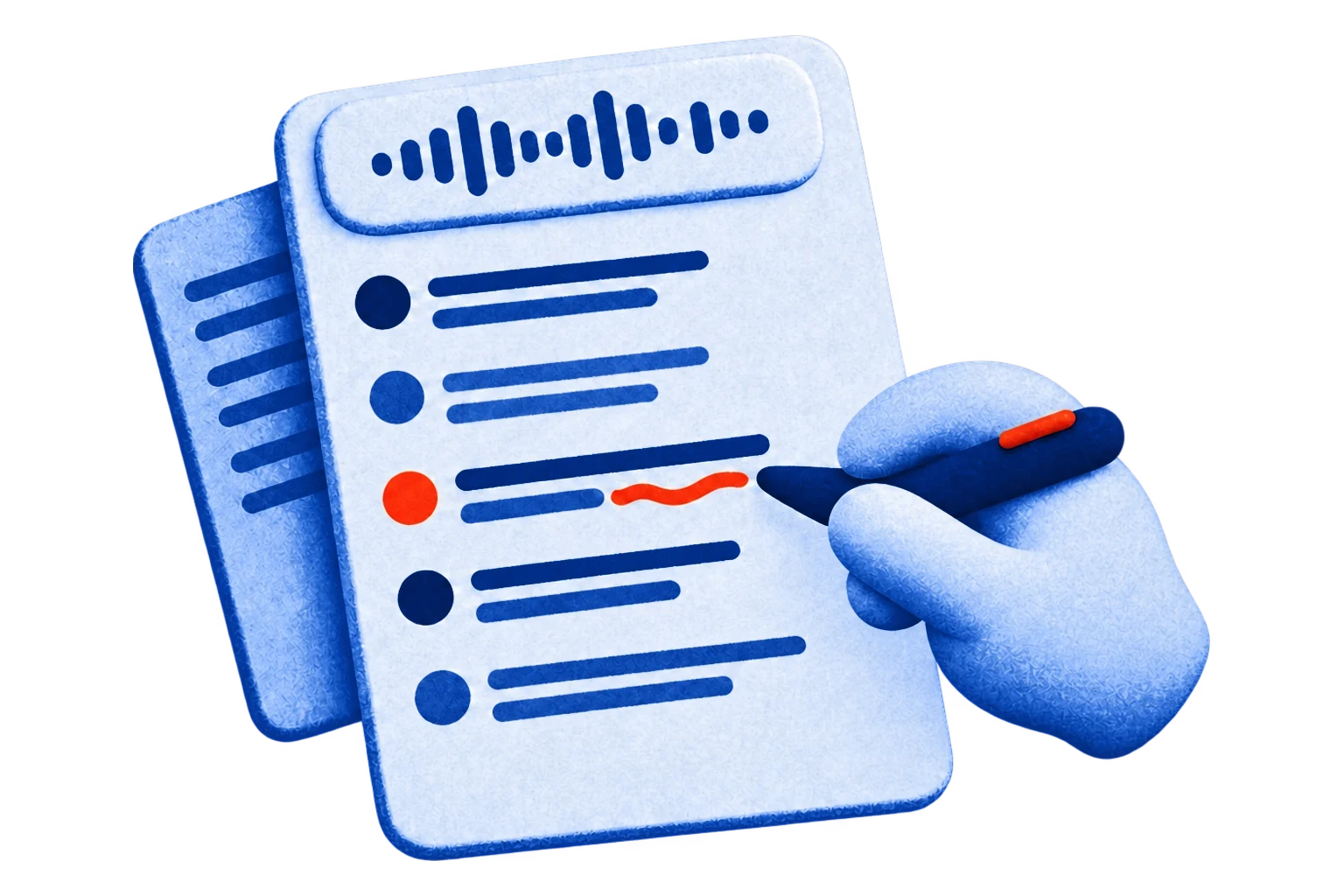
Review and edit in our transcript editor
Play the audio next to your Kannada transcript, fix names and jargon, and add speaker labels and timestamps before you share or export it.
Try for free -
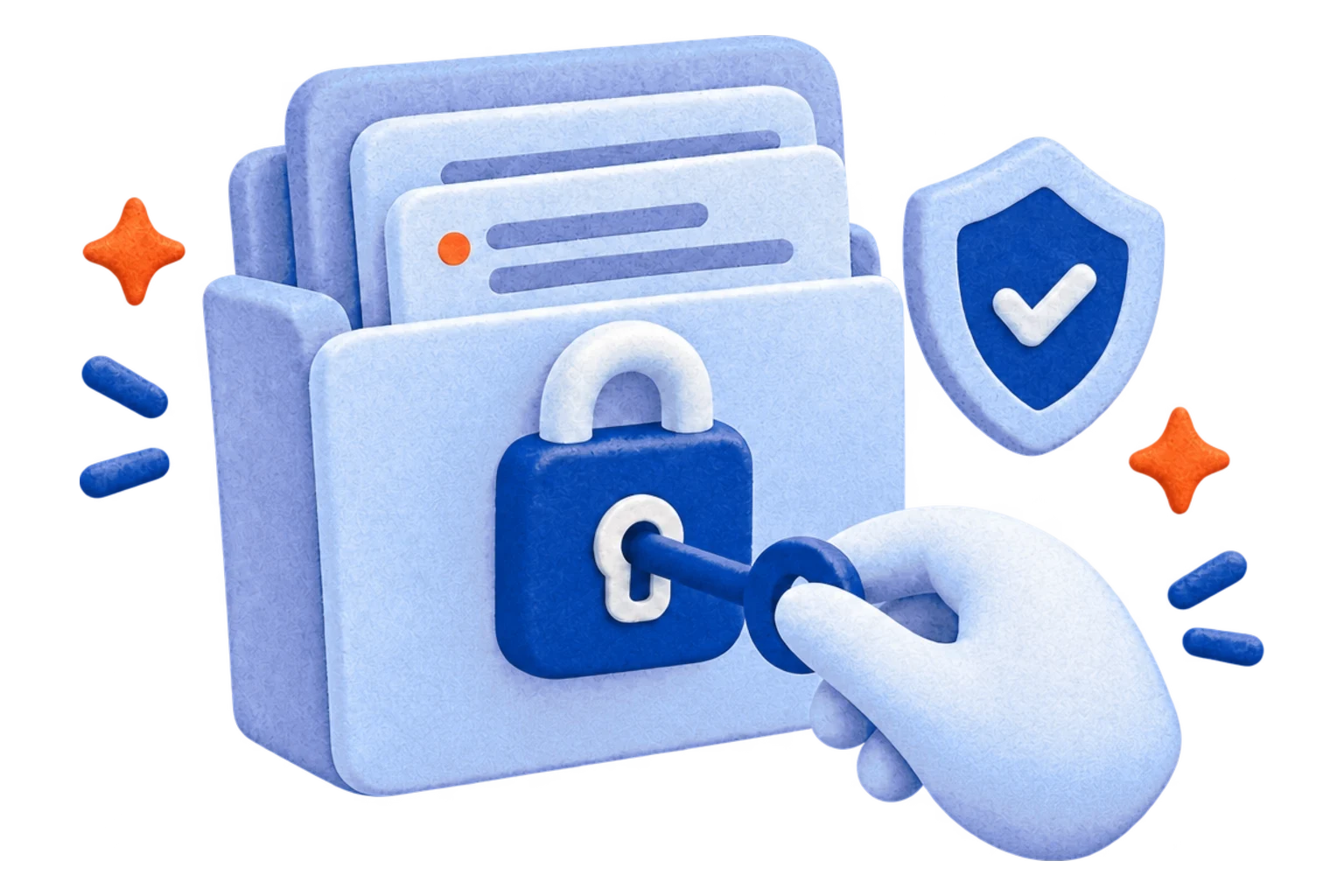
Confidential and secure transcription
Your files are encrypted in transit and at rest, and HappyScribe is SOC 2 Type II compliant, so your transcripts stay private and secure.
Try for free
Seamless video platform integrations
Import videos straight from YouTube, Vimeo or Google Drive and start transcribing Kannada audio right away. No downloads, no hassle.
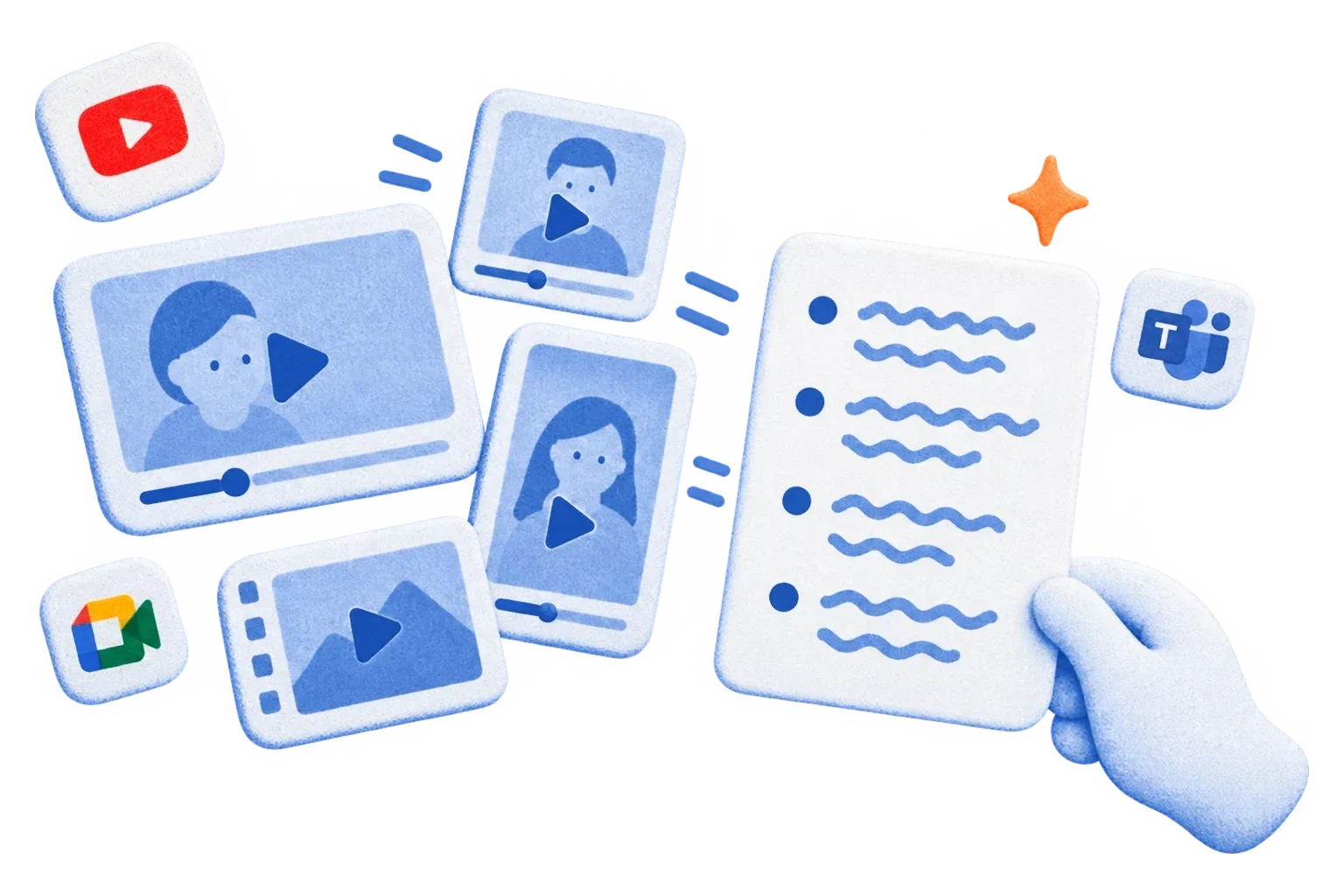
Transcribe any audio or video format
MP4, MOV, WAV, FLAC and more: HappyScribe supports over 45 audio and video formats. Upload your Kannada recording and get clean, structured text in minutes.
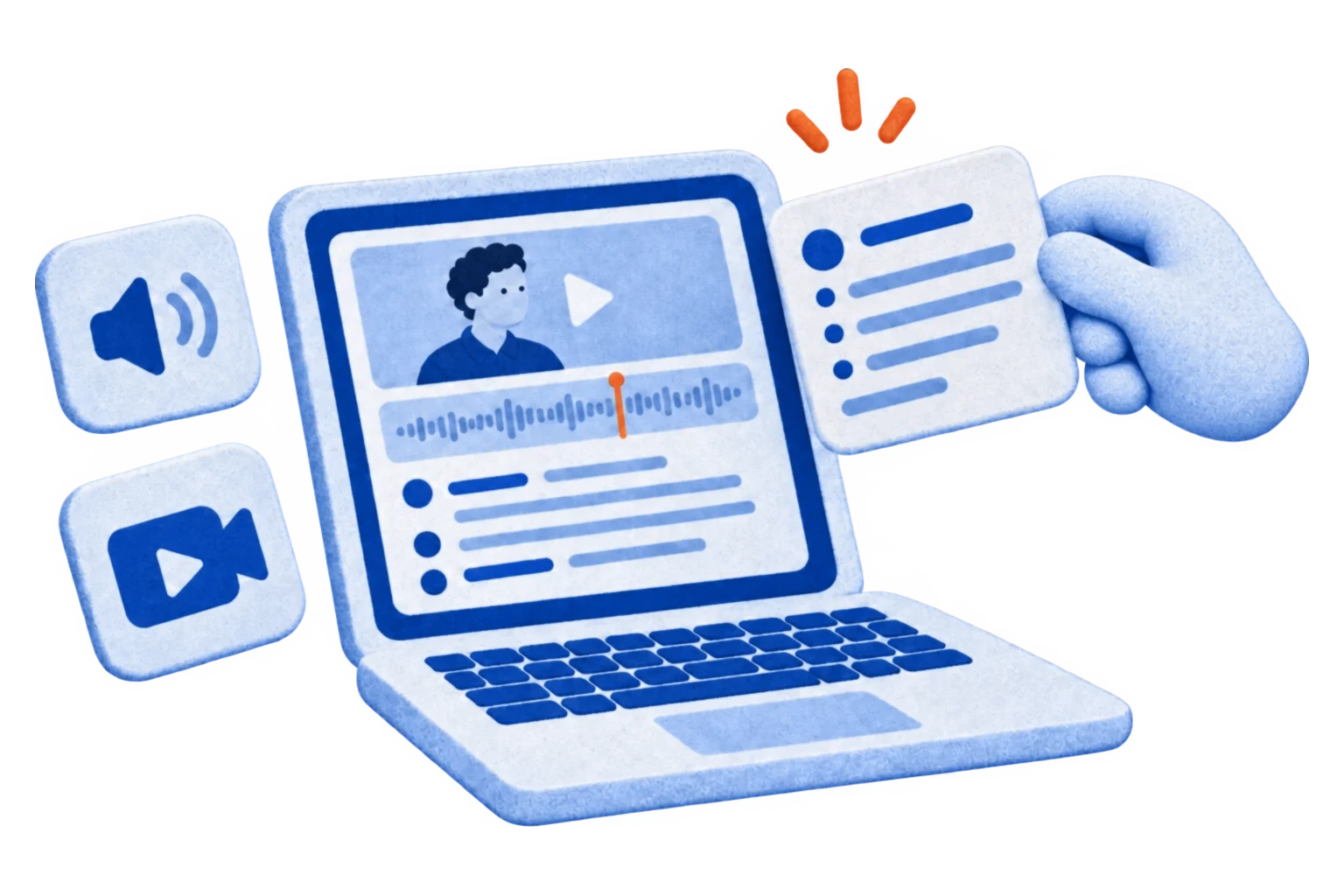
Collaborate on transcripts with your team
Create shared workspaces where your team can open, edit and manage Kannada transcripts together. Perfect for media, research and multilingual teams.

How to convert Kannada audio to text
-
Upload your Kannada audio or video file
Upload from your device, Google Drive, YouTube or Dropbox. There's no file size limit, and your first 10 minutes are free.
-
Select Kannada and start the AI transcription
Our AI transcribes Kannada speech in minutes and handles different accents and regional variations.
-
Download your transcript in any format
Export your Kannada transcript as TXT, DOCX, PDF, SRT or HTML, ready for subtitles, publishing or your archive.
Frequently Asked Questions
Who uses HappyScribe for Kannada transcription?
Journalists, researchers, students, podcasters and businesses. Anyone who needs to turn Kannada interviews, meetings, lectures or videos into text can use the AI to get a transcript in minutes, then polish it in the editor.
How long does it take to transcribe Kannada audio?
Just a few minutes in most cases. The exact time depends on the length and audio quality of your file, and the AI delivers a transcript that is up to 98% accurate, ready to review and edit.
Can I import Kannada files from other platforms?
Yes. You can import audio and video from Google Drive, Dropbox, Wistia, Vimeo and YouTube.
Which formats can I export my Kannada transcript to?
You can export your Kannada transcripts in a wide range of text and subtitle formats — including Plain Text (.txt), Microsoft Word (.docx), PDF (.pdf), and SubRip (.srt).
Your export can also include timestamps, highlights, and speaker names for greater clarity and flexibility.
Can I convert Kannada speech to text for free?
Yes. Start a free trial, no credit card required, and upload a Kannada recording, voice note or video: our AI transcription converts the audio to text in minutes, up to 98% accurate. You can then edit the transcript and export it to Word, PDF, TXT or SRT.
Customer Reviews

 4.7/5 on Trustpilot
-
When I need something transcribed from an MP3, I use this service. In my profession, transcription is needed regularly. I like this service because it is pretty much quick, accurate, and painless.
Jonathan Orris Trustpilot -
I really like this tool. From time to time, I need to convert audio to text - and get it done accurately, and HappyScribe does a great job. It's fast, easy, and accurate.
Robyn Wright Trustpilot -
I have been using HappyScribe for more than 6 years now and I love the ease of just uploading my audio and having a clean transcript.
Rim B. G2
More languages
- Transcription Services
- Transcribe Romanian Audio Online
- Transcribe Japanese Audio Online
- Transcribe Swedish Audio Online
- Transcribe Macedonian Audio Online
- Transcribe Danish Audio Online
- Transcribe Uzbek Audio Online
- Transcribe Croatian Audio Online
- Transcribe Czech Audio Online
- Transcribe Georgian Audio Online
- Transcribe Azerbaijani Audio Online
- Transcribe Albanian Audio Online
- Transcribe Hungarian Audio Online
- Transcribe English Audio Online
Related articles
-
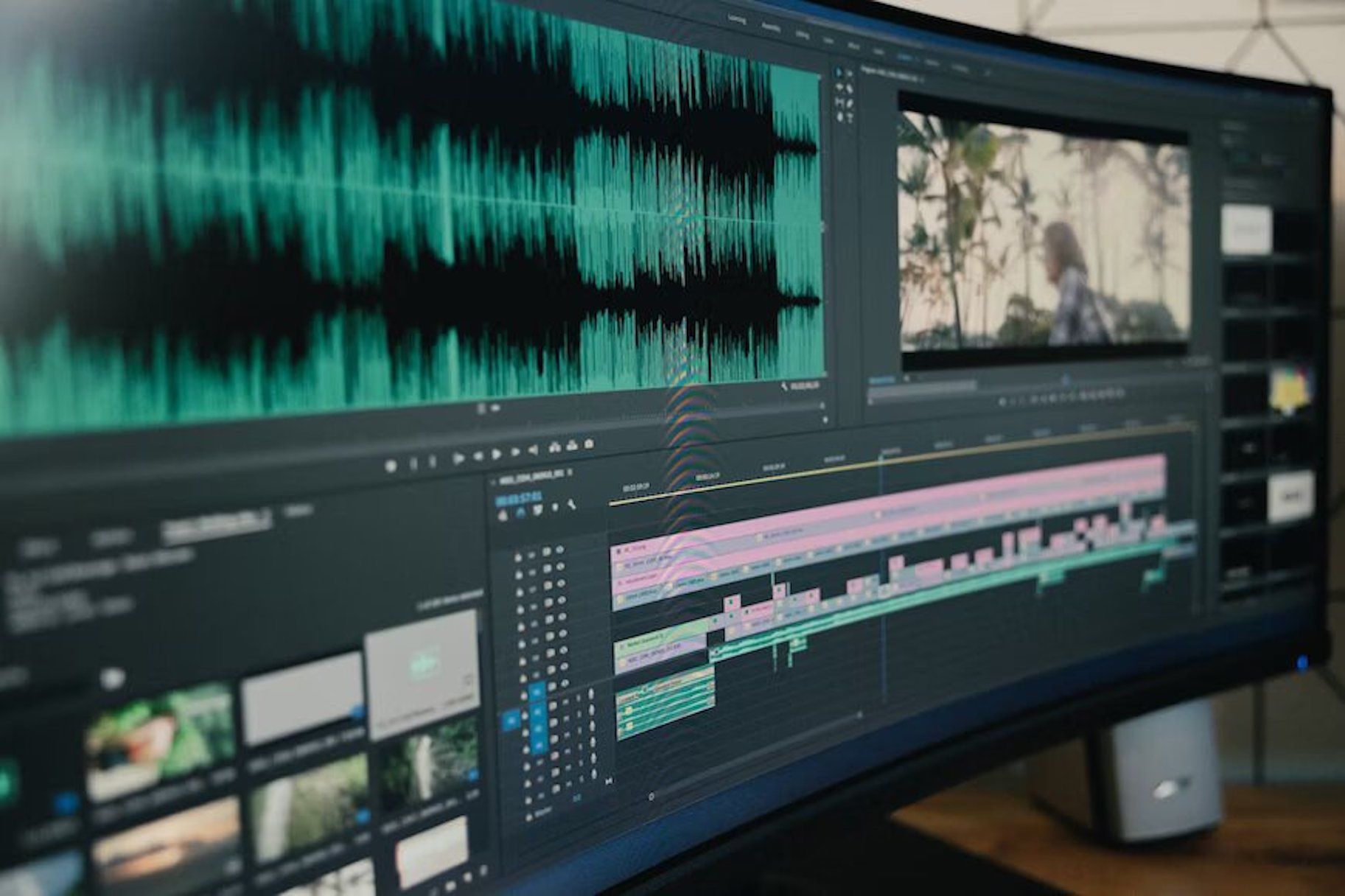
Transcription and Subtitling for Media Production and Distribution Teams
HappyScribe: Your essential tool for transcription and subtitling, empowering media teams to overcome language barriers and connect with global audiences efficiently and effectively."
-
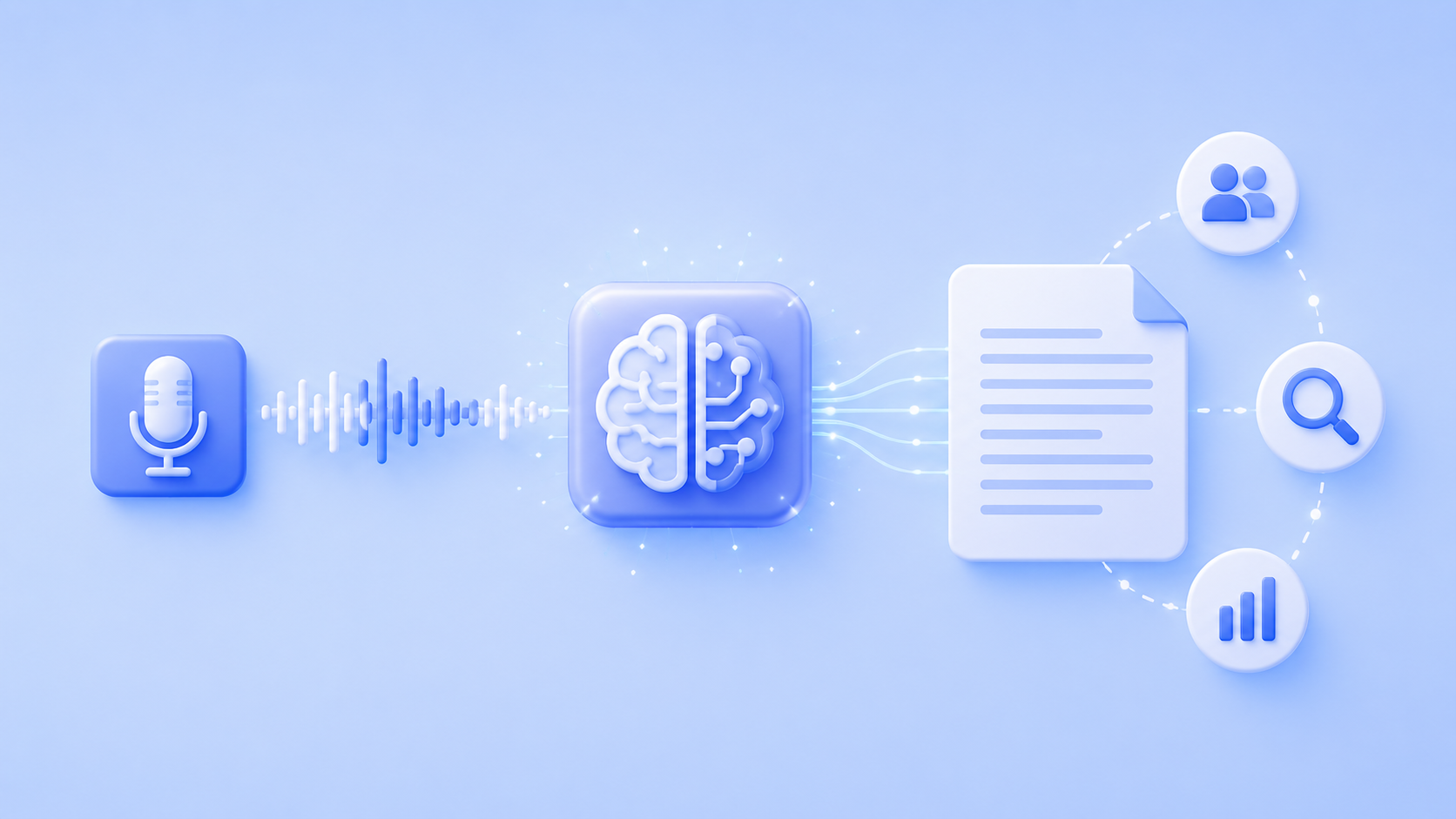
Is AI Transcription Good Enough For Qualitative Research Methodology?
Is AI transcription reliable enough for qualitative research? The evidence says yes, with human review. Get the workflow and decision framework.