


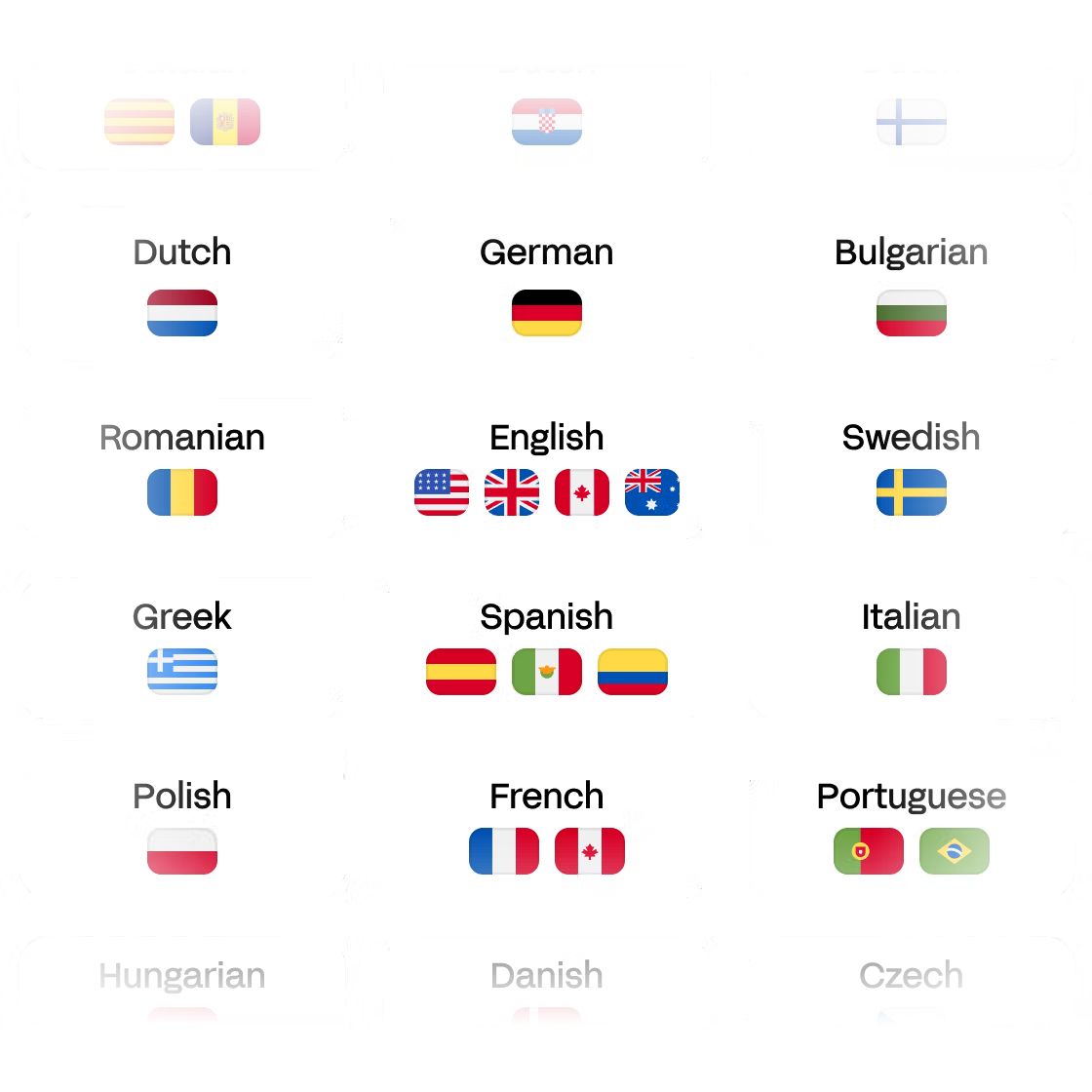
Transcribe meetings in 150+ languages
HappyScribe is your partner for transcribing your Miro meetings in any language.
Subtitles
Our Miro meeting transcription is available in 150+ languages. Upload unlimited audio or video, and convert it into text seamlessly.

Trusted by 6m+ users and 41,000+ teams of all sizes
From the dashboard, select your Miro meeting file from your device or paste a public link. HappyScribe supports 60+ file formats (MOV, MP4, AVI, WMV...). Alternatively, you can connect your calendar to automate your AI note taking.
We support meeting transcription in 150+ languages, dialects and accents including English, French, Spanish, German and many more.
Our AI notetaker will transcribe your Miro meeting in just a few minutes. From there, use AskAI to write summaries, extract quotes and more. You can also export your transcript in +10 formats (Word, PDF, TXT, etc ...)

HappyScribe is your partner for transcribing your Miro meetings in any language.
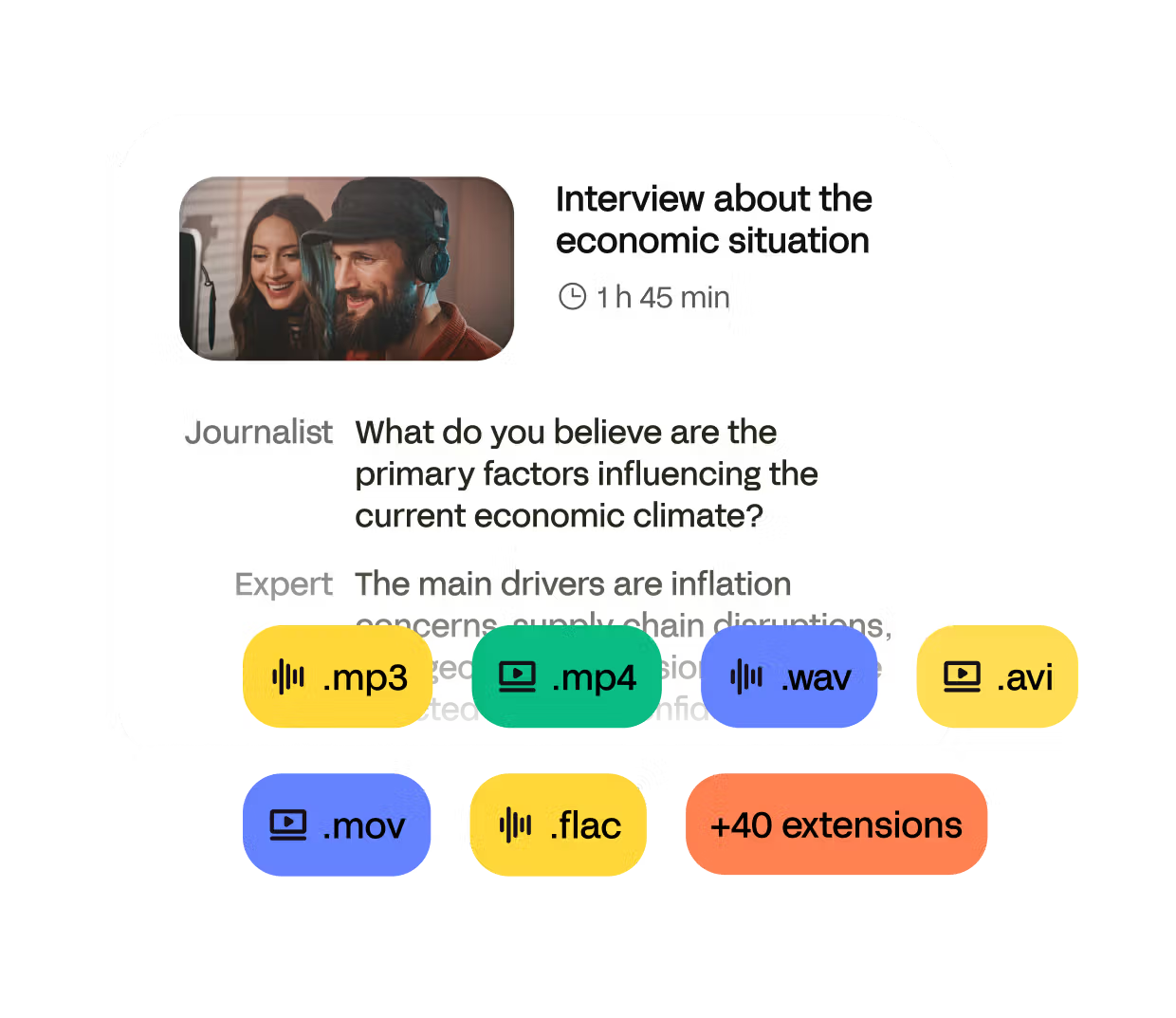
Transcribe any format including MP3, MP4, WAV. FLAC and more.
Your meeting files are safeguarded with industry-leading security measures to ensure confidentiality and data protection.
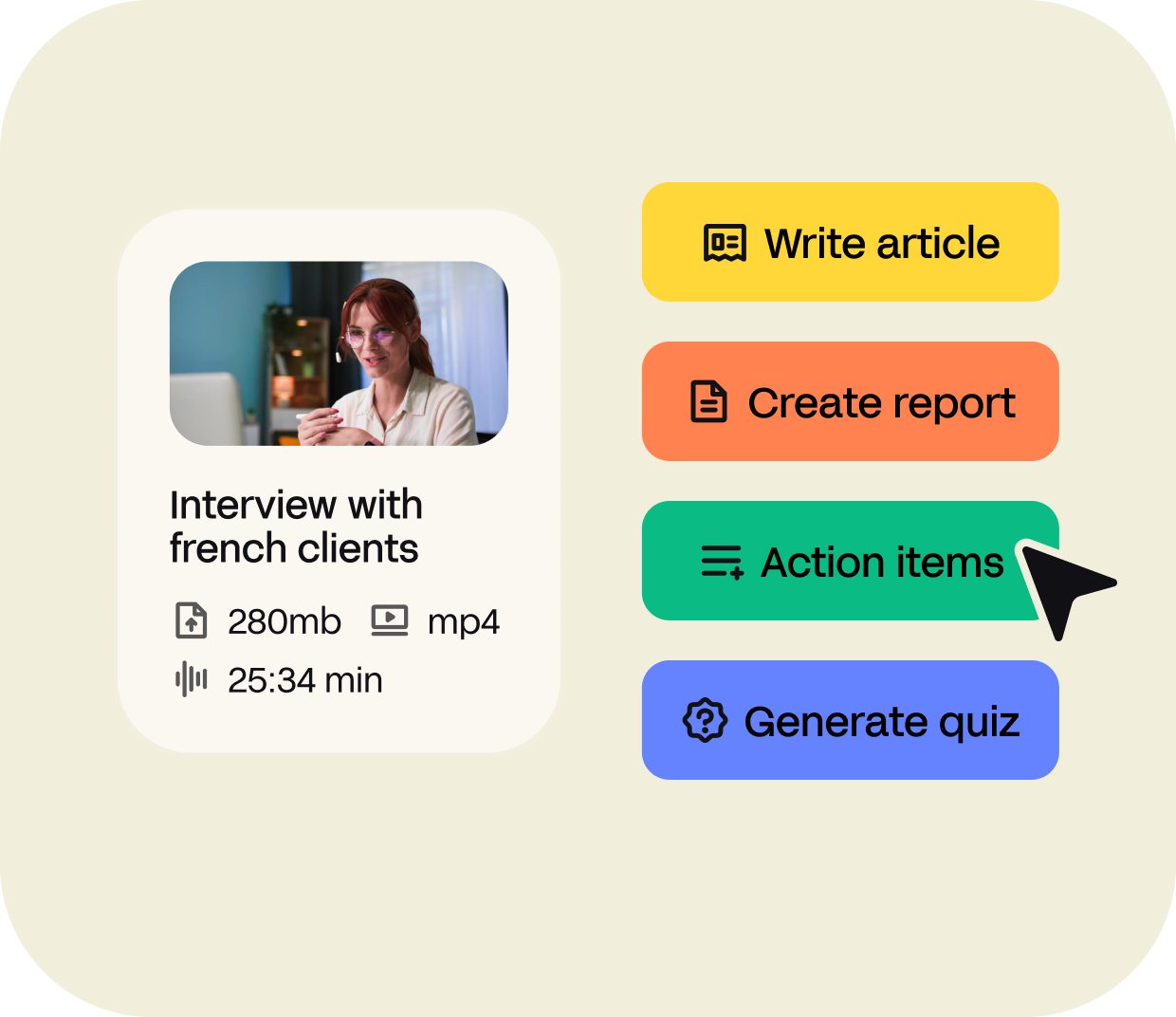
Transform your Miro meetings into anything you need. Create articles, reports, quizzes, action items and much more.
Search across your Miro meeting transcription to find a specific quote. You can also share with multiple people access to your transcripts and notes.
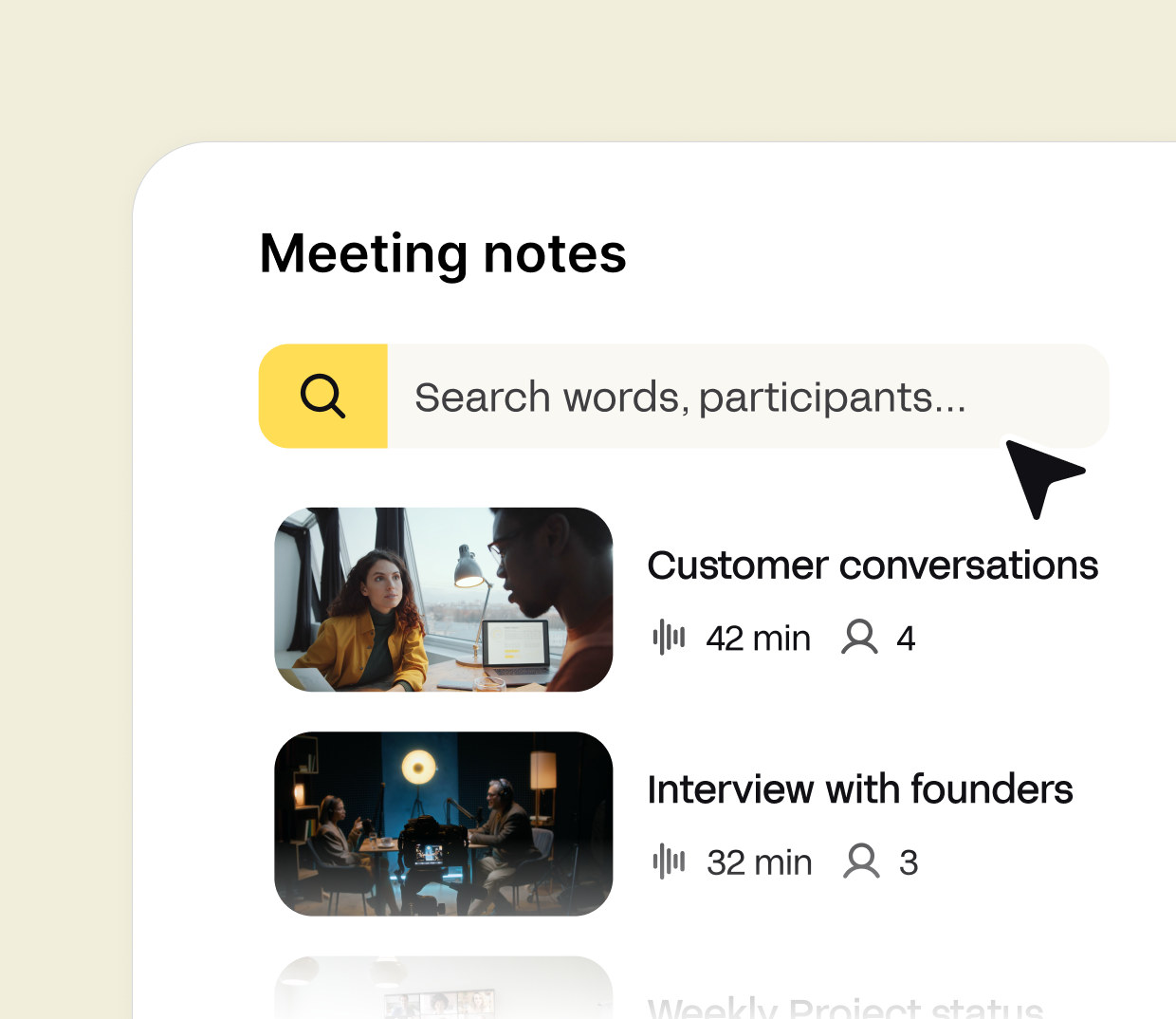
With the HappyScribe AI Notetaker, connect your Google, Zoom or Microsoft calendar to automate the note taking and transcription of your meetings.

Miro is an online collaboration platform designed to make meetings and workshops more interactive and productive. With over 200 templates, including options for icebreakers, retrospectives, and design sprints, Miro helps teams dive into planning and brainstorming without starting from scratch. Miro also integrates with tools like G Suite, Slack, and Jira, making it easy to keep work flowing smoothly post-meeting.
Yes, you can! With HappyScribe, you can extract the speech from your Miro meetings or conferences and convert them into text.
At HappyScribe, you can choose between human or automatic transcription. Our human transcription service will get your Miro meeting recording transcribed in less than 24 hours with 99% accuracy. If you need to get your files faster, you can always rely in our automatic transcription software.
No installation is required. HappyScribe is a fully web-based platform, so you can transcribe your meetings directly from your browser.
Yes, you can transcribe your Miro meetings for free with HappyScribe. We offer a free trial that allows you to upload your meeting recordings and generate automatic transcriptions at no cost. It’s a great way to test our transcription accuracy, speed, and editor tools before committing to a paid plan.
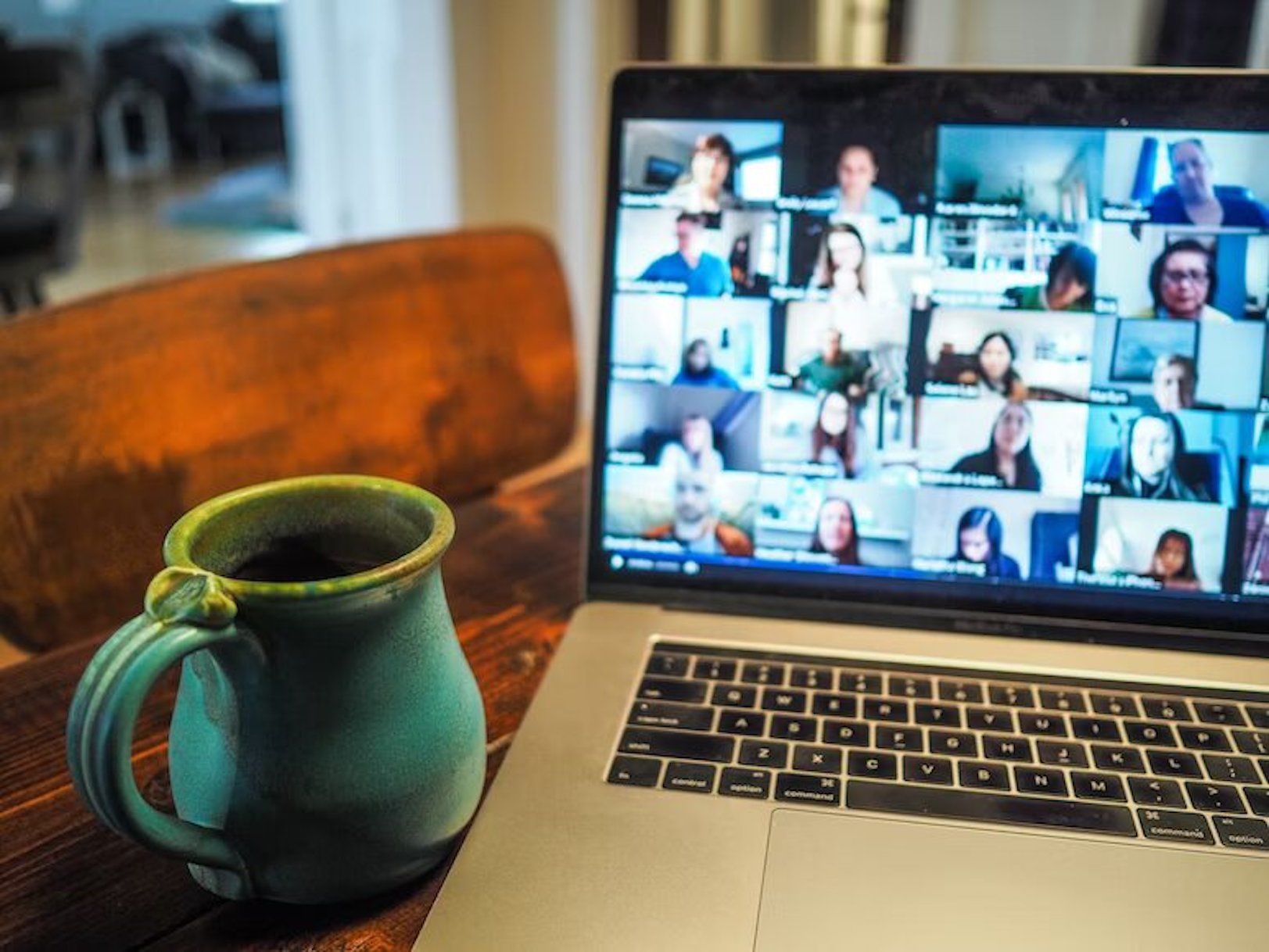
Explore the features and benefits of Zoom Meetings, and learn how Happy-Scribe enhances accessibility through accurate transcriptions and captions.
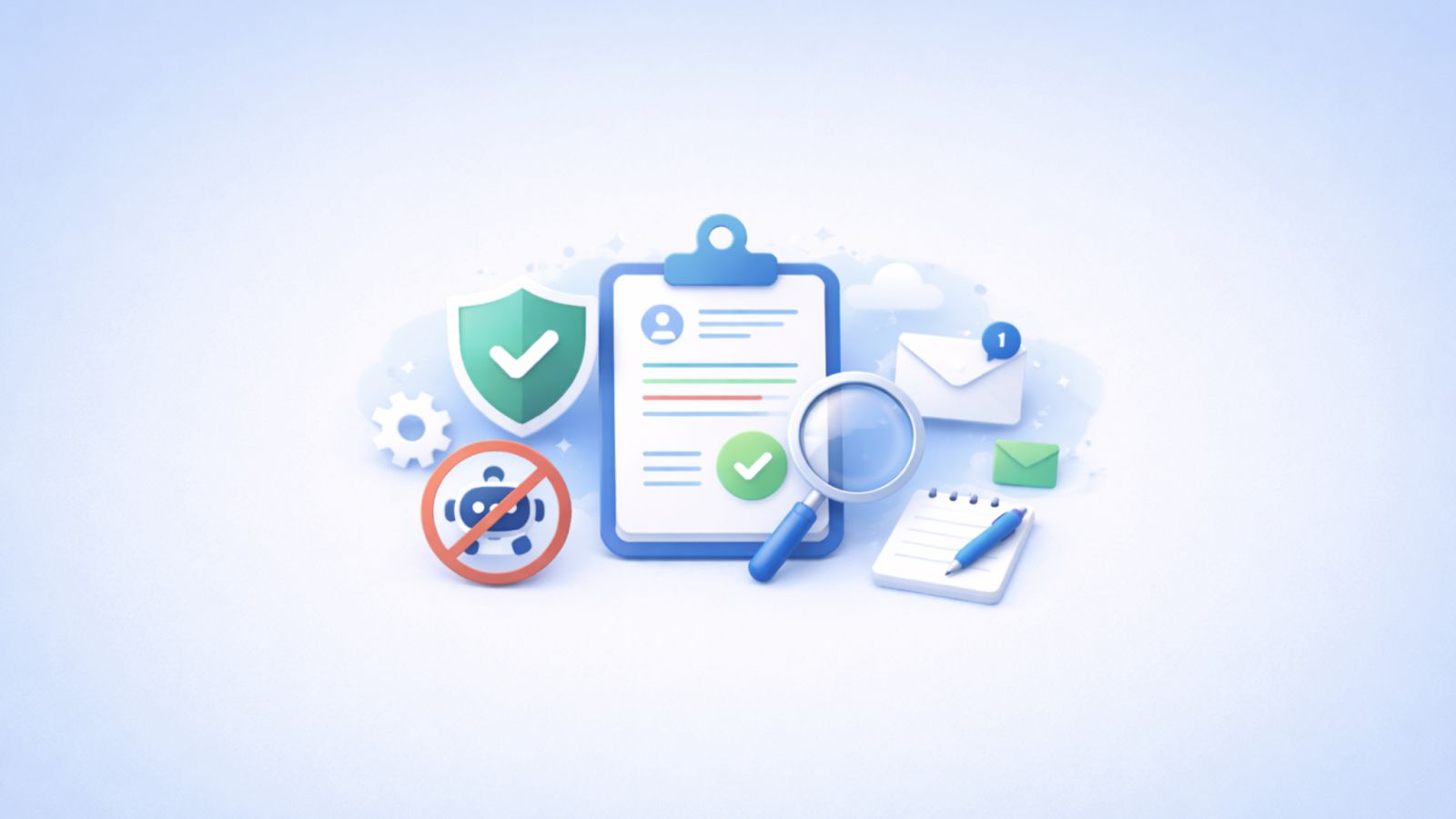
I tested the best bot-free AI note takers. Compare features, privacy, pricing, and see which tool fits your workflow best.

Compare the best AI note takers for Microsoft Teams. See how they handle recording, summaries, security, and sharing and find the right one for you.