
Connect your calendar
Sign up for free and connect your Google or Outlook calendar in under two minutes. HappyScribe joins every scheduled meeting automatically, and any event you do not want recorded can be excluded with a single setting.
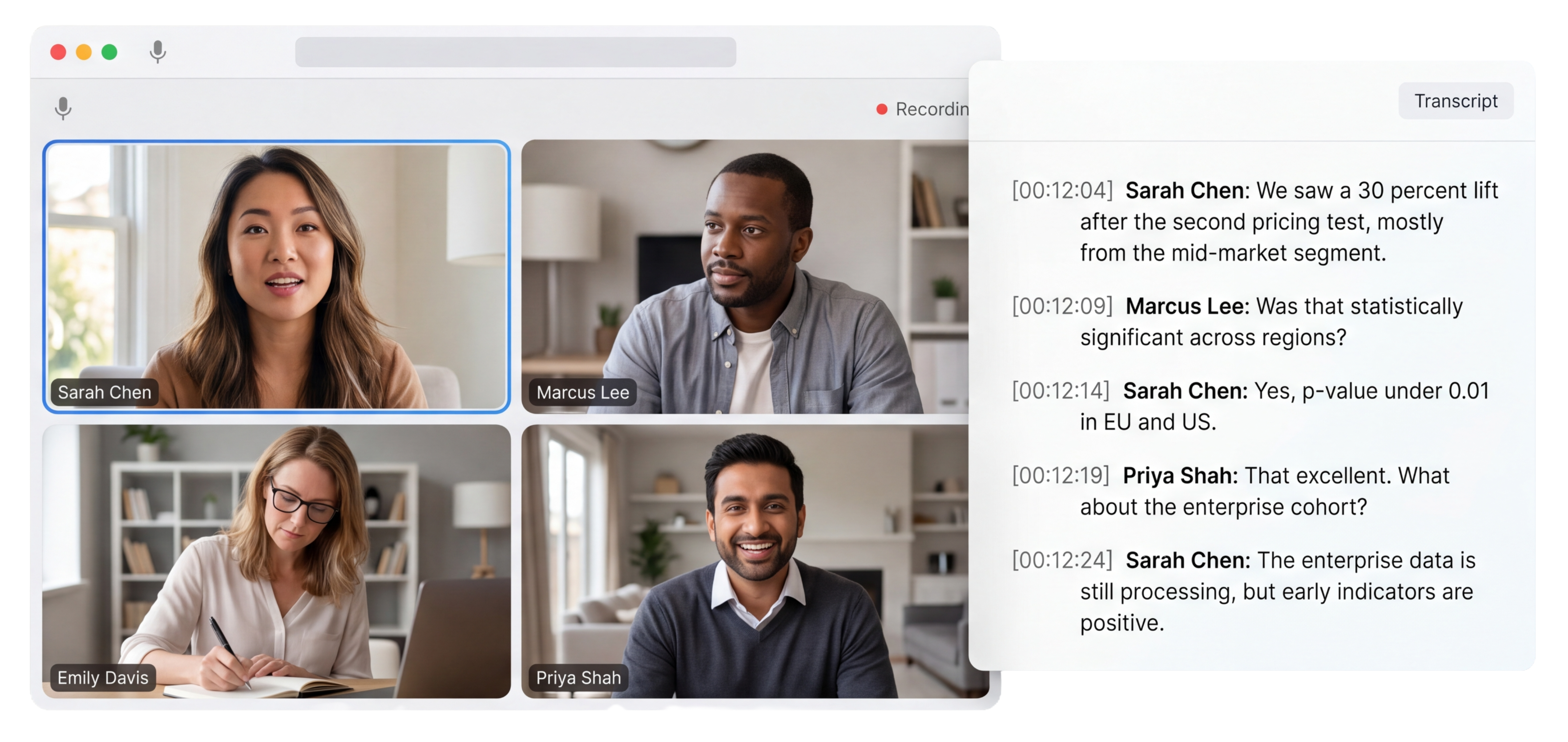
HappyScribe joins your Zoom, Teams, or Google Meet and delivers word-for-word meeting transcription with speaker labels and timestamps. 95%+ accuracy. Works in 150+ languages.
Trusted by 6m+ users and 41,000+ teams of all sizes
Sign up for free and connect your Google or Outlook calendar in under two minutes. HappyScribe joins every scheduled meeting automatically, and any event you do not want recorded can be excluded with a single setting.
HappyScribe joins your Zoom, Teams, or Google Meet as a participant and records both audio and video. Prefer no bot? The browser-based recorder captures audio from your device without adding a visible participant.
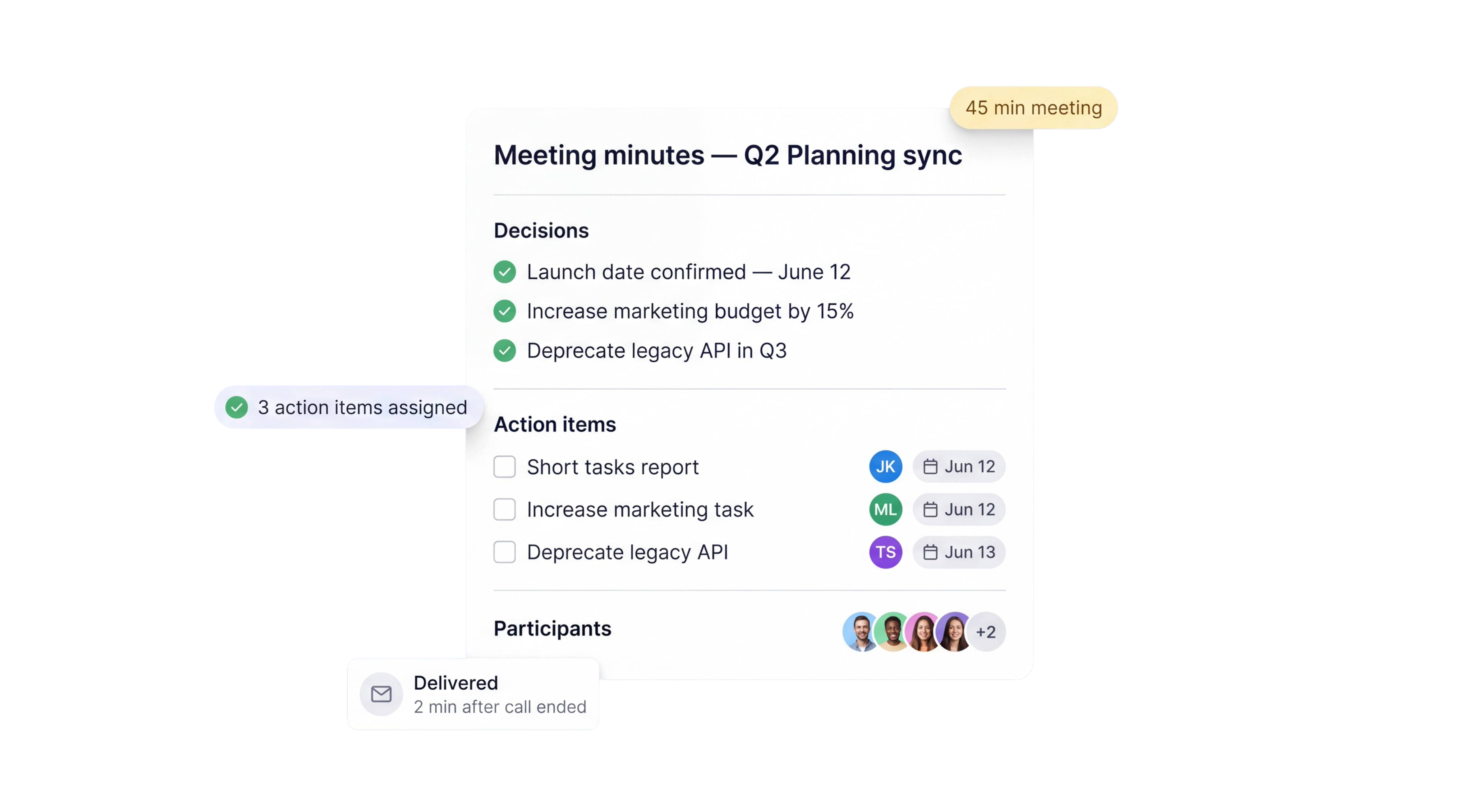
A word-for-word transcript lands in your inbox moments after the call ends, with every speaker labeled and every timestamp in place. Export to PDF, DOCX, TXT, SRT, or VTT. Share a link with your team, or paste straight into Notion, Google Docs, or your CRM.
Ask HappyScribe’s AI Chat a question about any past recording and get an answer with the exact timestamp. No more scrubbing through an hour of audio to find who said what.
Search across every meeting you have ever recorded. Find when a topic came up, who raised it, and how the conversation evolved across later calls.
Every voice on the call labeled automatically, even during cross-talk. Rename a speaker once and the label updates across the full transcript and every export.
Every industry has its own language. Custom glossaries teach HappyScribe yours, so proper nouns, acronyms, and specialized terminology are transcribed exactly right, every time.
Download your transcript as PDF, DOCX, TXT, SRT, or VTT. SRT and VTT drop straight into video editors as subtitle tracks.
Every call is recorded and stored with audio and video. Revisit the source whenever you need context, verify a quote, or grab a clip for a client update.
Style Guides define timing presets, grammar rules, speaker labels, and notation tags to tailor every transcript to your requirements.
Connect HappyScribe to Slack, Notion, HubSpot, and your CRM through Zapier, MCP server, or API. Pipe a fresh transcript into a Slack channel the moment it finishes processing.
The AI Notetaker is a real game-changer for us. There's no need to write everything during meetings anymore; now I can actually engage.
Every word, every speaker, every timestamp in one searchable record that anyone on the team can open, quote, or share.
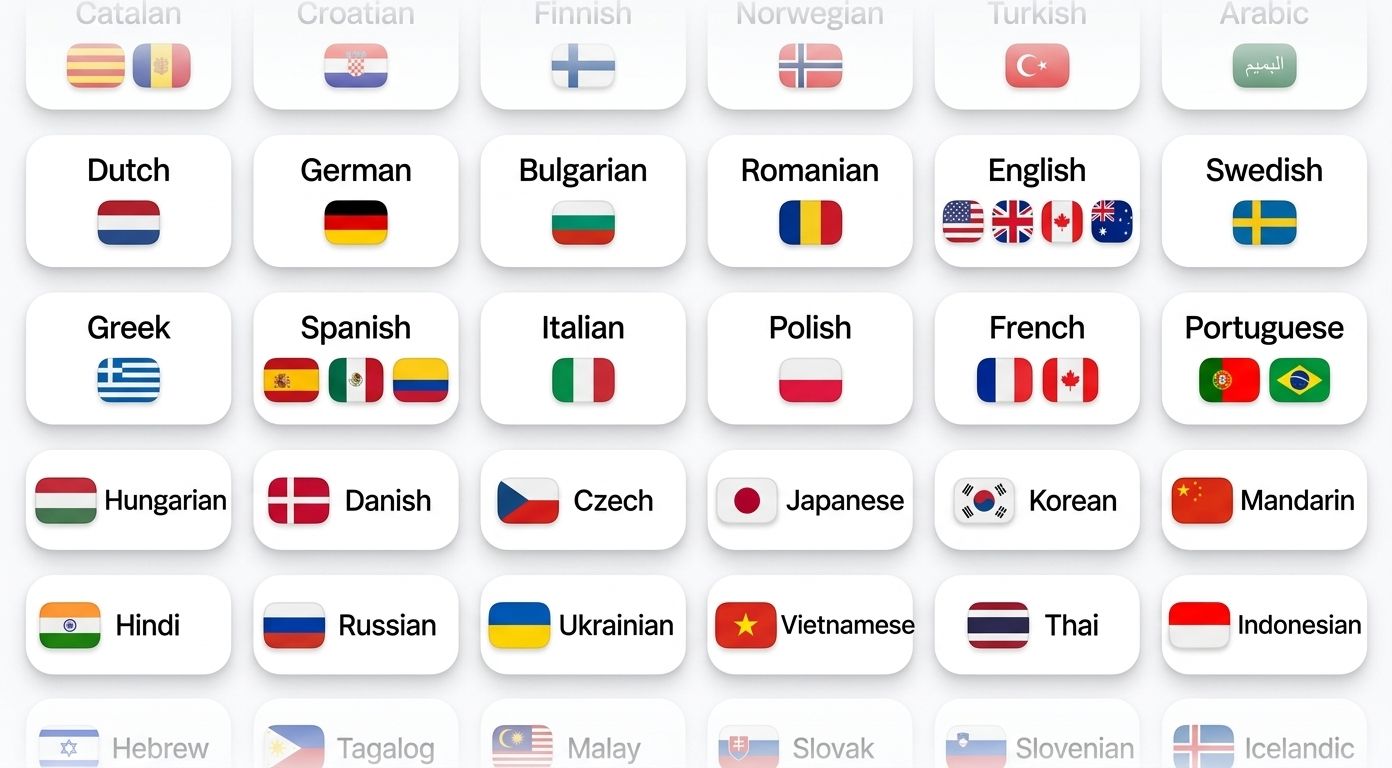
HappyScribe auto-detects the language being spoken and handles mid-call switching. Supports 150+ languages and dialects.
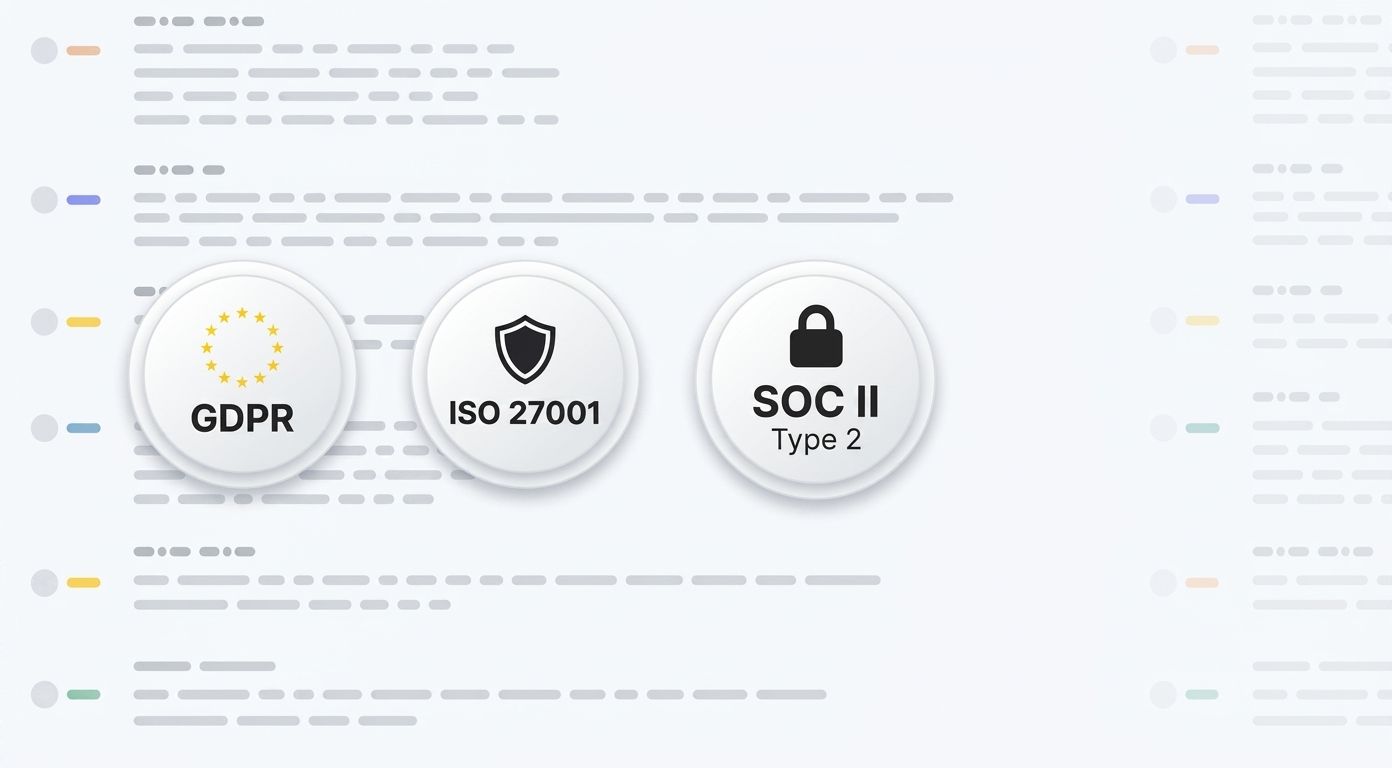
SOC 2 Type II-certified. GDPR-compliant. Headquartered in Barcelona with data stored in PCI DSS and ISO 27001-compliant EU data centers.
Data is encrypted in transit and at rest. Your content is never used to train AI models.
HappyScribe joins your scheduled meetings as a participant, or you can use the browser-based recorder to go bot-free.
You control how your meetings are recorded.
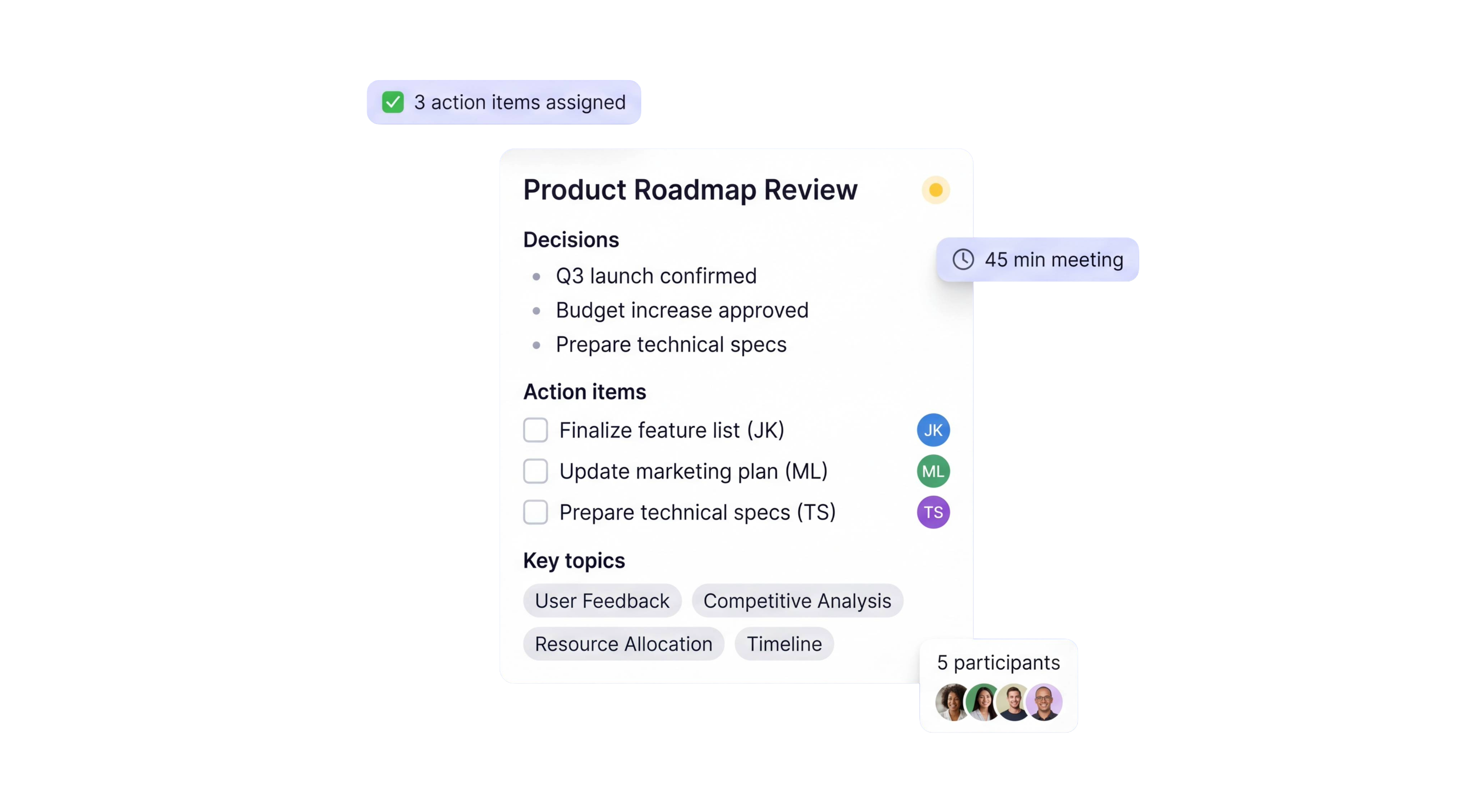
Under 2 min
Transcripts delivered after a 60-minute meeting
95%+
transcription accuracy
150+
languages and dialects supported
41,000+
teams already using HappyScribe
|
|
Typing notes during the call |
AI meeting transcription |
|---|---|---|
|
Time to produce |
Typed live, cleaned up for 20+ minutes after |
Full transcript ready in under 2 minutes |
|
Accuracy |
Depends on typing speed and focus |
95%+ verbatim with speaker labels |
|
Speaker attribution |
Rarely tracked beyond initials |
Automatic diarization for every voice |
|
Export formats |
Whatever you typed it in |
PDF, DOCX, TXT, SRT, VTT |
|
Search |
Ctrl+F inside one document |
AI Chat extracts quick answers from transcripts |
|
Languages |
One at a time |
150+ with auto-detection and mid-call switching |
I used them for free. They are way better than they claim.
Great service and easy to contact for help with questions. I used this service for my dissertation study and it saved me a lot of time. I'd recommend this service to anyone in need of quick transcription service.
Really good platform, very intuitive, beautiful and time-saving.
Very happy with the product. Needed a document pulled from a Zoom video. HappyScribe was easy to use and did a great job!
I transcribe very easily an MP4 file about "The Great Gatsby"
Is a great service. Perfect translation, I'm super happy
Great application. Very good software, good performance, useful functions, good support
I've won a lot of time on my transcription work. It is not perfect with not really good audio but it does the job!
Perfect transcription and extremely fast turn around time.
AI meeting transcription is a word-for-word text record of a meeting, generated automatically from the audio using speech-recognition models. HappyScribe labels each speaker and adds a timestamp to every line. The transcript is searchable, editable, and exportable to PDF, DOCX, TXT, SRT, or VTT.
HappyScribe joins your Zoom, Teams, or Google Meet as a participant and processes audio live during the call. The final transcript lands in your inbox within a couple of minutes of the call ending, with speaker labels and timestamps already applied. If you prefer no bot, the browser-based recorder generates the transcript the same way once you stop the recording.
Yes. Upload any audio or video file in a supported format (MP4, MP3, WAV, M4A, AAC, FLAC, and more) and HappyScribe returns a full transcript with speaker labels and timestamps. Useful for calls recorded before you connected the calendar integration, or for back-cataloguing old meetings into the searchable archive.
PDF, DOCX, TXT, SRT, and VTT. Text formats drop into Notion, Google Docs, or Word. SRT and VTT load straight into video editors as subtitle tracks. You can also pipe transcripts into Slack, HubSpot, or any tool you use via Zapier, MCP server, or the HappyScribe API.
Yes. HappyScribe offers a free plan with unlimited meeting recordings, capped at 45 minutes per meeting. No credit card required.
95%+ across all supported languages.
150+ languages and dialects, with automatic language detection.
Yes. HappyScribe offers a bot-free browser recorder that captures audio from your device.
All data is stored in an EU-based data center that is PCI DSS and ISO 27001-compliant.
Yes. HappyScribe offers templates for various meeting types, so you can maintain a consistent format across all conversations.
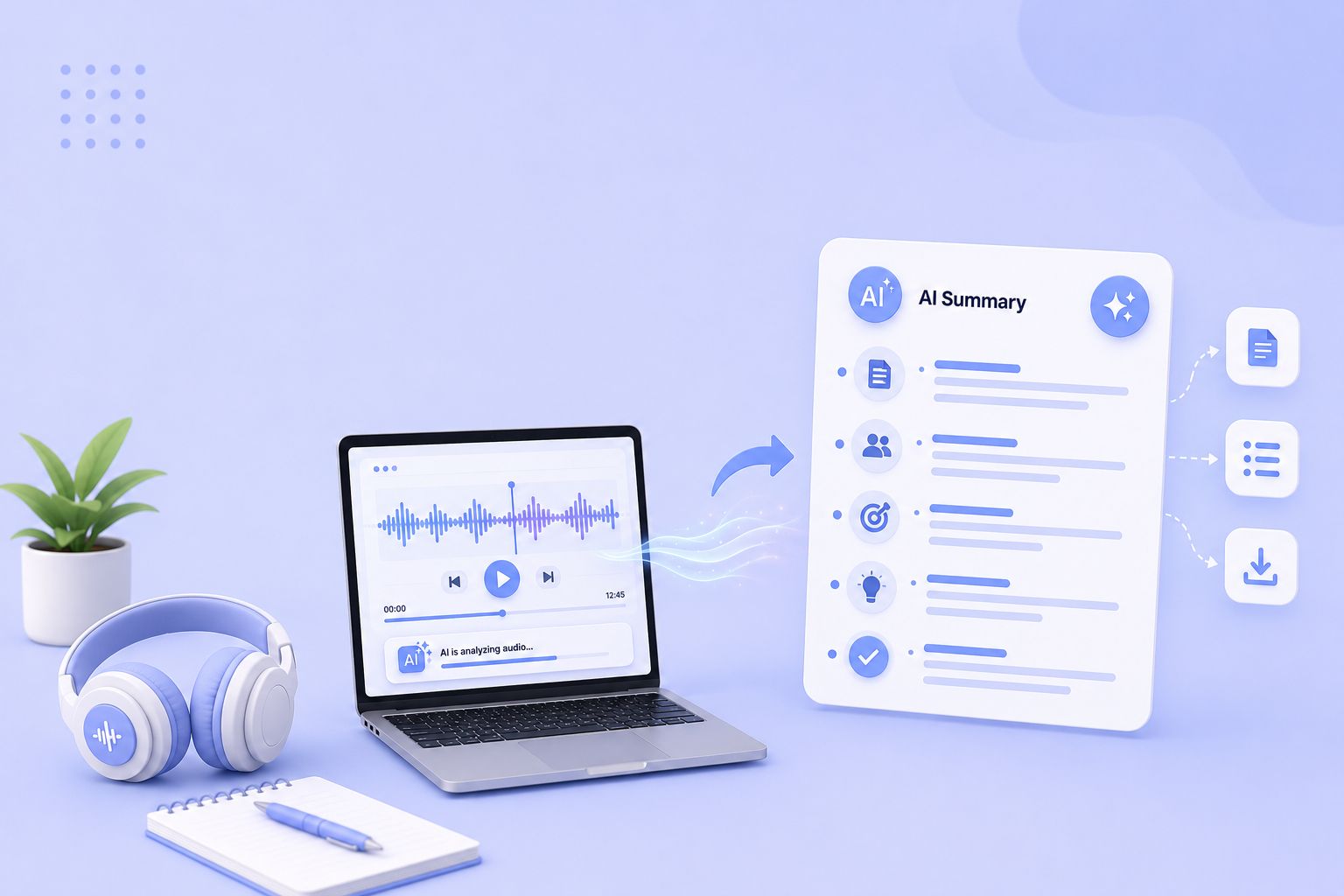
Compare the 5 best free audio summarizer tools in 2026. I tested each for accuracy, languages, and free plan limits so you can choose fast.
MeetGeek not keeping up? We've picked 5 alternatives that offer better accuracy, stronger language support, and more control over your meeting notes.
Looking for Otter alternatives? Compare the top 5 tools for AI meeting notes and discover why HappyScribe is the best one for security and accuracy.
My Notes by Zoom review after months of use. The capture is the best Zoom has built, but the transcript quality and the corporate strings are another story.
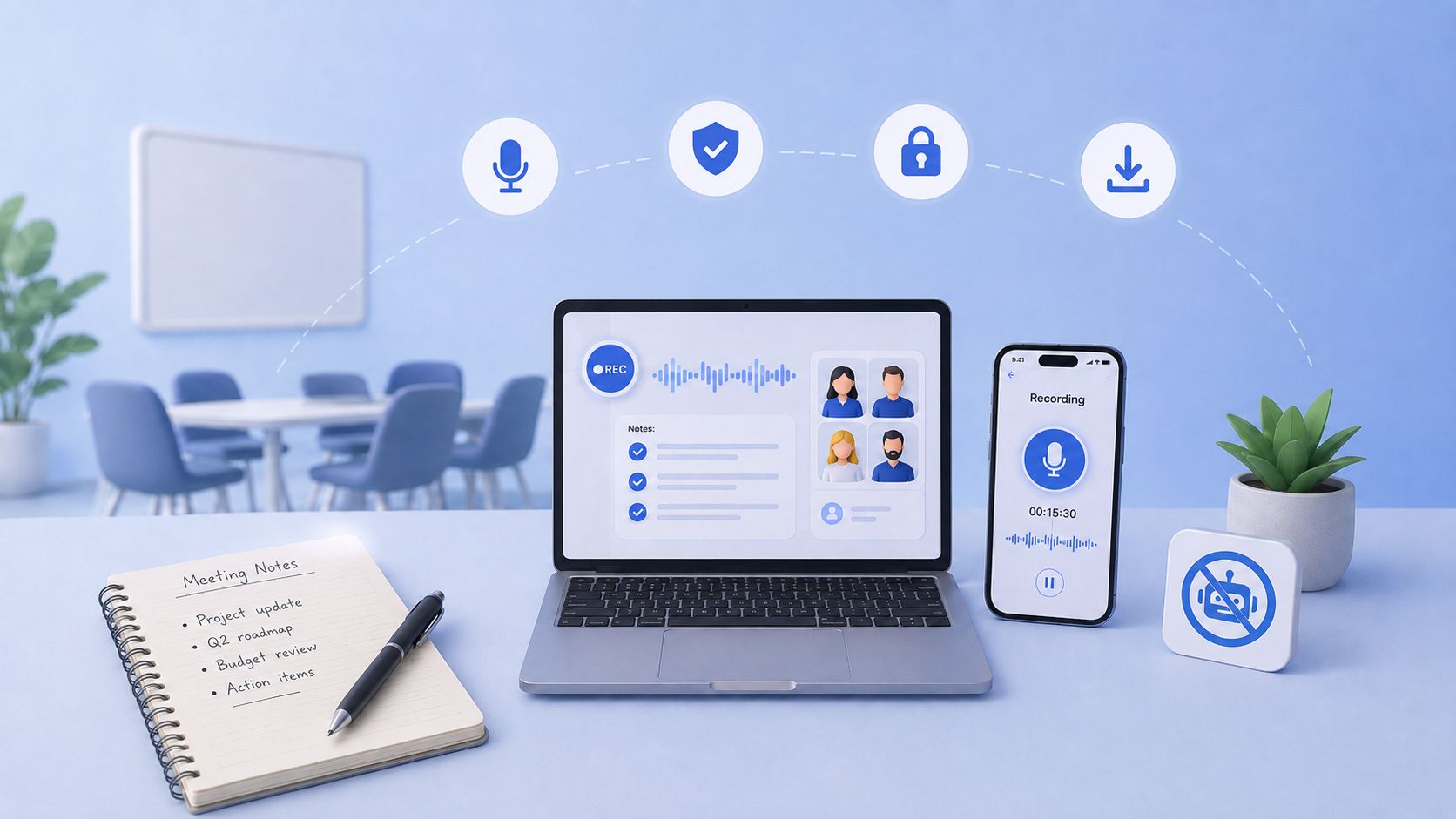
Record meetings without a bot using HappyScribe’s browser recorder, mobile app, or existing files, then turn them into AI transcripts and notes.
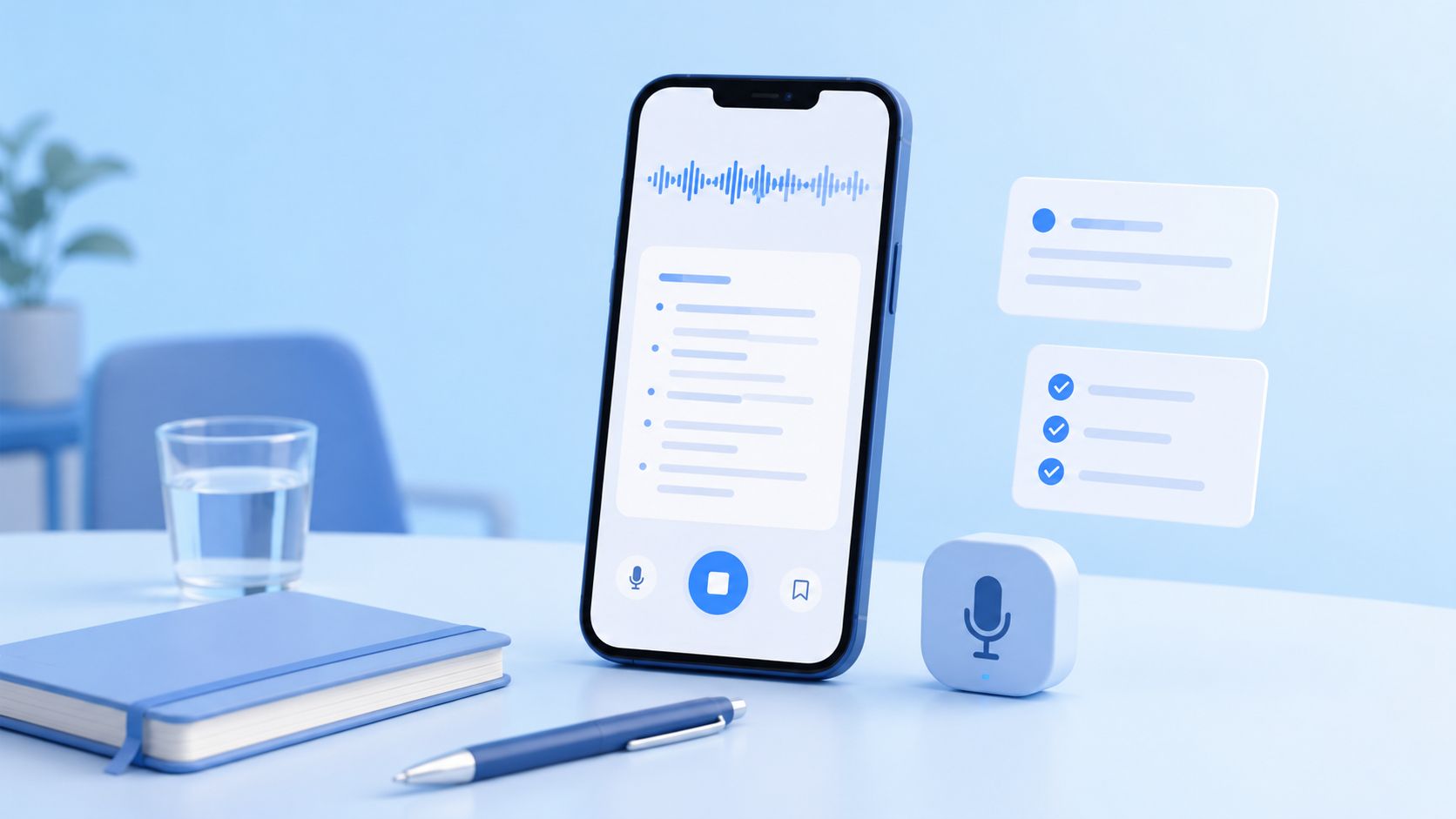
Learn how to take notes during in-person meetings with AI. Record on your phone or laptop and get transcripts, summaries, and action items.