


Podcast transcription services
Turn every episode into an accurate transcript in minutes, ready for show notes, SEO and captions.
 Free to try, no credit card
 150+ languages
- Rated 4.7 on Trustpilot
Trusted by 6m+ users and 41,000+ teams of all sizes


How to transcribe a podcast?
-
Upload your episode
Add an audio or video file, or import it from Google Drive, Dropbox or YouTube.
-
Pick the podcast's language
Choose from 140+ languages and dialects.
-
Choose AI or human
AI is up to 98% accurate in minutes. Human transcripts are 99% accurate in 24 hours.
-
Review in the editor
Check speaker names and fix any word while you listen.
-
Export your transcript
Download TXT, DOCX, PDF, SRT and more for show notes or captions.
Customer Reviews

 4.7/5 on Trustpilot
-
When I need something transcribed from an MP3, I use this service. In my profession, transcription is needed regularly. I like this service because it is pretty much quick, accurate, and painless.
Jonathan Orris Trustpilot -
I really like this tool. From time to time, I need to convert audio to text - and get it done accurately, and HappyScribe does a great job. It's fast, easy, and accurate.
Robyn Wright Trustpilot -
I have been using HappyScribe for more than 6 years now and I love the ease of just uploading my audio and having a clean transcript.
Rim B. G2
Frequently Asked Questions
How accurate is our podcast transcription service?
Ongoing technological advances continue to improve the accuracy rate of automatic transcription. Depending on the audio quality, speaker accents, and technical jargon, our automatic transcription software can achieve up to 98% accuracy. And with the help of our professional transcribers, your transcripts can be 99% accurate.
How long of a file can I have transcribed?
HappyScribe will transcribe files of any length. There is no file size limit, meaning you don't have to trim your interviews and submit multiple files. We also accept 45+ file formats including AIFF, M4A, MP3, MP4, WAV, and WMA, making podcast audio transcription quick and easy.
How many speakers am I limited to on my audio file?
At HappyScribe, we understand that podcasts often feature multiple speakers within the same audio file. Therefore, we do not limit the number of speakers. Be it one person or one hundred people, we will transcribe everything on your audio file. Additionally, our speech recognition can detect when the speaker has changed.
How can I improve the accuracy of my podcast audio transcription?
To get the highest possible accuracy rate for your podcast audio transcription you need to upload a high-quality audio file. To obtain a high-quality audio file, it is advised that you maintain a consistent recording environment, avoid background noise, use quality microphones, and ensure that speakers talk directly into the microphone and avoid talking over one another.
Can I transcribe my podcast and publish the transcripts on HappyScribe?
Yes, you can! You can have a look at our podcast library and contact our team.
Ready to turn your audio into text?
Related articles
-
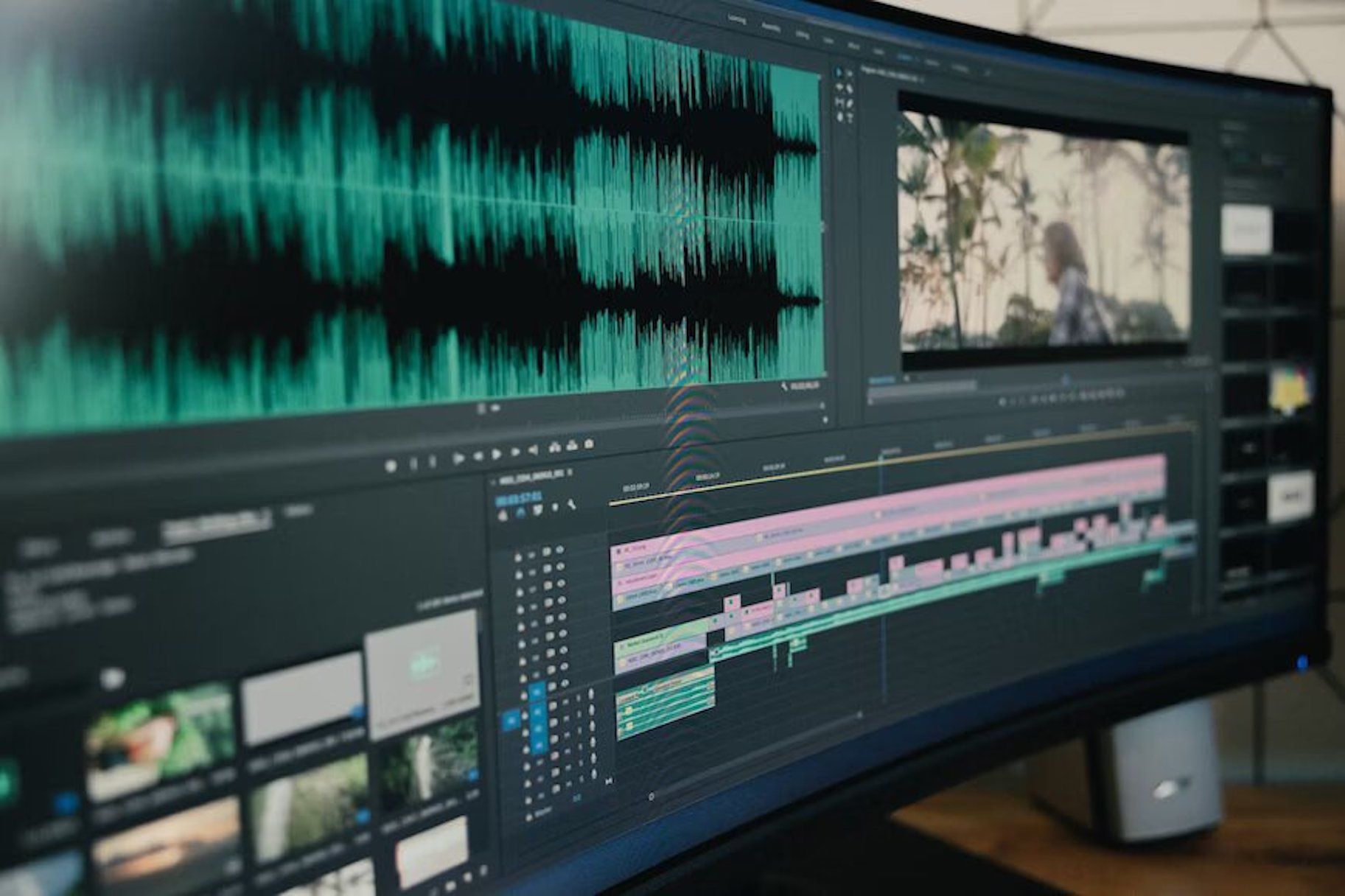
Transcription and Subtitling for Media Production and Distribution Teams
HappyScribe: Your essential tool for transcription and subtitling, empowering media teams to overcome language barriers and connect with global audiences efficiently and effectively."
-
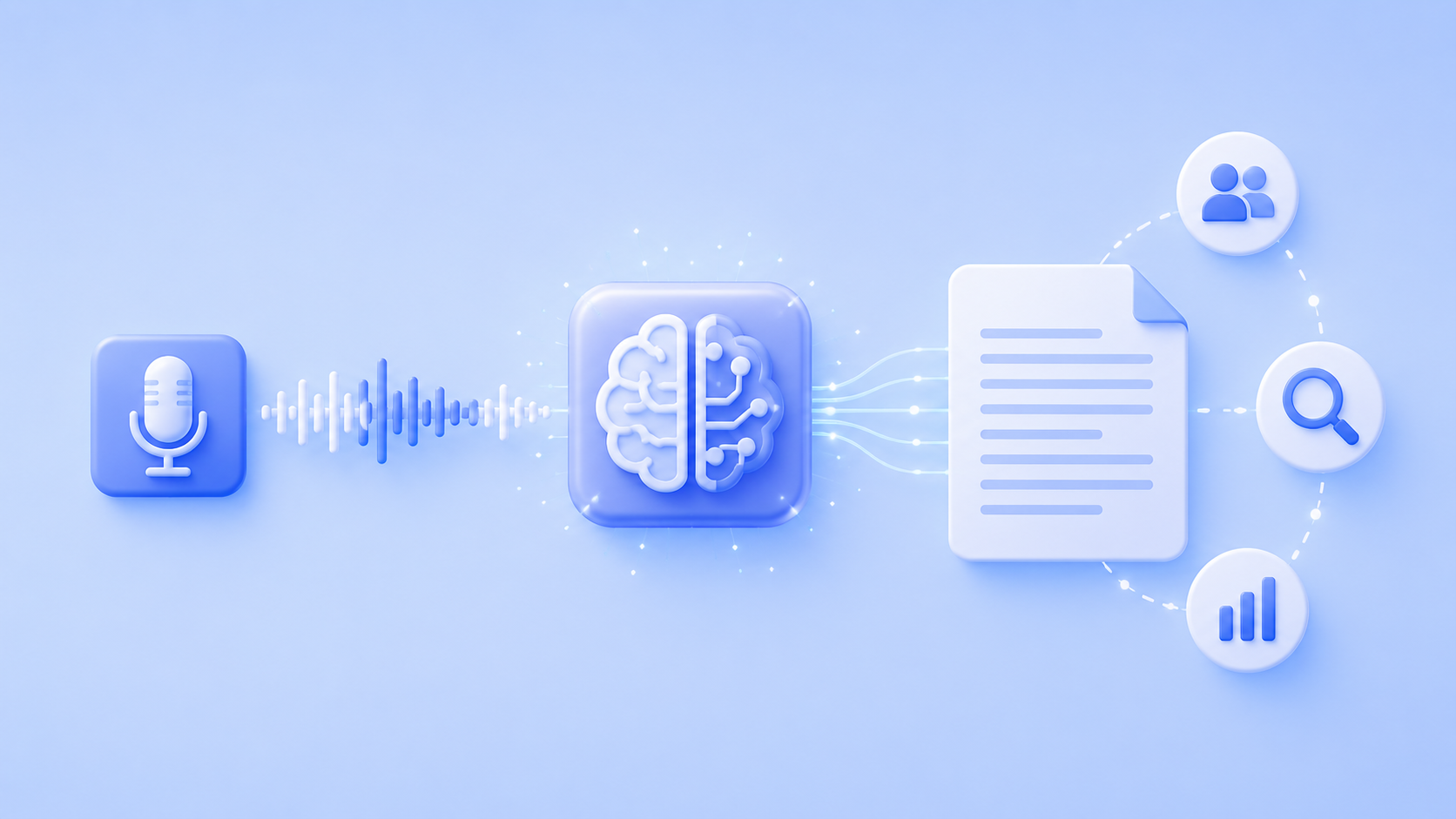
Is AI Transcription Good Enough For Qualitative Research Methodology?
Is AI transcription reliable enough for qualitative research? The evidence says yes, with human review. Get the workflow and decision framework.
-

How to transcribe a Vimeo video with a third party tool
Third-party transcription tools offer highly accurate transcripts written by human transcriptionists. Users can upload their video transcription files to Vimeo by creating an account with a transcription service, ordering the transcription, downloading it, and uploading it to Vimeo.