


AI Notetaker for Zoom, Google Meet & Teams
HappyScribe joins your Zoom, Google Meet and Teams calls, records them, and sends you a transcript and summary when the meeting ends. Works in 150+ languages. Free to start, no credit card needed.
Rated 4.6 on G2

 SOC 2 Type II
 GDPR compliant
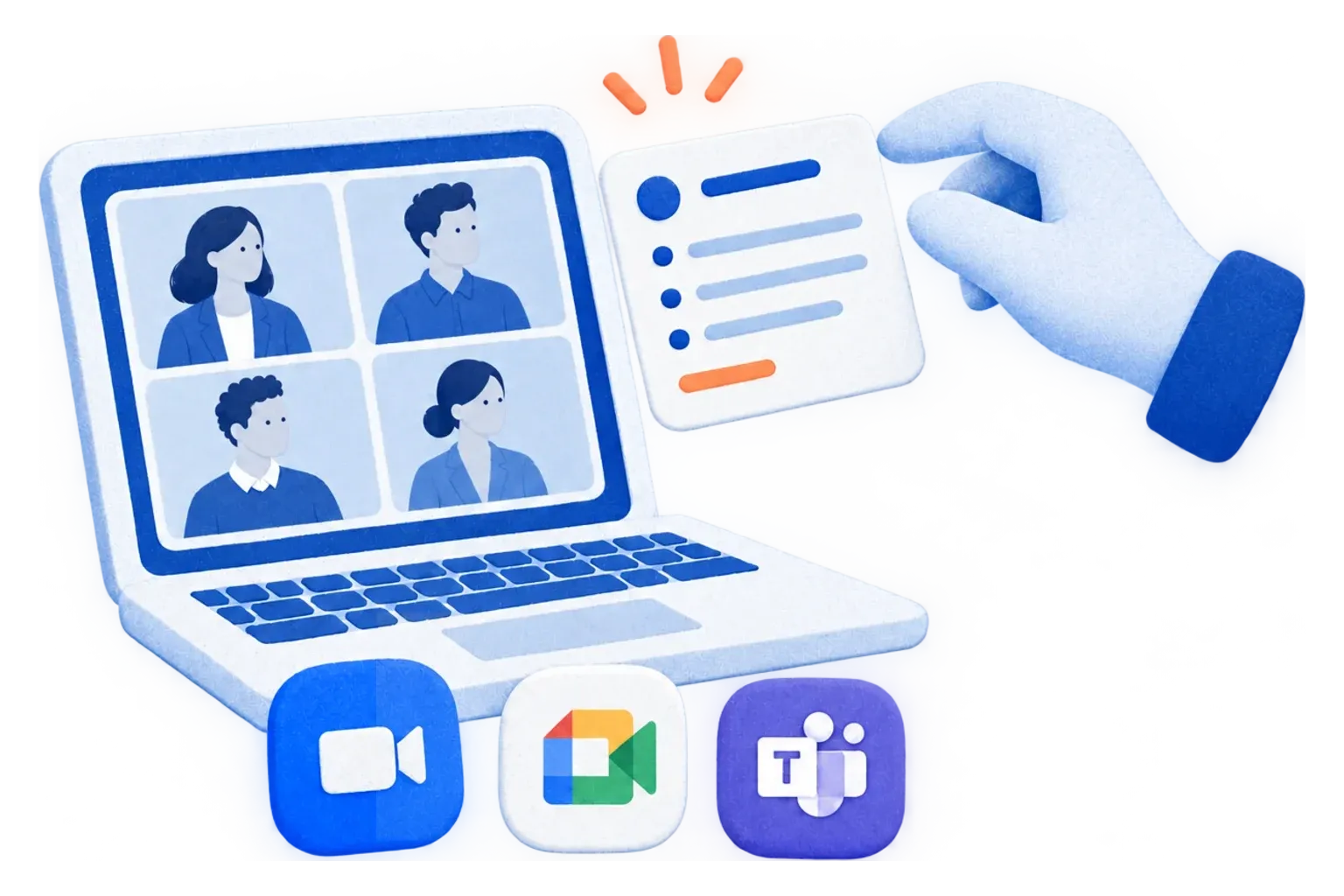
The AI notetaker used by 6M+ people and 41,000+ teams


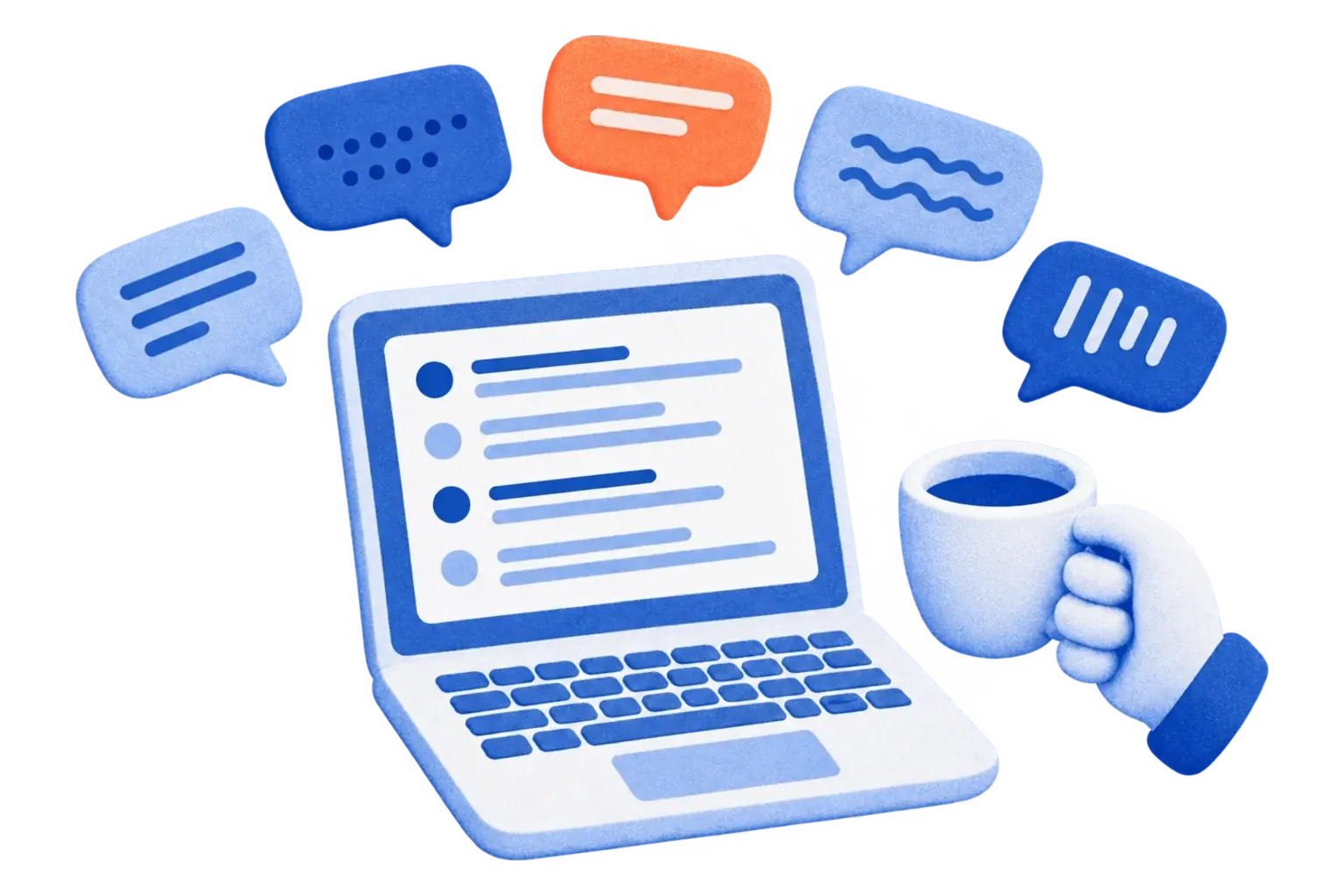
AI Notetaker in 150+ Languages
Speak whatever language the meeting needs. HappyScribe detects it on its own, so there's nothing to set up before the call, and your notes are ready a few minutes after you hang up.
It's the only AI meeting notetaker that supports more than 150 languages and dialects, from English, Spanish, French and German to Italian, Portuguese, Dutch, Swedish, Polish and Greek.
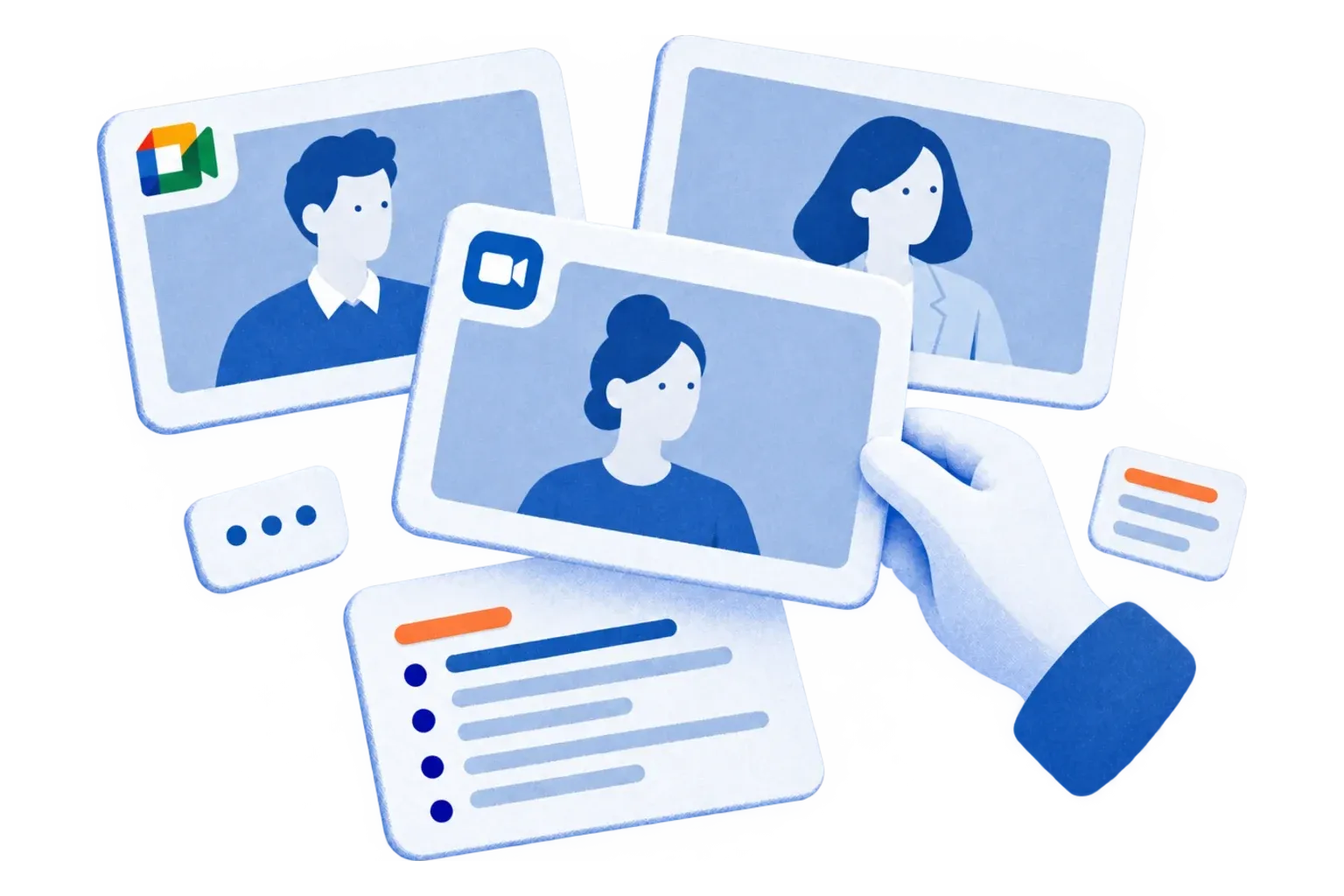
AI Notetaker for Google Meet, Microsoft Teams & Zoom
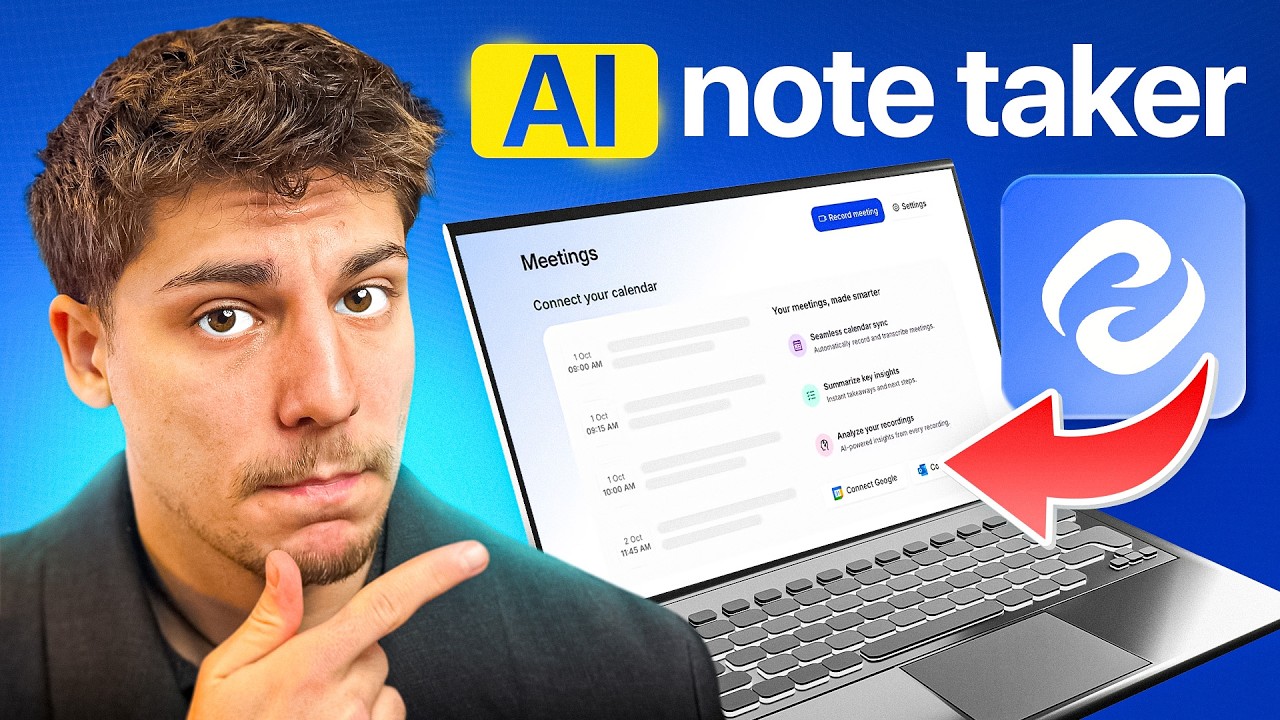
Connect your Google or Outlook calendar once. After that, HappyScribe joins your meetings on Google Meet, Microsoft Teams and Zoom by itself, records the call, and writes up the transcript and summary for you.
Integrates with: Google Calendar, Microsoft Outlook, Google Meet, Microsoft Teams, Zoom
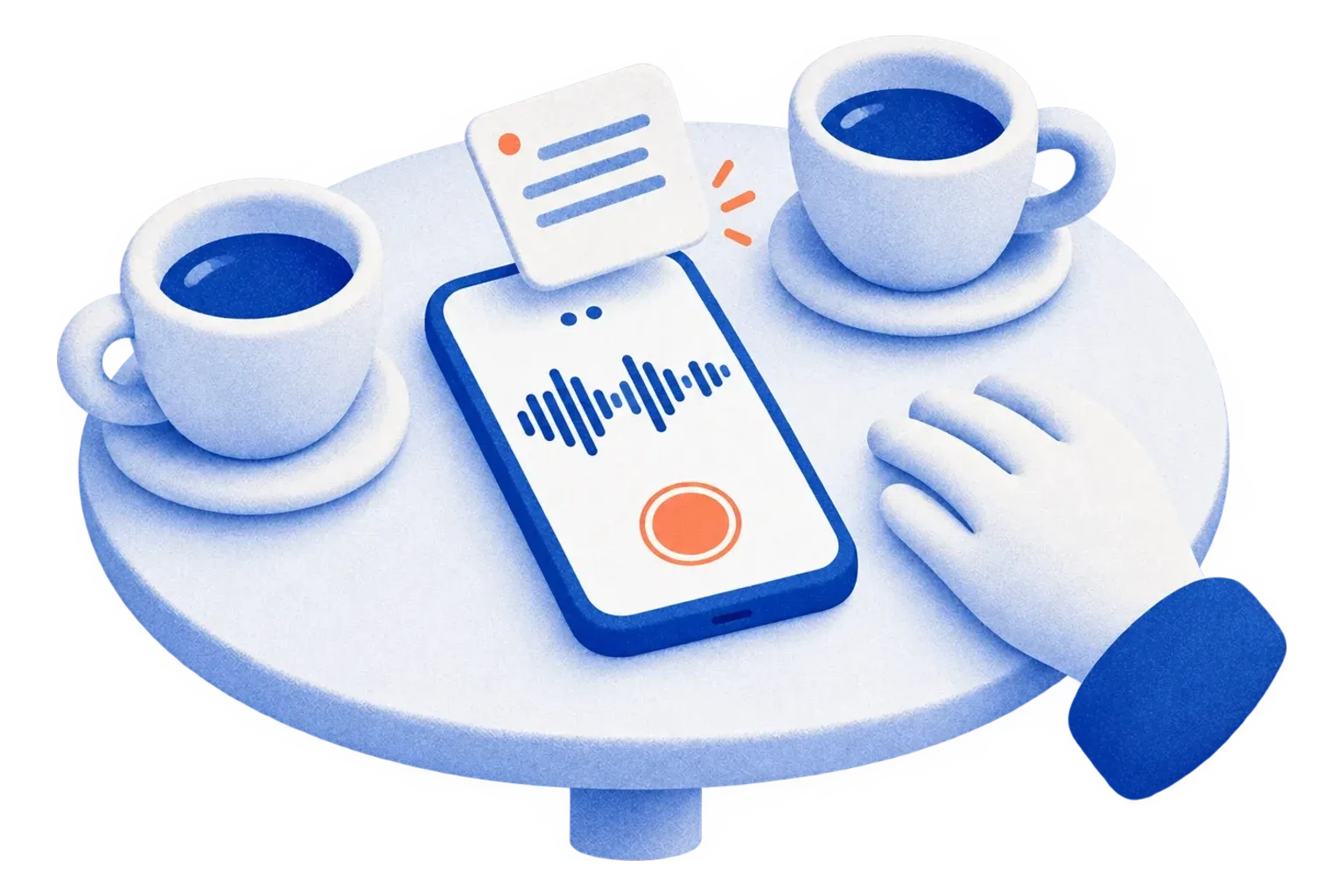
Take the AI Notetaker anywhere, even offline
Not every meeting happens on a video call. Open the HappyScribe app on iOS or Android and tap record to capture in-person interviews, site visits, conferences or lectures. You get the same accuracy, speaker labels and 150+ language support as on the web.
Recordings sync to your HappyScribe account, so online and in-person meetings live in one place. Search all of them, and open any transcript, summary or action list from your phone or laptop.
Customize Your AI Notetaker’s Look and Feel
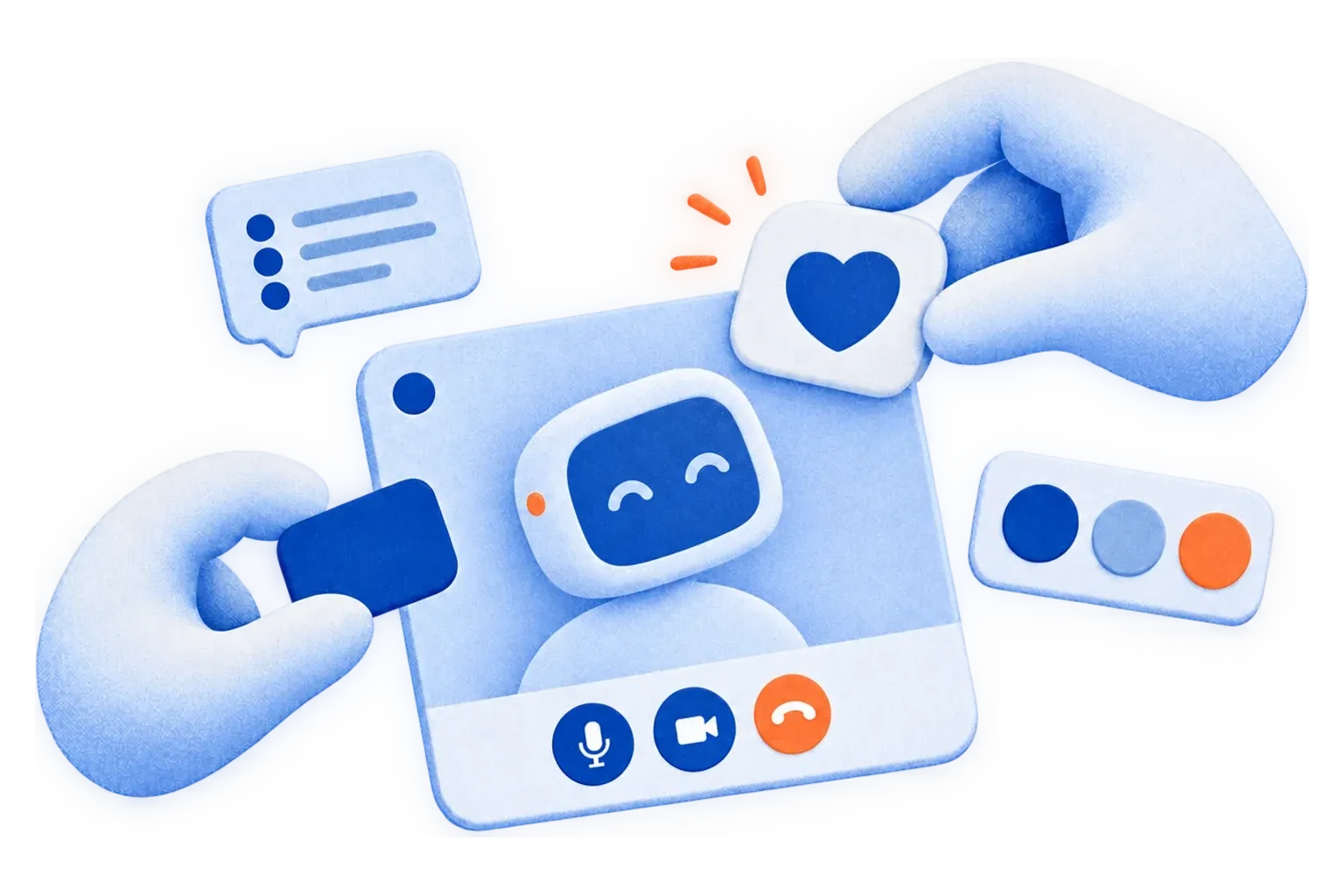
Your notetaker shows up in calls with your clients, so it should look like you. Give it your company name, logo and colors, and write a custom welcome message that people see when it joins.
The Most Accurate AI Notetaker, Up to 98% Precision
Good notes start with a correct transcript.
HappyScribe's speech recognition reaches 98% accuracy across languages and accents, and we keep training and testing it on new audio. Add your product names and acronyms to a custom glossary and they'll be spelled right too.
What Your AI Notetaker Does
A transcript is only the start. Here's what you get after every call.
Smart Summaries
A short recap of what was decided, what was discussed and what happens next.
Action Notes
Follow-ups, tasks and deadlines pulled out of the conversation, so nothing gets lost.
Insight Extraction
Find the quotes and key points you need for a report, a blog post or your internal docs.

Create with AI
Turn a meeting into a post, a brief, a recap or a quiz in a couple of clicks.
Access Your AI Notetaker Through MCP
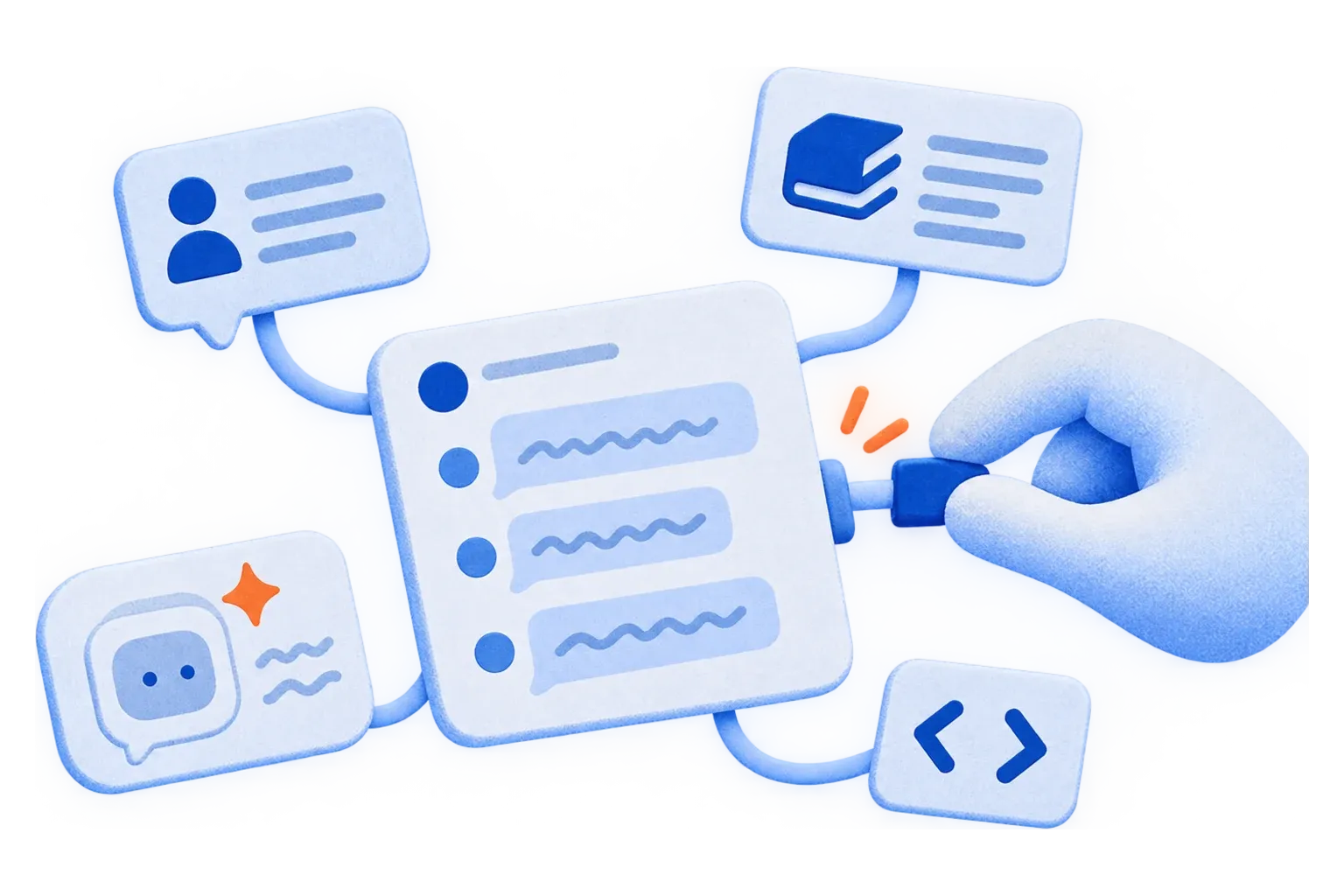
Our MCP server plugs HappyScribe straight into Claude, ChatGPT, Cursor and any other assistant that supports MCP. Sign in once and your assistant gets 53 tools to search, quote and work with every meeting you've recorded.
Every quote it gives you is checked against the transcript and linked to the exact moment in the recording. It can also rename speakers, fix a misspelled name everywhere, change your summary templates and share a transcript with your team, all by asking.
GDPR-Compliant AI Notetaker with EU Data Residency
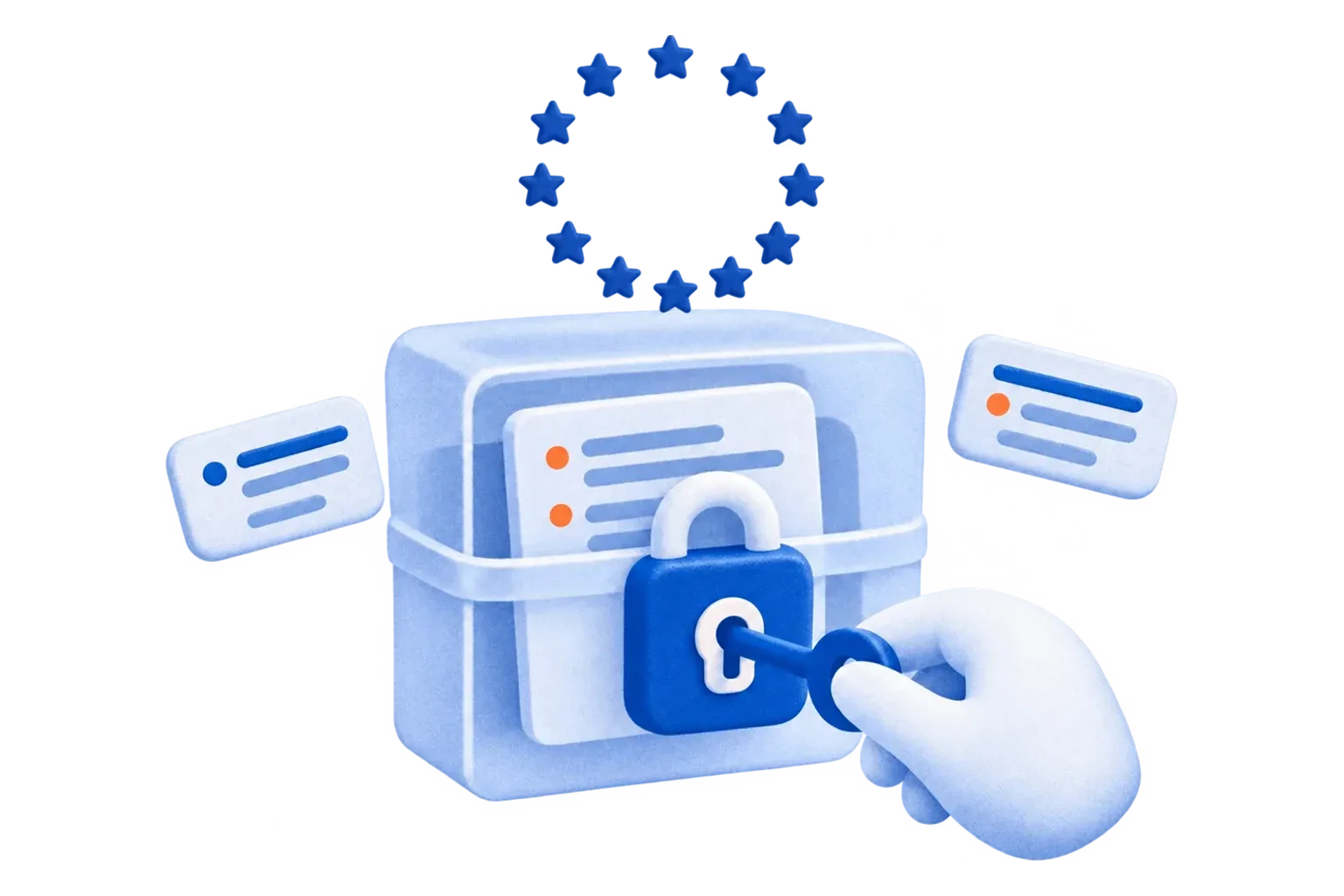
Meetings are full of things you don't want leaking. HappyScribe is SOC 2 Type II certified and built on GDPR-compliant infrastructure.
Your data is encrypted in transit (TLS) and at rest (AES-256), and stored in EU-based Tier IV data centers.
On top of that, we use firewalls, intrusion detection, DDoS protection and role-based access control.
The Most Advanced AI Notetaker for Teams
Everything your team needs to get from a meeting to the next step.
-

Language Detection
Picks up the language being spoken and transcribes it, in any of 150+ languages. No settings to change.
-
Calendar Integration
Connect Google or Outlook Calendar and the notetaker joins your meetings and starts recording on its own.
-

Speaker Identification
Every speaker gets their own label, so you always know who said what.
-

Relationship Memory
Remembers every person and company you've met. Ask who you met, when, and who you haven't talked to in a while.
Also included
-
GDPR & SOC 2 Type II Certified
Your meetings and notes are protected under European and international data protection rules.
-
Smart Summaries
Easy-to-read recaps with the decisions, next steps and main takeaways.
-
Email Summary
The summary lands in your inbox a few minutes after the call.
-
In-call Controls
Pause, resume or remove the notetaker at any point during the meeting.
-
Browser Recorder
No meeting link? Record a conversation straight from your browser.
-
Custom Glossaries
Add your product names, acronyms and team jargon so they're spelled correctly every time.
-
Joins Meetings Early
The notetaker is in the call up to 3 minutes before it starts, so it never misses the opening.
-
Meeting Privacy Controls
Decide who can see each transcript: just you, your team or specific people. Keep sensitive calls in private folders.
-
Editable AI Summaries
Edit a summary, regenerate it after fixing the transcript, and share it. Changes save automatically.
-
Export & Share Anywhere
Download recordings as MP3 or MP4 and summaries as Markdown, or share a call straight from your Meetings Hub.
AI Notetaker for Every Industry
-

Journalists & Newsrooms
Record interviews and editorial meetings in any language. Summaries help you brief editors fast, and quotes are easy to find and reuse.
-

Researchers & Market Research Firms
Capture focus groups and interviews with speaker labels and structured summaries, then export the media for analysis or to share with your team.
-

Business Leaders & Project Teams
Get the decisions and next steps from every meeting without taking notes yourself, and send summaries to your CRM or project tools.
-

Content Managers & Producers
Keep creative reviews, localization check-ins and production meetings in one place. Control who sees each recording and brand the notetaker for client calls.
FAQ
What is an AI note taker?
An AI note taker (or AI notetaker) is software that records a conversation, transcribes it and writes a summary for you. HappyScribe's joins your Zoom, Google Meet and Microsoft Teams calls, transcribes them in 150+ languages with 98% accuracy, labels each speaker, and sends you a summary with action items a few minutes after the meeting ends.
Is there an AI notetaker?
Yes. HappyScribe's AI meeting notetaker joins your Zoom, Google Meet and Microsoft Teams calls on its own, then records, transcribes and summarizes them. Shortly after the call you get the decisions, action items and key quotes in your inbox, in any of 150+ languages.
Which AI is best for making notes?
It depends on what you need, but HappyScribe stands out on accuracy and languages: 98% transcription accuracy in 150+ languages, automatic speaker labels and summaries you can edit. It's also SOC 2 Type II certified and GDPR-compliant, with data stored in the EU, which matters if your security team has to sign off.
Is there a free AI notetaker for Zoom?
Yes. HappyScribe has a free plan that works with Zoom, Google Meet and Microsoft Teams. Connect your Google or Outlook calendar and the notetaker joins your meetings automatically, up to 3 minutes early. After the call you get the transcript, a summary and the action items.
Is AI notetaker safe?
Yes. HappyScribe is SOC 2 Type II certified and GDPR-compliant. Meeting data is encrypted in transit (TLS) and at rest (AES-256), stored in EU-based Tier IV data centers, and never used to train AI models. You also choose who can see each meeting.
How accurate is HappyScribe's AI meeting notetaker?
98% across 150+ languages and accents. If your meetings are full of product names, acronyms or industry terms, add them to a custom glossary and HappyScribe will spell them correctly.
Does the AI notetaker work with Zoom, Google Meet, and Microsoft Teams?
Yes, it works natively with all three. Connect your Google or Outlook calendar and the notetaker joins every scheduled meeting, records it, and posts the transcript and summary when the call ends.
Can I customize how the AI notetaker appears in meetings?
Yes. Give the notetaker your company name, logo, colors and your own welcome message. People on the call see your brand instead of a generic bot, which looks a lot better on client calls, sales demos and customer interviews.
Is there a free AI notetaker for Microsoft Teams?
Yes. The free plan works with Microsoft Teams, as well as Zoom and Google Meet. Connect your Google or Outlook calendar and it joins your Teams meetings automatically. After the call you get a transcript, summary and action items in any of 150+ languages. No credit card needed.
Does Microsoft Teams have a built-in AI notetaker?
Teams has AI recaps on some paid plans, but they only cover Teams. HappyScribe works across Teams, Zoom and Google Meet from one account, transcribes 150+ languages with 98% accuracy, and keeps your data in the EU under GDPR. Useful if your meetings happen on more than one platform or in more than one language.
Is an AI notetaker legal?
Yes, as long as people know they're being recorded. Most places require consent from at least one person on the call, and some require everyone's. HappyScribe lets participants know when the notetaker is recording, and it's SOC 2 Type II certified and GDPR-compliant, with data stored in the EU.
How much does an AI notetaker cost?
You can start with HappyScribe for free, no credit card needed. Paid plans add more transcription minutes, unlimited AI features and team tools, so you can start on your own and bring your team in later.
Can ChatGPT take meeting notes?
ChatGPT can summarize a transcript if you paste it in, but it can't join a call, record it or transcribe it. HappyScribe joins your Zoom, Google Meet or Teams call, transcribes it in 150+ languages, and writes the summary and action items for you. You can also connect HappyScribe to ChatGPT and ask questions about your meetings there.
Can an AI notetaker write meeting minutes?
Yes. Every meeting becomes structured minutes with a summary, the key decisions and the action items. You can edit them, change the summary format, and share or export them a few minutes after the call.

The AI Notetaker is a real game-changer for us. There’s no need to write everything during meetings anymore; now I can actually engage.
 Darius Čenys
Performance Operations Coordinator
Related articles
-
How to Document Technical Decisions from Meetings?
Learn how to document technical decisions from meetings in easy steps, and turn every design review into a verified ADR with timestamped sources.
-
How to Turn Customer Calls Into Structured Feedback for Product and Sales Teams
Learn how to turn customer calls into structured feedback both product and sales teams can use, with a shared template and a weekly review by account.
-
How to Use AI Meeting Notes to Reduce Post-Meeting Admin
Learn how to use AI meeting notes to reduce post-meeting admin. Capture every call, check action items against the recording, and send recaps in minutes.
-
Which AI Notetaker Is Best for Startups on a Tight Budget?
Find the best AI notetaker for startups on a tight budget. See what HappyScribe, Fathom, and Granola cost as your team grows.
-
Which AI Notetaker Should You Choose for Your Team Size?
Choosing an AI notetaker? Compare the best tools for every team size, what each stage needs on pricing and security, and when to switch.
-
5 Best AI Note Takers for Coaches [2026]
I compared 5 AI note takers for coaches, from session capture to client follow-ups. Find the one that helps you coach better and run your business.